
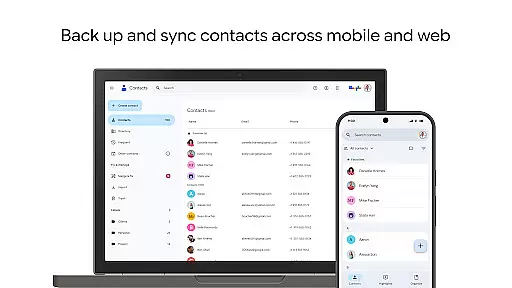
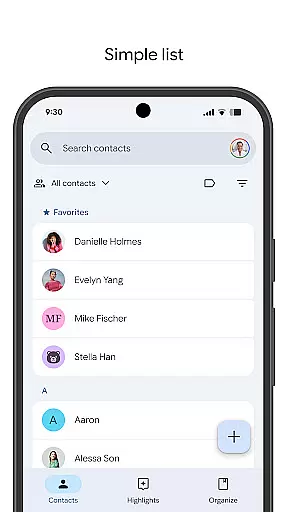
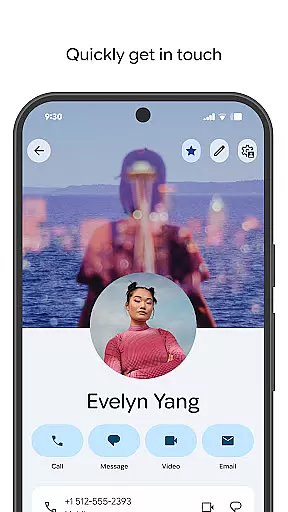
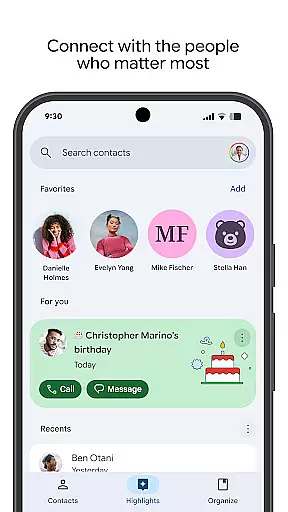
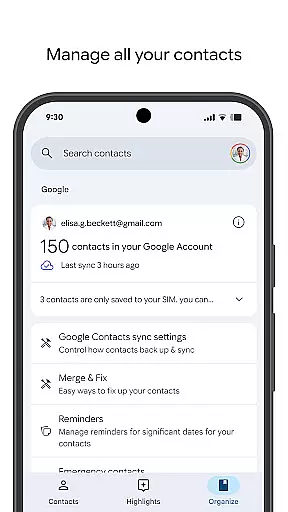
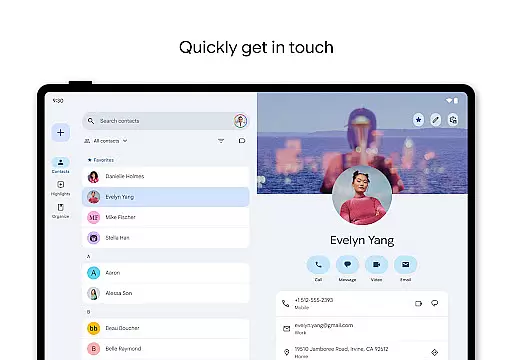
Contacts is a comprehensive contact management application designed specifically for Android Wear devices. The app allows users to back up and sync their contacts across all devices, ensuring that important contact information is always accessible and secure. By linking with your Google Account, it provides a reliable backup solution and enables easy recovery of deleted contacts within 30 days.
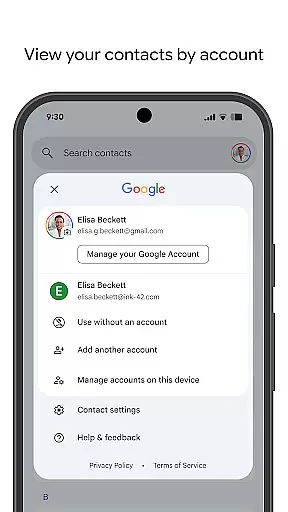
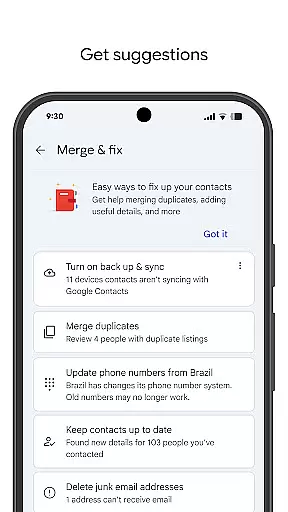
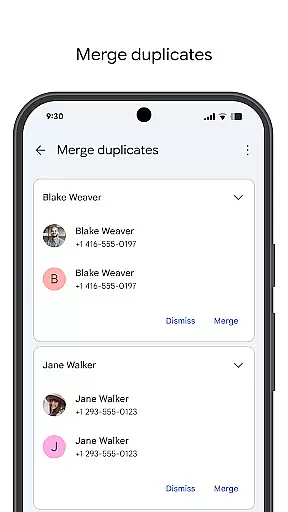
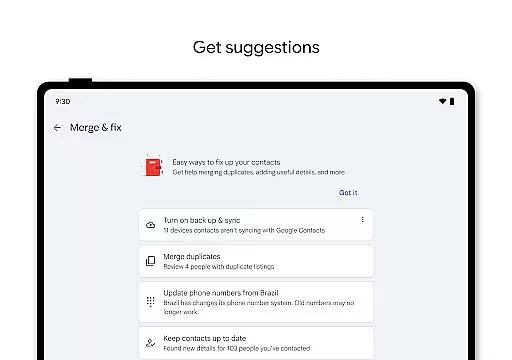
Beyond basic contact storage, the app offers powerful organizational tools. Users can categorize contacts by accounts, merge duplicates, and enrich contact details effortlessly. It also features social reminders for special occasions like birthdays and anniversaries, ensuring users never miss an important date. With its Wear OS compatibility, Contacts delivers essential functionality right to your wrist.
Contacts stands out with its robust synchronization capabilities. The app automatically syncs contacts to your Google Account, making them accessible from any signed-in device. This ensures seamless transitions when switching phones or using multiple devices.
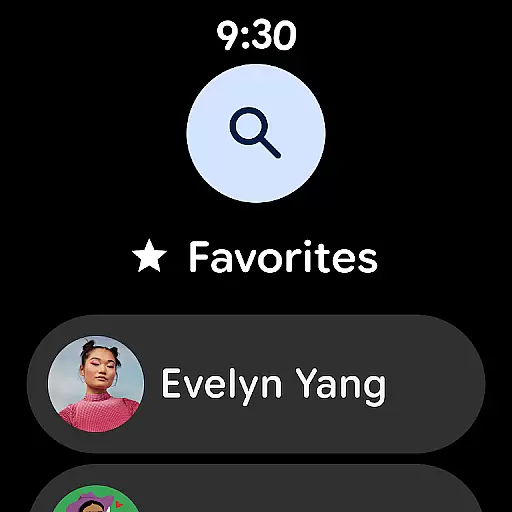
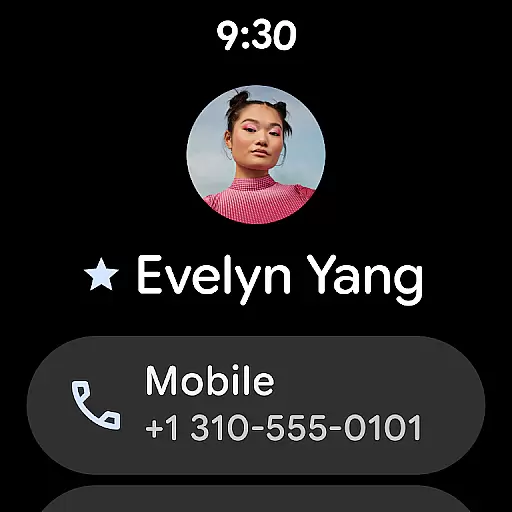
The app's organizational features are equally impressive. It allows users to sort contacts by account type, such as work or personal, and provides tools to clean up and enhance contact information. The smart suggestions help in merging duplicate entries and filling in missing details. Additionally, the Wear OS integration brings quick access to favorite contacts and individual contact information directly on your smartwatch.
Another key feature is the app's ability to keep users connected with their important relationships. Through birthday and anniversary notifications, recent contact tracking, and categorized views, it helps maintain meaningful connections. These thoughtful touches make daily contact management more efficient and personalized.
Companion app integration is essential for a seamless user experience across multiple devices. The Contacts app excels in this area by providing robust synchronization capabilities with your Google Account.
This application ensures that all your contacts are safely backed up and can be accessed from any device where you're signed in. Whether you're using a smartphone, tablet, or computer, your contact information remains consistent and up-to-date.
Furthermore, the app offers features like recovering deleted contacts within the last 30 days directly from Trash, which adds an extra layer of security and convenience. This comprehensive backup solution enhances the reliability of your contact management system.
For users invested in the Wear OS ecosystem, compatibility with Android Wear devices is crucial. The Contacts app extends its functionality to Wear OS, ensuring you stay connected even when on the go.
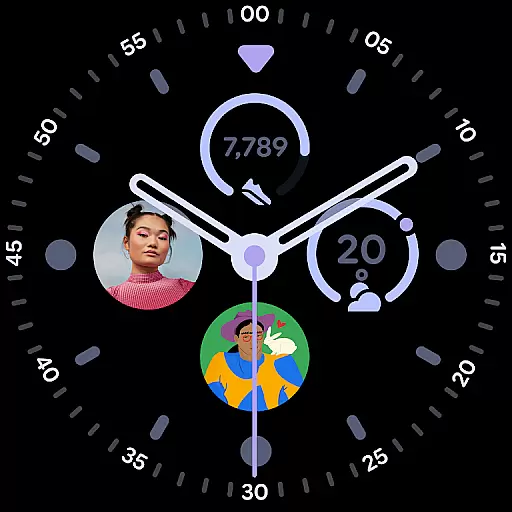
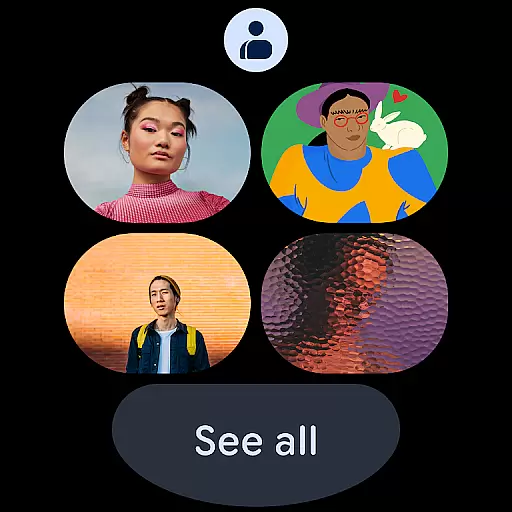
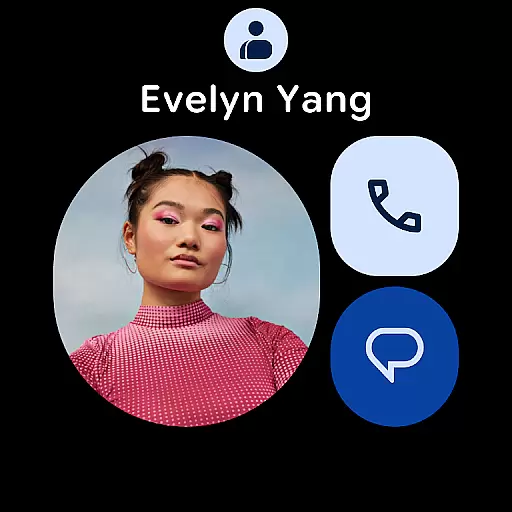
With dedicated features such as favorite contacts tiles, individual contact tiles, and contact complications, it provides quick access to important information right from your wrist. These tailored functionalities make navigating through your contacts effortless and efficient.
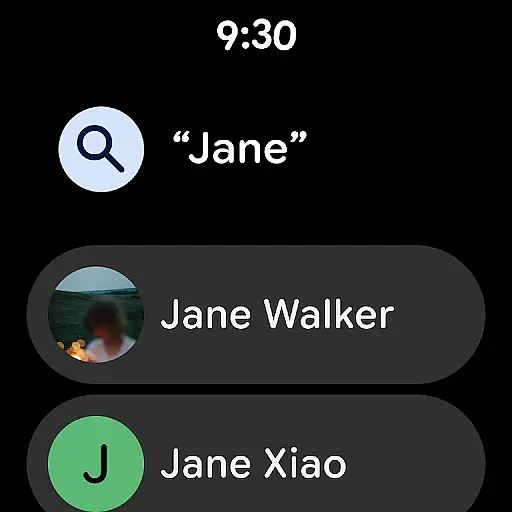
In addition to viewing contacts, the Wear OS version allows for easy interaction, enabling users to manage their connections without needing to pull out their phone. This thoughtful design prioritizes usability while maintaining the full feature set available on other platforms.
User-friendly interface
Reliable backup system
Smart contact suggestions
Wear OS compatibility
Efficient organization tools
Limited offline functionality
Google Account dependency
Few customization options
Occasional sync delays
No standalone desktop version

Rose gold watch face with festive lights & customizable features.
 4.60
4.60
A watch face that fuses motorsport precision with contemporary smartwatch design
4.0
Contemporary digital watch face with five complications
4.3
Stylish digital watch face for Wear OS devices with customizable features
4.1
Fitness interactive virtual pet super fighter boy watch face
4.2
Stay in touch with your friends and family using LINE!
3.40
Viewer for Wyze/Yi/Eufy/Arlo/ONVIF/RTSP/P2P IP cams w/ adv. features & DIY DVR
4.00
Your music, your playlists, and more—offline and unlimited.
4.20
From periods to pregnancy & perimenopause, Flo helps you track it all. Try now.
4.70
A realistic hybrid watch face with many customization options.
4.60
Walking app for weight loss: walk & step tracker, pedometer, indoor treadmill
4.60
Fast and smart typing with Emojis, GIFs, and more
4.50
Calming & relaxing sounds for sleeping and stress relief. Stay focused all day!
4.20
A digital watch face that celebrates Christmas.
4.00
Animated Watch Face and Customizable with 24 Backgrounds. Perfect for Christmas!
3.90
Professional weather radar and more
3.90
Authentic military-tactical design with ZULU time! Realistic and functional!
3.80
Wear Os Watch Face - Animated Snow Effect & Christmas Lights
4.3
Sleek, highly customizable watch face inspired by Galaxy Watch Circle Dashboard.
4.2


User Reviews