
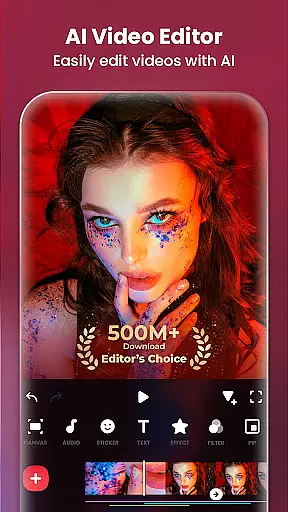
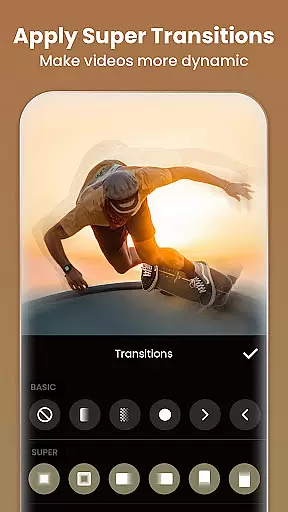
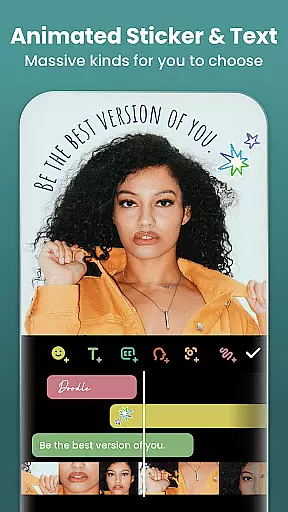
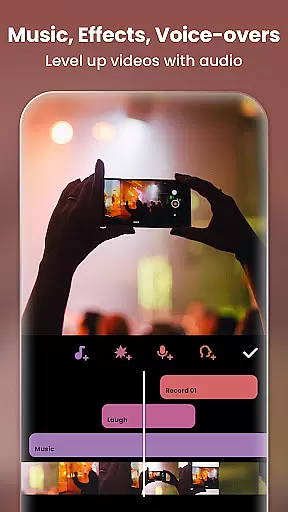
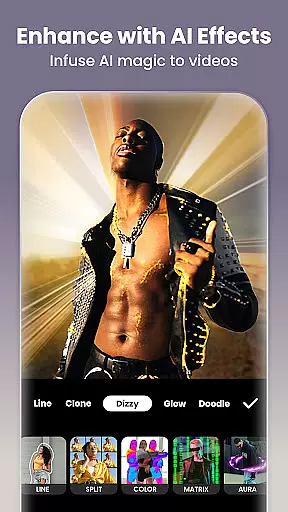
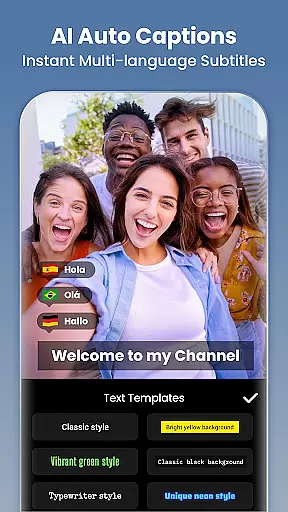
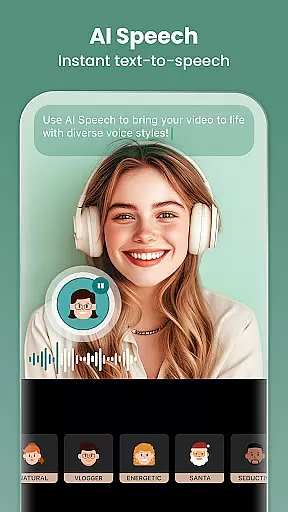
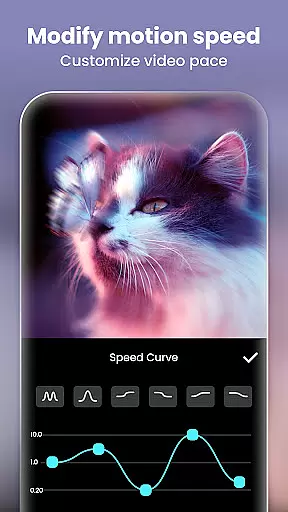
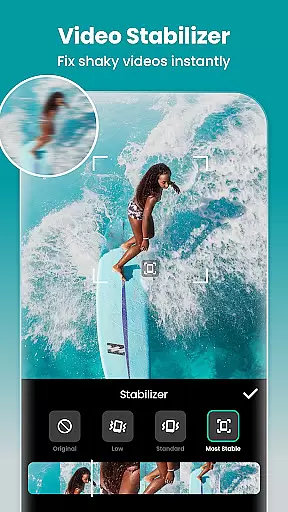
InShot is a versatile video editing and photo enhancement application designed for both casual users and professional content creators. This all-in-one tool combines advanced video editing features with creative photo manipulation capabilities, making it an ideal choice for producing high-quality content for social media platforms like YouTube, Instagram, TikTok, and Facebook.
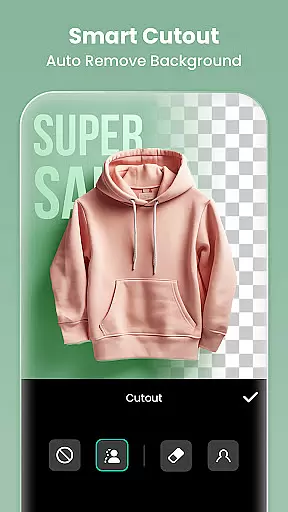
The app's standout feature is its AI-powered tools that streamline the editing process. Users can automatically generate captions through speech-to-text functionality, remove backgrounds with one tap, and apply smart object tracking for dynamic effects. In addition to these innovative features, InShot offers comprehensive video editing functions including trimming, merging, speed control, and chroma key effects.
With its intuitive interface and professional-grade features, InShot enables users to create polished vlogs, engaging social media posts, and visually stunning photo collages. The app's ability to export videos in 4K resolution at 60fps makes it suitable for both amateur content creators and professionals seeking high-quality results.
InShot distinguishes itself through its comprehensive feature set that caters to various content creation needs. The application's AI-powered tools represent a significant advancement in mobile editing technology. These include automatic background removal, smart object tracking, and instant body effect presets that can transform ordinary footage into professional-looking content with minimal effort.
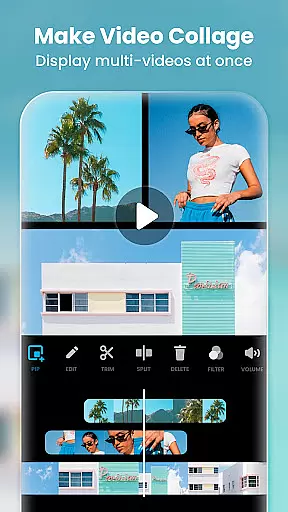
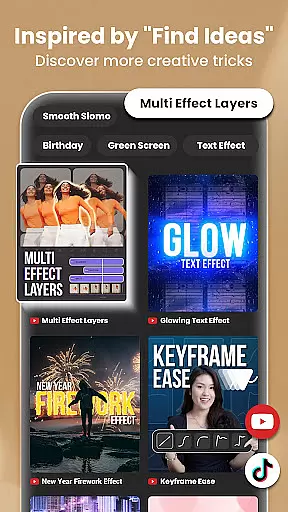
The app's video editing capabilities are particularly robust, offering advanced features typically found in desktop applications. Users can create multi-layered compositions using picture-in-picture functionality, apply custom keyframe animations, and utilize professional chroma key effects. The inclusion of speed ramping controls and smooth slow-motion processing allows for cinematic-quality video production.
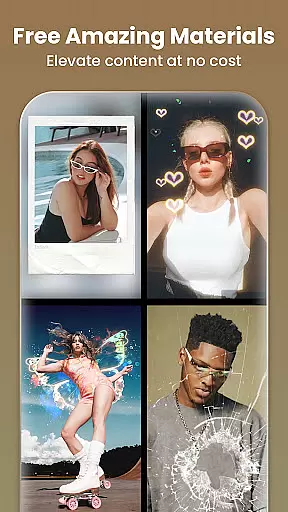
Beyond video editing, InShot provides extensive photo editing tools and collage creation features. The application supports background blurring, object removal, and AI-powered photo enhancement. With over 100 customizable collage layouts and 1000+ creative assets including stickers and text overlays, users can produce visually striking content for various social media platforms while maintaining brand consistency across different formats and aspect ratios.
Real-time capture and preview functionality is essential for ensuring that users can see exactly what they are recording or editing without delays. InShot offers a seamless real-time preview feature, allowing creators to instantly view the effects of their edits on videos and photos.
This application provides an intuitive interface where adjustments to filters, transitions, and effects are immediately visible. Users can witness changes in brightness, contrast, saturation, and other video parameters as they apply them, making the editing process more efficient and precise.
The ability to preview edits in real time significantly enhances user experience by reducing guesswork and trial-and-error. This feature ensures that the final output matches the creator's vision, saving time and effort in post-production.
With InShot's real-time capture and preview capabilities, content creators can produce high-quality visuals with confidence, knowing that what they see during the editing process is what they will get in the final product. This immediacy not only boosts productivity but also elevates the overall quality of the content being produced.
In todayu2019s digital age, AI beauty and enhancement features have become pivotal in photo and video editing applications. InShot incorporates advanced AI algorithms to provide natural-looking enhancements that elevate the visual appeal of images and videos without appearing artificial.
The AI tools within InShot include body effects, auto captions, background removal, smart tracking, and smooth slow-motion effects. These features work harmoniously to refine subjects while maintaining authenticity. For instance, the AI Body Effects offer instant presets that enhance physical attributes tastefully and realistically.
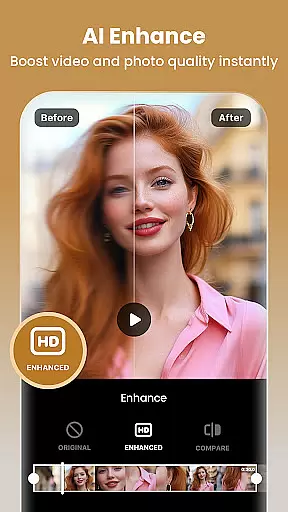
Moreover, the AI Photo Enhancer transforms blurry photos into high-definition masterpieces, preserving the original essence while improving clarity. The intelligent algorithms ensure that enhancements such as skin smoothing, blemish removal, and facial refinement are applied subtly, respecting the natural aesthetics of the subject.
By leveraging these sophisticated AI-driven enhancements, InShot empowers users to create visually stunning content that remains genuine and relatable. This balance between enhancement and naturalness sets InShot apart, providing creators with the tools needed to produce professional-grade visuals effortlessly.
User-friendly interface
Advanced AI features
Professional editing tools
High-quality export options
Regular feature updates
Some features require payment
Occasional performance issues
Watermark on free version
Subscription model
Learning curve for beginners

Shooting photos and records video easily and efficient with professional Camera
 4.30
4.30
Find time and duration of different sunlight phases at any location
4.90
Cut and paste photo editor & eraser to customize photos easy and swap faces fun
4.50
Turn your phone into a professional camera - full DSLR manual photography
4.30
AI photo enhancer with Sora 2! Enhance, descratch, and colorize your old photos.
4.50
live datamoshing
4.00
The original Rarevision VHS look seen everywhere!
4.70
Effortlessly make high-quality GIFs from images & videos without any watermarks.
4.70
Solocator stamps photos you take with GPS location, Compass Direction, Date/Time
3.80
Cartoon and artistic effects for your photos and videos
4.70
Photo editor & gallery. Crop pictures & edit photos offline, no wifi!
4.50
Use AI Video Generator to turn your words to ai generated videos.
4.50
AI portrait generator and polaroid AI selfie, fun AI generated AI photo creator!
4.30
[3DSteroid Pro] is a stereoscopic application for Android.
4.30
All-in-One Editor & AI Photo Enhancer, Beautify & Retouch, Collage, Cartoonify
4.20
What celebrity do you look like? Celebs will find your celebrity match!
4.10
Pet Camera
3.70
An interval timer to automate photo taking process for timelapse
2.90
Raw Image Viewer. Gallery with support of raw images (.cr3, .cr2, .nef, .raf).
2.00


User Reviews