
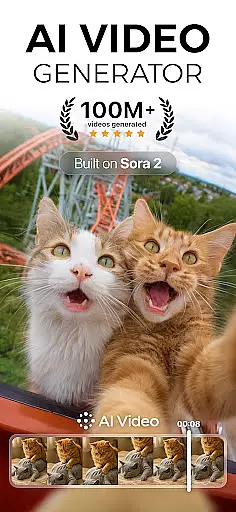
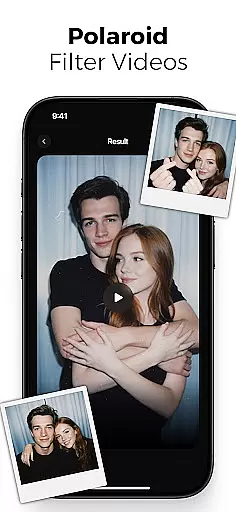
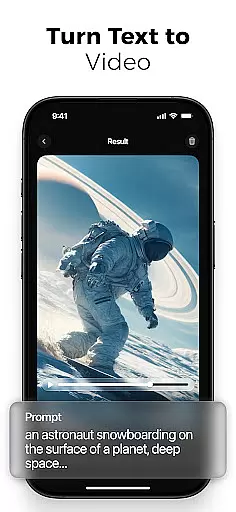
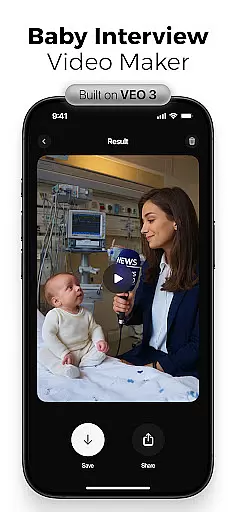
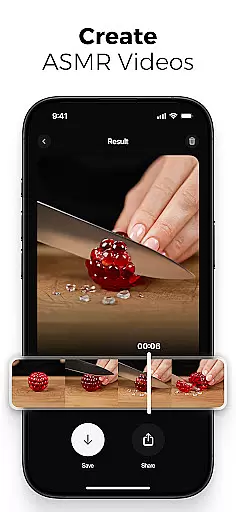
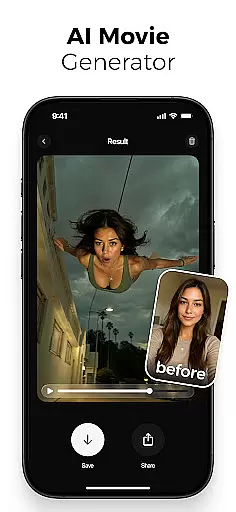
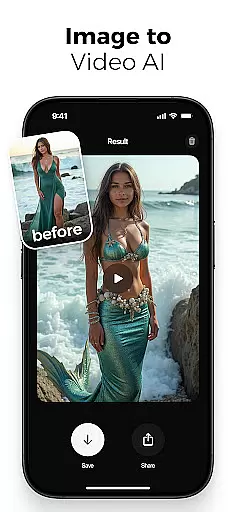
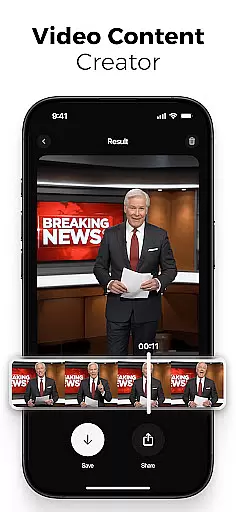
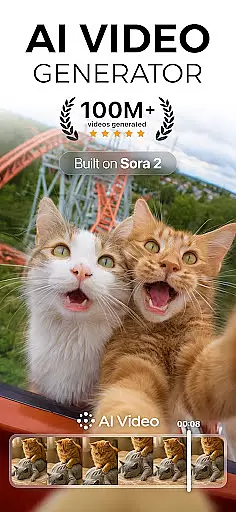
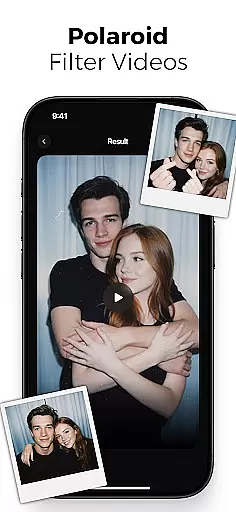
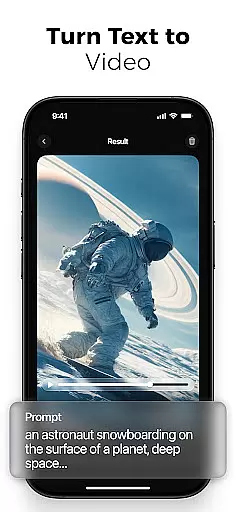
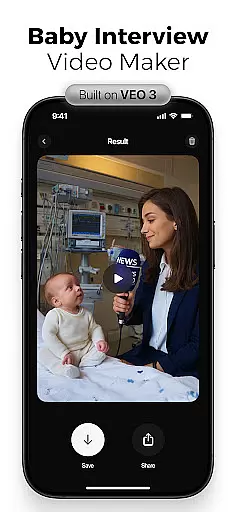
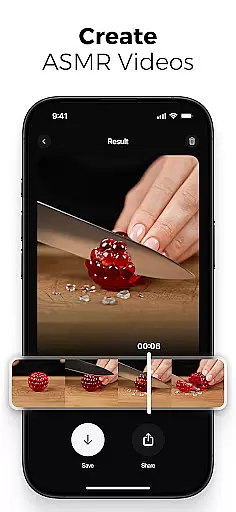
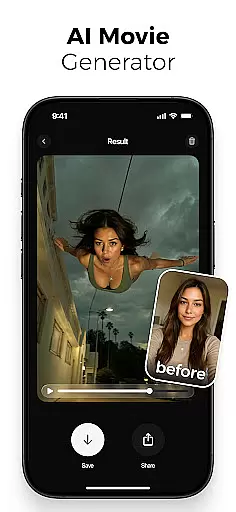
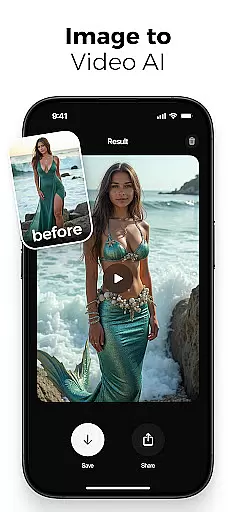
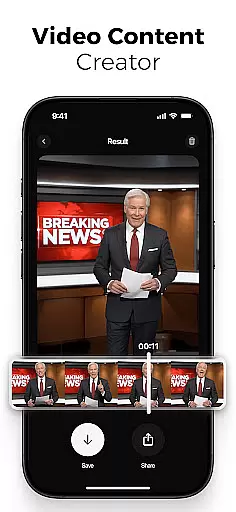
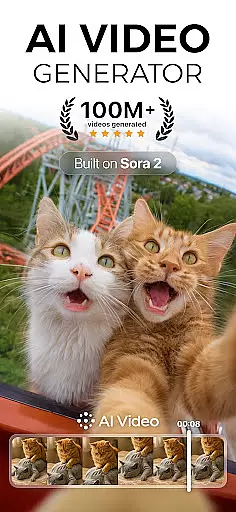
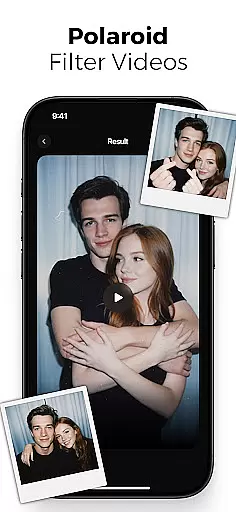
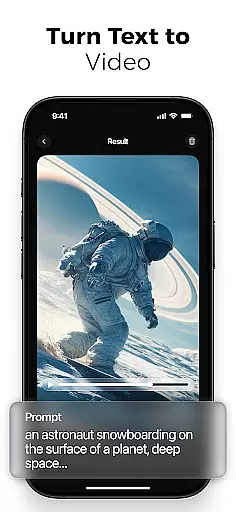
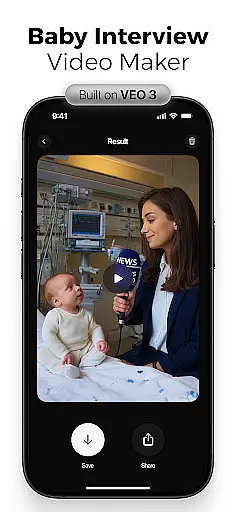
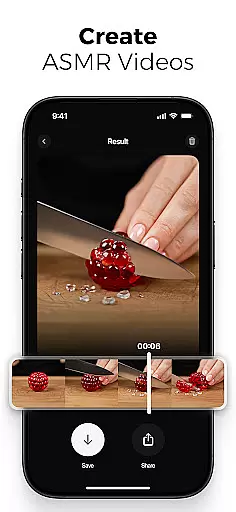
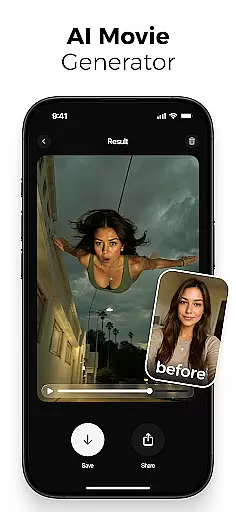
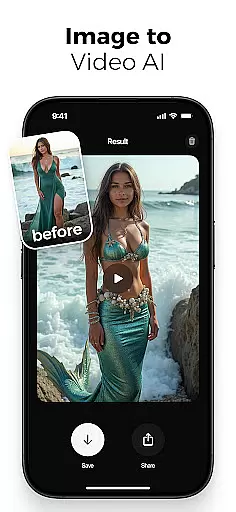
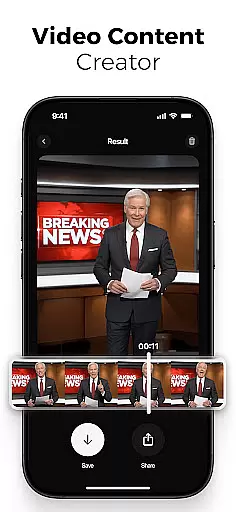
AI Video is a revolutionary photography app that transforms static images and text into dynamic, high-quality animated videos. This all-in-one AI video generator allows users to create professional-looking videos with minimal effort, featuring advanced capabilities like polaroid filter effects, realistic character animations, and automatic lip-syncing.
The app's standout feature is its ability to generate videos from simple text prompts or still images, making it perfect for content creators, marketers, and educators who need to produce engaging visual content quickly. Whether you're creating promotional materials, educational explainers, or social media content, AI Video provides the tools to bring your ideas to life with cinematic quality.
With support for various creative styles including ASMR immersive mode, viral effect filters, and mermaid transformations, this app caters to both professional and casual creators. The intuitive drag-and-drop interface combined with Google DeepMind's Veo3 technology ensures that even beginners can achieve impressive results while offering advanced customization options for experienced users.
AI Video distinguishes itself through its comprehensive suite of smart creation tools. The app's core functionality includes an advanced text-to-video generator that converts written scripts into fully animated scenes complete with emotional expressions and natural movements. Its photo-to-video feature brings still images to life with dynamic motion effects and customizable transitions.
Professional-grade editing capabilities are accessible through an intuitive interface that supports scene customization, timing adjustments, and animation flow control. The built-in voiceover generator and automatic lip-sync tools enable users to create synchronized audio-visual content without requiring specialized skills. Additionally, the extensive media library provides diverse backgrounds, sound effects, and style templates to enhance creativity.
Powered by Google DeepMind's Veo3 model, the app understands context and emotions, generating characters and visuals that match the intended narrative. Special effects include cinematic filters, perspective transformations, and creative illusions like giant and nano action scenes. These features, combined with HD export options optimized for various platforms, make AI Video suitable for both personal projects and professional marketing campaigns.
Real-time capture and preview functionality is essential for any photography app, allowing users to see exactly what their final output will look like while setting up a shot. AI Video offers this feature by providing live feedback on video compositions as they are created.
The application utilizes advanced AI algorithms to process input from the camera in real time, ensuring that every movement or change in the scene is immediately reflected on the screen. This allows creators to make instant adjustments to framing, lighting, and composition before capturing the final image or video.
For users, this means greater creative control over their content. Whether you're adjusting character animations or experimenting with cinematic filters, the ability to preview changes instantly ensures that your vision is accurately represented in the final product.
This feature not only enhances user experience but also saves time during post-production. By offering precise previews of effects such as polaroid filters or mermaid transformations, AI Video empowers creators to produce high-quality visuals without needing extensive editing after recording.
AI beauty and enhancement features have become a cornerstone of modern photography apps, allowing users to refine and perfect their images effortlessly. AI Video stands out in this area by focusing on natural-looking enhancements that preserve authenticity while elevating visual appeal.
The app employs sophisticated AI models to analyze facial features and apply subtle enhancements that enhance natural beauty without appearing artificial. From smoothing skin textures to brightening eyes, each adjustment is carefully calibrated to maintain realism.
Users benefit from these enhancements through improved confidence in their content's aesthetic quality. Whether creating marketing videos or personal projects, knowing that subjects look their bestu2014without sacrificing genuinenessu2014adds significant value to the creative process.
Furthermore, AI Videou2019s commitment to natural enhancement extends beyond faces to include environmental elements within videos. This holistic approach ensures that every frame not only highlights subjects beautifully but also presents them within an equally polished setting, enhancing overall viewer engagement.
User-friendly interface
Advanced AI capabilities
Versatile content creation
Professional quality output
Extensive feature set
Subscription fees apply
Learning curve present
Resource intensive
Limited free options
Internet connection required

Effortlessly organize, view and share your photos & videos with Gallery app!
 4.40
4.40
An interval timer to automate photo taking process for timelapse
2.90
Create AI Photos, Improve and restore quality of blurry, old or damaged pics.
4.20
Light-weight Media Gallery app for Android made with Jetpack Compose
4.60
A must-have app for landscape photographers
4.60
Collage your moments in one tap: 1000+ layouts, filters, stickers, and texts.
4.90
Snap photos remotely using your Garmin watch as the camera trigger
4.2
PhotoSync Bundle Add-On License. Enables all features and services in PhotoSync.
4.60
Discover How to Plan any Sun, Moon and Milky Way Photo You Imagine in Seconds
4.70
Create funny photos and videos with the popular Time Warp Scan filter.
4.90
Take videos and pictures with the popular TikTok TIME WARP SCAN filter.
4.60
Safe & smart flight with Go Fly drone controller for 40+ drone camera, zone map
4.50
Fit multiple photos on one post. Create carousels & scroll layouts for Instagram
4.50
[3DSteroid Pro] is a stereoscopic application for Android.
4.30
AI-powered video creator by MiniMax - Where ideas meet cinema
4.20
All-in-One Editor & AI Photo Enhancer, Collage, Cartoonify, Funny Stickers & BGS
4.10
Create & Edit with AI: AI Remove, Enhance, Retouch, Filter
4.10
live datamoshing
4.00
GCamera allows all GCam features on all phone models! Better photos with GCamera
3.30


User Reviews