
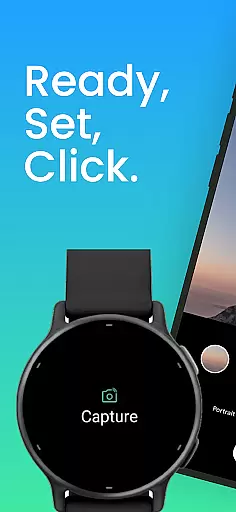
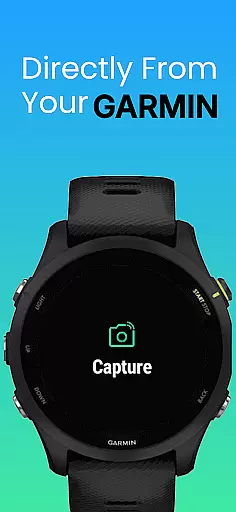
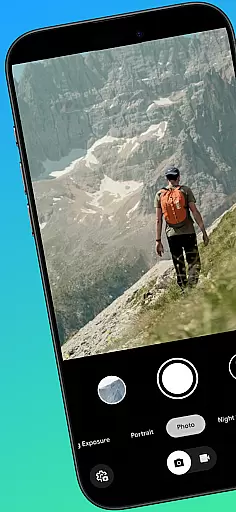
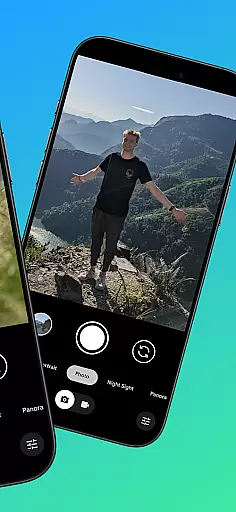
CameraClick is a powerful photography app that connects your Garmin smartwatch with your Android phone, enabling wireless remote control of your phone's native camera. This seamless integration allows users to capture photos and videos directly from their wrist, making it ideal for group shots, solo adventures, or action recordings.
The app works with your existing camera application, preserving your preferred quality settings and storage preferences. By leveraging Android’s AccessibilityService, CameraClick ensures compatibility across a wide range of devices, giving users complete control over their photography experience.
Whether you're an athlete recording workouts, a creator capturing content, or simply someone who enjoys hands-free photography, CameraClick offers a reliable solution for all your remote shooting needs.
CameraClick stands out with its unique ability to integrate directly with your phone's native camera app rather than relying on a separate viewer. This ensures that all your preferred camera settings—such as quality, lens choice, and storage paths—are preserved during use.
The app utilizes Android’s AccessibilityService to interact with the camera shutter button, ensuring broad compatibility across various devices and camera applications. This technical approach provides users with a seamless experience regardless of their device brand or model.
Additionally, CameraClick has been rigorously tested on popular Android devices from brands like Google, Samsung, Motorola, and Xiaomi, guaranteeing reliable performance for creators, athletes, and everyday users alike.
Real-time capture and preview functionality is essential for ensuring that users can take photos or record videos with precision and confidence. CameraClick excels in this area by providing seamless integration between your Garmin smartwatch and Android phone.
The app leverages the native camera app on your phone, meaning you can use the same settings and features you're accustomed to, while controlling it remotely from your wrist. This ensures that every shot benefits from the highest quality settings your device offers.
With CameraClick, users gain the ability to frame shots accurately and trigger the camera at just the right moment. Whether capturing spontaneous moments or setting up a perfectly timed photo, the real-time feedback provided by the app ensures that you never miss an opportunity.
This feature is particularly beneficial for content creators and athletes who need reliable remote control over their photography equipment. By enabling wireless operation from a distance, CameraClick empowers users to focus on their activities without being tethered to their phones.
While CameraClick does not specifically market itself as an AI beauty and enhancement tool, its seamless integration with existing camera apps allows users to leverage any built-in beautification features their phoneu2019s camera may offer.
For those looking to enhance their photos naturally, CameraClick ensures that all native settings and effects are preserved when using the app. This means if your phone's camera has AI-driven beauty modes or filters, they remain accessible and functional during remote shoots.
The advantage of this approach is twofold: first, it maintains the authenticity of the original image processing algorithms designed for your specific device; second, it provides flexibility for users who prefer minimal post-processing or enjoy experimenting with different styles directly within their camera app.
Ultimately, CameraClick enhances user experience by offering intuitive controls without compromising on the natural look and feel of images captured through advanced smartphone cameras.
Wireless control
Native app support
Wide compatibility
User-friendly
Reliable performance
Requires permissions
Garmin-only support
Limited iOS features
Device-specific issues
No standalone app

Trendy TikTok time warp scan funny filter app brings you unique photos & videos.
 4.40
4.40
Perfect body tune & face app - photo retouch, makeup, slim body & beautify face.
4.80
Photo editor: AI filters, photo enhancer, pic collage maker, AI art generator.
4.80
Gallery Slideshow is slideshow maker app for slideshow from your gallery photos.
3.90
Create amazing frames with up to five photos. Rounded corners, effects and more!
3.60
A reflected light meter with spot metering and incident light metering.
4.40
Transform Photos: Edit, Beautify and Craft Memories & Make Collages!
4.10
Pro version: AR sun/moon tracker for any date. Tool for photographers & planners
4.90
Catch sunlight, sunrise sunset times and sun phases with the AR sun tracker.
4.10
Light-weight Media Gallery app for Android made with Jetpack Compose
4.60
Discover & download millions of art for The Frame TV or Hisense CanvasTV
4.60
Effortlessly organize, view and share your photos & videos with Gallery app!
4.40
Future baby face generator: AI kids generator, kid face! What my baby look like?
4.40
Virtual makeup, hair filters & body tuner—edit from face to full body!
4.20
Photo editor: face & body editor, beauty cam, filters and quality enhancer.
4.00
How old age camera Gender Swap App Face Shape Hairstyle App Hair Styler App fun!
4.00
Astrophotography with your smartphone, photo live stacking and much more!
3.90
Hair color changer, AI haircut app, fun hair editor and buzz cut filter for all!
3.80
Application for remote controlling DSLR
3.00


User Reviews