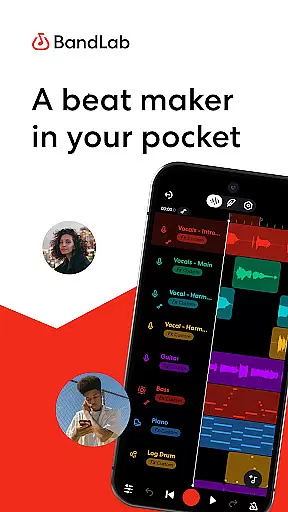
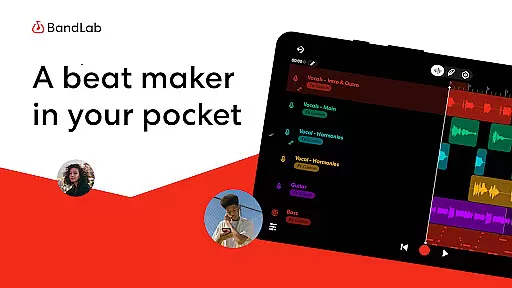
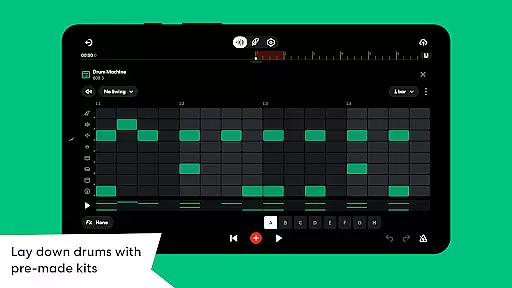
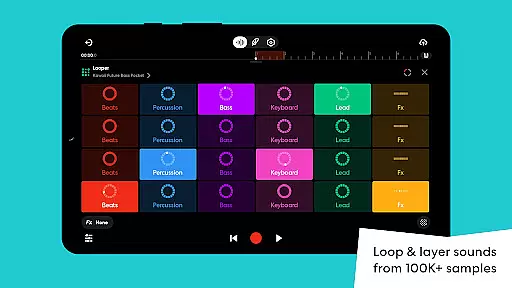
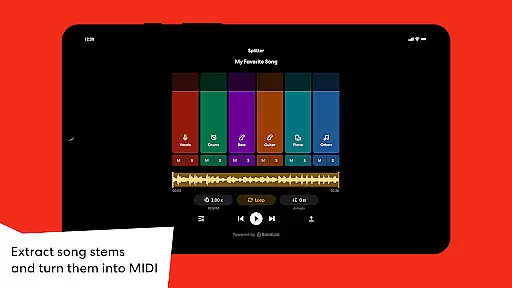
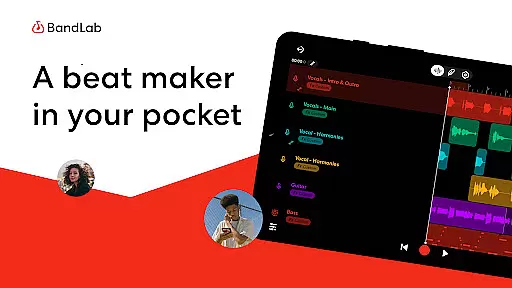
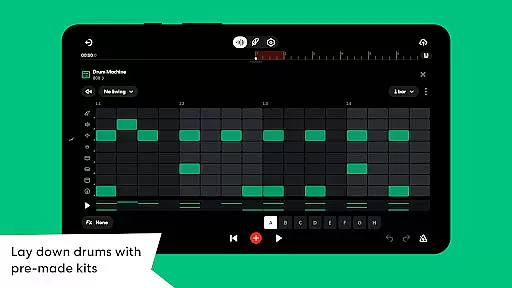
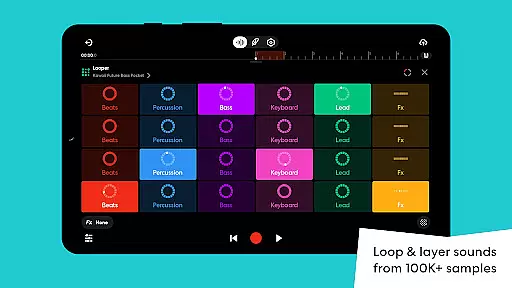
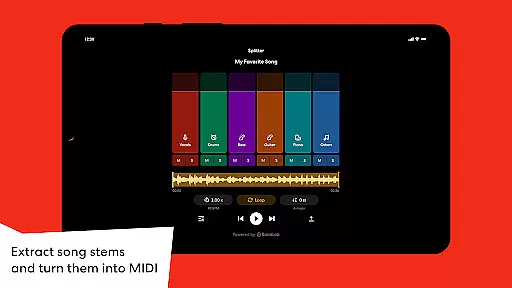
BandLab is a comprehensive music production studio that empowers users to create, mix, and share their music directly from their mobile devices. The app offers an extensive suite of professional-grade tools including a royalty-free sample library with over 100,000 sounds, 300+ audio presets for vocals, guitars, and bass, and AI-powered stem separation for isolating instruments or vocals from any song.
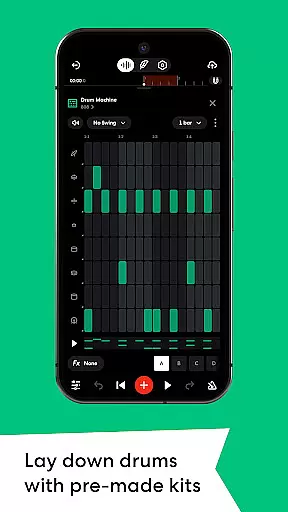
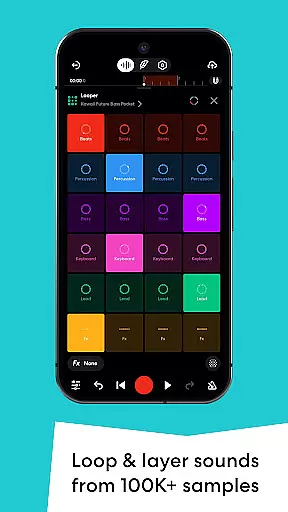
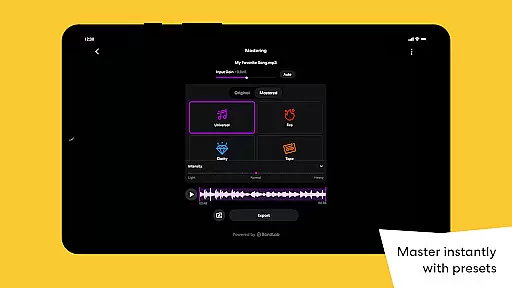
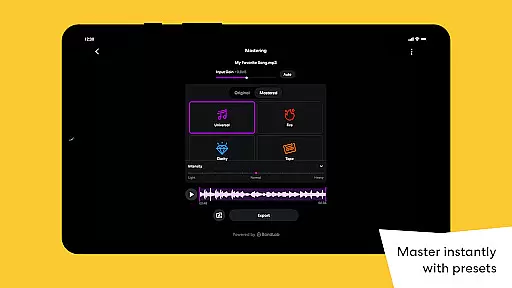
With features like SongStarter for generating unique compositions across 11 genres, Drum Machine for crafting drum patterns, and Looper for building beats effortlessly, BandLab caters to both beginners and experienced musicians. The app also provides 385+ Virtual MIDI instruments, automation controls, mastering presets designed by industry experts, and global distribution options to streaming platforms, all within a seamless cross-device experience.
Ideal for aspiring artists and producers on the go, BandLab's ability to sync projects across devices ensures creative ideas are never lost. Whether you're sketching out your first melody or preparing tracks for worldwide release, this free platform supports unlimited multi-track projects while fostering a vibrant community of over 100 million creators.
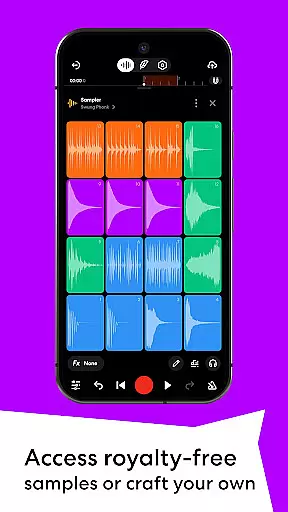
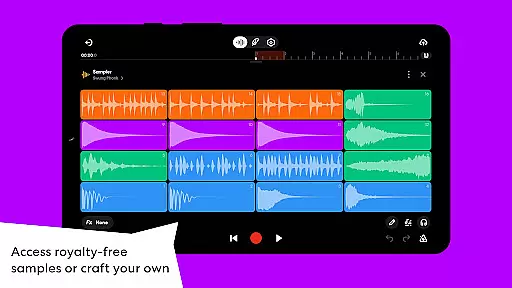
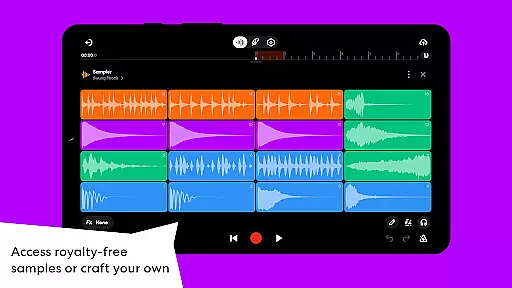
BandLab stands out in the music creation space with its robust feature set tailored for beatmakers and audio producers. One of its key highlights is the massive royalty-free sample library powered by BandLab Sounds, complemented by the ability to record custom samples using your surroundings. This flexibility allows musicians to incorporate unique elements into their compositions.
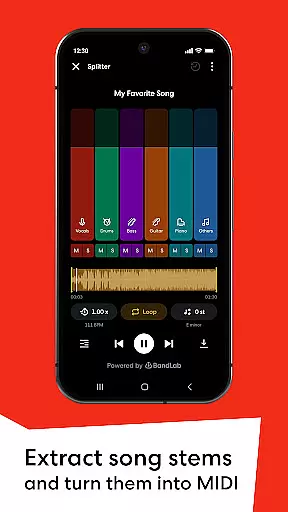
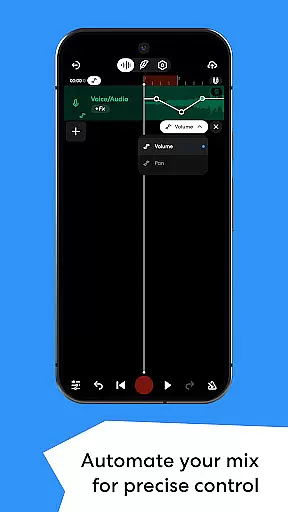
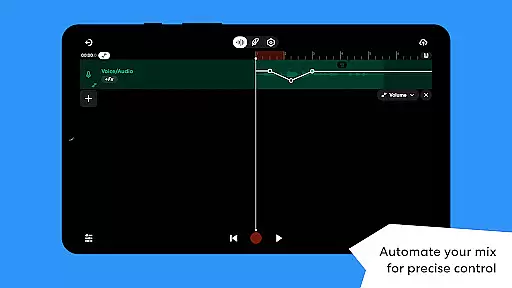
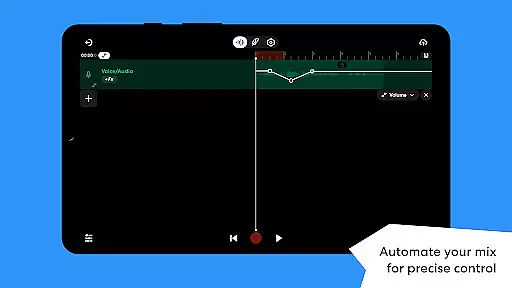
The app’s AI-driven functionalities such as the Splitter tool and SongStarter provide innovative ways to enhance creativity. The Splitter extracts high-quality stems from songs, enabling remixing or practice sessions, while SongStarter generates royalty-free song ideas spanning various genres. Additionally, advanced tools like Automation give precise control over mixing parameters, ensuring dynamic and polished productions.
For those looking to elevate their final output, BandLab includes mastering presets crafted by award-winning engineers, alongside seamless distribution to major streaming services. With unlimited cloud storage, cross-device syncing, and easy social media sharing, BandLab delivers an end-to-end solution for modern music creators who demand both power and convenience.
BandLab offers an extensive music library that includes over 100,000 royalty-free samples through BandLab Sounds. This vast collection allows users to explore a wide variety of genres and styles, ensuring they can find the perfect sound for their projects.
In addition to the pre-existing library, BandLab enables creators to record and incorporate custom samples from their environment. This feature not only expands the available sound palette but also ensures that all audio content used is original and free from copyright issues.
The app provides 385+ Virtual MIDI Instruments, catering to different musical needs, from hard-hitting 808s to smooth synths. These instruments are crafted to deliver high-quality sound while maintaining the authenticity of the music produced.
With features like SongStarter, which generates royalty-free song ideas in multiple genres, users can kickstart their creativity without worrying about legal complications. The combination of these tools positions BandLab as a comprehensive solution for original music creation.
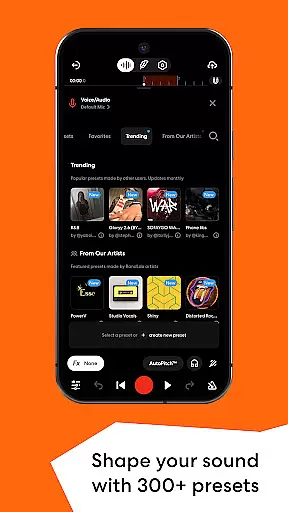
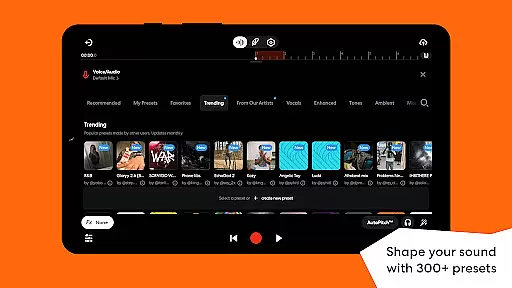
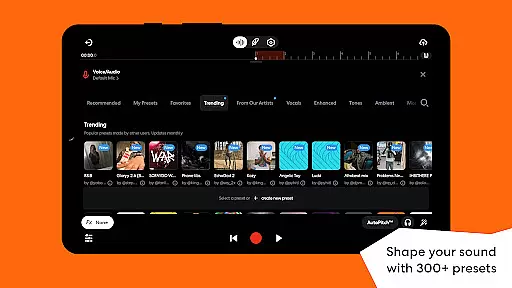
BandLab places a strong emphasis on audio quality with its suite of professional-grade features. Users have access to 300+ Vocal/Guitar/Bass Audio Presets that shape sound with effects such as reverb, delay, and EQ, allowing for detailed sound customization.
The inclusion of a Splitter tool powered by AI technology enables users to separate songs into high-quality stems. This functionality supports various creative processes, including vocal removal, instrument isolation for practice, or remixing purposes, all while preserving audio integrity.
Automation features give users precise control over volume, panning, and effects parameters within their mixes. This level of detail enhances the dynamics of tracks and facilitates smoother transitions, elevating the overall listening experience.
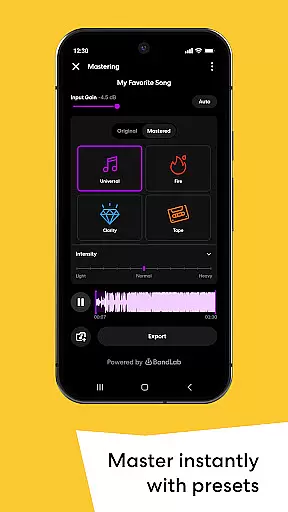
Finally, BandLab's mastering feature, designed by multi-Platinum and Grammy-winning engineers, ensures tracks are polished and ready for streaming platforms. With just a tap, musicians can achieve professional-sounding results, optimizing their music for distribution across popular streaming services.
User-friendly interface
Extensive sound library
Cross-device project syncing
Free access to premium features
Vibrant creator community
Limited offline functionality
Occasional ads in free version
Advanced tools may overwhelm beginners
Export quality could be better
Requires stable internet connection

Simply convert wav to mp3. Clear. Reliable. Safe.
 4.1
4.1
Tune in to the greatest hits on UK Radio | The home of Capital, Smooth & Heart.
4.90
Control your MIDI USB or Bluetooth devices in app and avoid some trampling
3.30
Remove ads permanently from Music Visualizer
4.0
More downloads than any other metronome. Includes drum machine & tempo trainer.
4.80
Simple mp3 and mp4 player with advanced features.
3.40
The iconic iOS metronome app is now on Android.
3.70
Ringtone Maker is free app create ringtone from music files or your recording.
4.40
Reverse your voice & songs instantly! Fun singing challenge with cool effects.
4.60
Offline Music Player & MP3 Player.Powerful equalizer, Lyrics, Themes, Tag Editor
4.80
Brian Eno and Peter Chilvers’ acclaimed music app Bloom, radically reinvented.
4.80
DJ Music Mixer - DJ Remix: remix songs, make beat music & record mix of DJ.
4.40
Your HD audio recorder on the go for music, meetings, ambience, animal sounds…
4.30
No wifi music app. Mp3 offline. Tuner radio, young radio music. Music downloader
4.20
Offline and always ad-free - stream in the highest quality available.
4.10
The official Sonos app
4.10
Powerful beat maker & DJ mixer to remix tracks, make music, & perform DJ mix
3.70
Slow music down without changing pitch.
3.70
Make music anywhere. Turn your device into an instrument.
4.0


User Reviews