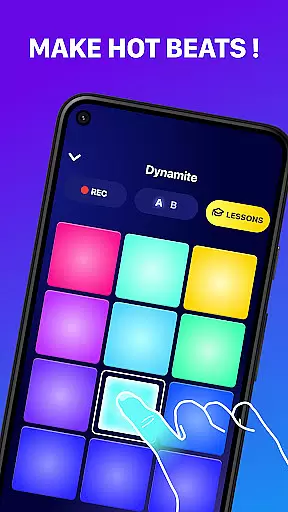
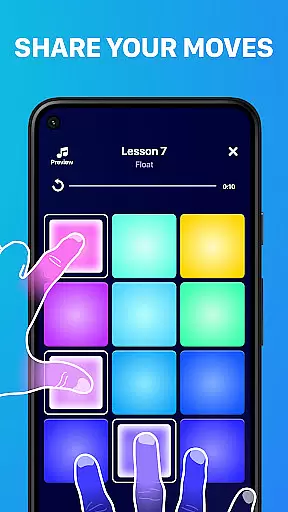
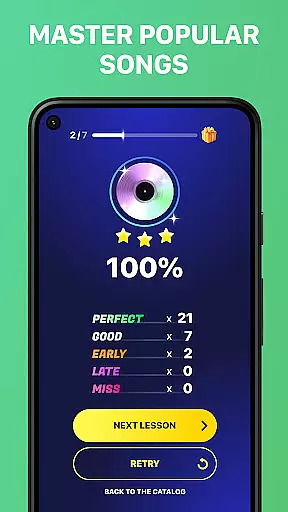
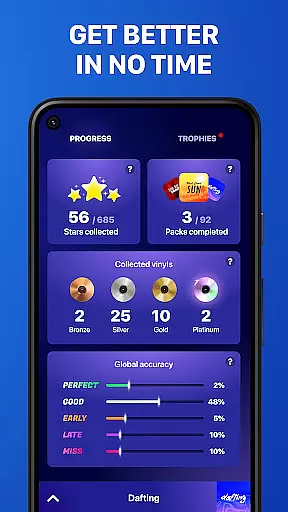
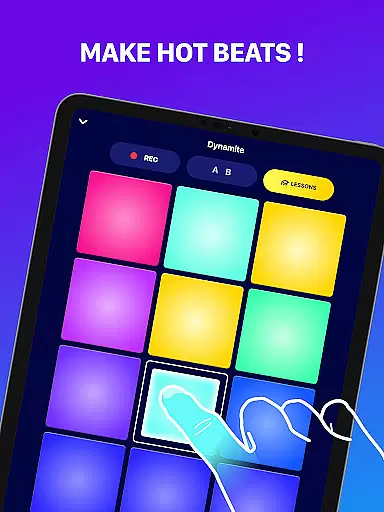
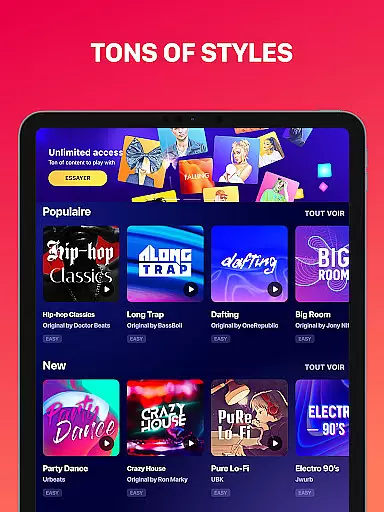
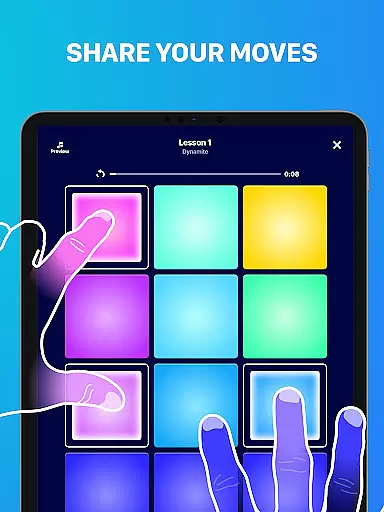
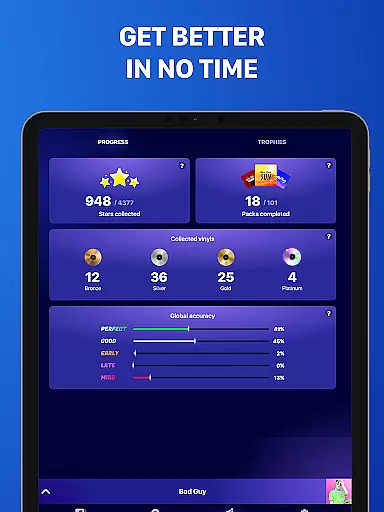
Beat Maker Pro is a comprehensive music creation tool that allows users to produce professional-quality beats and melodies across various genres. The app features an intuitive 24-pad drum machine interface, enabling aspiring DJs and musicians to craft unique rhythms with ease. Whether you're into EDM, dubstep, trap, or hip-hop, this application provides all the necessary tools to create complete tracks.
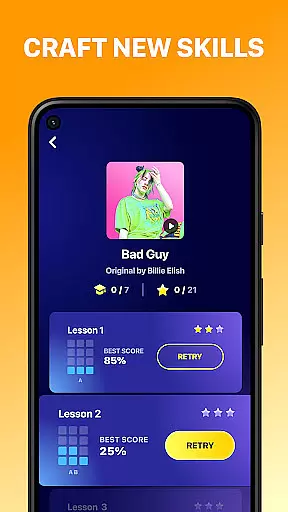
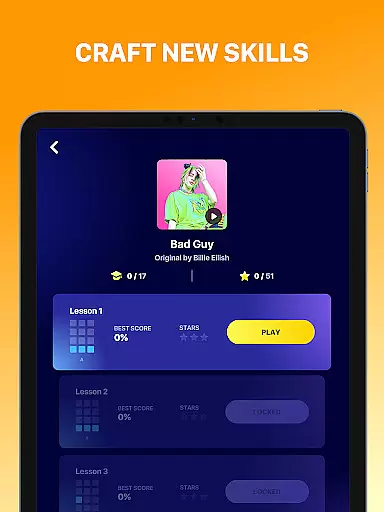
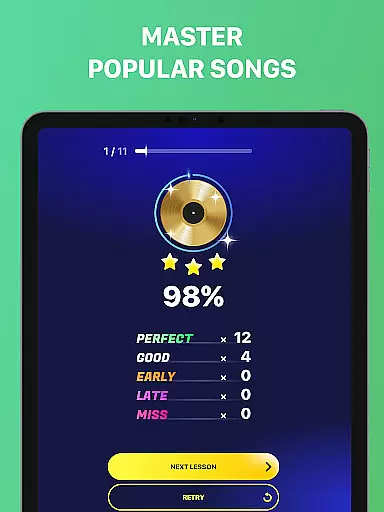
In addition to its robust beat-making capabilities, Beat Maker Pro offers educational content for beginners. Users can access lessons on beatboxing and rhythm creation, helping them develop their skills as music producers. The app's portability makes it an ideal studio companion, allowing creators to work on their music anytime, anywhere. With its combination of powerful production tools and educational resources, Beat Maker Pro serves as an all-in-one solution for mobile music creation.
The application boasts several key features that set it apart from other music creation apps. Its centerpiece is the 24-pad drum machine, which provides precise control over rhythm patterns and allows for complex beat structures. Each pad can be customized with different sounds and samples, giving users extensive creative freedom in their music production.
Another notable feature is the built-in recording system that captures all sessions in high quality. The app supports multi-track recording, enabling users to layer different elements of their compositions. Additionally, Beat Maker Pro includes genre-specific presets and loops, making it easier for users to experiment with different musical styles. These features, combined with the app's user-friendly interface, create a seamless experience for both novice and experienced music producers.
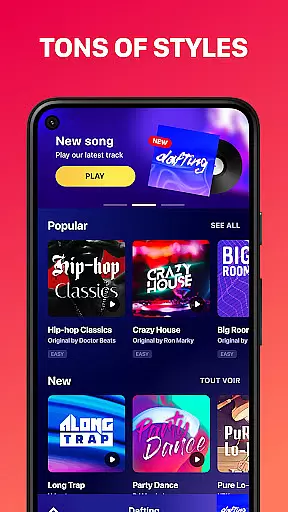
Beat Maker Pro offers an extensive music library that caters to a wide range of genres including dubstep, trap, EDM, and hip-hop. This vast collection ensures that users have access to a diverse array of sounds and loops, which are essential for creating unique beats.
The app guarantees the authenticity of its music library by ensuring all samples and loops are properly licensed. This commitment to copyright compliance provides peace of mind to users who want to create music without legal concerns.
With Beat Maker Pro, musicians can focus on their creativity, knowing they have a rich and legal sound palette at their disposal. The app's dedication to offering a large and authentic music library empowers users to produce professional-quality tracks.
Furthermore, the app's library is regularly updated with new content, keeping up with the latest music trends and ensuring that users always have fresh material to work with in their music production journey.
Audio quality is paramount when producing music, and Beat Maker Pro excels in delivering pristine sound output. The app supports various audio quality settings, allowing users to choose the best option for their projects, whether they prioritize file size or sound fidelity.
Users can select from multiple audio formats and bitrates, catering to different needs, from quick demos to high-quality final productions. This flexibility ensures that the app can adapt to any musician's workflow and requirements.
Beat Maker Pro also includes advanced audio processing features that enhance the overall sound quality. These tools help in refining the audio output, making sure that every beat and melody shines through with clarity and depth.
By providing such comprehensive audio quality options, Beat Maker Pro positions itself as a top choice for both amateur beat makers and professional DJs who demand nothing but the best in their audio production tools.
User-friendly interface
Extensive sound library
Multi-track recording
Genre-specific presets
Educational content included
Limited free features
Occasional performance issues
No MIDI support
Ads in free version
Steep learning curve

Simply convert wav to mp3. Clear. Reliable. Safe.
 4.1
4.1
Formerly known as Spotistats! View your top tracks, artists, albums and more!
4.40
Next generation modular control surface
4.10
Guzheng Master supports many playing techniques as an acoustic Guzheng
4.50
The alternative folder based music player.
4.20
24,000 free audio books and no ads!
4.90
AI Music Maker: Generate And Compose AI Tunes & AI Songs & AI Music & AI Melody!
4.60
Travel To The Music Universe
3.40
One-tap booster for max volume - enjoy powerful sound with this audio booster
4.50
Record, Mix & Master with all n-Track effects, 64-bit audio and Stem Separation.
4.70
Taal player that lets you sing any Indian & Western song with Tabla & Tanpura
4.60
Advanced 10-Band Audio Graphic Equalizer Sound Booster Pro
4.30
Bass Booster Pro takes auto-equalizing to the next level!
4.30
Learn and play 2M+ music tabs & chords on guitar, ukulele, bass, and more
4.30
The official Sonos app
4.10
The ultimate media player for Android devices
3.90
USB audio recording and playback finally possible on Android 3.1 or higher!
3.90
Slow music down without changing pitch.
3.70
The iconic iOS metronome app is now on Android.
3.70


User Reviews