
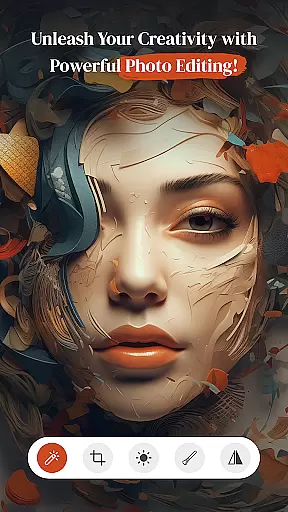


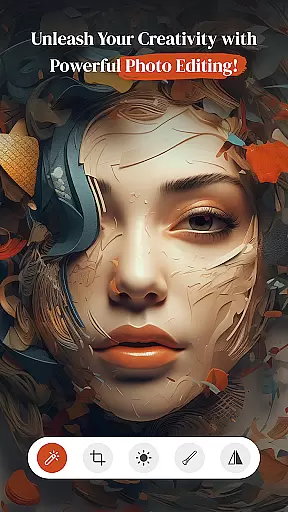


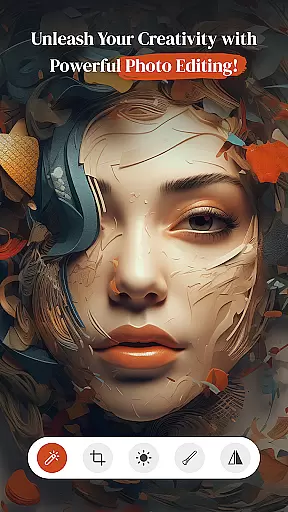


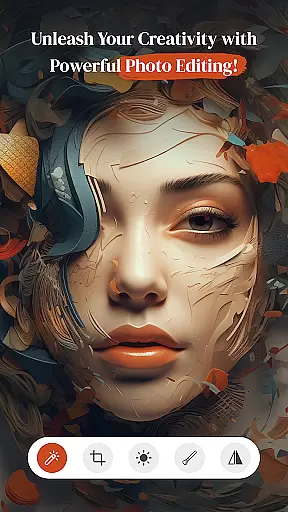


PerfectPic-Photo Edit・Collage is a feature-rich photography app designed to transform your photos into creative masterpieces. With its powerful editing tools, users can effortlessly enhance their images through filters, effects, and contrast adjustments. The app also includes an AI-powered object remover, allowing you to erase unwanted elements from your photos with precision.
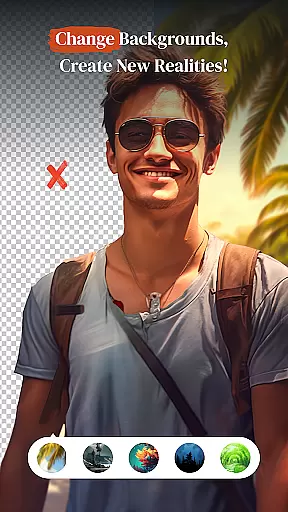
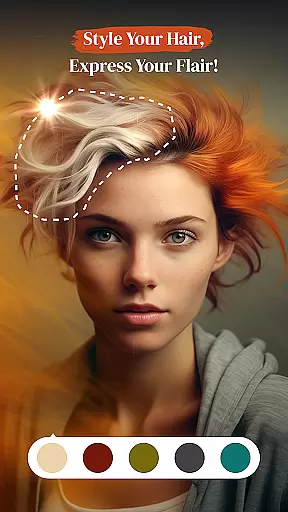
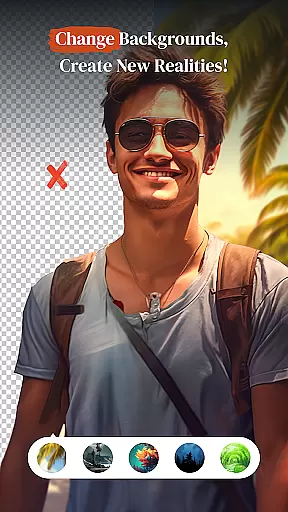
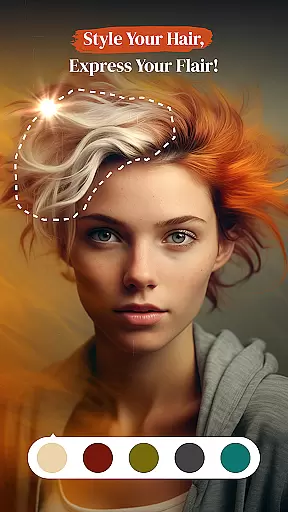
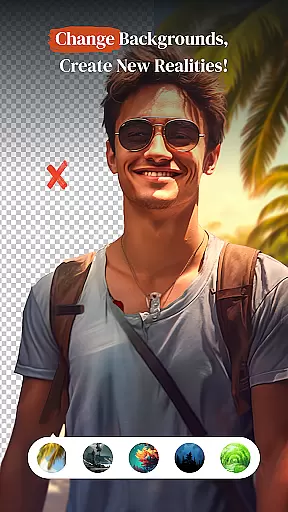
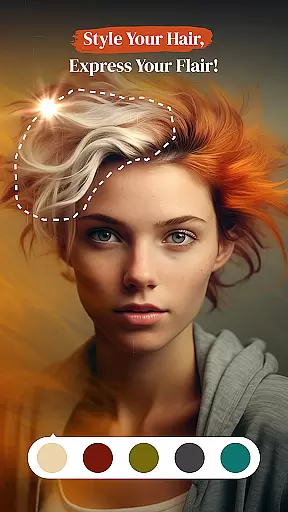
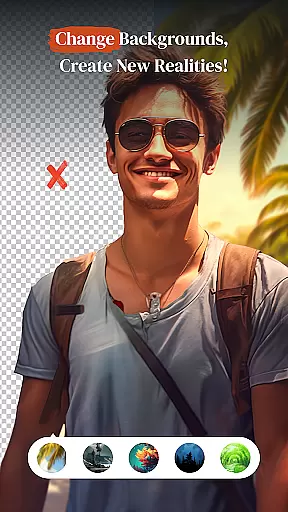
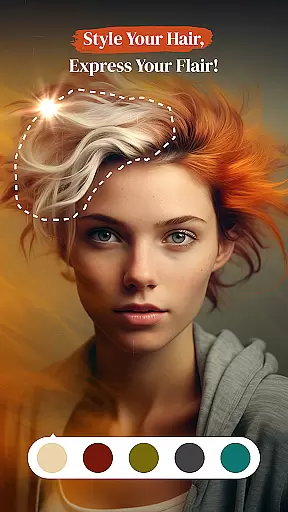
In addition to its editing capabilities, PerfectPic offers a background changer tool that lets you remove and replace photo backgrounds with ease. Whether you're looking to experiment with hair styles, add makeup, or create collages, this app provides everything you need for comprehensive photo customization. Its intuitive interface ensures both beginners and professionals can achieve stunning results.
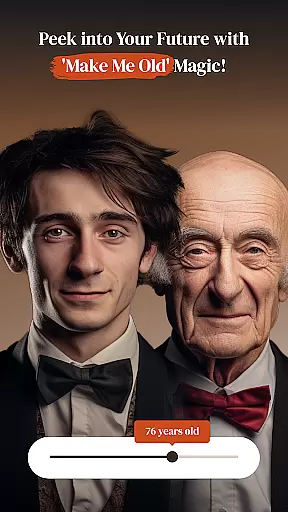
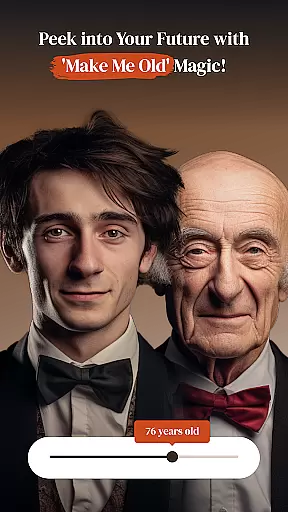
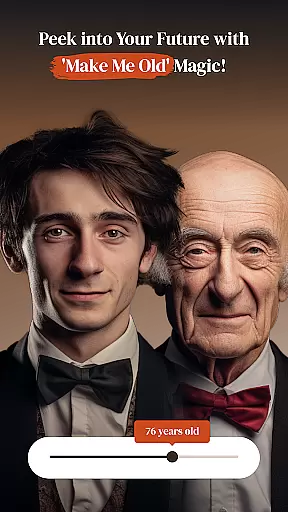
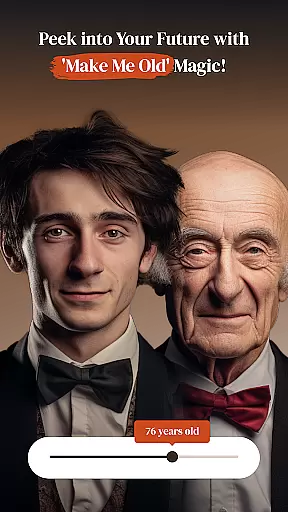
This app is perfect for anyone who wants to elevate their photography projects, whether for social media, professional portfolios, or personal memories. By combining advanced features like the beauty cam and age transformation effects, PerfectPic empowers users to explore their creativity while delivering professional-grade edits.
PerfectPic stands out with its diverse range of innovative features tailored for photo enthusiasts. One of its key highlights is the AI-driven object remover, which intelligently detects and eliminates unwanted objects from images, ensuring clean and polished results. This tool is complemented by the background eraser, enabling users to seamlessly remove and replace backgrounds, opening up endless creative possibilities.
The app also includes specialized tools such as the hair & beard changer and makeup editor, allowing users to experiment with different looks. For those interested in artistic expression, the collage maker helps combine multiple photos into visually appealing layouts. Each feature is designed to be intuitive, ensuring users can achieve professional-quality edits without requiring extensive technical knowledge.
With PerfectPic, every tool serves a purpose—whether it's enhancing natural beauty, removing distractions, or crafting imaginative compositions. These features collectively make the app a one-stop solution for all photo editing needs, catering to both casual users and professionals seeking versatile editing options.
Real-time capture and preview functionality is essential for ensuring that every photo taken meets the user's expectations without delay. PerfectPicuff0dPhoto Editu30fbCollage offers a seamless experience where users can instantly see the results of their shots before committing to the final image.
This app leverages advanced processing capabilities to provide immediate feedback on various adjustments, such as filters, effects, and contrast settings. As you tweak these parameters, the live preview updates in real time, allowing for precise control over the creative process.
Users benefit from this feature by being able to make informed decisions about their edits quickly. Whether itu2019s experimenting with different styles or perfecting a single shot, the ability to visualize changes on the fly enhances the overall editing workflow.
The value of real-time capture and preview extends beyond convenience; it empowers photographers to unleash their creativity without technical hindrances. With PerfectPic, capturing moments and transforming them into visual stories becomes an intuitive and fluid journey.
AI beauty and enhancement features are designed to elevate the aesthetic appeal of photos while maintaining a natural look. In PerfectPicuff0dPhoto Editu30fbCollage, AI-powered tools intelligently apply enhancements that preserve authenticity, ensuring subjects look their best without appearing overly edited.
The app utilizes sophisticated algorithms to analyze facial features and skin tones, applying subtle adjustments that enhance beauty naturally. From smoothing out imperfections to adding a touch of radiance, each modification is carefully calibrated to retain the original character of the subject.
For users, this means achieving professional-quality results with minimal effort. The AI-driven enhancements adapt to individual characteristics, offering personalized improvements that highlight unique traits rather than masking them under generic filters.
Ultimately, the AI beauty and enhancement capabilities within PerfectPic empower users to create stunning images that reflect genuine beauty. By combining cutting-edge technology with an understanding of natural aesthetics, the app delivers a superior editing experience that respects the integrity of every photograph.
User-friendly interface
Advanced AI tools
Versatile editing options
High-quality effects
Creative customization
Some features may require premium access
Occasional ads in free version
Learning curve for beginners
Limited offline functionality
Large file size

Photo Album Watch Face shows your favorite pictures as a Watchface.
 1.90
1.90
All-in-One Editor & AI Photo Enhancer, Beautify & Retouch, Collage, Cartoonify
4.20
Easily stitch panoramas from multiple photos or video.
4.40
Create AI Photos, Improve and restore quality of blurry, old or damaged pics.
4.20
HD Camera Pro with HD Video shooting, Panorama, Photo editor , Beauty Camera.
4.50
Movie camera, supports pro recording settings for filming. Try it and be amazed!
4.50
Create amazing frames with up to five photos. Rounded corners, effects and more!
3.60
Add a dreamy vibe to your selfies and videos with soft style filters
4.3
Easily view, share, delete photos with Gallery.
4.70
Gallery show photo, video, slideshow, is perfect 3D effect private photo albums.
4.80
Cartoon and artistic effects for your photos and videos
4.70
Future baby face generator: AI kids generator, kid face! What my baby look like?
4.40
Shooting photos and records video easily and efficient with professional Camera
4.30
How old age camera Gender Swap App Face Shape Hairstyle App Hair Styler App fun!
4.00
Professional quality photo edits with the new Snapseed.
4.00
Application for remote controlling DSLR
3.00
An interval timer to automate photo taking process for timelapse
2.90
Long exposure camera with computational photography
2.60
Remote control the phone camera shutter from your smartwatch and take a picture
1.60


User Reviews