
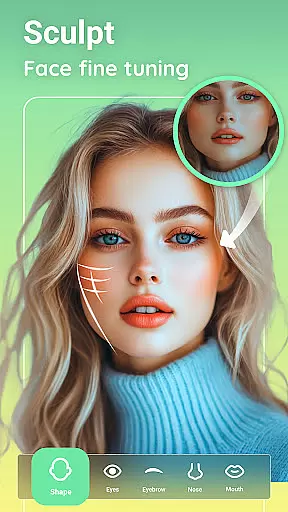
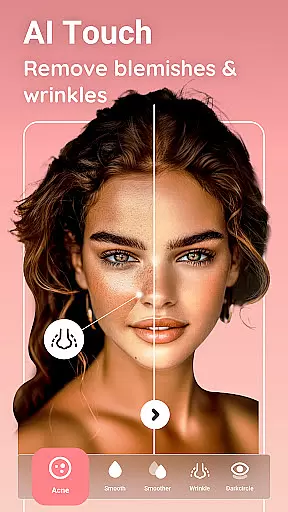
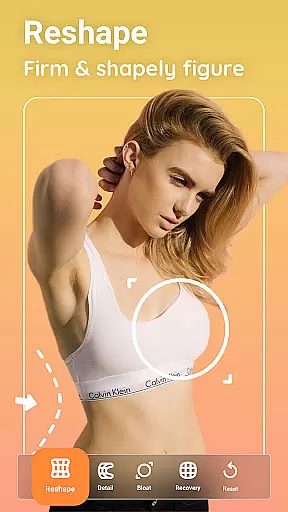
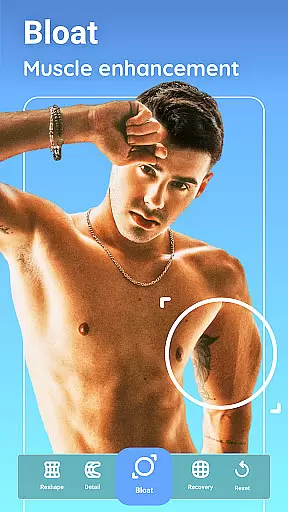
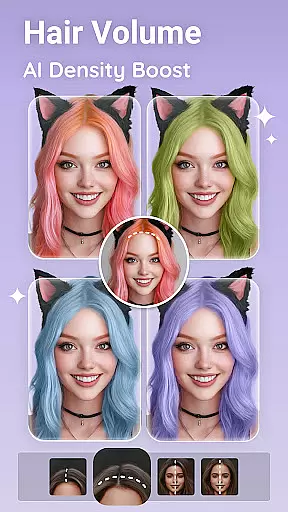
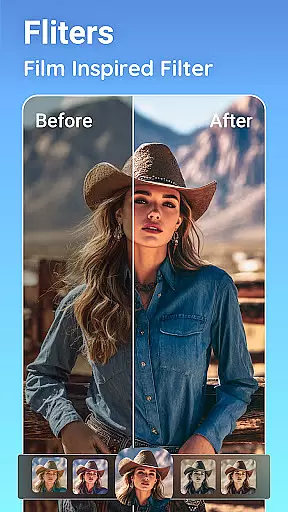
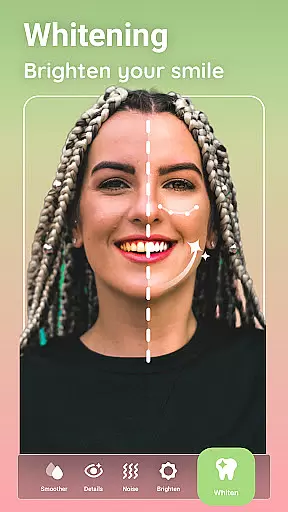
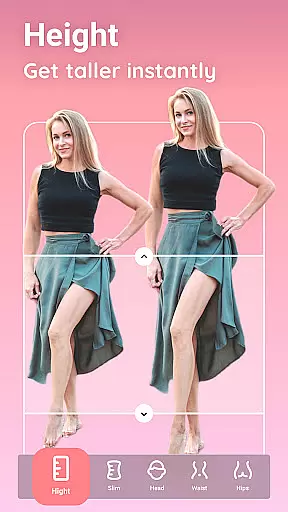
Peachy is a powerful photo editing application that specializes in body and face retouching. This app allows users to transform their selfies and pictures into flawless masterpieces with professional features such as reshaping the body, smoothing the skin, erasing blemishes, and adding a radiant glow. With just one tap, users can apply stunning filters and AI-optimized presets for amazing edits.
As an excellent photo and face editor, Peachy offers magical enhancements from pro skin retouching to seamless muscle sculpting. Users can capture and elevate beautiful moments and share them on social media platforms like Instagram, TikTok, YouTube, Snapchat, WhatsApp, or Facebook without any watermark. Whether you want to fine-tune brightness, contrast, warmth, sharpness, or shadows, Peachy comes fully equipped with essential tools to elevate any image.
Peachy stands out with its suite of AI-powered editing tools. The AI Muscle feature provides intelligent, gender-aware muscle enhancement that defines the full body, abs, V-line, chest, and arms for natural, realistic results. The AI Body Edit tool allows users to reshape, slim, and sculpt any body area naturally, perfect for body reshaping, waist slimming, and posture correction.
In addition to body editing, Peachy offers comprehensive face retouching options. The AI Face Retouch smooths skin, removes blemishes, brightens eyes, and perfects symmetry instantly. Virtual makeup and hairstyling features enable users to enhance volume, refine hairlines, change hair color, and apply professional makeup looks. These innovative features ensure every detail, from composition to color, is perfected.
Real-time capture and preview functionality is essential for any photography app, allowing users to see exactly what their photo will look like before taking the shot. Peachy offers a seamless real-time preview experience that ensures every detail is captured perfectly.
The app's advanced camera interface provides users with instant feedback on their composition, lighting, and focus. This allows for precise adjustments to be made on-the-fly, ensuring optimal image quality every time.
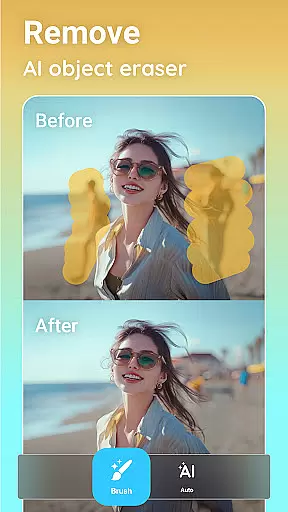
With features like AI Object Remover and AI Pic Enhance integrated into the preview mode, users can visualize enhancements such as object removal or image quality boosts instantly. This interactive approach empowers users to make creative decisions without interrupting their workflow.
Ultimately, Peachy's real-time capture and preview capabilities help photographers of all skill levels achieve professional-grade results with minimal effort, making it an indispensable tool for capturing flawless moments.
AI-powered beauty and enhancement tools have become crucial in modern photo editing, and Peachy excels in delivering natural-looking results. The app's sophisticated AI algorithms ensure that all enhancements, from skin smoothing to body reshaping, maintain authenticity.
Peachy's AI Face Retouch feature intelligently smooths skin while preserving natural textures and details. This prevents the artificial plastic-like appearance often associated with digital retouching, resulting in more genuine-looking portraits.
The app's AI Body Edit function applies realistic muscle enhancement and body reshaping that adapts to individual body types. By considering gender-specific characteristics and maintaining proportional adjustments, Peachy achieves remarkably lifelike transformations.
Furthermore, features like AI Makeup and Hair offer subtle yet effective enhancements that complement users' natural features rather than masking them. This commitment to natural beauty makes Peachy stand out among photo editing applications.
User-friendly interface
Advanced AI editing tools
One-tap photo enhancement
Comprehensive retouching options
No watermark on edited photos
May require premium purchase
Some features are complex
Occasional performance issues
Limited free filter options
High system requirements

AI portrait generator and polaroid AI selfie, fun AI generated AI photo creator!
 4.30
4.30
Photo Album Watch Face shows your favorite pictures as a Watchface.
1.90
Trendy TikTok time warp scan funny filter app brings you unique photos & videos.
4.40
Cut and paste photo editor & eraser to customize photos easy and swap faces fun
4.50
All-in-One Editor & AI Photo Enhancer, Collage, Cartoonify, Funny Stickers & BGS
4.10
Create & Edit with AI: AI Remove, Enhance, Retouch, Filter
4.10
Virtual makeup, hair filters & body tuner—edit from face to full body!
4.20
Photo Exif Editor allows to view, add and modify EXIF data of multiple photos
4.50
Professional camera app that brings DSLR manual photography controls to Android.
4.20
Easily view, share, delete photos with Gallery.
4.70
Automatically backup your photos and videos to computer, NAS and Cloud services
4.60
Unblur, enhance & restore photos with powerful AI photo enhancer tools.
4.60
Transform photos into videos! Create realistic or anime-style images easily!
4.50
Search, tag and rate your way to an organized image gallery
4.40
Shooting photos and records video easily and efficient with professional Camera
4.30
A light meter for true photographers.
4.20
The #1 app for B&W film developing featuring an advanced darkroom timer.
4.10
Superimpose one photo on top of another using the original Superimpose app!
3.20
Raw Image Viewer. Gallery with support of raw images (.cr3, .cr2, .nef, .raf).
2.00


User Reviews