
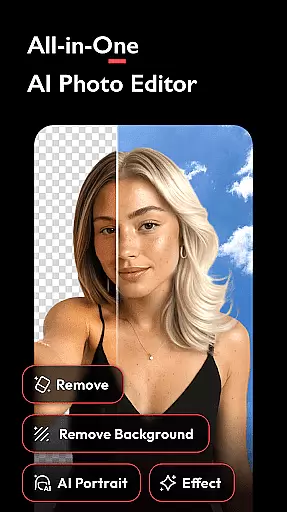


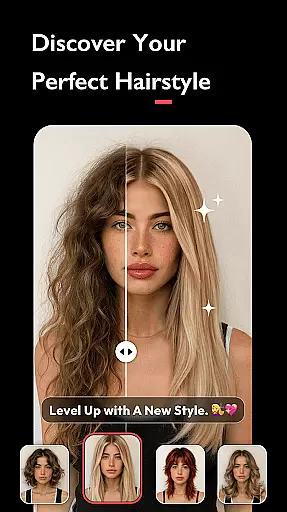
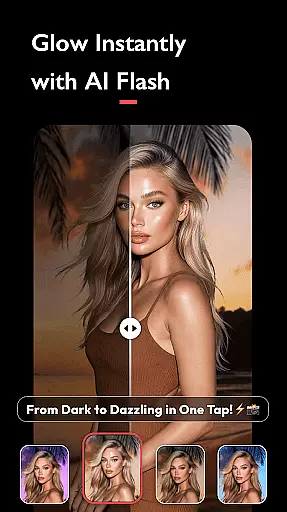
AI Photo Editor - Polish is a powerful photography app that utilizes advanced AI technology to transform your photos into professional-grade artwork. The app offers an extensive suite of editing tools, including AI filters, photo enhancers, and portrait generators, making it perfect for influencers, business owners, and everyday creators.
With over 500 AI-powered features such as beautification, background removal, and image expansion, users can effortlessly enhance their images. Whether you're looking to retouch selfies, create LinkedIn headshots, or design creative social media posts, this app provides all the necessary tools without requiring any technical skills.
The app's versatility extends to its collage maker, body tuning features, and artistic effects like Bokeh and Glitch filters. Polish ensures high-quality results with easy sharing options to platforms like Instagram and Facebook, making it an essential tool for modern digital creatives.
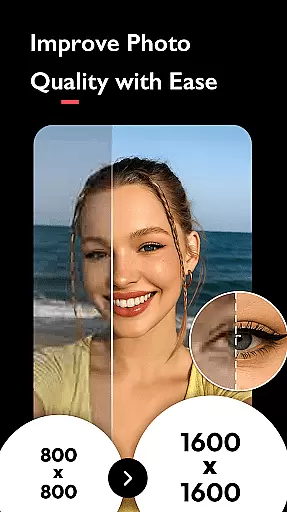
AI Photo Editor - Polish stands out with its comprehensive feature set tailored for diverse editing needs. The app's AI-powered tools include an advanced photo enhancer that upgrades blurry images to HD quality, an AI portrait generator for professional headshots, and an intuitive beautification suite with skin smoothing and facial tuning capabilities.
Creative professionals will appreciate the app's expansive library of 100+ customizable filters, HSL color adjustments, and blending options. Unique features like object removal, background replacement, and AI expansion allow users to modify compositions with precision. The app also includes specialized tools for body reshaping and leg elongation.
Polish differentiates itself through seamless integration with social media platforms, enabling direct sharing without watermarks. Its user-friendly interface combines powerful functionality with ease of use, ensuring both beginners and experts can achieve professional results across various content creation scenarios.
Real-time capture and preview functionality is essential for ensuring that users can see the results of applying various AI filters, effects, and adjustments immediately. This instant feedback allows users to make precise edits without any delay.
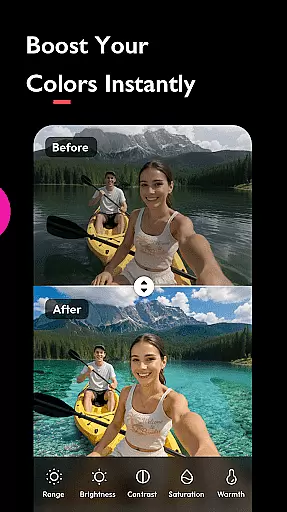
AI Photo Editor - Polish offers a seamless real-time editing experience by leveraging advanced AI algorithms. As users apply filters or adjust settings like brightness, contrast, and saturation, they can instantly see how these changes affect their photos. This immediate visualization helps in making informed decisions about the final look of the image.
The benefit of this feature is significant as it enhances user engagement and satisfaction. Users can experiment with different styles and effects confidently, knowing exactly how each modification will appear. This capability not only saves time but also encourages creativity by allowing quick iterations and comparisons.
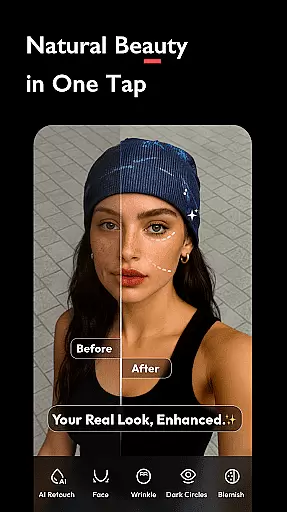
AI beauty and enhancement features focus on improving the natural appearance of photos without making them look overly processed or artificial. The goal is to enhance the inherent qualities of an image while maintaining its authenticity.
In AI Photo Editor - Polish, the AI Beautify tool uses sophisticated face editor technology to smooth skin, retouch facial features, and refine overall appearance naturally. By adjusting parameters such as skin tone, texture, and lighting, the app ensures that enhancements are subtle yet effective. Additionally, Auto Adjust options improve photo tones for brightness, contrast, and saturation, further contributing to a polished yet genuine result.
This approach provides immense value to users who seek professional-quality edits without compromising the original essence of their photos. Whether preparing images for social media platforms like Instagram or creating profile pictures for professional networks like LinkedIn, users can achieve stunning yet believable outcomes effortlessly.
Extensive AI tools
User-friendly interface
Versatile filter options
Professional results
Social media integration
Occasional processing delays
Advanced features require subscription
Watermark on free version
Learning curve for beginners
Limited offline functionality

AI portrait generator and polaroid AI selfie, fun AI generated AI photo creator!
 4.30
4.30
Professional video recording application with manual controls for filmmakers!
2.80
All-in-One Editor & AI Photo Enhancer, Collage, Cartoonify, Funny Stickers & BGS
4.10
Natural Beauty, Selfie Retouch
4.30
Take videos and pictures with the popular TikTok TIME WARP SCAN filter.
4.60
Gallery Slideshow is slideshow maker app for slideshow from your gallery photos.
3.90
Snap photos remotely using your Garmin watch as the camera trigger
4.0
Remote control the phone camera shutter from your smartwatch and take a picture
1.60
Photo & Video Gallery app to manage albums and save WA Status easily.
4.70
A collection of tools and reference tables for DPs, ACs, DITs and Operators.
4.70
Easily create custom gifts, cards, photo books & more on the Shutterfly app!
4.60
Safe & smart flight with Go Fly drone controller for 40+ drone camera, zone map
4.50
Movie camera, supports pro recording settings for filming. Try it and be amazed!
4.50
Luminar: Photo Editor - easy picture editing with AI
4.20
Create & Edit with AI: AI Remove, Enhance, Retouch, Filter
4.10
Professional quality photo edits with the new Snapseed.
4.00
USB Storage Access for Photos, Videos, Music and Documents
3.80
Remote control of the phone camera from your Wear OS smartwatch
3.70
Perfect photos with body shaping, BG changer and object remover.
3.70


User Reviews