

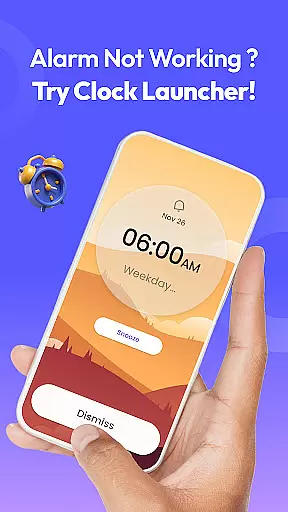
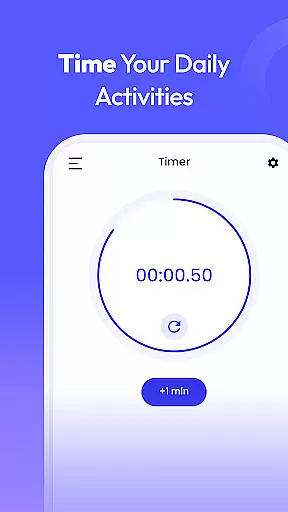
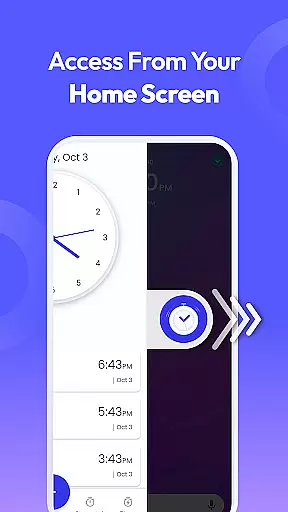
Clock Launcher is a productivity-focused app that combines an intuitive alarm clock with essential time management tools. The app provides instant access to alarms, timers, reminders, and world clocks through a simple swipe from the home screen. Its launcher functionality transforms your device's interface, offering one-touch shortcuts for managing daily tasks efficiently.
With features like customizable wallpapers, widgets displaying time and weather, and multi-touchpoint search capabilities, Clock Launcher enhances both usability and personalization. Whether you're tracking international time zones or setting up reminders for meetings, this app ensures you stay organized and punctual. It’s particularly useful for busy professionals, travelers, and anyone seeking a streamlined way to manage their schedules.
The app's standout value lies in its ability to consolidate multiple productivity tools into a single platform while maintaining ease of use. By integrating these functions directly into the home screen, Clock Launcher eliminates unnecessary navigation steps, saving users valuable time every day.
Clock Launcher stands out with its comprehensive suite of productivity features designed to simplify time management. One of its key highlights is the one-swipe access functionality, which allows users to set alarms, timers, and reminders without navigating through multiple menus. This seamless integration makes it easier than ever to organize your day effectively.
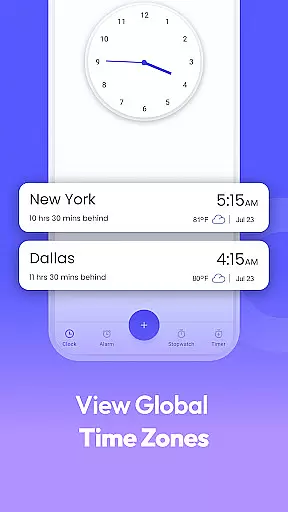
The app also includes a customizable home screen widget that displays not only the current time but also weather updates, ensuring you're always informed at a glance. Additionally, users can personalize their devices with clock-themed wallpapers, adding aesthetic appeal alongside practical utility. For those who frequently travel or work across time zones, the built-in world clock feature supports tracking multiple cities simultaneously.
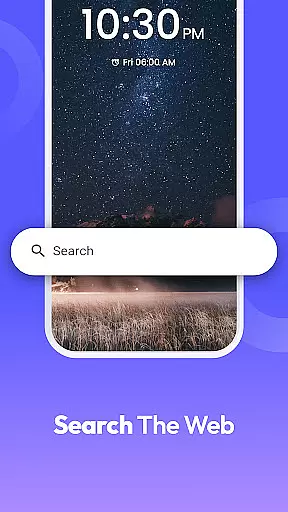
Another notable aspect is the multi-touchpoint search tool, enabling quick searches for installed apps or web content powered by Yahoo. These diverse yet cohesive features make Clock Launcher an all-in-one solution for managing time-sensitive tasks while enhancing overall device usability.
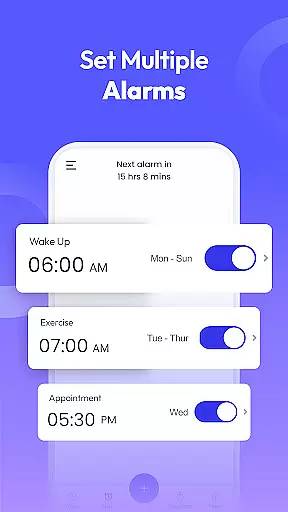
At the heart of Clock Launcher lies its robust core task management system, designed to streamline your daily routine. This feature allows users to effortlessly set alarms, reminders, and timers, ensuring that they stay organized and punctual throughout their day.
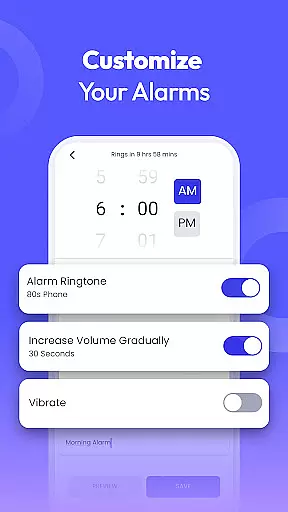
The app's intuitive interface enables quick access to essential time management tools with a simple swipe from the home screen. Users can customize alarms with different tones and snooze durations, catering to individual preferences and lifestyles.
Beyond basic alarm functions, Clock Launcher supports setting reminders for important appointments and events, making it an indispensable tool for both personal and professional life management. Its versatility extends to international travelers who can track time differences across cities, enhancing global connectivity.
By integrating these comprehensive task management capabilities, Clock Launcher empowers users to maintain a consistent routine, never miss crucial deadlines, and efficiently manage their schedules, ultimately boosting productivity and time optimization.
Clock Launcher excels in providing reliable cross-device synchronization, ensuring that your time management data remains consistent across all your devices. This functionality is crucial for users who rely on multiple gadgets to organize their lives.
The app employs advanced synchronization protocols that guarantee real-time updates of your alarms, timers, and reminders. Whether you're switching from your smartphone to a tablet or vice versa, you can trust that your settings will be accurately mirrored, eliminating the risk of missing important notifications.
Moreover, this synchronization process operates seamlessly in the background, requiring no manual intervention from the user. It intelligently manages data transfer, optimizing battery usage while maintaining high-speed connectivity between devices.
With Clock Launcher's dependable cross-device synchronization, users can enjoy peace of mind knowing their time-sensitive information is always up-to-date and accessible, regardless of which device they choose to use at any given moment.
User-friendly interface
Comprehensive time tools
Customizable home screen
Efficient task management
Visually appealing design
Home screen layout changes
Limited advanced options
Requires adaptation period
No cross-platform sync
Basic customization limits

 4.20
4.20
AI Video AI Image Private LLM AI Browser Llama Gemma Ollama Connect LLM Studio
4.2
Mega cloud explorer plugin for Solid Explorer
3.80
A simple, portable logger for POTA, SOTA, Field Day, and more
4.5
App Lock with fingerprint, password: Lock apps & hide photos with lock screens
4.60
Enjoy classic gameplay with customizable features and retro-style graphics.
4.30
Tally and goal counter for Wear OS & mobile
4.50
Ultimate Virtual AI Character for immersive Roleplay Chat. Perfect Companion
3.90
Put a lock on your cloud: Take the security of your data into your own hands
3.70
Native client for Forgejo and Gitea
5.00
aCalendar+ makes your day, week and month
4.70
Docker, Kubernetes management over Portainer Mobile
4.40
When you Focus, so will your Bean in this cozy focus timer
4.30
Activate Two Factor Authentication (2FA or Multi OTP), Password manager and more
4.10
* block pre-roll ads, pop-up and forced redirect ads * Samsung certification app
4.00
Take control of your clipboard with Clipper!
3.90
Find and delete junk files & block unwanted notifications & manage files
3.70
Create study competitions, track your hours, and stay consistent with friends
4.3
The upgraded version of Name Wheel with AI and the power to add your own wheels.
4.0


User Reviews