
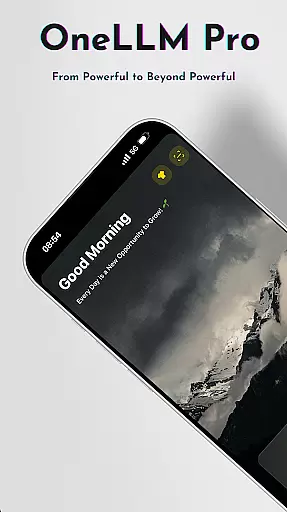
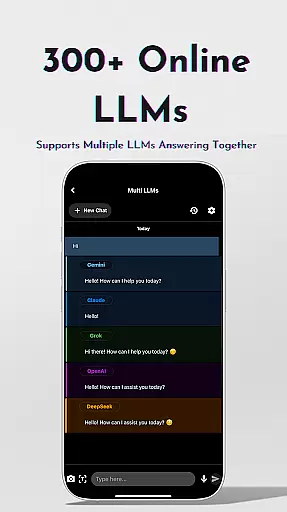
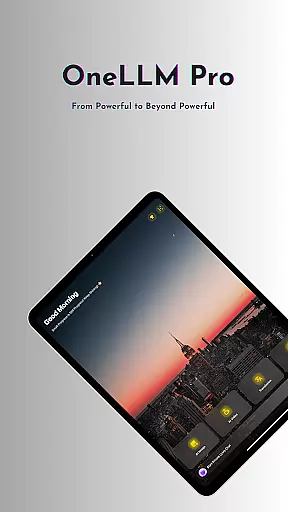
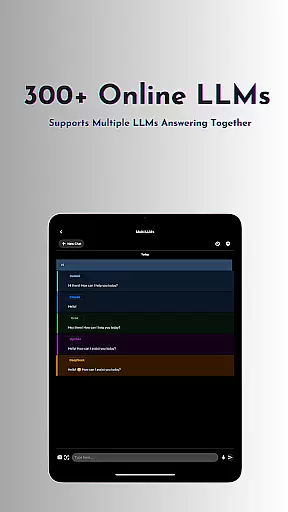
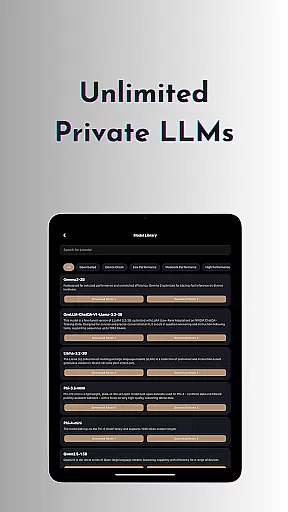
OneLLM Pro is a powerful productivity tool that seamlessly integrates local and cloud AI capabilities, offering users an extensive suite of AI-powered features. Whether offline or online, the app provides access to thousands of fully offline Large Language Models (LLMs) as well as 300+ leading online LLMs, including top performers like ChatGPT 4o, Claude, and Llama. This ensures lightning-fast, secure interactions while maintaining maximum privacy.
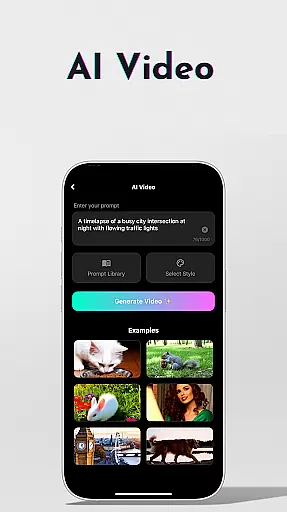
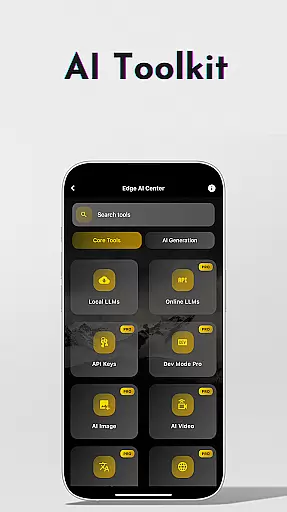
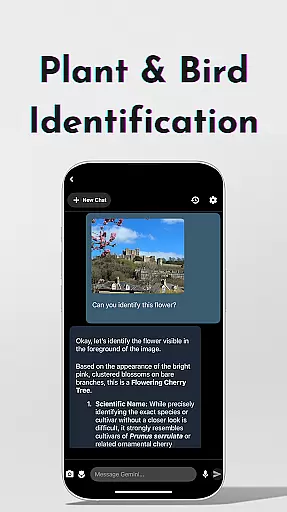
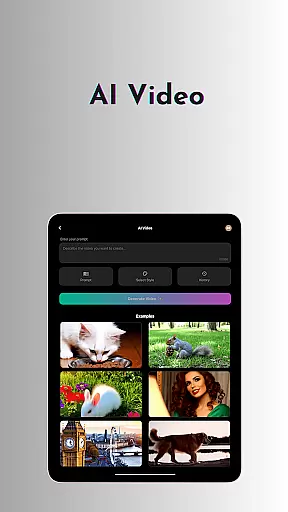
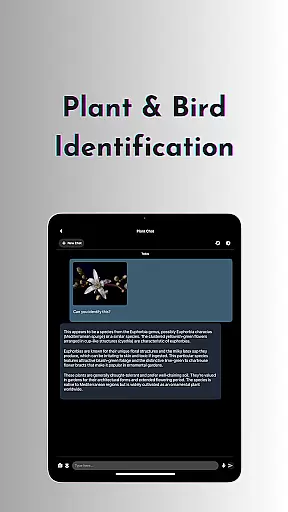
Beyond its core language model capabilities, OneLLM Pro includes specialized AI toolkits for video generation, image creation, document scanning, speech-to-text transcription, and more. These tools cater to various use cases, from professional workflows to creative projects. The app also offers advanced functionalities such as multi-LLM simultaneous response mode, study assistance, and plant/bird identification, making it an indispensable companion for power users seeking efficiency and innovation.
Optimized for all devices, OneLLM Pro delivers exceptional performance across entry-level to flagship hardware. Its intelligent matching system recommends LLMs based on device specifications, ensuring optimal resource usage without compromising speed or battery life. With an ad-free experience and robust privacy controls, OneLLM Pro empowers users to unlock the full potential of AI in their daily lives.
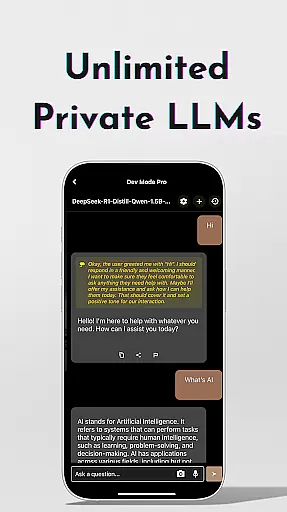
OneLLM Pro stands out with its comprehensive feature set designed to enhance productivity through cutting-edge AI technologies. At its core, the app provides unlimited access to private local LLMs, allowing users to customize unique AI characters tailored to specific needs. This flexibility enables smarter, faster, and more private interactions without requiring an internet connection. For demanding tasks, users can leverage cloud-based LLMs, accessing nearly 300+ advanced models with a single tap.
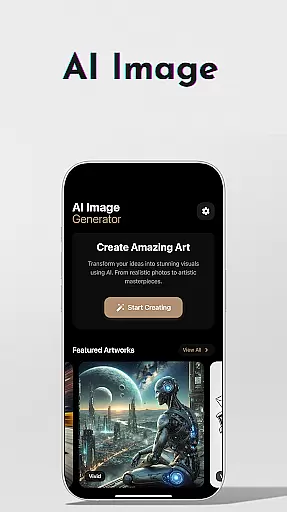
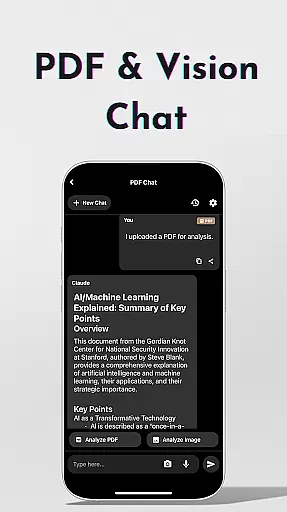
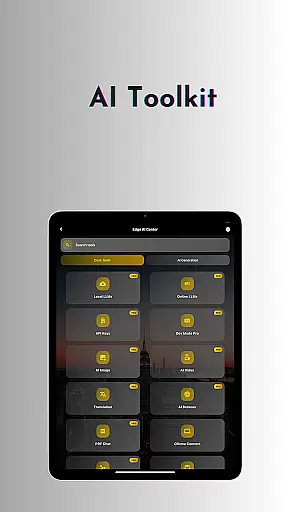
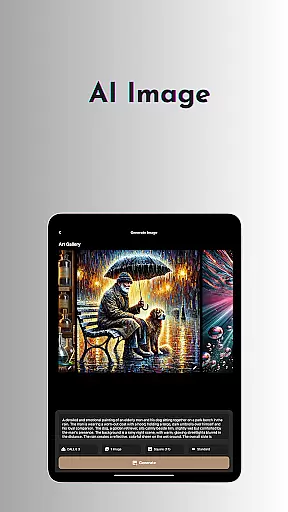
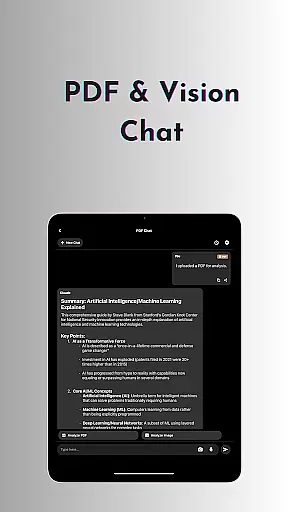
The app's AI toolkits expand its utility beyond traditional language processing. Users can generate cinematic videos, create stunning visuals using Stable Diffusion or DALL·E 3, and scan documents offline with OCR technology. Additional tools include an AI browser for summarizing complex articles, a password generator for enhanced security, and chat functionality for PDFs and images. Advanced users benefit from the LLM Dev Mode, which allows fine-tuning parameters and saving custom configurations for precise optimization.
Other notable features include smart LLM matching, Hugging Face integration, and privacy-focused local processing. OneLLM Pro adapts to individual devices, ensuring smooth performance regardless of hardware specs. With an ad-free interface and support for over 50 AI generation tools, the app caters to both casual users and professionals seeking a versatile AI solution.
Effective task management is essential for productivity applications, and OneLLM Pro excels in this area by offering a comprehensive suite of AI-powered tools. The app provides users with the ability to manage tasks through advanced AI functionalities such as chat with PDFs and images, private speech-to-text transcription, and offline OCR document scanning.
OneLLM Pro's core task management feature allows users to interact with their documents and data in innovative ways. For instance, the AI Browser enables quick summarization of lengthy articles, while the Study Assistant supports various input methods for seamless learning experiences. These features collectively ensure that users can handle complex tasks efficiently without compromising on privacy or performance.
The benefit to users is significant; they can process information faster and with greater accuracy than ever before. Whether it's analyzing documents, taking notes during meetings, or studying new materials, OneLLM Pro streamlines these processes, allowing users to focus on what truly matters. This results in enhanced productivity and a more organized workflow.
Ultimately, OneLLM Pro's task management capabilities empower users to take control of their daily activities. By integrating cutting-edge AI technologies into everyday tasks, the app not only simplifies but also enriches the user experience, making it an indispensable tool for anyone looking to boost their efficiency.
Cross-device synchronization is a critical component of modern productivity apps, ensuring that users have access to their data wherever they go. OneLLM Pro addresses this need by providing robust synchronization across multiple devices, maintaining consistency and reliability in all user interactions.
The app achieves this through its dual capability of local and cloud AI processing. Users can choose between private local processing for sensitive data or leverage the power of the cloud for more demanding tasks. This flexibility ensures that whether you're working offline or online, your data remains synchronized and up-to-date across all your devices.
For users, this means unparalleled convenience and peace of mind. Knowing that their work is always accessible and backed up reduces the risk of data loss and enhances collaboration possibilities. It allows for a seamless transition between different devices, whether switching from a phone to a tablet or a PC.
In summary, OneLLM Pro's reliable cross-device synchronization sets it apart in the productivity category. By combining secure local processing with powerful cloud capabilities, the app delivers a dependable solution that keeps users connected and productive, regardless of their location or device preference.
Extensive AI toolkit
Offline functionality
Cloud integration
Customizable LLMs
Privacy-focused design
Complex setup required
Premium pricing
Resource-intensive
Limited free models
Steep learning curve

Secure, fast, open-source, VNC and SSH Remote Desktop for Windows, Linux and Mac
 4.70
4.70
Auto-shutoff Alarm with Sunrise, Sunset & Fixed Options.
3.50
Native client for Forgejo and Gitea
5.00
The Pro Version of Android's tiniest Notepad app. Just 0.3MB but feature-packed!
4.60
Secure, fast, open-source, Remote Desktop Client for Windows and Linux with SSH
4.60
aCalendar+ makes your day, week and month
4.70
Easiest event planning, volunteer signups & parent teacher conference scheduling
2.20
App lock - lock apps with fingerprint, password, pin or pattern, protect privacy
4.70
A simple Whisper AI keyboard for reliable speech transcription and rewording
4.60
Great calculator for Android named one of USA TODAY's "25 Essential Apps".
4.90
Client for Nextcloud Deck
4.60
Absolutely the best CNC machinist speed and feed calculator around. fswizard.com
4.60
Calendar 2023 widget for Android. Appointment scheduler, planner, and reminder
4.60
This small app MUST BE INSTALLED after purchase, else license won't work
4.40
Pwnagotchi companion app
4.20
Device's storage information in a simple and clear graphical form (infographics)
4.10
Create and edit presentations with Google Slides, part of Google Workspace.
4.00
All in one sketching tool. Technical and General drawing. Online Maps support.
3.70
Ads Free App! Editor, Hide File, Copy, Move, Delete and Rename.. all facility av
1.70


User Reviews