
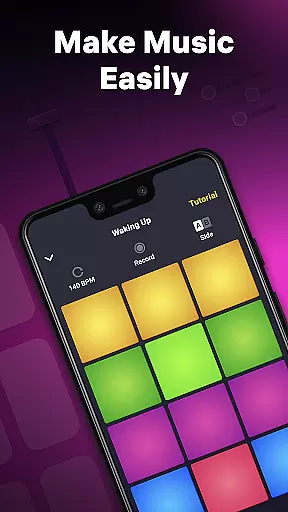
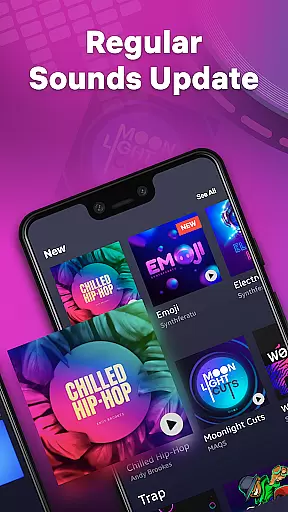
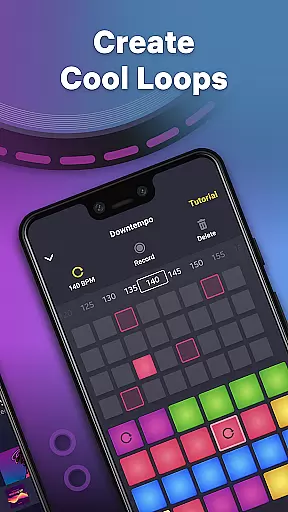
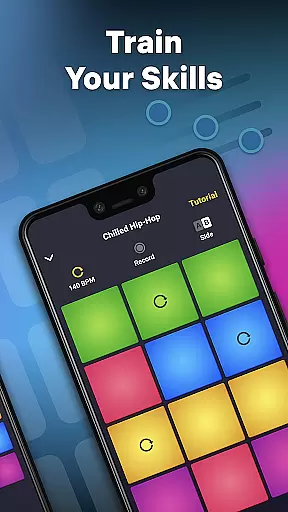
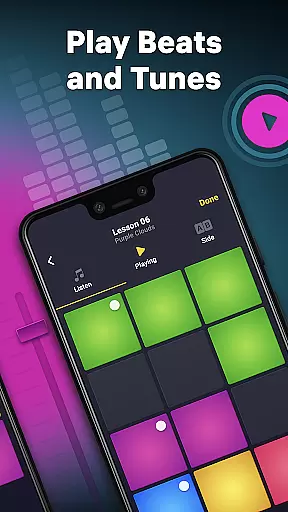
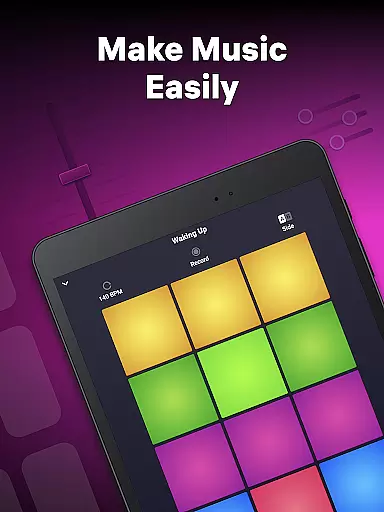
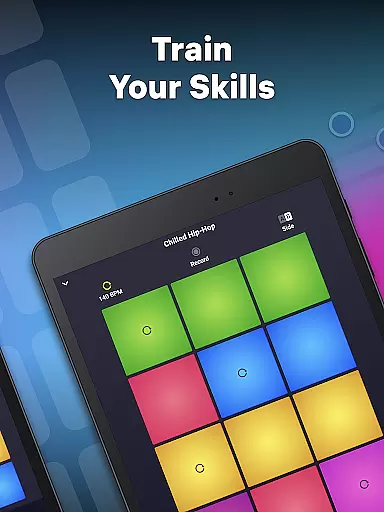
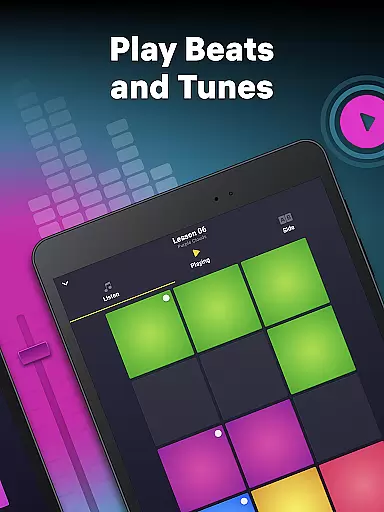
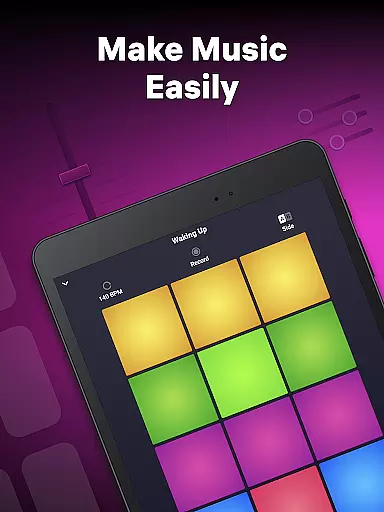
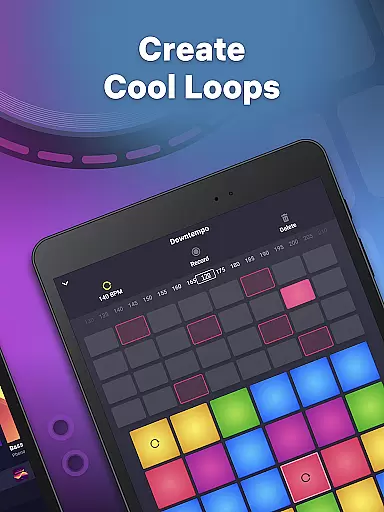
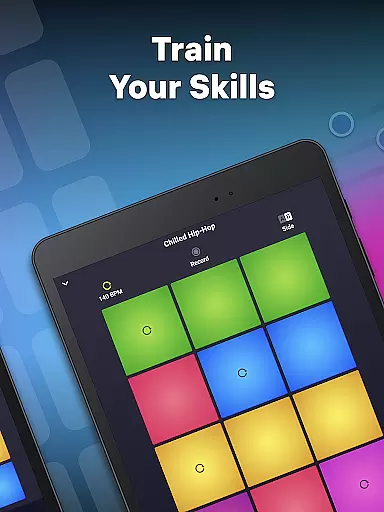
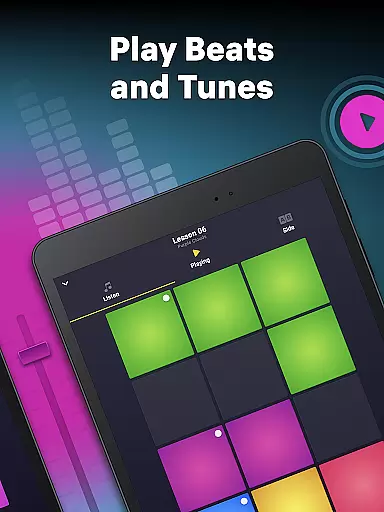
Drum Pad Machine is a dynamic music creation app designed for both aspiring and professional DJs. This application allows users to produce high-quality beats across various genres including Trap, Dubstep, EDM, and more. With an intuitive interface featuring colorful launchpads, each representing unique sounds, users can easily mix loops, record melodies, and create custom tracks.
The app stands out with its comprehensive sound library developed by professional musicians, offering diverse sound packs and themes. Whether you're at home, in a studio, or on the go, Drum Pad Machine provides all the tools necessary for real-time music production. Its detailed tutorials ensure that even beginners can quickly learn to craft impressive beats like a pro DJ.
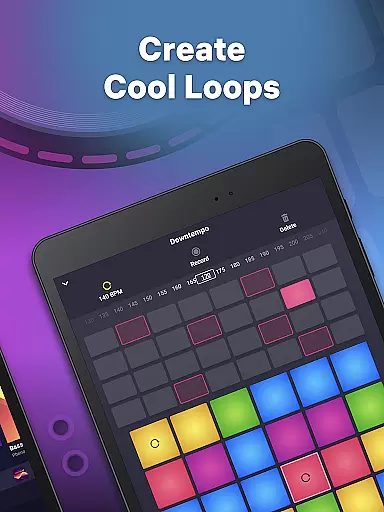
Drum Pad Machine offers an extensive range of features tailored for music enthusiasts. The app includes a powerful sequencer for loop creation, tempo adjustment options, and a beatbox recorder for crafting unique sounds. Users can experiment with professional music samples and employ the launch pad finger drumming feature to refine their skills.
One of the standout functionalities is the ability to record and share your own tracks directly from the app. Additionally, Drum Pad Machine provides step-by-step tutorials and video guides to help users master music production techniques. These educational resources, combined with the app's user-friendly design, make it an ideal choice for anyone looking to explore music creation in a fun and engaging way.
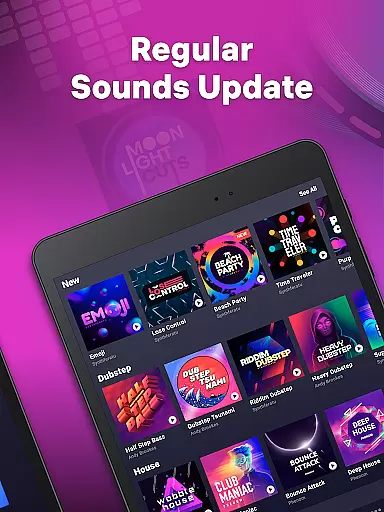
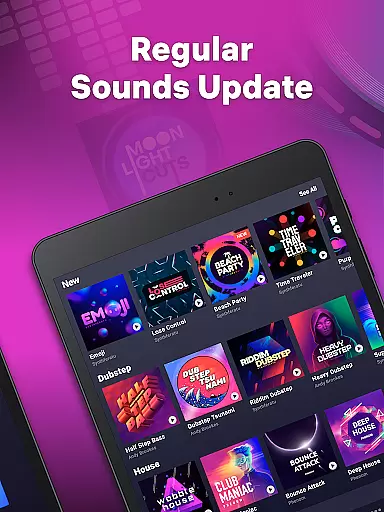
Drum Pad Machine offers an extensive music library that caters to various styles including Trap, Dubstep, EDM, House, Drum & Bass, Hip-Hop, Electro, and Future Bass. This wide selection ensures that users have access to a plethora of sounds and samples, all crafted by professional musicians.
The app guarantees the authenticity of its music content by providing professionally developed samples and sound packs. Users can trust the quality and legality of the music they are utilizing for their creations, ensuring a seamless music production experience without concerns about copyright infringement.
With this vast array of music at their disposal, users can experiment with different genres and sounds, thus enhancing their creative potential. The diversity within the music library allows both amateur and experienced music makers to produce tracks that resonate with their artistic vision.
Audio quality is paramount when producing music, and Drum Pad Machine excels in delivering pristine audio. The app provides high-quality audio output that captures every nuance of the beats and melodies created by the user, making each track sound polished and professional.
Users have the flexibility to adjust tempo and create sounds via the beatbox recorder, allowing for a personalized touch in their music production. These features ensure that the audio produced is not only of high quality but also aligns with the creator's intended style and rhythm.
In addition to superior audio quality, Drum Pad Machine supports various audio formats, catering to different user preferences and requirements. Whether it's for casual music creation or professional studio work, the app adapts to deliver optimal sound fidelity and clarity.
User-friendly interface
Wide variety of sound effects
Professional music samples
Detailed tutorials for beginners
Real-time music production
Limited free sound packs
Some features require in-app purchases
Occasional bugs in recording
High storage requirements
Internet connection needed for updates

Performance-Synthesizer & Multi-Track-Sequencer, polyphonic + multi timbral!
 4.70
4.70
DJ Music Mixer Pro is a real DJ controllers and DJ Music Studio to remix DJ.
4.40
Visualize the guitar fretboard, master scales & play through changes like a pro!
4.50
Learn to play the piano using falling notes!
3.80
No wifi music app. Mp3 offline. Tuner radio, young radio music. Music downloader
4.20
The official Sonos app
4.10
Let your Android device with the sound effects you want
4.50
Turn Every Moment into Music
3.60
Melody Beat: Great for travel, workouts, offline vibes, play your tunes anytime.
4.10
24,000 free audio books and no ads!
4.90
Most Advanced AI Song Generator and Music Creator. Rap, Pop, Rock, Gospel & more
4.70
Walkout Song DJ is the most intuitive app to manage your sports music.
4.70
Ultimate Sonos Controller
4.70
Over 100 million tracks available for high quality streaming and download
4.60
Guzheng Master supports many playing techniques as an acoustic Guzheng
4.50
10-Band Audio Equalizer, Sound / Bass Booster for Spotify Users & Music Players
4.40
Help you quickly get started with Shokz headphones
4.40
Smart piano keyboard, Classical to Pop, Real-time multiplayer connection!
4.20
USB audio recording and playback finally possible on Android 3.1 or higher!
3.90


User Reviews