
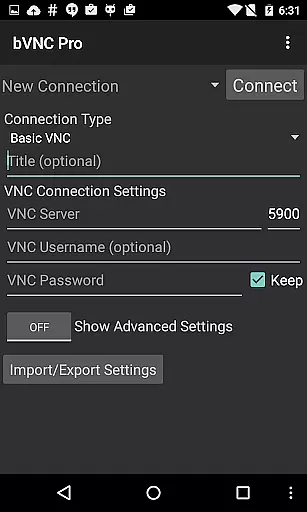
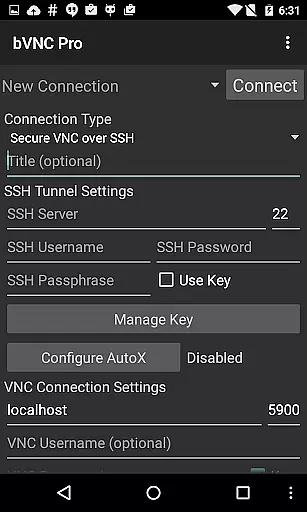
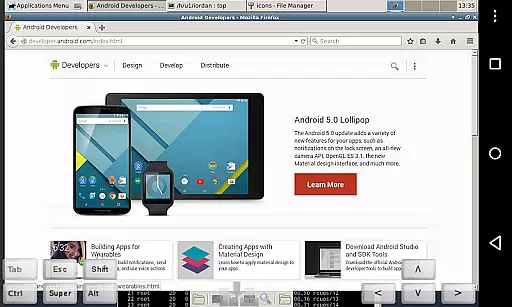
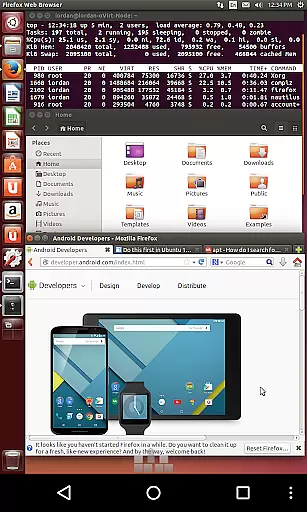
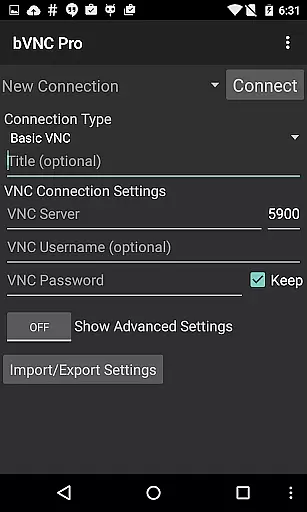
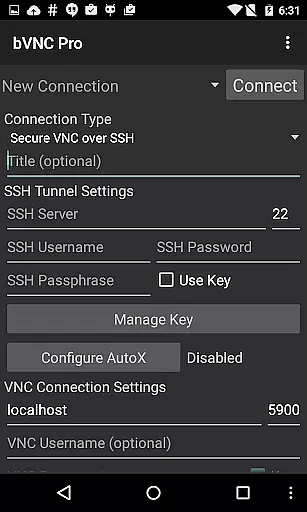
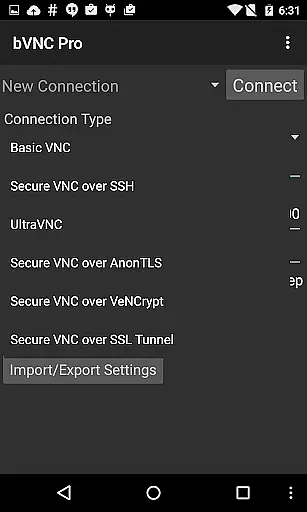
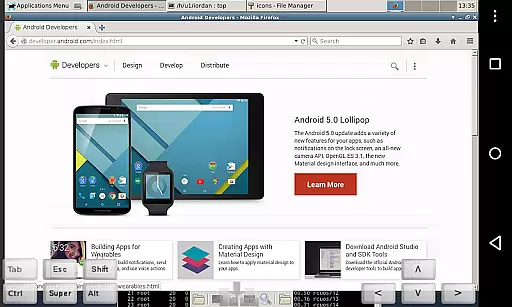
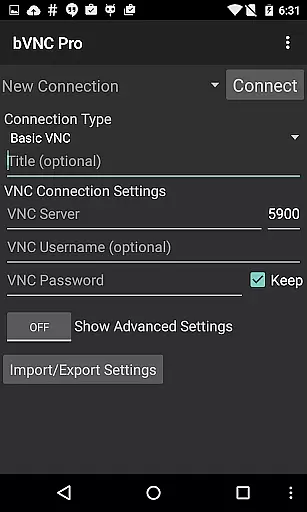
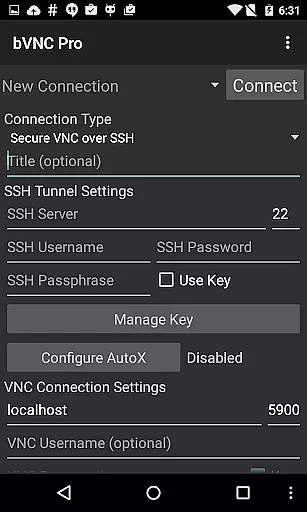
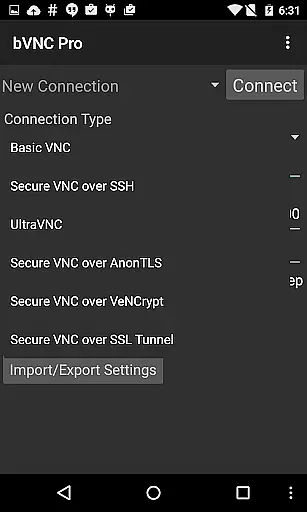
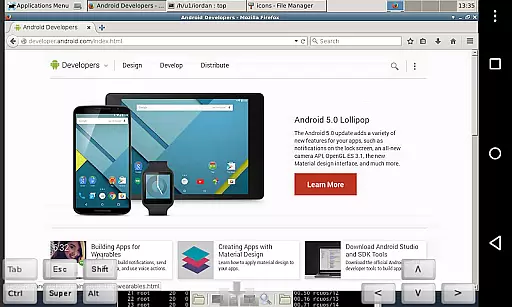
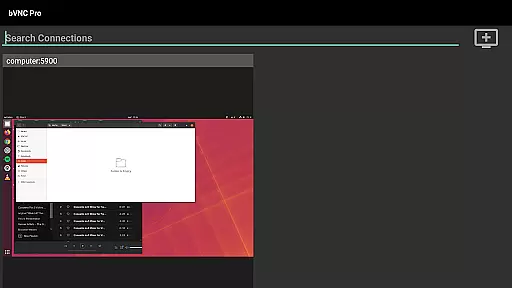
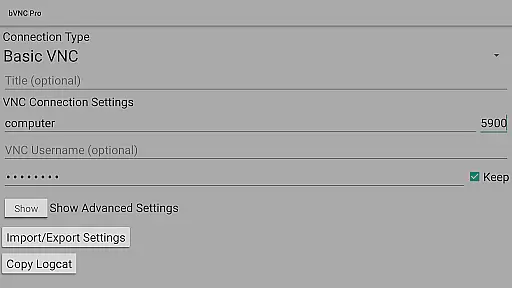
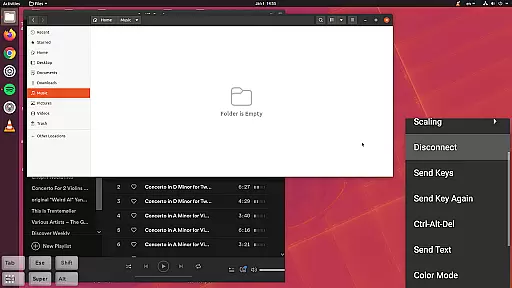
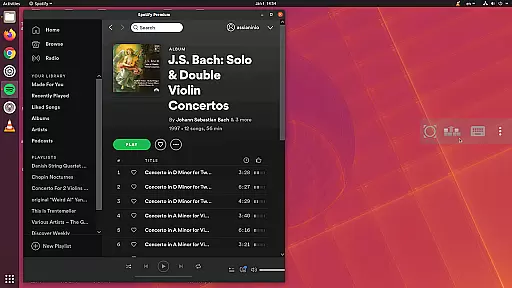
bVNC Pro: Secure VNC Viewer is a top-tier productivity tool designed for secure remote desktop access. This application allows users to connect to various operating systems including Windows, Mac, Linux, and others through VNC servers. With advanced security protocols like SSH tunneling and VeNCrypt, bVNC ensures that your connections remain private and protected from unauthorized access.
One of the standout features of bVNC Pro is its comprehensive multi-touch controls, which enable intuitive navigation of the remote desktop environment. Users can perform left, right, and middle clicks with simple finger taps, scroll with two-finger drags, and even pinch-zoom for better visibility. The app also supports dynamic resolution changes, allowing seamless interaction with virtual machines from BIOS to OS level. Whether you're managing servers or accessing a remote workstation, bVNC Pro provides the tools necessary for efficient and secure productivity.
bVNC Pro offers an array of sophisticated features tailored for power users seeking robust remote access solutions. The application supports multi-factor SSH authentication and master password functionality in its Pro version, adding an extra layer of security. Its compatibility with PiKVM and most VNC servers, including TightVNC, UltraVNC, TigerVNC, and RealVNC, makes it versatile for different use cases.
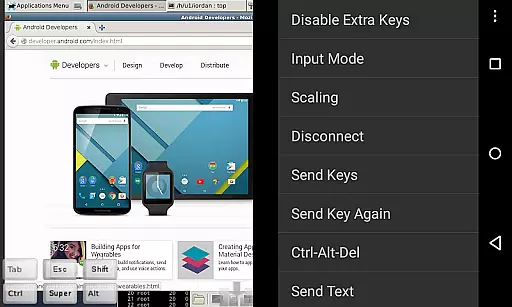
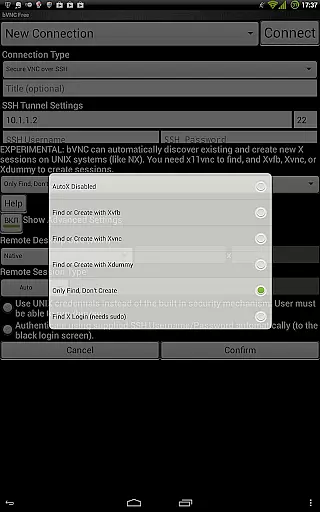
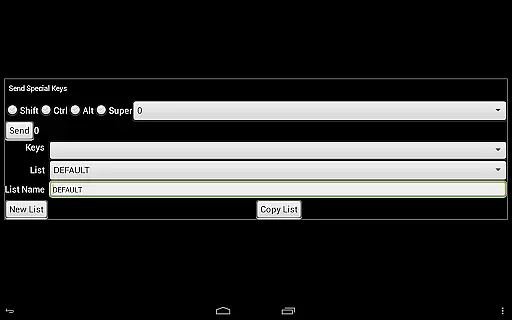
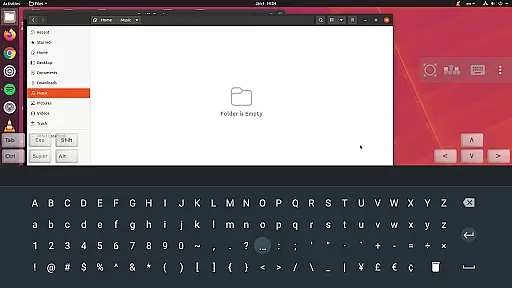
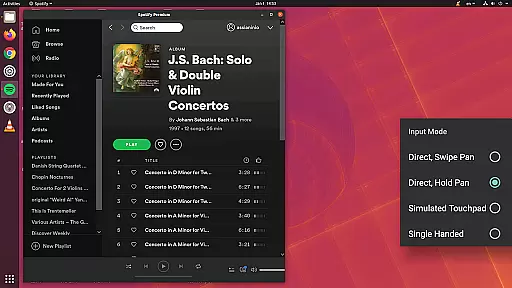
For enhanced usability, bVNC Pro includes several input modes such as Direct, Simulated Touchpad, and Single-handed modes. These options cater to diverse user preferences and scenarios, ensuring optimal control over the remote environment. Additionally, the app facilitates easy text input with stowable on-screen keys and hardware keyboard support. Features like AutoX session discovery, Tight and CopyRect encodings, and the ability to reduce color depth over slow links further enhance performance and efficiency, making bVNC Pro an indispensable tool for IT professionals and tech-savvy individuals alike.
bVNC Pro is not just a remote desktop application but also a powerful productivity tool designed to streamline core task management for users who need secure and efficient access to their systems.
The app supports multi-touch gestures, enabling users to perform complex actions such as left, right, and middle-button clicks with simple finger taps. This intuitive control scheme ensures that managing tasks on a remote desktop is as seamless as working on a physical machine.
With features like dynamic resolution changes and full rotation, bVNC Pro allows users to reconfigure their desktop environments on the fly, ensuring optimal productivity regardless of the device they are using.
Additionally, the inclusion of SSH tunneling and high-grade encryption provides a secure environment for task management, protecting sensitive data from potential security threats.
In today's interconnected world, reliable cross-device synchronization is crucial for maintaining workflow efficiency. bVNC Pro excels in this area by offering consistent and dependable access across multiple devices.
Whether you're switching between a Windows, Mac, Linux, or even a PiKVM setup, bVNC Pro ensures that your sessions remain synchronized and up-to-date. This compatibility eliminates the hassle of adjusting settings when transitioning between different operating systems.
The Pro version further enhances synchronization reliability with advanced features like master password support and multi-factor SSH authentication, providing an extra layer of security while maintaining session integrity.
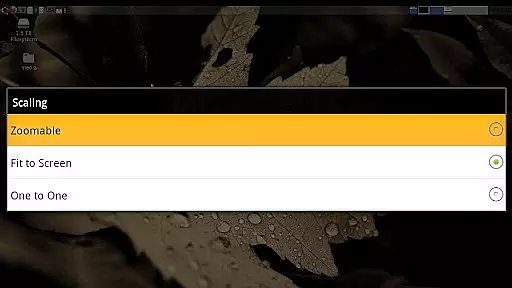
Moreover, the ability to import encrypted RSA keys in PEM format and the availability of various scaling modes ensure that users can customize their experience to fit their specific needs, making cross-device management both flexible and reliable.
Secure connections
Multi-touch controls
Dynamic resolution
High-grade encryption
Versatile compatibility
No RealVNC encryption
Complex setup
Paid Pro features
Limited UI customization
Requires technical knowledge

QuickBooks Workforce lets teams view pay info and track time in one place.
 4.70
4.70
Wake up & get tasks done! Add alarms & reminders on the Clock Launcher.
4.00
Protect and view your important info on your phone and tablet with eWallet®
4.80
Fill, sign & send docs, forms, agreements & contracts via electronic signature.
4.50
Calendar 2023 widget for Android. Appointment scheduler, planner, and reminder
4.60
Code on-the-go with VScode for Android. Edit,debug and collaborate from mobile!!
3.10
A beautiful digital clock with autostart and many other functions
4.70
Understand anything with a personalized AI research assistant
4.80
Put a lock on your cloud: Take the security of your data into your own hands
3.70
Native client for Forgejo and Gitea
5.00
Multilingual translator for text, voice, and image translation!
4.90
Use powerful, industry-leading AI tools to generate visual charts from any data
4.80
To do list widget with a notebook organizer, checklist, simple shopping list
4.60
Translate text/voice/photos in 150+ languages. Offline & fast translator app.
4.50
CalenGoo is a very flexible and feature-rich calendar app
4.40
Ultimate Virtual AI Character for immersive Roleplay Chat. Perfect Companion
3.90
Mega cloud explorer plugin for Solid Explorer
3.80
Make your handwriting beautiful, even more than pen on paper.
3.60
The upgraded version of Name Wheel with AI and the power to add your own wheels.
4.3


User Reviews