
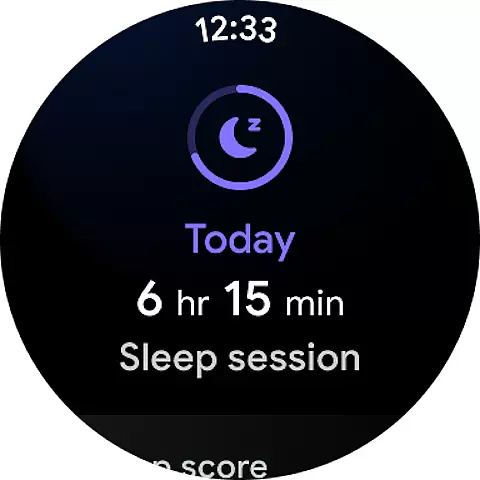
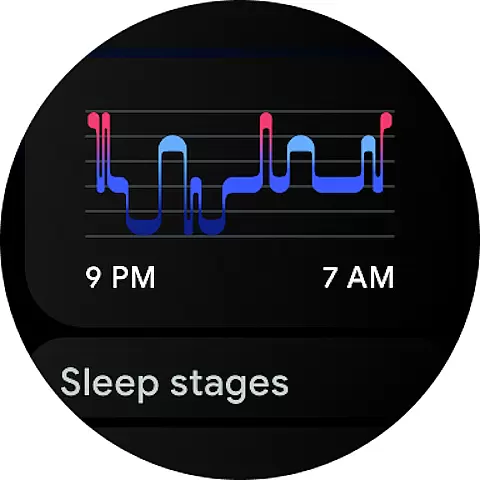
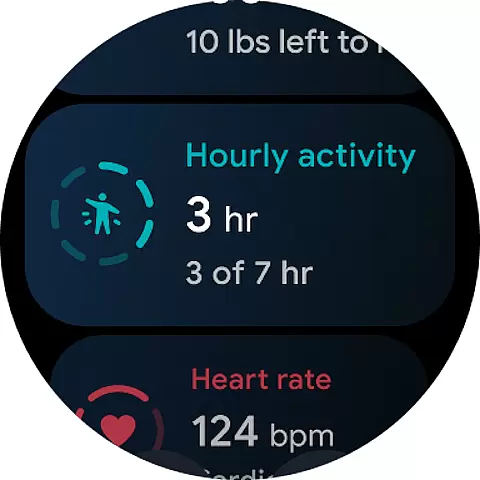
Fitbit is a comprehensive health and fitness app designed to help users monitor and improve various aspects of their well-being. The app tracks health, fitness, and sleep statistics, allowing users to set and adjust goals as their routines evolve. With the integration of wearable devices like Fitbit trackers or smartwatches, users can gain deeper insights into their activity, sleep patterns, nutrition, and stress levels.
One of the standout features of Fitbit is its ability to provide personalized content that motivates users to stay active. Whether it's through guided workouts for HIIT, cardio, strength training, running, biking, or yoga, Fitbit offers a variety of sessions that cater to different fitness levels and preferences. Additionally, the app includes tools for tracking heart health, improving sleep quality, managing stress, and maintaining a balanced diet.
For those looking to maximize their fitness journey, Fitbit Premium offers advanced guidance and insights. This subscription service provides users with a Daily Readiness Score, a library of workout videos led by expert trainers, mindfulness sessions, detailed sleep analysis, and access to healthy recipes. Overall, Fitbit serves as an all-in-one solution for individuals committed to enhancing their overall health and wellness.
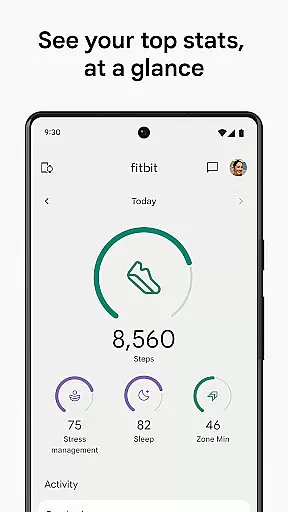
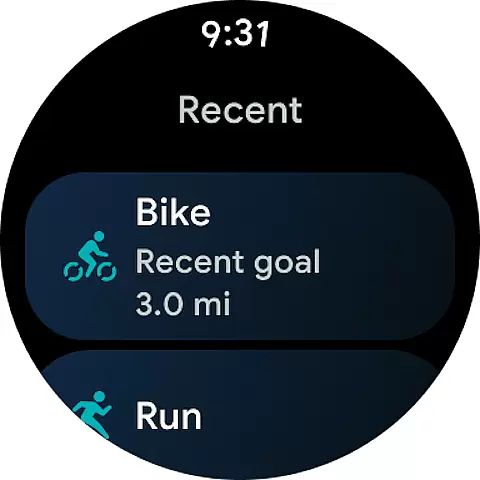
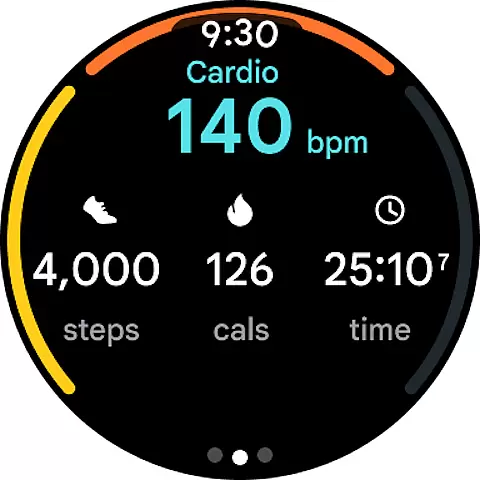
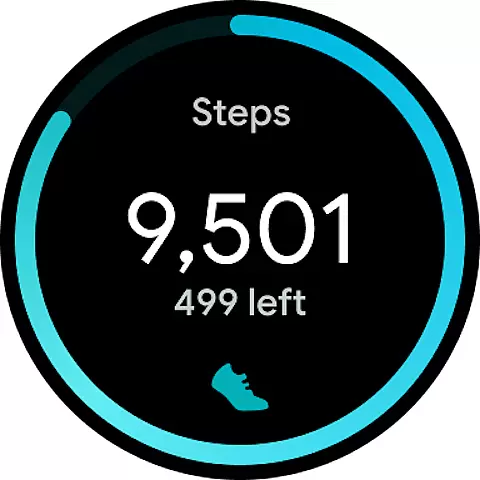
Fitbit boasts a wide array of features that cater to various aspects of health and fitness. One of its primary functionalities is activity tracking, which allows users to monitor steps, distance, heart rate, calories burned, and Active Zone Minutes. By pairing with a Fitbit tracker or Wear OS by Google smartwatch, users can access these stats easily through tiles and complications on their devices.
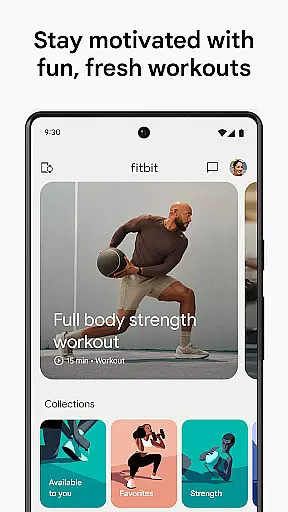
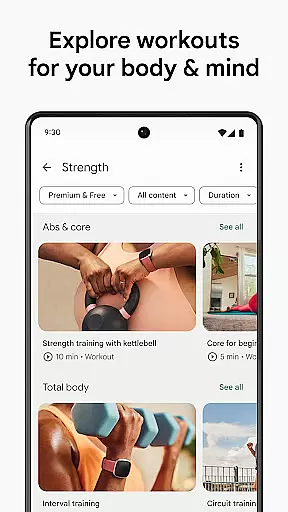
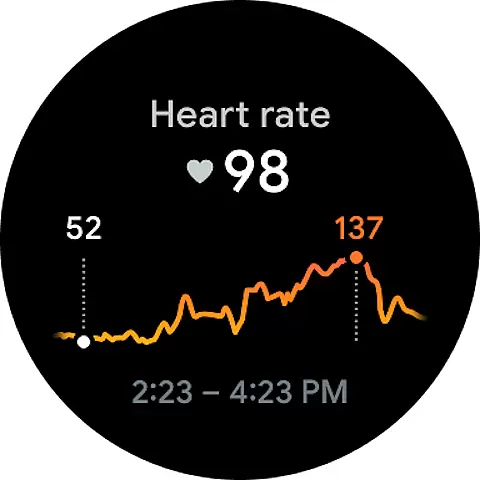
The app also functions as a personal fitness planner. Users can set specific goals and track their progress over time. Fitbit offers a curated selection of audio and video workouts covering HIIT, cardio, strength training, running, biking, and yoga. These workouts are designed to be done at home, providing flexibility and convenience. Furthermore, Fitbit helps users manage their heart health by continuously monitoring heart rate and offering insights into resting heart rate trends and workout intensity zones.
Sleep tracking is another significant feature of Fitbit. It measures sleep duration, sleep stages, and restlessness, helping users understand and improve their sleep quality. The app also includes stress management tools such as mindfulness sessions, meditation guides, and breathing exercises. For dietary needs, Fitbit provides easy-to-use tools for logging meals and water intake, ensuring users maintain a balanced diet. With Fitbit Premium, users gain access to additional resources like personalized workout recommendations, a comprehensive mindfulness library, and detailed sleep analysis.
Fitbit offers seamless companion app integration, ensuring that your health and fitness data is always in sync across devices. By pairing with a Fitbit tracker or smartwatch, users can access detailed stats on steps, heart rate, sleep patterns, and more directly from their smartphone.
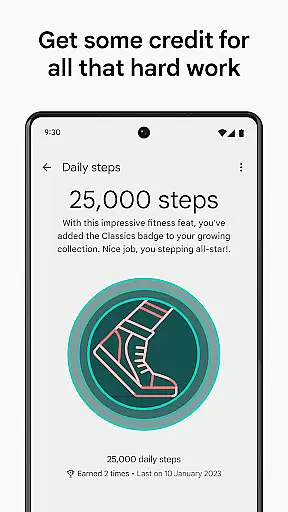
The app serves as a comprehensive fitness planner, allowing you to set goals and track progress effortlessly. With features like Active Zone Minutes and calorie tracking, Fitbit ensures that every aspect of your physical activity is recorded and analyzed for optimal results.
One of the standout benefits of this integration is the ability to bring the gym experience home. The app provides curated audio and video workouts covering HIIT, yoga, running, and other activities, all accessible at your convenience. This makes it easier than ever to maintain an active lifestyle regardless of your location.
Fitbit's compatibility with Wear OS by Google enhances its functionality, offering users a versatile platform for managing their health metrics. Whether using a Fitbit device or another Wear OS smartwatch, the app delivers consistent performance and reliable data tracking.
This compatibility extends to various health monitoring features such as continuous heart rate tracking and sleep analysis. Users can monitor their heart rate trends, sleep stages, and even stress levels through integrated tools designed to promote overall well-being.
Additionally, Fitbit supports essential permissions during setup, enabling advanced functionalities like handling calls and texts directly from compatible wearables. This ensures that users remain connected without needing to reach for their phones, providing both convenience and enhanced productivity throughout the day.
User-friendly interface
Comprehensive health tracking
Variety of workout options
Detailed sleep analysis
Premium content library
Premium subscription costly
Device compatibility issues
Limited free features
Battery drain on wearables
Occasional syncing problems

an Analog Watch Face for winter season with freeze winter background for Wear OS
 4.2
4.2
Wear Os Watch Face - Animated Snow - Sesonal for Christmas & Winter
4.2
Christmas is near, let's count together the days left until Santa comes
4.5
Artistic Digital Watchface
4.5
sleep, alarm, snoring, stress, healing, focus, sound therapy, circadian rhythm
4.10
The ultimate destination for kids ages 3-8 to explore the Marvel Universe!
4.30
The #1 source of faces for your smartwatch!
4.00
Hybrid Vibrant Health Watch Face for Wear OS
4.3
Back up your contacts & access them anywhere
4.30
Beautiful, colorful and practical watch face. For Wear OS devices.
5.00
A modern hybrid informative watch face for Wear OS designed by BALLOZI
4.80
Ideal for surviving in the wasteland left after nuclear fallout
4.50
Digital watch face. For Wear OS devices.
4.40
A white realistic classic analog watch face with many customization options.
4.40
Christmas watch face. For Wear OS devices.
4.30
A digital watch face that celebrates Christmas.
4.00
Viewer for Wyze/Yi/Eufy/Arlo/ONVIF/RTSP/P2P IP cams w/ adv. features & DIY DVR
4.00
Animated Watch Face and Customizable with 24 Backgrounds. Perfect for Christmas!
3.90
Precision analog watch face with 7 complications and style options
4.3


User Reviews