
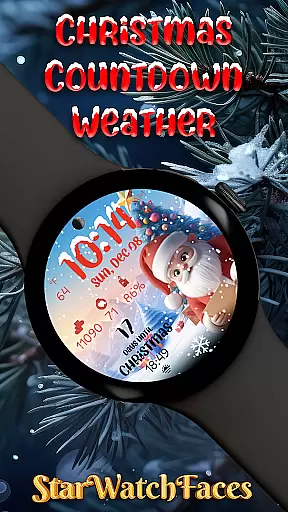
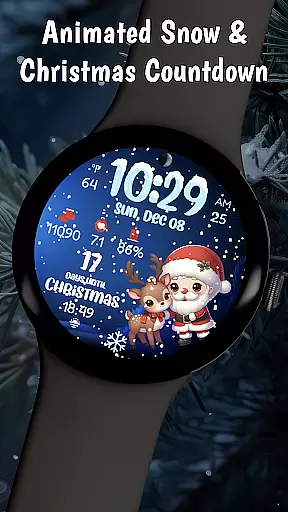

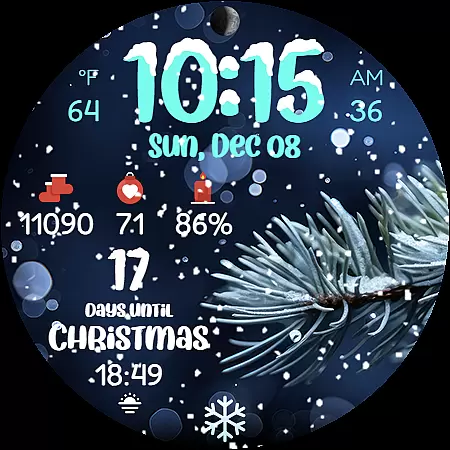
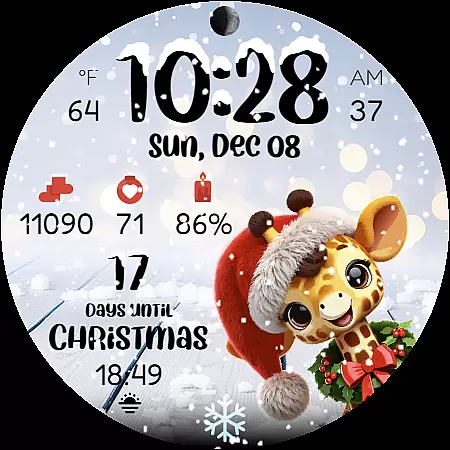
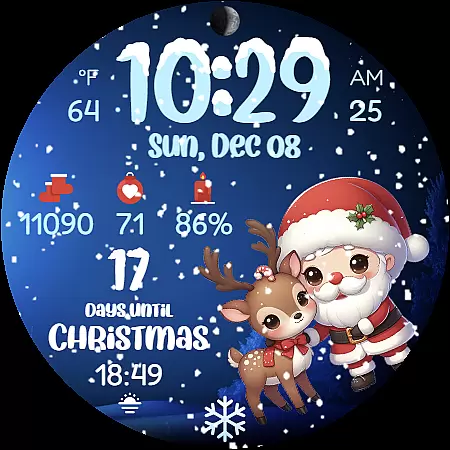
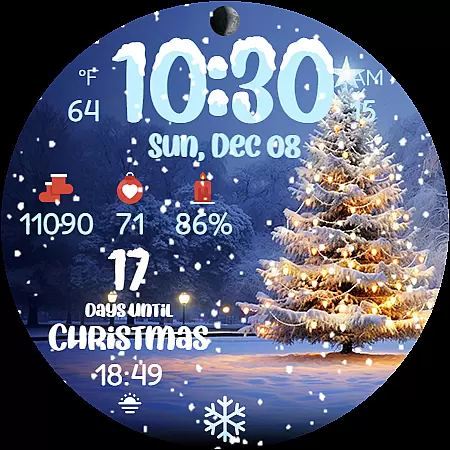
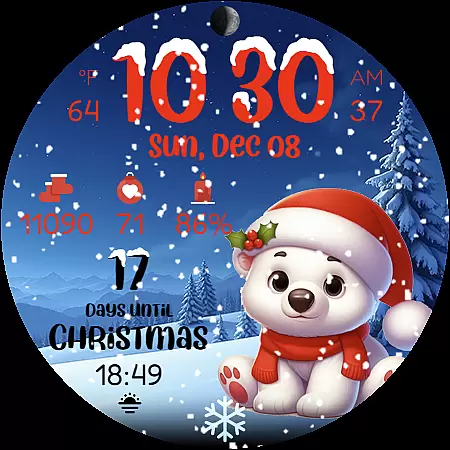
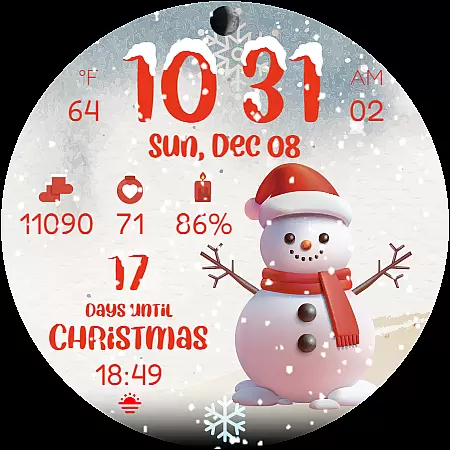
Christmas Countdown Weather is a feature-rich holiday watch face designed specifically for Wear OS smartwatches. This application transforms your wearable device into a magical Christmas companion, bringing festive cheer right to your wrist.
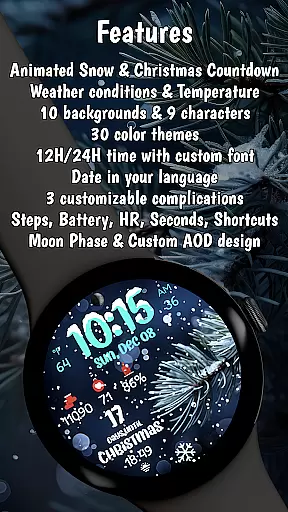
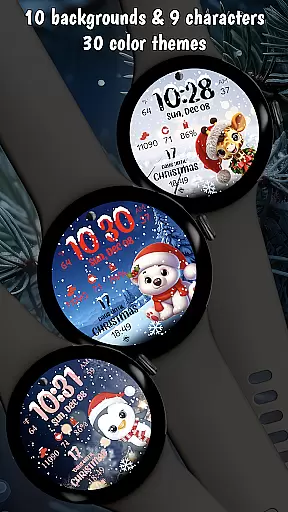
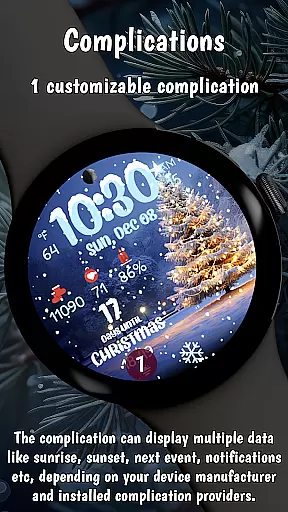
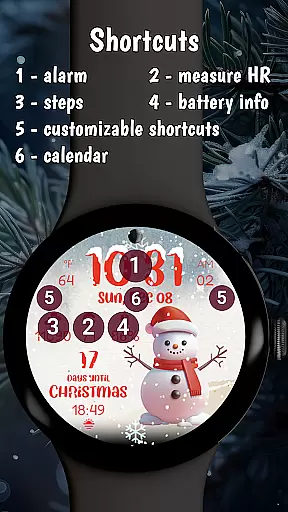
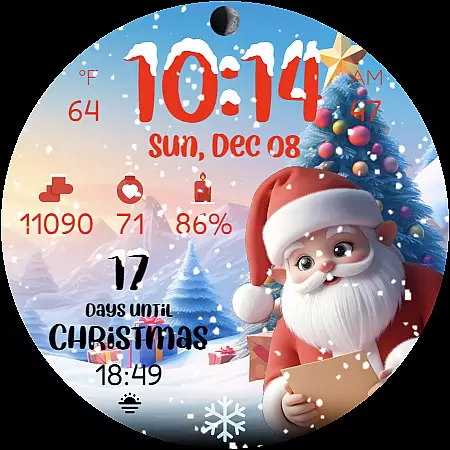
The app's core functionality revolves around a beautiful Christmas countdown timer that displays the exact number of days until Christmas. It also features 9 adorable Christmas characters, animated snowfall effects, and 10 customizable festive backgrounds. Beyond its holiday spirit, the watch face includes practical smart features like weather display, step counter, heart rate monitoring, and battery indicator - all optimized for latest Wear OS versions.
This application is particularly valuable for Christmas enthusiasts who want to combine holiday excitement with smartwatch functionality. Whether you're tracking Santa's arrival or monitoring your steps during holiday shopping, this watch face makes every moment until Christmas special while maintaining essential smartwatch utilities.
Christmas Countdown Weather stands out with its comprehensive set of holiday-themed features. The application offers an enchanting collection of visual elements including multiple background choices featuring decorated Christmas trees and snowy landscapes, complemented by mesmerizing animated snowfall effects that create a cozy winter atmosphere on your watch face.
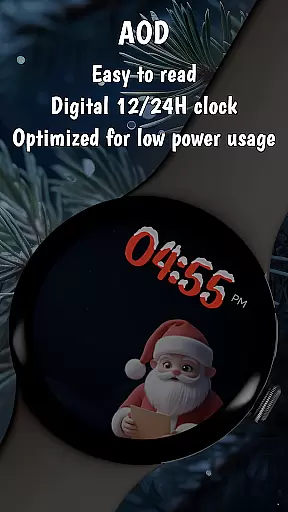
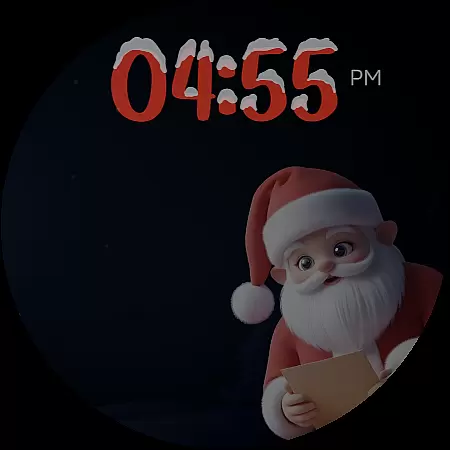
What makes this app truly unique is how it combines festive elements with practical smartwatch functions. Users can enjoy a clear digital clock with snowy accents alongside weather conditions, temperature display, and health monitoring features like step counter and heart rate monitor. The implementation of battery-saving AOD (Always-On Display) mode demonstrates the developer's attention to both functionality and energy efficiency.
The customization options are extensive, allowing users to personalize their experience through various color themes and character selections. Each of the 9 Christmas companions brings its own charm, while the ability to display information in different formats (12/24-hour time, device language date) ensures compatibility with user preferences. These features collectively create a perfect blend of holiday spirit and smartwatch utility.
Companion app integration is essential for wearable devices to extend their functionality and provide a seamless user experience. Christmas Countdown Weather excels in this area by offering a robust companion app that works in harmony with the watch face.
The companion app allows users to customize various aspects of the watch face, including background images, characters, color themes, and complications. This level of customization ensures that each user can tailor the watch face to their personal preferences, making it truly their own.
By simply pressing and holding on the display and then tapping the Customize button, users gain access to a wide array of options. This intuitive process empowers users to modify the watch face without any hassle, enhancing their overall experience.
Moreover, the companion app serves as a portal to discover other amazing watch faces crafted by the same developer. It enriches the ecosystem, providing users with more choices and keeping their wearable devices fresh and exciting throughout the holiday season.
Compatibility with Wear OS and various devices is crucial for apps like Christmas Countdown Weather to ensure they reach a wide audience and function correctly across different platforms. This watch face is optimized for the latest Wear OS versions, guaranteeing a smooth performance during all holiday activities.
Built using the latest WFF format, Christmas Countdown Weather boasts an energy-efficient design that conserves battery life while delivering high-quality visuals and animations. The inclusion of battery-saving AOD (Always-On Display) mode further extends usability, allowing users to enjoy the festive designs without worrying about frequent charging.
While the watch face supports a variety of smartwatch models, some features may vary depending on the device's capabilities. For instance, weather display requires a device with weather support. However, these variations do not detract from the core experience but rather adapt to provide the best possible interaction based on individual device specifications.
Whether you're using a top-of-the-line model or an older version, Christmas Countdown Weather ensures that every user can partake in the holiday cheer, combining seasonal aesthetics with practical smart functionality tailored to each device's strengths.
Beautiful Christmas countdown
Festive character selection
Optimized battery usage
Weather integration
Customizable backgrounds
Wear OS specific
Feature limitations
Premium pricing
Device compatibility
Complex settings

A full-featured Amazon Alexa voice assistant that can show you things.
 3.70
3.70
Beautiful, colorful and practical watch face. For Wear OS devices.
5.00
A modern premium sporty hybrid watch face for Wear OS by Ballozi
4.70
Kia Access makes getting your vehicle information easier than ever
4.60
Reliable phone calls with spam protection, caller ID and more helpful features
4.40
A digital watch face that celebrates Christmas.
4.00
A white realistic classic analog watch face with many customization options.
4.40
Your local weather forecast, storm tracker, radar maps & live weather news
3.40
Track airplanes and follow flights with our real-time flight tracker
4.50
A modern hybrid informative watch face for Wear OS designed by BALLOZI
4.80
Real-time results, stats, schedules and player profiles for all leagues
4.60
Connect to your Bluelink equipped Hyundai vehicle from your smartphone.
4.50
Current temperature, weather hourly, weather radar by the weather forecast app
4.40
Digital watch face. For Wear OS devices.
4.40
Your music, your playlists, and more—offline and unlimited.
4.20
Get helpful reminders, take progress photos and find answers to your questions.
3.90
A watch face that fuses motorsport precision with contemporary smartwatch design
4.5
Stylish digital watch face for Wear OS devices with customizable features
4.2
Minimalistic design modern digital watch face.
4.2


User Reviews