
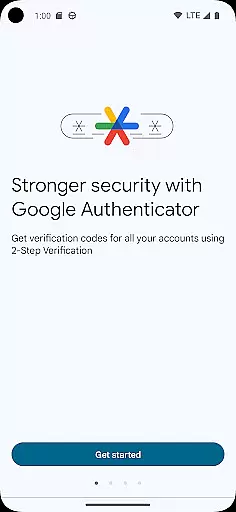
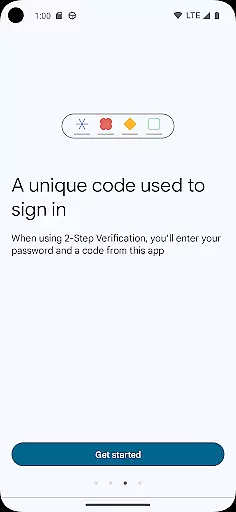
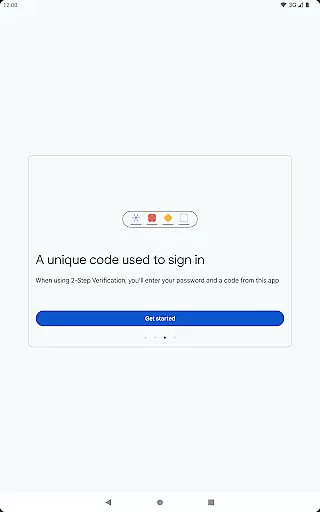
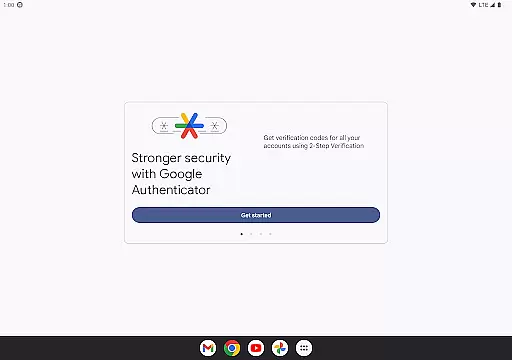
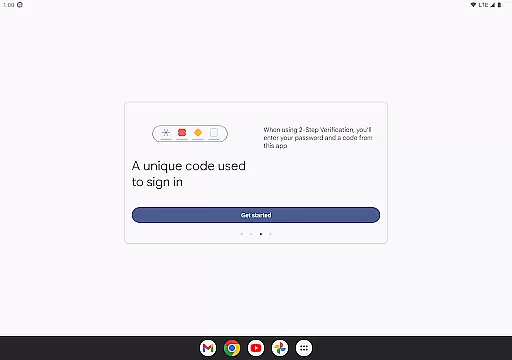
Google Authenticator is a security tool that provides an additional layer of protection for your online accounts through two-step verification. When signing in, users must enter both their password and a unique code generated by the app on their mobile device. This ensures enhanced account security even if passwords are compromised.
The app operates independently of network connectivity, generating time-based or counter-based codes directly on your phone. It supports syncing across devices via your Google Account, automatic setup using QR codes, and management of multiple accounts. These features make it an essential tool for anyone seeking to strengthen their online security while maintaining convenience and accessibility.
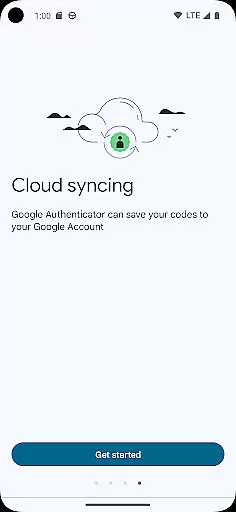
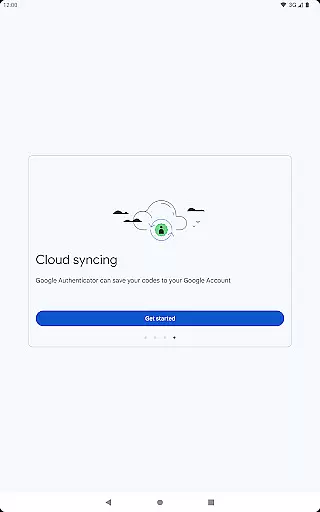
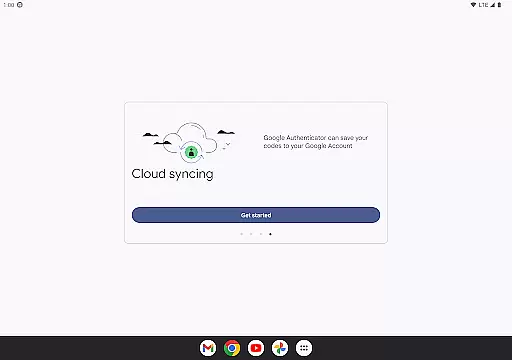
Google Authenticator offers several key features that enhance its functionality as a security tool. The app allows users to sync their authentication codes across multiple devices through their Google Account, ensuring access even if their primary device is lost or damaged. This cloud-based backup system provides peace of mind and continuity in account security.
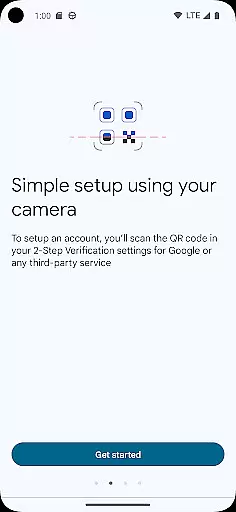
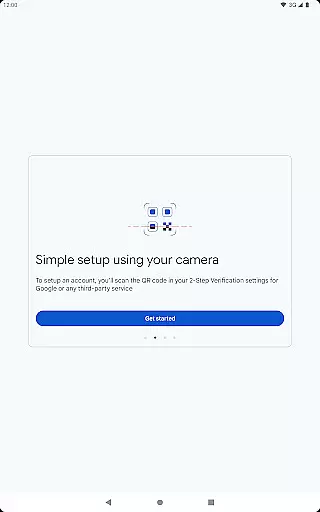
The application supports quick and accurate account setup through QR code scanning, eliminating manual entry errors. It accommodates both time-based and counter-based code generation methods, catering to different user preferences and security requirements. Additionally, the ability to transfer accounts between devices using QR codes makes upgrading phones or switching devices seamless and secure.
With support for multiple accounts, users can manage all their two-factor authentication needs within a single interface. This consolidation simplifies the login process across various services while maintaining robust security standards.
Google Authenticator excels in providing highly accurate and effective two-factor authentication. The app generates time-based or counter-based codes that serve as the second verification layer for your online accounts, ensuring that only authorized users can gain access.
The core functionality of Google Authenticator lies in its ability to produce unique, time-sensitive codes even without an internet connection. This offline capability guarantees that users can always authenticate their identity, regardless of network availability, making it a reliable tool for enhancing account security.
By integrating with various online services through QR code scanning, the app simplifies the setup process while maintaining high-security standards. Users can easily add multiple accounts, each with its own verification codes, streamlining the login process across different platforms.
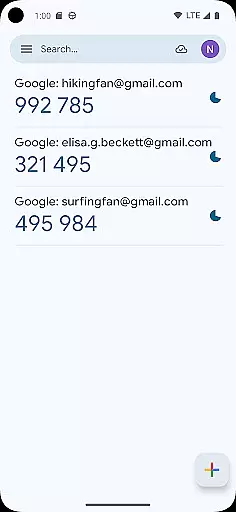
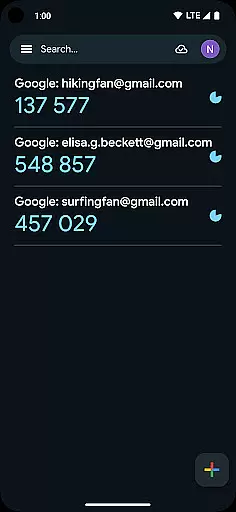
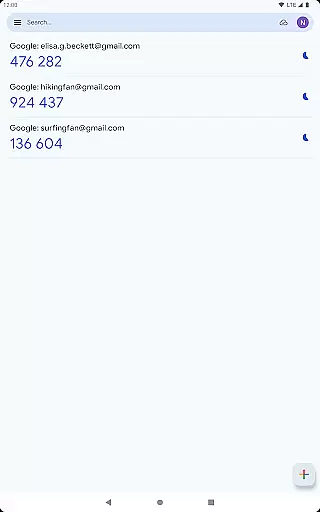
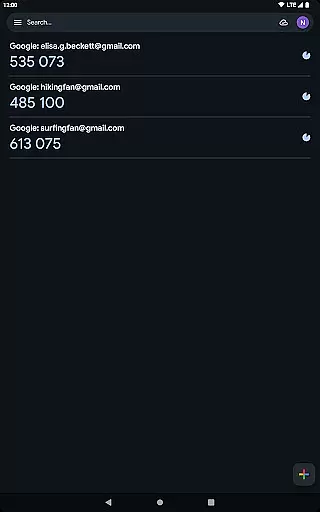
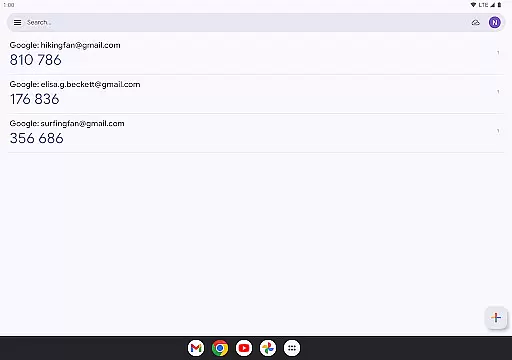
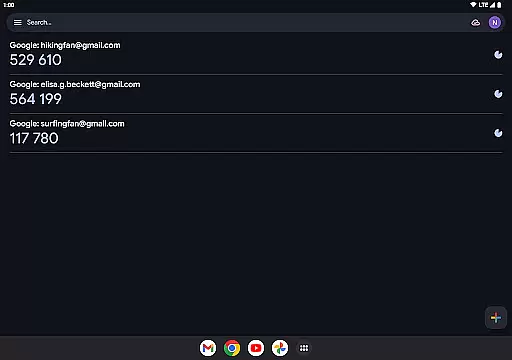
The interface of Google Authenticator is designed with simplicity and user-friendliness in mind. Upon opening the app, users are greeted with a straightforward display showing all their linked accounts along with the current verification codes. This minimalistic approach ensures that users can quickly find and enter the required code without any confusion.
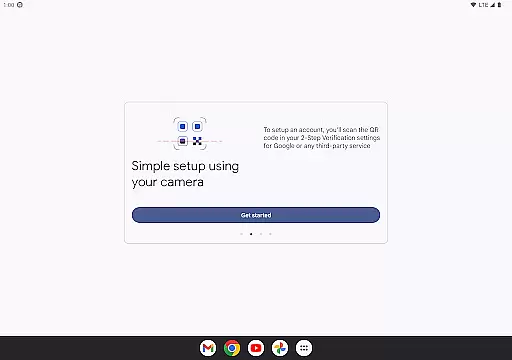
Adding new accounts is an intuitive process thanks to the app's support for QR code scanning. By simply pointing the phone's camera at the provided QR code during account setup, users can instantly link their accounts to the app. This eliminates manual entry errors and speeds up the configuration process significantly.
Despite its powerful security features, Google Authenticator maintains an accessible interface suitable for both tech-savvy individuals and those less familiar with digital tools. The clear presentation of information and lack of unnecessary complexities make it an ideal choice for anyone looking to enhance their online security effortlessly.
Enhanced Security
Offline Code Generation
Multi-Device Syncing
Easy Account Setup
Multiple Account Support
No Built-in Backup
Limited Customization
No Desktop Version
Manual Entry Required
Occasional Sync Issues

A recovery soft,it features photo recovery, video recovery, file recovery.
 3.40
3.40
Fluid navigation gestures for all of us!
4.30
Carry a FTP server in your pocket and avoid USB cables for file transfer
4.20
card-reader app
2.20
Smart and comfortable browsing experience.
3.80
Play your X-Box games remotely in 1080p with any controller and zero latency
4.60
The ultimate tool for network analysis, wifi scanning and problem detection.
4.90
Game Booster, GFX Tool is now compatible with newer game update
4.50
Clean up large files and similar photos, fast and easy to use
4.40
Extremely fast, secure, and protects your privacy
4.80
Learn the vast amount of system information about device and monitor it's state
4.70
Canon PRINT is a companion app for your Canon printer.
4.60 4.50
4.50
Head tracking for PC sim games such as MSFS 2024 or Elite:Dangerous. No headset!
4.50
A simple app to back up and restore SMS & MMS messages and call logs.
4.10
Family Locator, Share location, StayConnect with your family in real time
3.90
Create your own live wallpaper or check out thousands already made presets
3.90
This app unlocks the Pro features of the Central for DayZ app
3.60
Unlock your Essential Key. Create custom shortcuts to your favorite apps!
4.1


User Reviews