
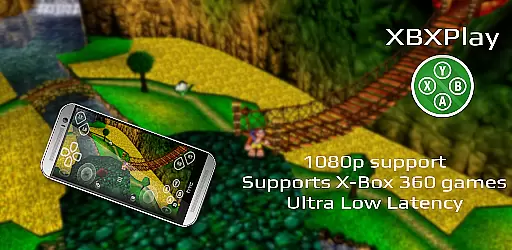
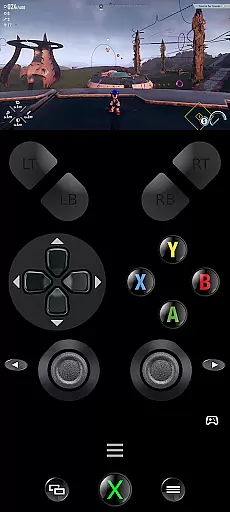
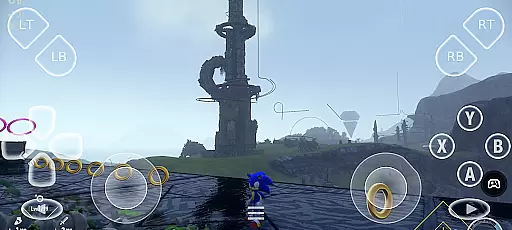
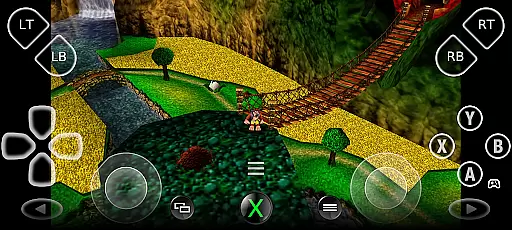
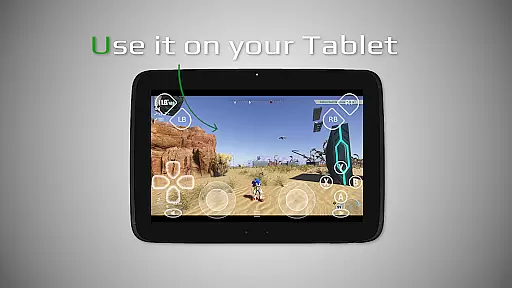
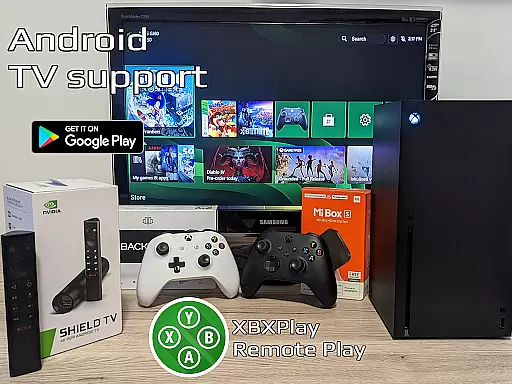

XBXPlay is a powerful remote control application designed specifically for X-Box Series X/S, X-Box One (X/S), and even X-Box 360 consoles. The app allows users to stream their favorite games in full 1080p resolution directly to their mobile devices, providing an unrestricted gaming experience from anywhere. With advanced features like customizable onscreen gamepad layouts, manual bitrate adjustments, and support for third-party controllers, XBXPlay ensures optimal performance with minimal latency.
One of the standout capabilities of XBXPlay is its ability to function as a virtual gamepad for your console, enabling gameplay without the need for a physical controller. It also supports unique functionalities such as Picture-In-Picture mode and Multi-Window operations, making it versatile for multitasking gamers. Whether you're playing modern titles or revisiting classics via backward compatibility, XBXPlay delivers a seamless streaming experience tailored to both casual and hardcore players.
The app's optimization for low-latency streaming, combined with hardware recommendations like dual-core CPUs and 5GHz WiFi connections, ensures smooth gameplay sessions. Additionally, XBXPlay fosters community engagement through platforms like Reddit while offering comprehensive support resources for troubleshooting and feedback. This makes it not only a practical tool but also a hub for enthusiasts seeking innovative ways to enhance their gaming setup.
XBXPlay distinguishes itself through several cutting-edge features that elevate the remote gaming experience. First and foremost, the app supports 1080p streaming, surpassing the limitations of the official X-Box Remote Play application. This higher resolution ensures sharper visuals and more immersive gameplay when accessing your console remotely. Furthermore, XBXPlay extends compatibility to include X-Box 360 games, broadening the range of playable titles beyond what other solutions offer.
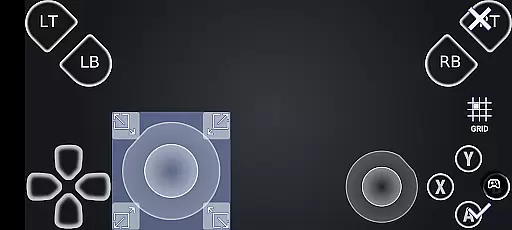
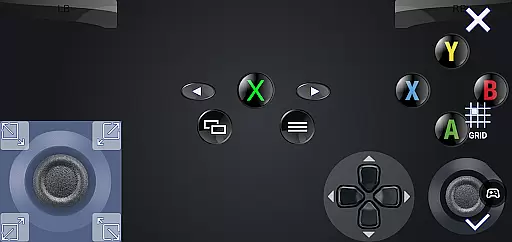
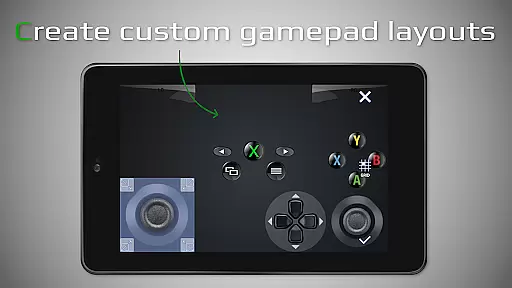
Another key feature is the fully customizable onscreen gamepad layout. Users can design personalized control schemes that cater to specific games, enhancing precision and comfort during extended play sessions. The inclusion of native USB-OTG support and gamepad button mapping adds another layer of flexibility, accommodating various input devices. Moreover, functionalities like Picture-In-Picture mode and Multi-Window support make multitasking effortless, allowing users to manage multiple apps simultaneously without interrupting their gaming session.
XBXPlay also emphasizes performance optimization by supporting manual bitrate adjustments and prioritizing low-latency streaming. These technical enhancements ensure minimal delays between actions performed on the device and their reflection on the console screen. Coupled with robust hardware recommendations—such as dual-core processors, high-speed internet connections, and 5GHz WiFi—the app guarantees a consistently reliable experience across different network conditions.
XBXPlay excels in delivering accurate and effective core functionalities that cater to remote gaming needs. The app supports 1080p streaming, ensuring high-quality video transmission without limitations. This resolution support, combined with optimized low-latency streaming, guarantees a seamless experience for users who wish to play their favorite Xbox games remotely.
One of the standout features is the ability to adjust the bitrate manually, allowing users to customize their streaming quality based on their internet speed. This flexibility ensures that players can enjoy uninterrupted gameplay, even when using mobile data connections. Additionally, XBXPlay's support for Xbox 360 games broadens its compatibility, making it a versatile tool for gamers.
The inclusion of a customizable on-screen gamepad layout further enhances the app's effectiveness. Users can create personalized control schemes that suit specific games, improving both comfort and performance. This level of customization not only meets but often exceeds the expectations of avid gamers looking for precision and adaptability in their remote play sessions.
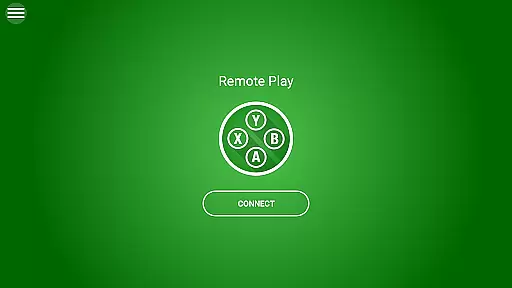
XBXPlay offers an interface that balances simplicity with intuitiveness, catering to both novice and experienced users. Upon launching the app, users are greeted with a clean layout that prioritizes essential functions such as connecting to an Xbox console and initiating game streams. This straightforward design eliminates unnecessary complexity, enabling quick access to desired features.
A key aspect of the app's intuitive nature is its full-screen support, which removes distracting black bars and maximizes the viewing area. This feature, coupled with Picture-In-Picture mode and Multi-Window support, provides a flexible user experience that adapts to various usage scenarios. Whether playing games or multitasking, users can seamlessly switch between different tasks without losing focus on their primary activity.
Furthermore, XBXPlay includes native USB-OTG support and gamepad button mapping, enhancing the overall usability of the application. These features simplify the connection process for third-party controllers and ensure that physical inputs translate accurately within games. By combining these elements, XBXPlay delivers an interface that is not only easy to navigate but also rich in functionality, providing a satisfying user experience across different devices and configurations.
Full HD Streaming
Customizable Controls
Low Latency
Wide Compatibility
Advanced Features
No Microphone Support
Firmware Dependency
High Hardware Needs
Limited Official Endorsement
Internet Reliance

FV File Manager Pro, Fast and powerful file manager for Android
 4.60
4.60
Forza Tuning Calculator App for Forza Horizon 5, Motorsport and Earlier Titles
4.40
An easy-to-use calculator designed to save time calculating and bending conduit
4.30
Excellent scientific calculator with symbolic algebra, integrals, derivatives
4.80
Pro Emulator is an easy to use game console emulator for a range of consoles.
4.40
Creation, Learning, Entertainment & More — The All-in-One AI Search Engine
4.70
Clean up your phone, find files, play media, and share files offline
4.50
Fast VPN USA for any country. Super secure VPN for calls, streaming, games, TV.
4.40
fast and easy mp3 music downloader
4.80
Easily install aab(Android App Bundle) files on your Android device with our app
4.80
ADB support Android 4.X-Android 13(Support wireless pair mode).No root required!
4.70
Connect instantly to a fast, encrypted VPN with one tap
4.60
Planner and Tracker for Stardew Valley
4.60
Remote for Roku, Fire TV, Samsung TV, LG TV, Android TV, Chromecast and VIZIO TV
4.20
Effortlessly run ADB commands directly on your device without a PC.
4.20
Screen Mirroring with sound for Samsung TV, LG TV, Sony TV, Smart TV and Browser
4.20
View detailed information about your Nissan Leaf the dealer never shows you.
4.10
Fun lie-detection pranks for friends and parties.
3.80
A non-root local ADB shell client. READ BELOW!
3.40


User Reviews