
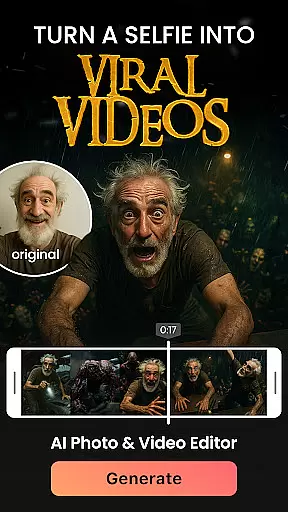

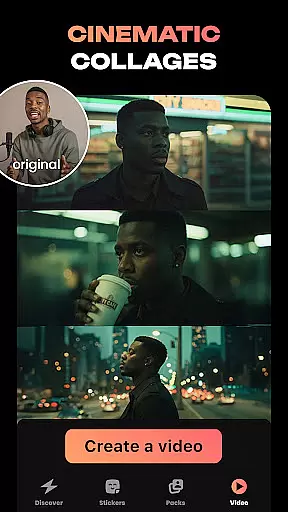
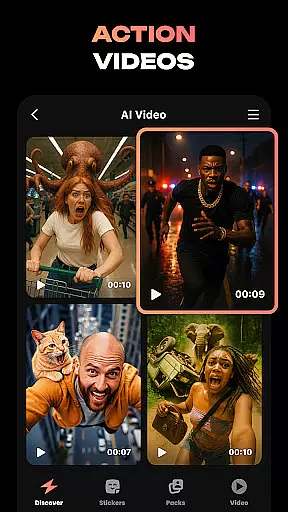
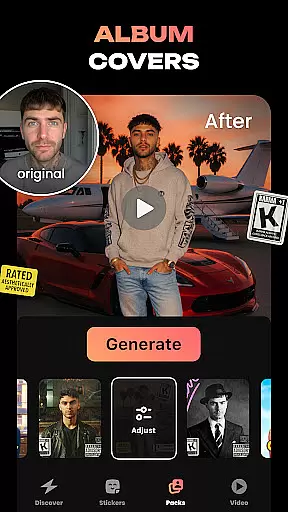
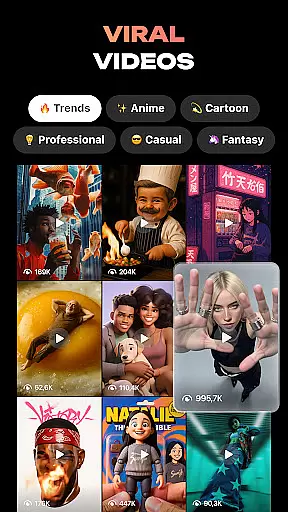
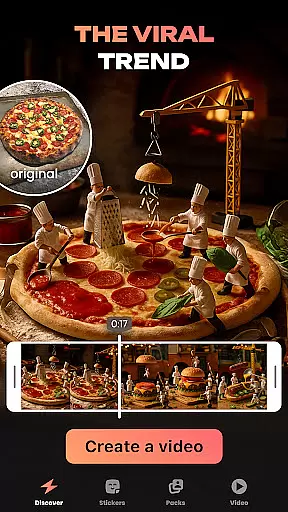
Hula is an innovative photography app that leverages AI technology to transform your photos and videos into creative masterpieces. With features like photo-to-video transformations, video remixes, and personalized avatars, Hula offers a unique platform for self-expression.
The app allows users to create viral content such as animated profile pictures, custom stickers, and imaginative scenarios by applying various artistic styles. Whether you want to see yourself in a retro look or as a futuristic character, Hula makes it possible with just one photo.
Perfect for social media enthusiasts, Hula helps bring your creativity to life while offering practical tools like baby face generators and time-travel effects that let you visualize different eras. This versatile app is your ultimate digital playground.
Hula stands out with its diverse range of AI-powered features designed to enhance your digital content. The app's photo-to-video transformation lets you turn static images into dynamic videos, perfect for creating engaging social media posts.
One of the key highlights is the ability to generate personalized avatars and stickers from your photos. These can be used across messaging platforms like WhatsApp and Telegram, adding a personal touch to your conversations. Additionally, the Baby Generator feature predicts what your future child might look like.
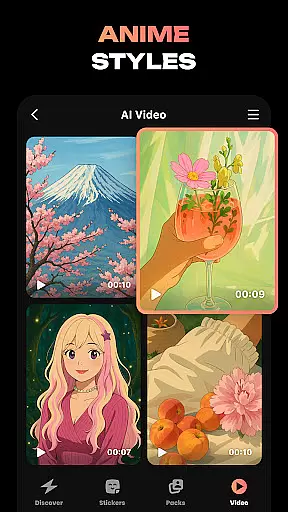
Hula also excels in style transformations, allowing users to visualize themselves in various artistic renditions such as anime, vintage, or luxury fashion looks. Each feature is crafted to provide both entertainment value and practical utility, making Hula a must-have tool for creative expression.
Real-time capture and preview functionality is essential for photography apps as it allows users to see exactly what the camera sees before taking a shot. This ensures that users can make necessary adjustments to framing, lighting, and composition in real time.
Hula app provides an intuitive real-time capture experience by leveraging advanced AI algorithms. The app processes images instantly, allowing users to transform their selfies into various styles or create viral videos with just a touch of a button.
With this feature, Hula users can visualize the end result of their creative projects before finalizing them. Whether it's turning a photo into an anime-style video or generating stickers, the ability to preview transformations enhances user satisfaction and saves time during the editing process.
AI-powered beauty and enhancement features are crucial for modern photography apps. They allow users to improve their photos naturally without making them look overly edited or artificial.
Hula app excels in this area by offering a variety of AI-driven transformations. Users can apply different styles such as retro, luxury, or anime looks while maintaining the natural essence of their original photos.
The app's sophisticated AI ensures that enhancements like baby face generation, time travel effects, and cartoon transformations are applied seamlessly. This results in stunning yet believable images that captivate audiences on social media platforms.
User-friendly interface
Versatile style options
High-quality transformations
Unique avatar creation
Engaging social features
Limited free features
Subscription required
Occasional bugs
Heavy on storage
Learning curve

Shooting photos and records video easily and efficient with professional Camera
 4.30
4.30
AI photo editor with hair editor, retouch tools, hair color changer & filters!
4.50
Take videos and pictures with the popular TikTok TIME WARP SCAN filter.
4.60
Future baby face generator: AI kids generator, kid face! What my baby look like?
4.40
Professional quality photo edits with the new Snapseed.
4.00
Smart, light, and fast photo and video gallery
4.30
Use AI Video Generator to turn your words to ai generated videos.
4.50
Welcome to ProShot, the most powerful camera app on Android.
4.20
Discover How to Plan any Sun, Moon and Milky Way Photo You Imagine in Seconds
4.70
Collage your moments in one tap: 1000+ layouts, filters, stickers, and texts.
4.90
See your baby AI baby face generator AI baby maker Face generator babymaker fun!
4.70
PhotoSync Bundle Add-On License. Enables all features and services in PhotoSync.
4.60
AI photo enhancer with Sora 2! Enhance, descratch, and colorize your old photos.
4.50
Create AI Photos, Improve and restore quality of blurry, old or damaged pics.
4.20
AI-powered video creator by MiniMax - Where ideas meet cinema
4.20
Photo editor: face & body editor, beauty cam, filters and quality enhancer.
4.00
Photobooth mini FULL app will allow you to add more fun to your parties
4.00
Professional video recording application with manual controls for filmmakers!
2.80
Long exposure camera with computational photography
2.60


User Reviews