
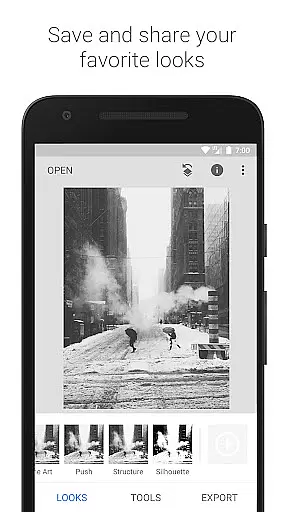
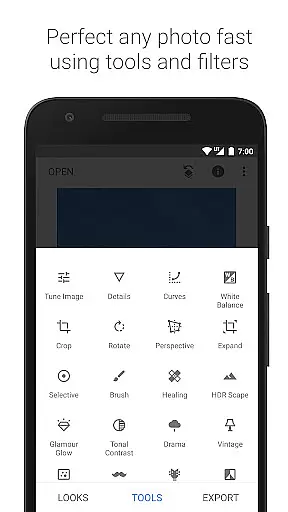
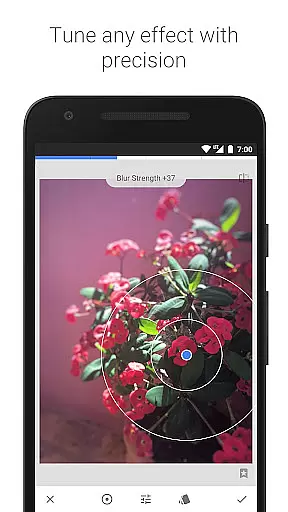
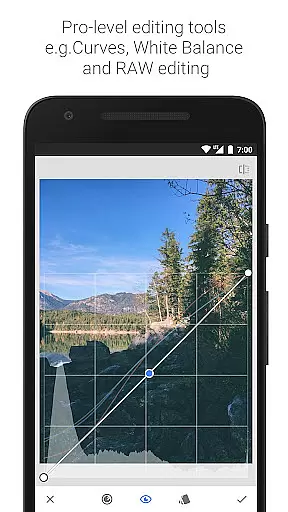
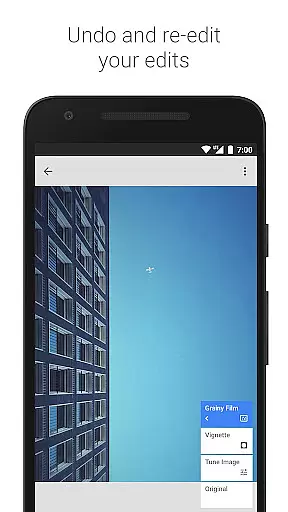
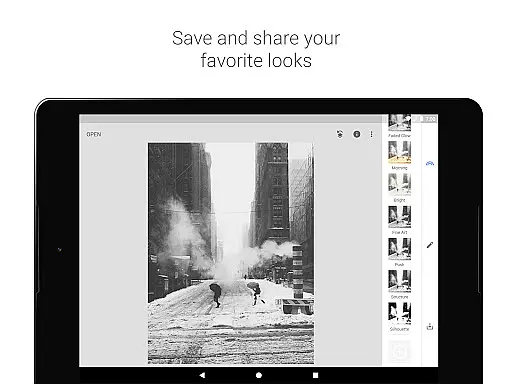
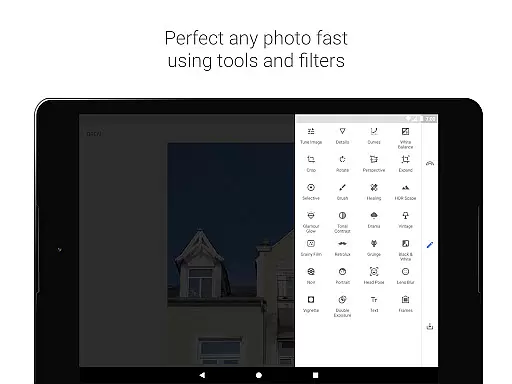
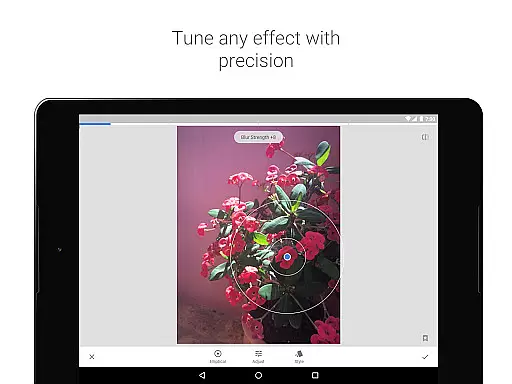
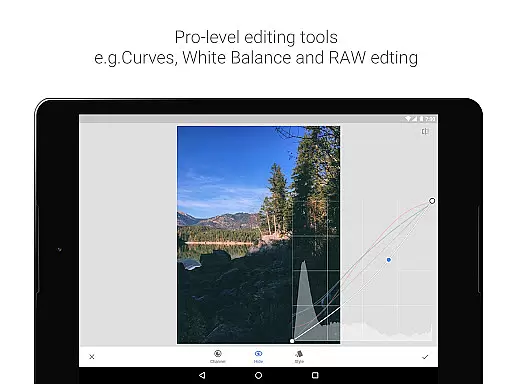
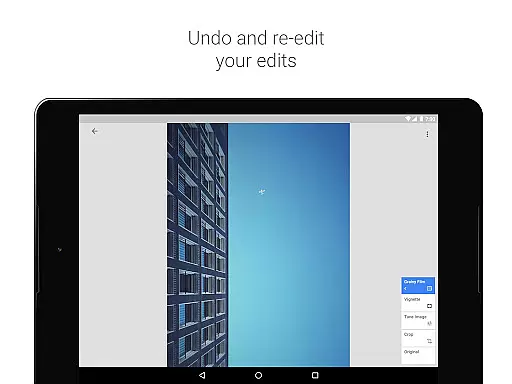
Snapseed stands as a comprehensive and professional photo editing application developed by Google, offering users an extensive suite of tools for enhancing digital images. With 29 built-in tools and filters, it supports both JPG and RAW formats, enabling detailed adjustments from exposure to color balance. Its selective filter brush and the ability to save personal styles for future use make it exceptionally versatile.
The app provides advanced features such as perspective correction, healing, and brush retouching, alongside creative effects like lens blur and vintage film styles. Whether you're looking to correct image distortions or apply artistic filters, Snapseed caters to both amateur photographers and professionals. The intuitive interface ensures that users can effortlessly navigate through complex edits while maintaining high-quality output.
Use Snapseed to transform ordinary photos into stunning works of art. Perfect for mobile photography enthusiasts who demand precision and control in their editing process, this app is ideal for creating professional-grade images directly from your smartphone.
Snapseed offers an impressive array of features designed to give users unparalleled control over their photo editing process. One standout feature is the 'Selective' tool, which uses Control Point technology allowing up to 8 points on an image to be enhanced individually. This granular control ensures that specific areas can be adjusted without affecting the entire picture.
In addition to basic editing tools like cropping, rotating, and white balance adjustment, Snapseed includes advanced options such as RAW file development and HDR Scape. These allow photographers to bring out surface structures in images and create multiple exposure effects, adding depth and drama. The 'Healing' tool effectively removes unwanted elements from photos, ensuring clean and focused compositions.
Creative tools like 'Glamour Glow', 'Tonal Contrast', and 'Double Exposure' provide artistic flair, making it easy to experiment with different styles. Users can also add text, frames, and even enhance facial features with specialized tools. Each feature is crafted to offer both corrective and creative possibilities, empowering users to produce unique and polished images.
Snapseed offers a powerful real-time capture and preview feature that allows photographers to see adjustments as they are made. This immediate feedback is crucial for making precise edits without guesswork.
The application supports both JPG and RAW file formats, providing flexibility in capturing images with different levels of quality and detail. This ensures that users can work with the best possible starting point for their editing process.
With selective filter brushes and control points, Snapseed enables users to apply enhancements exactly where they are needed. This level of precision ensures that every part of the image can be perfected according to the photographer's vision.
Ultimately, this real-time functionality empowers users to experiment freely, knowing they can instantly see the impact of their changes. This leads to more creative freedom and higher-quality final images.
Snapseed incorporates advanced AI beauty and enhancement features that elevate photo editing to new heights. These tools are designed to improve images while maintaining a natural look, avoiding the over-processed appearance common in other apps.
One standout feature is the Healing tool, which removes unwanted elements from photos seamlessly. Whether it's an unexpected photobomber or skin blemishes, Snapseed makes these distractions disappear naturally.
The Glamour Glow and Face Enhance filters use sophisticated algorithms to enhance portraits gently. They focus on eyes, skin texture, and facial lighting, ensuring subjects look their best without appearing artificial.
By prioritizing natural-looking enhancements, Snapseed helps users create stunning images that retain authenticity. This approach appeals to both amateur photographers and professionals seeking subtle yet effective improvements.
User-friendly interface
Extensive toolset
High-quality results
Customizable filters
RAW file support
Steep learning curve
Overwhelming options
Occasional glitches
Limited tutorials
Advanced features only

Photo Album Watch Face shows your favorite pictures as a Watchface.
 1.90
1.90
Easily stitch panoramas from multiple photos or video.
4.40
1M influencer's special filter
4.60
Create Business Headshots, Polaroid Filter, Retake Photos,Profile Pics,AI Photos
4.50
Add a dreamy vibe to your selfies and videos with soft style filters
4.5
USB Storage Access for Photos, Videos, Music and Documents
3.80
live datamoshing
4.00
Professional camera app that brings DSLR manual photography controls to Android.
4.20
Catch sunlight, sunrise sunset times and sun phases with the AR sun tracker.
4.10
Pro version: AR sun/moon tracker for any date. Tool for photographers & planners
4.90
Photo prints, cards, & gifts at Walgreens. Easy ordering & fast local pickup !
4.80
AI Photo Editor with 100+ Filters, Effects! Remove BG, Retouch & Photo Enhancer.
4.80
Enhance, retouch & create your story - Share the moment with Photoshop Express.
4.60
PhotoSync Bundle Add-On License. Enables all features and services in PhotoSync.
4.60
Natural Beauty, Selfie Retouch
4.30
Turn your phone into a professional camera - full DSLR manual photography
4.30
The #1 app for B&W film developing featuring an advanced darkroom timer.
4.10
Photobooth mini FULL app will allow you to add more fun to your parties
4.00
Remote control the phone camera shutter from your smartwatch and take a picture
1.60


User Reviews