
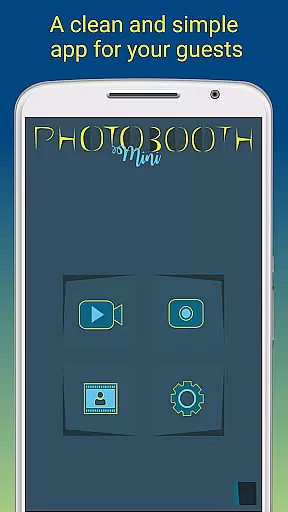
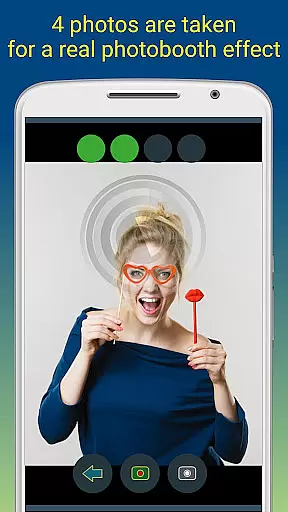
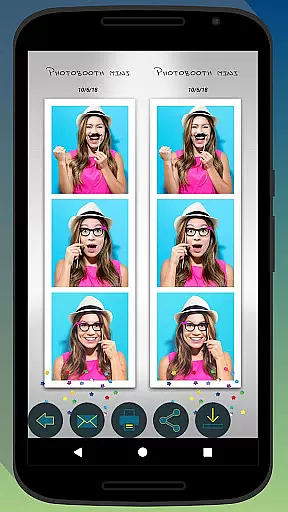
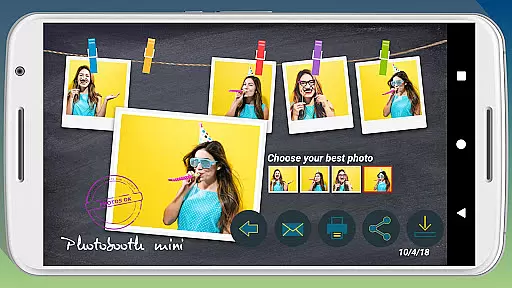
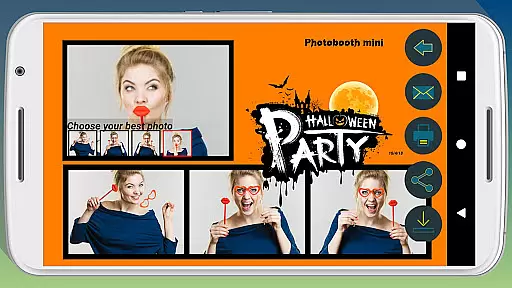
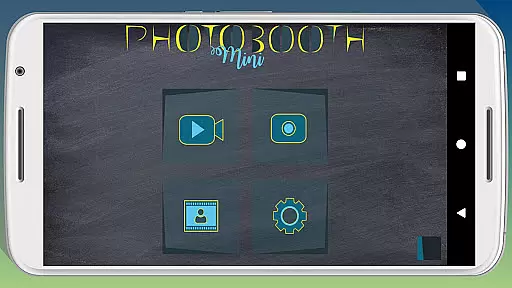
Photobooth mini FULL is a feature-rich photography app designed to capture fun moments at parties and events. The app offers full-screen preview functionality that adapts to the user's distance, mimicking a real photo booth experience. With options like timer-based captures, video messaging, and taking multiple photos in one session, it ensures an engaging experience. Users can also add personalized text and dates to their images, making memories more meaningful.
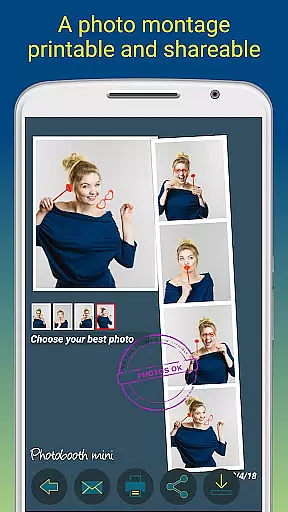
The application supports extensive customization features, allowing users to replace background images and configure settings to suit their specific needs. It is optimized for prolonged use during social gatherings, ensuring reliable performance over extended periods. Additionally, its ability to store email requests and send them when internet connectivity is restored makes sharing photos effortless. Whether printing or emailing pictures directly from the app, Photobooth mini FULL provides a complete solution for capturing and sharing special moments.
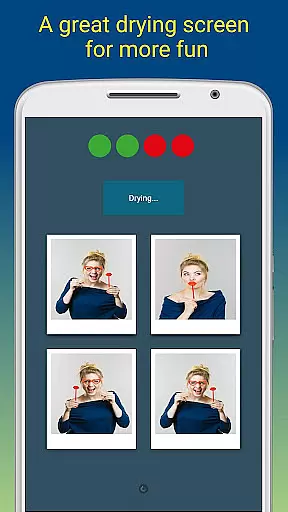
Photobooth mini FULL stands out with its unique set of features tailored for party environments. The app includes a full-screen preview mode that maintains the chosen zoom level using volume buttons, creating an authentic photo booth feel. Its timer function and capability to take 4-5 photos per session make capturing group shots seamless and enjoyable. The drying effect accompanied by a blowing sound adds a playful touch to the photo-taking process.
Customization is at the heart of this app, offering users the flexibility to modify background images and adjust various settings such as timers. This adaptability ensures that the app can be personalized to fit any event theme or user preference. Furthermore, the app's robust design allows continuous operation for days, storing unlimited photos without performance degradation. These features collectively enhance user engagement and satisfaction, making Photobooth mini FULL an ideal choice for lively social gatherings.
Photobooth mini FULL offers a sophisticated real-time capture and preview feature that ensures users can take high-quality, funny pictures with ease. The full-screen preview is meticulously adapted to the distance of the face, mimicking the experience of a real photo booth cabin. This functionality allows for an intuitive and engaging user experience.
One standout aspect is the ability to maintain the chosen zoom distance using the volume buttons, ensuring consistency across multiple shots. This attention to detail enhances the overall photography session, making it both reliable and enjoyable. Users can confidently capture moments knowing that their preferred settings remain intact throughout the process.
The application's design prioritizes usability during social gatherings. It remains perpetually active, catering to continuous use without interruptions. This makes it perfect for parties where guests can effortlessly take, print, and share photos. Additionally, the app supports extensive customization options, allowing users to tailor backgrounds and configure settings like the timer to suit their specific needs.
Ultimately, this real-time capture and preview feature not only elevates the fun factor but also ensures that every photo taken is a cherished memory. With its robust performance and user-centric design, Photobooth mini FULL stands out as an essential tool for creating lasting memories at any event.
Photobooth mini FULL incorporates advanced AI beauty and enhancement features that elevate photo quality while maintaining a natural look. This ensures that every picture captures the true essence of the moment without appearing overly processed or artificial. The AI algorithms are designed to enhance facial features subtly, preserving authenticity.
The app provides various enhancement options, such as skin smoothing and blemish reduction, which operate seamlessly in the background. These features are finely tuned to deliver professional-grade results that still look genuine and unaltered. Users can trust that their photos will reflect a polished yet realistic appearance, enhancing the overall appeal of their images.
Beyond basic enhancements, Photobooth mini FULL includes creative tools that allow users to add personalized touches to their photos. From customizable text overlays to date stamps, these features help create unique and memorable keepsakes. Furthermore, the appu2019s compatibility with external photo booths extends its versatility, offering even more creative possibilities.
In summary, the AI beauty and enhancement capabilities of Photobooth mini FULL strike a perfect balance between sophistication and naturalness. By delivering enhanced yet authentic-looking photos, the app ensures that every captured moment is both beautiful and true to life, making it an invaluable asset for any gathering or event.
User-friendly interface
Highly customizable settings
Seamless photo sharing options
Reliable performance over long durations
Engaging photo-taking experience
Limited to party scenarios
Requires manual updates
No built-in editing tools
Premium version needed for full features
Occasional connectivity issues

Add Watermark - Sign your pictures with a text or logo. Effective, quick, easy!
 4.50
4.50
How old age camera Gender Swap App Face Shape Hairstyle App Hair Styler App fun!
4.00
Transform photos into videos! Create realistic or anime-style images easily!
4.50
Create amazing frames with up to five photos. Rounded corners, effects and more!
3.60
USB Storage Access for Photos, Videos, Music and Documents
3.80
Professional photography on your mobile phone
4.20
Professional quality photo edits with the new Snapseed.
4.00
Use AI Video Generator to turn your words to ai generated videos.
4.50
Transform Photos: Edit, Beautify and Craft Memories & Make Collages!
4.10
The original Rarevision VHS look seen everywhere!
4.70
1M influencer's special filter
4.60
Future baby face generator: AI kids generator, kid face! What my baby look like?
4.40
Turn your phone into a professional camera - full DSLR manual photography
4.30
All-in-One Editor & AI Photo Enhancer, Beautify & Retouch, Collage, Cartoonify
4.20
Catch sunlight, sunrise sunset times and sun phases with the AR sun tracker.
4.10
Gallery Slideshow is slideshow maker app for slideshow from your gallery photos.
3.90
Pet Camera
3.70
Superimpose one photo on top of another using the original Superimpose app!
3.20
Snap photos remotely using your Garmin watch as the camera trigger
4.0


User Reviews