
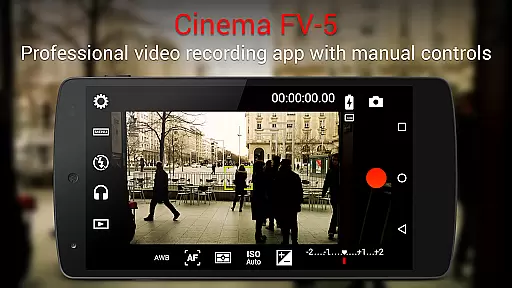
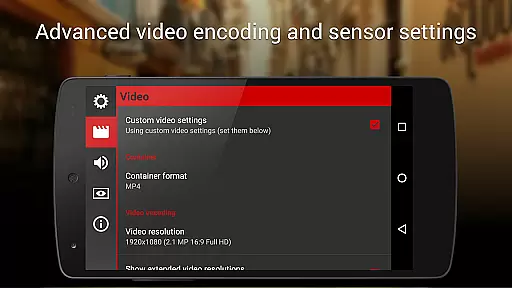
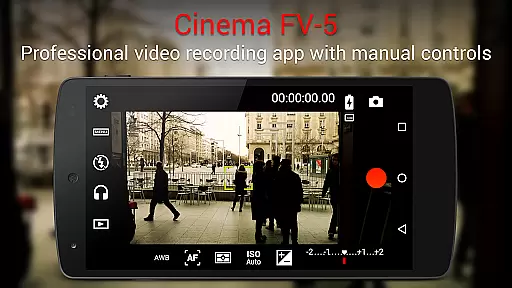
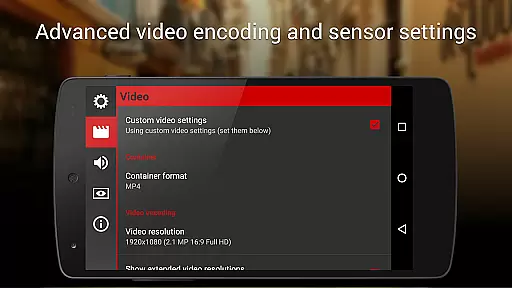
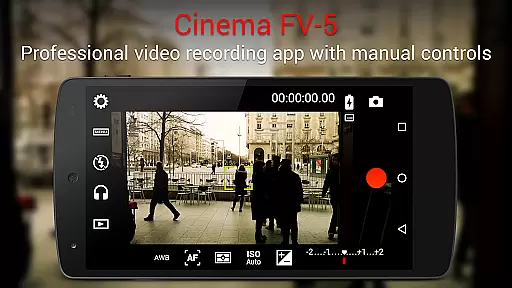
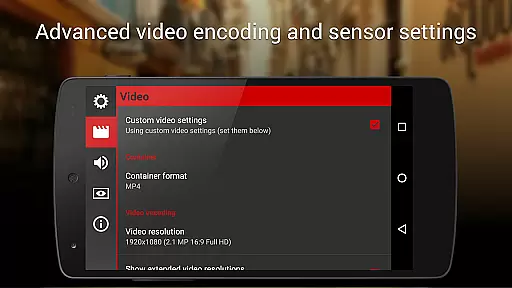
Cinema FV-5 stands as a professional-grade video camera application tailored for mobile devices, offering an extensive suite of manual controls. This app is designed with both enthusiast and professional videographers in mind, providing them with the tools necessary to capture high-quality footage optimized for postproduction. With features ranging from adjustable image sensor parameters to professional sound metering options, Cinema FV-5 empowers users to unleash their creativity without limitations.
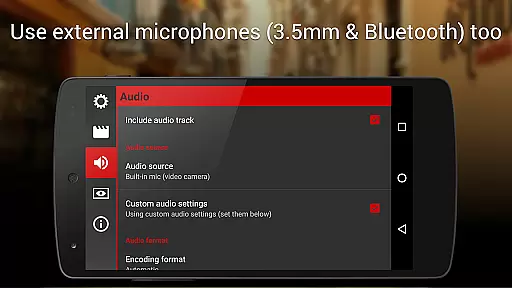
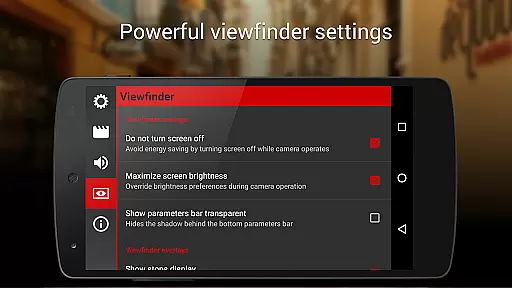
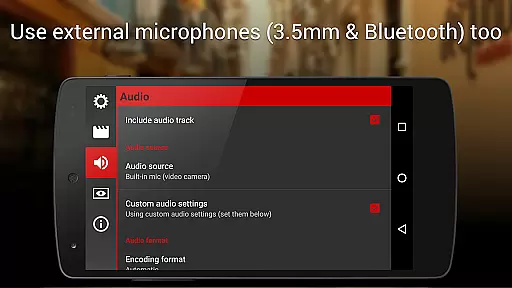
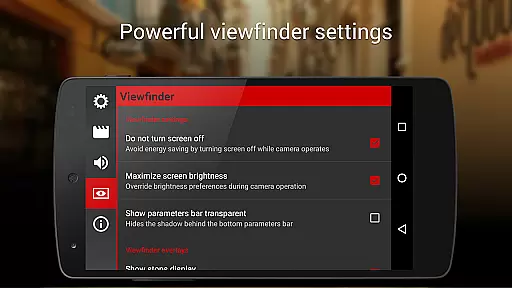
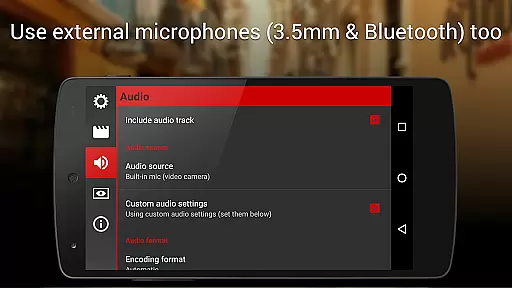
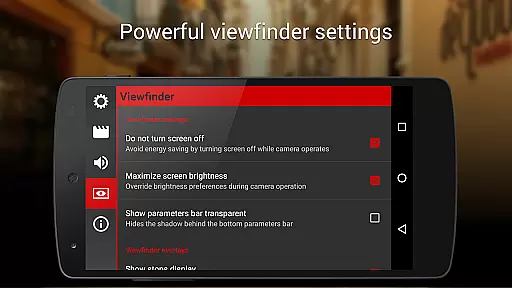
One of the standout capabilities of Cinema FV-5 is its advanced electronic viewfinder, which includes live RGB and luminance histograms available during recording. Additionally, it supports various audio input sources, including built-in microphones, external wired microphones, and wireless Bluetooth headsets. The app also allows for recording in 4K UHD on compatible devices, ensuring that users can achieve the highest possible video quality. Whether you're shooting a short film or capturing footage for a documentary, Cinema FV-5 provides the control and flexibility needed to produce professional results.
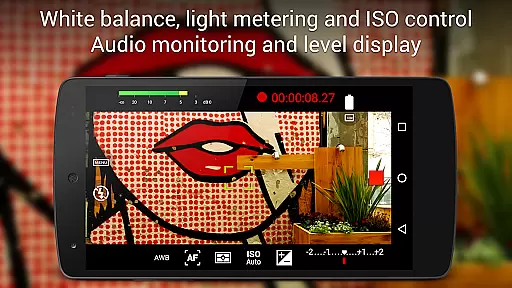
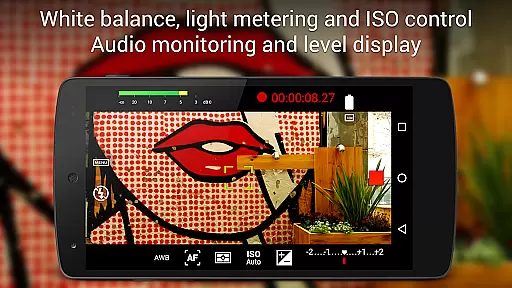
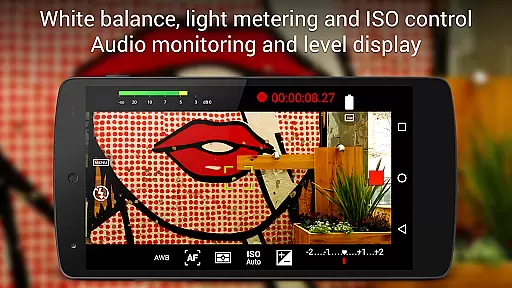
Cinema FV-5 boasts an impressive array of features that cater to professional videography needs. Users can adjust all critical image sensor parameters such as exposure compensation, ISO, light metering modes (matrix/center/spot), focus modes, and white balance. These adjustments can be made not only before but also during recording, allowing for dynamic changes in response to varying shooting conditions. Furthermore, the app offers focus adjustments during recording, enabling videographers to lock focus on subjects or shift focus planes seamlessly.
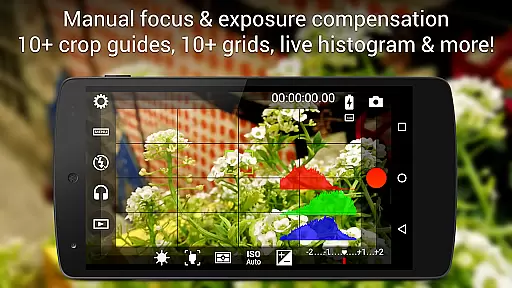
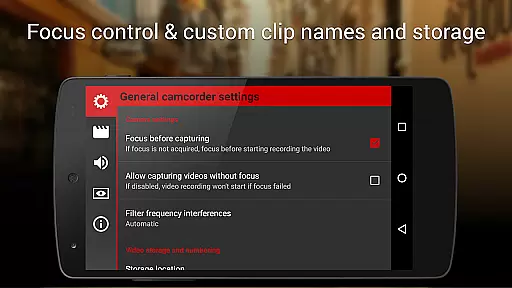
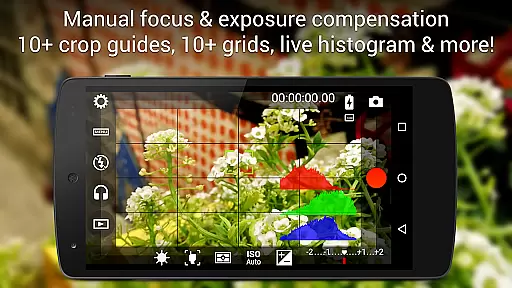
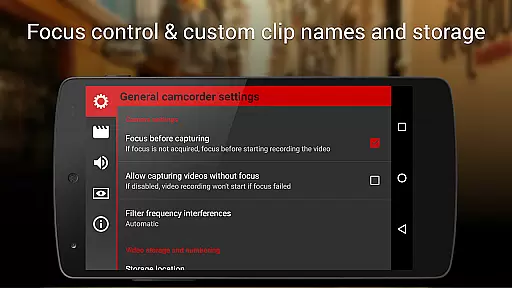
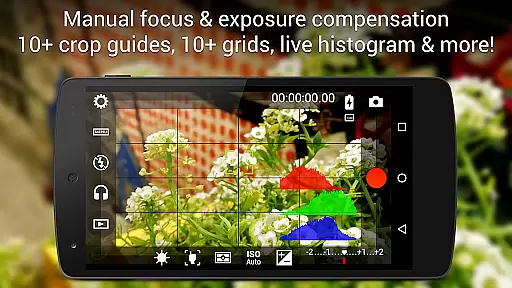
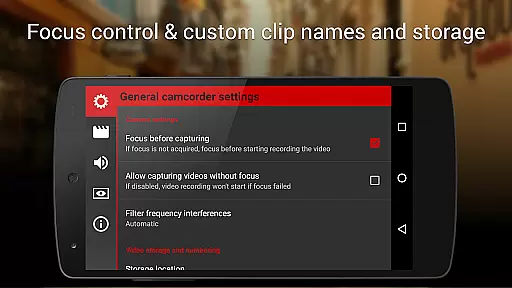
The app's professional viewfinder includes over 10 compositing grids and crop guides, along with safe area displays and other useful tools. Its powerful video clip organization options allow users to customize file names and choose different storage locations. Cinema FV-5 also supports video geotagging and provides autofocus, macro, touch focus, and infinity focus modes, along with focus lock switches (AF-L). For audio, the app offers professional sound metering options, displaying audio peaks and sound clipping warnings during recording. These comprehensive features ensure that users have complete control over their video production process.
Cinema FV-5 excels in providing real-time capture and preview capabilities, ensuring videographers can monitor their footage as it's being recorded. This feature is crucial for professionals who need to make precise adjustments on the fly.
The application offers a professional viewfinder with over 10 compositing grids and crop guides, along with safe area displays. These tools allow users to frame their shots accurately and ensure that all important visual elements are captured correctly.
Additionally, the most advanced electronic viewfinder displays live RGB and luminance histograms during recording. This allows users to monitor exposure levels and make necessary adjustments to achieve optimal image quality.
With real-time audio metering options, including audio peak displays and sound clipping warnings, Cinema FV-5 ensures that both video and audio are captured with the highest fidelity. This comprehensive monitoring capability empowers creators to produce professional-grade content directly from their mobile devices.
While primarily focused on professional controls, Cinema FV-5 also incorporates features that enhance video quality without compromising naturalness. The app provides manual control over various parameters, allowing videographers to fine-tune their footage while maintaining authenticity.
Users can adjust sensor parameters such as ISO, exposure compensation, and white balance during recording. These manual controls enable videographers to adapt to changing lighting conditions while preserving the scene's original characteristics.
The application supports different focus modes, including autofocus, macro, and touch focus, plus a focus lock switch. This flexibility ensures that subjects remain sharp and clear throughout recording, enhancing the overall quality of the footage naturally.
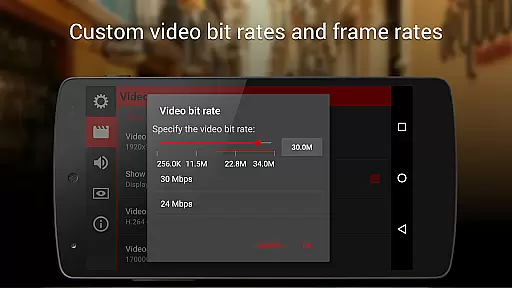
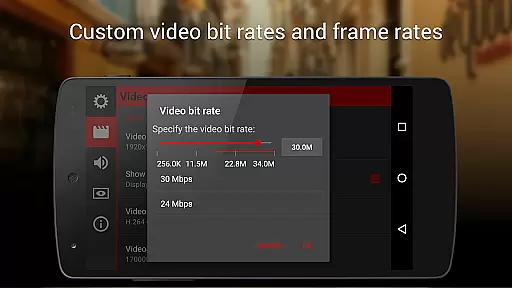
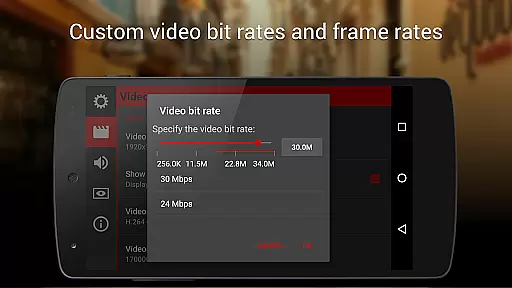
Furthermore, Cinema FV-5 allows videographers to choose between different video and audio codecs, bitrates, and sampling rates. By offering these customizable options, the app helps maintain the natural essence of the captured content while still providing room for enhancement through post-production.
Professional manual controls
Advanced electronic viewfinder
Supports 4K UHD recording
Customizable file naming
Comprehensive audio options
Complex for beginners
Requires high-end device
No built-in editing
Premium price point
Limited automated features

Trendy TikTok time warp scan funny filter app brings you unique photos & videos.
 4.40
4.40
Find time and duration of different sunlight phases at any location
4.90
Cut and paste photo editor & eraser to customize photos easy and swap faces fun
4.50
Create & Edit with AI: AI Remove, Enhance, Retouch, Filter
4.10
Light-weight Media Gallery app for Android made with Jetpack Compose
4.60
A reflected light meter with spot metering and incident light metering.
4.40
AI Photo Editor with 100+ Filters, Effects! Remove BG, Retouch & Photo Enhancer.
4.80
Discover How to Plan any Sun, Moon and Milky Way Photo You Imagine in Seconds
4.70
Edit photos with the picture generator: PS2 & AI Clay filters, cartoon effects.
4.50
Create funny photos and videos with the popular Time Warp Scan filter.
4.90
Collage your moments in one tap: 1000+ layouts, filters, stickers, and texts.
4.90
Perfect body tune & face app - photo retouch, makeup, slim body & beautify face.
4.80
Your personal guide to the sun and moon. Plan ahead, visualize and predict!
4.70
Movie camera, supports pro recording settings for filming. Try it and be amazed!
4.50
The #1 app for B&W film developing featuring an advanced darkroom timer.
4.10
live datamoshing
4.00
How would you look like with a differently shaped nose, chin or lips?
3.90
An interval timer to automate photo taking process for timelapse
2.90
Over 800 film simulation recipes for Fujifilm. Black Friday Offer!
4.4


User Reviews