
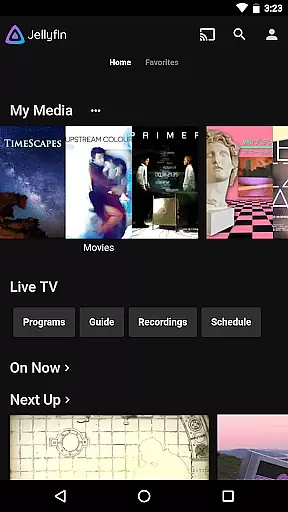
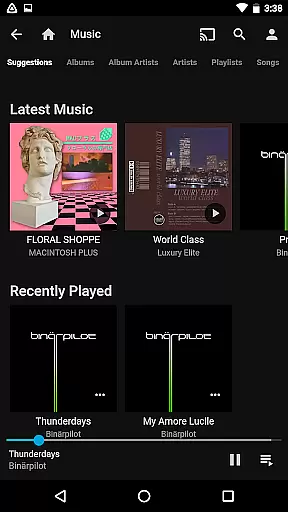
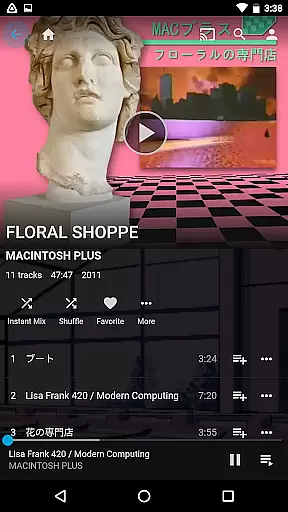
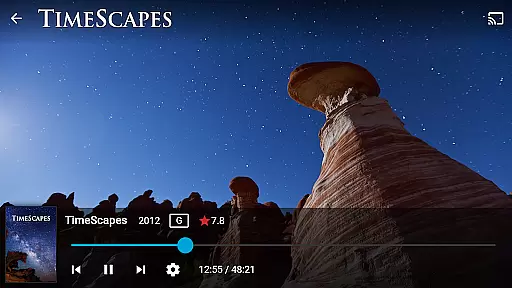
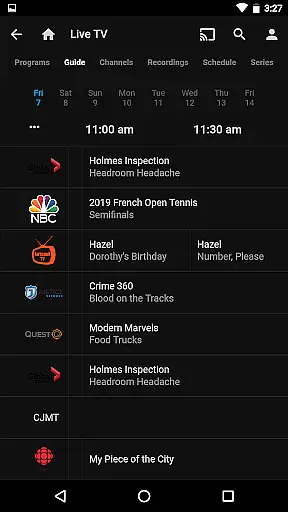
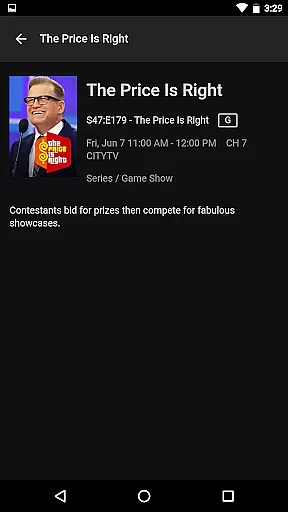
Jellyfin is an open-source media server and player that gives you complete control over your personal media library. Designed for users who value privacy and customization, this app allows you to stream your audio, video, and photo collections from your Jellyfin server directly to your Android device. With support for live TV, Chromecast streaming, and Android Auto, Jellyfin offers a versatile media experience tailored to your needs.
The app's intuitive interface makes it easy to browse and organize your entire media collection. Whether you're at home or on the go, Jellyfin ensures seamless access to your favorite content without ads, tracking, or subscription fees. Ideal for tech-savvy individuals and families looking to consolidate their media libraries into one secure platform.
Jellyfin stands out with its robust feature set designed for media enthusiasts. The app supports live TV streaming and DVR functionality, allowing you to watch and record broadcast content through compatible hardware. Its Chromecast integration enables effortless streaming to your TV, while offline playback ensures uninterrupted access to your media even without an internet connection.
One of Jellyfin's key strengths is its cross-platform compatibility. You can enjoy your media library across multiple devices, including smartphones, tablets, smart TVs, and web browsers. Advanced customization options let you personalize your viewing experience, from metadata editing to user-specific parental controls. Additionally, Jellyfin's active open-source community continuously contributes new plugins and themes, ensuring the platform stays up-to-date with the latest media formats and technologies.
Video format compatibility is a crucial feature for any video player, ensuring that users can enjoy their media without worrying about file type restrictions. Jellyfin excels in this area by supporting a wide range of video formats, from common ones like MP4 and AVI to more specialized codecs such as MKV and OGG.
The app's robust compatibility stems from its open-source nature, which allows it to integrate various decoding libraries and technologies. This means you can stream or download content from your Jellyfin server and play it directly on your Android device without the need for additional conversion software.
For users, this translates into a seamless experience where they can access their entire media library, regardless of the original format. Whether you're watching live TV recordings or streaming movies, Jellyfin ensures that all your video content plays smoothly and reliably.
While Jellyfin focuses primarily on media playback and management, it incorporates some intelligent features that enhance the user experience beyond basic video playing. Although not a traditional video editor, Jellyfin uses smart algorithms to optimize streaming quality and provide an adaptive bitrate selection based on network conditions.
This AI-driven approach ensures that users always get the best possible video quality without buffering interruptions. The system intelligently adjusts resolution and bitrate in real-time, maintaining smooth playback even when network performance fluctuates.
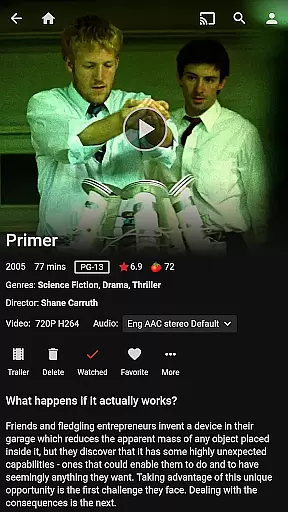
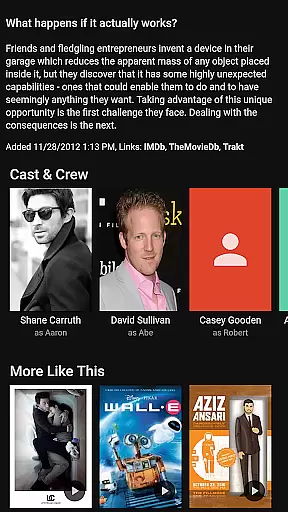
Additionally, Jellyfin's smart organizational features help categorize and present your media library in intuitive ways. It automatically fetches metadata, generates thumbnails, and organizes content into easily navigable categories. These intelligent features, while not traditional editing tools, significantly enhance how users interact with and manage their media collections.
User-friendly interface
Completely free and open-source
Strong privacy protection
Wide device compatibility
Active community support
Requires technical setup
Limited official support
No built-in content library
Dependent on server hardware
Complex for beginners

Search & download videos from net with all video downloader, auto-detect & safe.
 4.60
4.60
This app was created to edit the metadata of music files.
4.20
Support 1000+ Video Format, Subtitle Download, mp3 & Background Play, Cast On TV
4.60
Turn your phone into a wireless camera!
4.20
GENRAL PRO - General Pro is the best video player that fully supports all formats.
4.70
Download videos and play them offline
4.70
Find, download, and play torrents with the official BitTorrent® Pro app
4.70
Connect EasyCap or UVC devices for recording and broadcast video/audio stream
3.60
Web Browser for LG TV to stream webvideos, online movies and livestreams in HD
4.20
Video Trimmer, Video to MP3 Converter. Extract music from video, Easy & Fast.
4.80
Fast & easy HD video downloader for all formats, support 4K playback & download.
4.60
Browser + Remote for Roku to stream webvideos, online movies and livestreams
4.60
Video Downloader is an utility that can save videos and music from web sites
4.20
LumaFusion: The Ultimate Storytelling Experience for Video Editing
4.10
1)AirPlay/DLNA Mirroring/Streaming, up to 4 connections; 2)Samba/NAS/DMS Player.
4.00
Explore the largest library of free GIFs, Stickers & Memes - or create your own!
3.90
Live TV, anywhere in your home
3.80
Client application for NextPVR software
3.00
The smartest M3U IPTV Player your playlists have ever seen.
4.0


User Reviews