
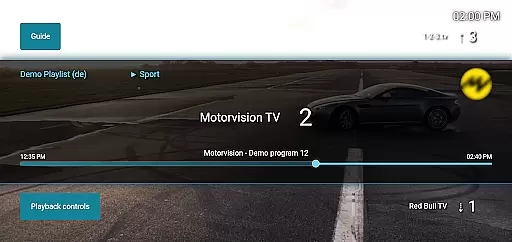
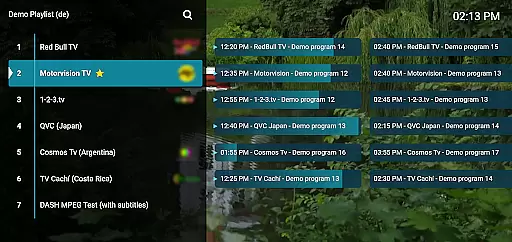
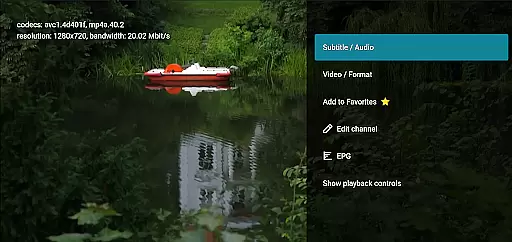
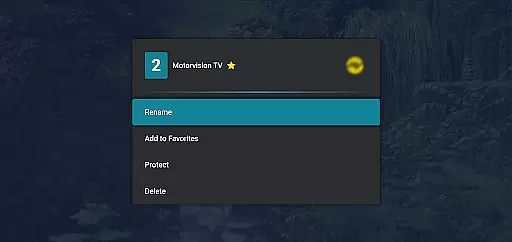
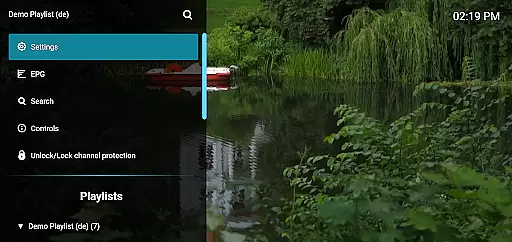
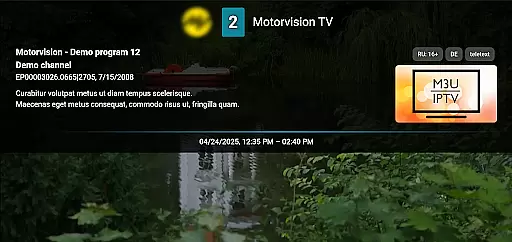
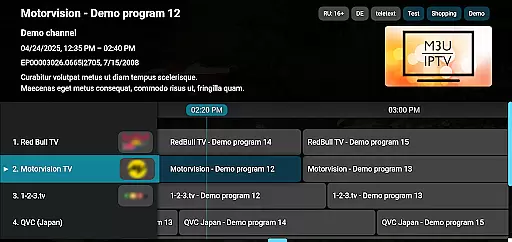
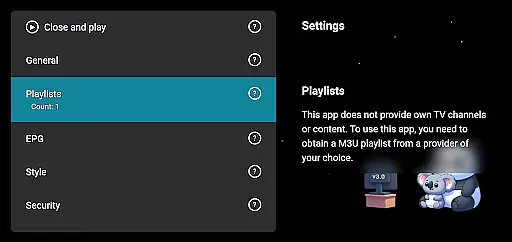
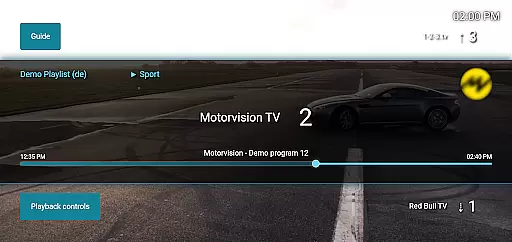
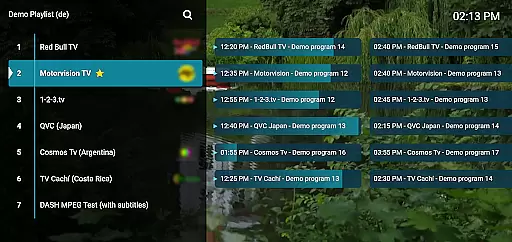
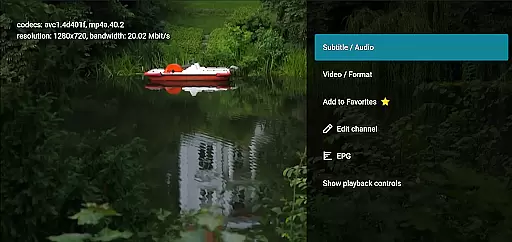
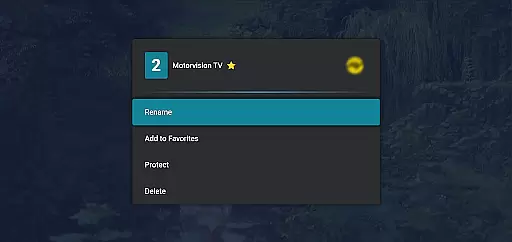
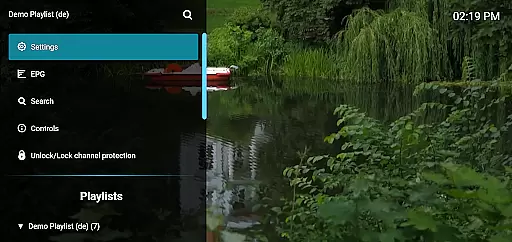
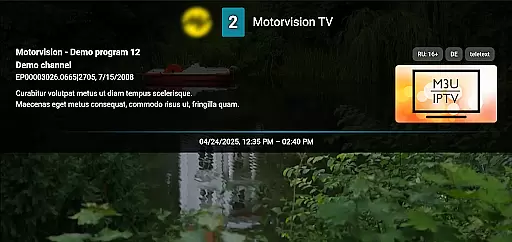
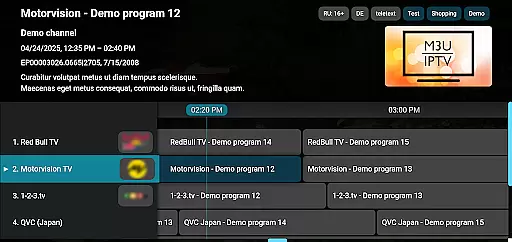
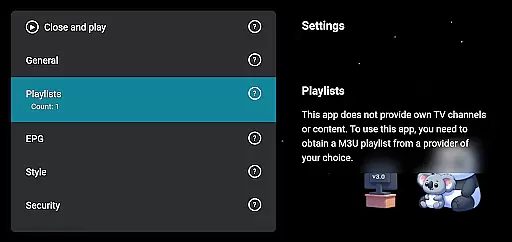
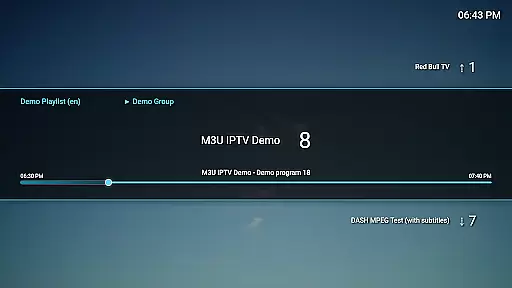
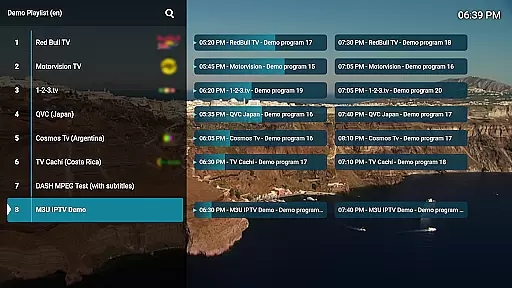
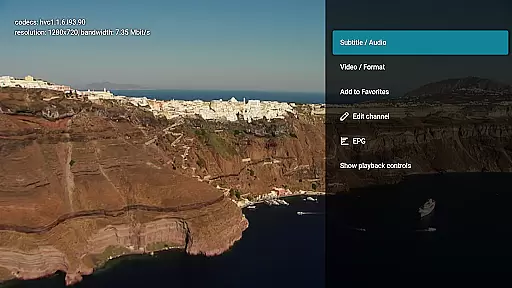
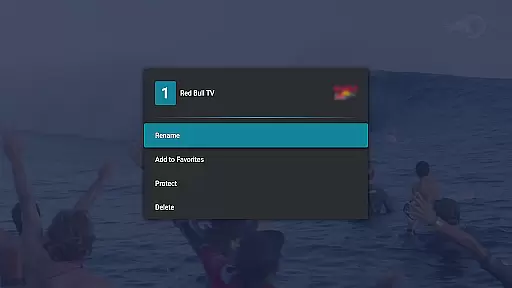
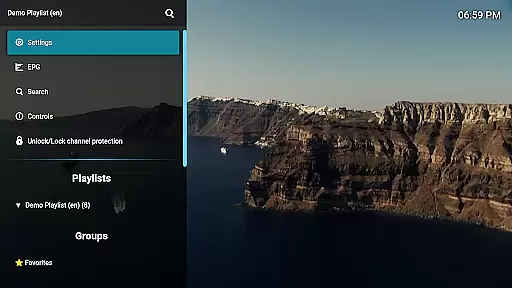
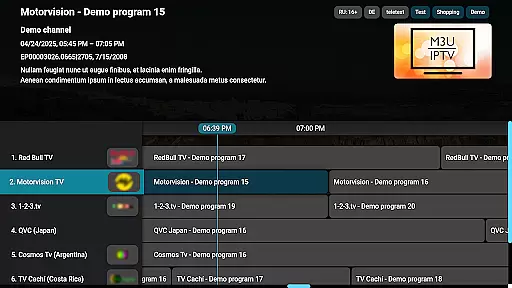
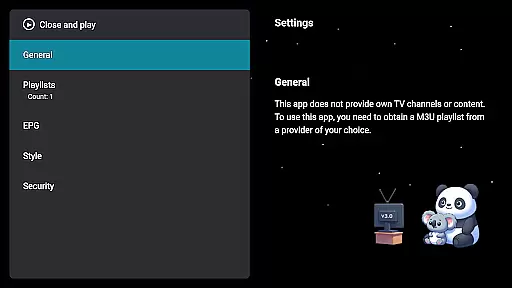
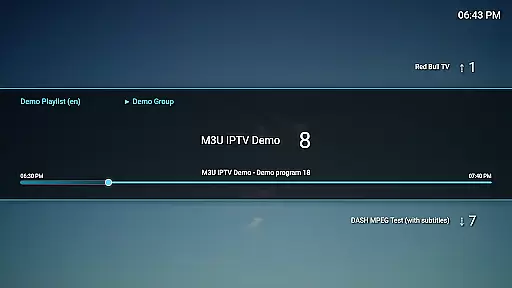
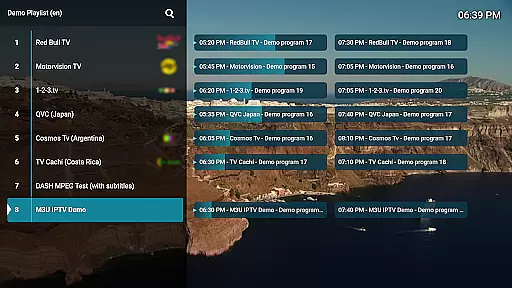
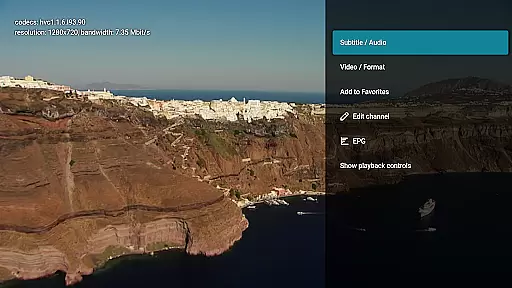
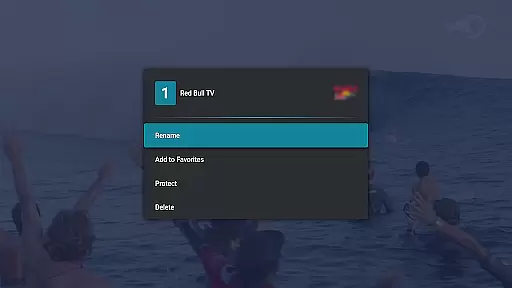
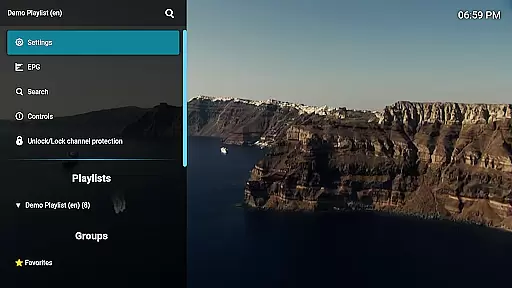
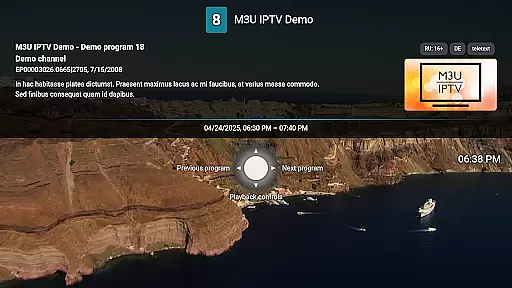
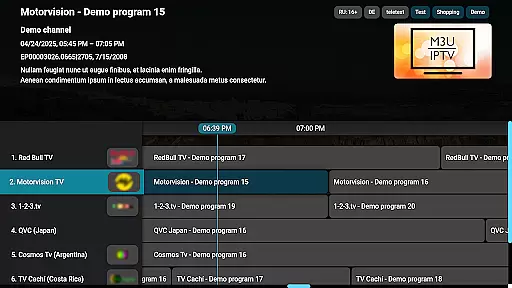
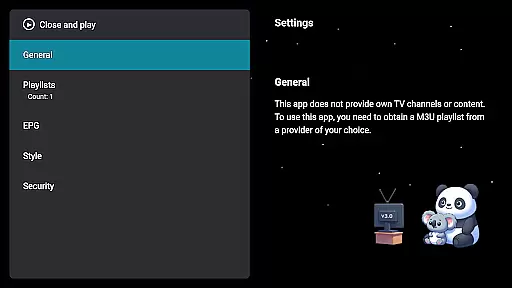
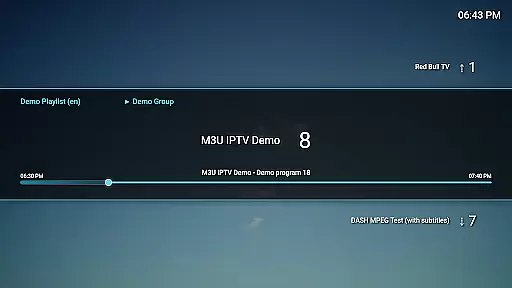
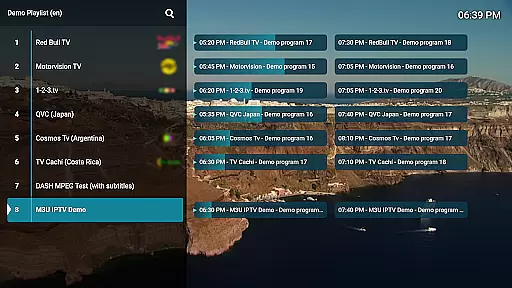
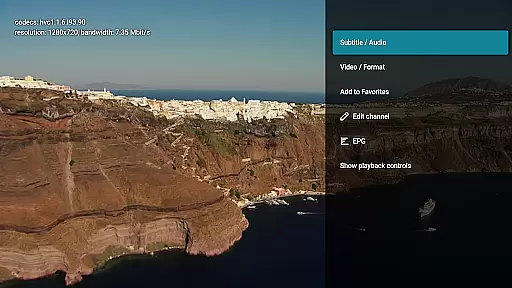
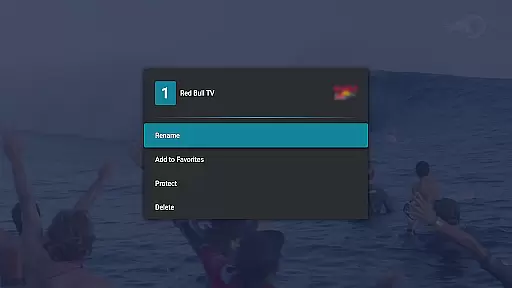
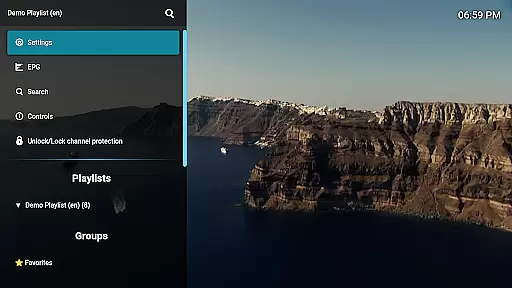
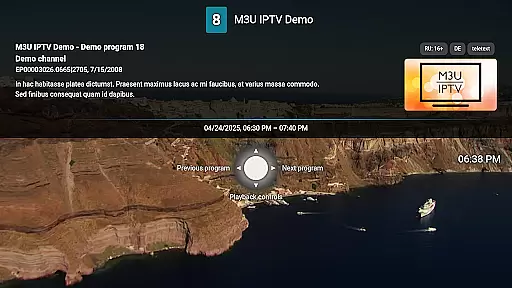
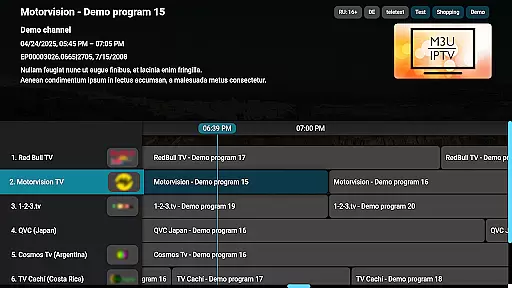
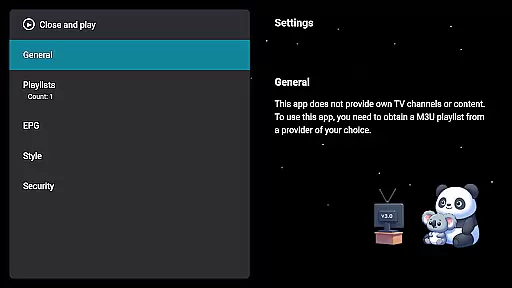
M3U IPTV Premium is a top-tier IPTV player designed for users seeking an ad-free, customizable streaming experience. It builds on the features of its free version by offering advanced tools and enhanced performance.
With support for M3U playlists, EPG integration, and advanced playback controls, this app provides a seamless way to stream your own IPTV content. Its user-friendly interface allows full control over channel management, including renaming, reordering, and protecting channels with PINs.
Ideal for IPTV enthusiasts, M3U IPTV Premium ensures uninterrupted viewing and maximum personalization, making it perfect for those who demand quality and flexibility in their streaming setup.
M3U IPTV Premium stands out with its comprehensive feature set tailored for power users. The app supports unlimited M3U playlists, giving you the freedom to organize and switch between multiple sources effortlessly.
Advanced functionalities include EPG integration for TV schedule views, catch-up playback to revisit missed programs, and customizable UI options that let you tailor the appearance to your preferences. The inclusion of channel protection via PIN locks adds an extra layer of privacy and parental control.
Performance-wise, the app offers smooth streaming with advanced playback controls such as pause, rewind, and fast-forward. These features collectively deliver a premium IPTV experience without interruptions or limitations.
Video format compatibility is a crucial feature for any video player, ensuring that users can enjoy content in various formats without technical hindrances. M3U IPTV Premium excels in this area by supporting an extensive range of video formats commonly used in IPTV streaming.
The application's advanced decoding capabilities allow it to handle both standard and high-definition streams effortlessly. This ensures that whether you're streaming SD or HD content, the playback remains smooth and buffer-free.
For users, this means unparalleled flexibility in managing their media libraries. You can switch between different playlists and sources without worrying about format restrictions. The app automatically detects and adjusts to the appropriate format, providing a seamless viewing experience.
This level of compatibility not only enhances user convenience but also future-proofs the application against emerging video standards. As new formats become available, M3U IPTV Premium's robust architecture positions it well to incorporate these changes, maintaining its status as a top-tier IPTV player.
While primarily an IPTV player, M3U IPTV Premium incorporates AI-powered editing features that significantly enhance the user's ability to manage and customize their viewing experience. These intelligent tools go beyond basic playback controls, offering sophisticated options for content management.
The Channel Editor function utilizes AI algorithms to help users efficiently organize their channels. It suggests optimal channel arrangements based on viewing habits and allows for intuitive renaming and reordering processes. The system learns from user interactions to improve these suggestions over time.
Advanced categorization capabilities enable automatic grouping of similar channels and programs. This smart organization saves users considerable time when navigating through numerous IPTV streams. Additionally, the AI-driven catch-up feature intelligently identifies available archived content for each channel.
These AI-powered tools transform what could be an overwhelming number of options into a streamlined, personalized interface. Users benefit from having their preferred content readily accessible while maintaining complete control over their channel configurations.
Ad-free experience
Unlimited playlists
Customizable UI
Advanced playback
Channel protection
No included content
Requires technical knowledge
Premium cost
Limited beginner support
Device-specific issues

Connect 2 UVC devices for recording and broadcast video/audio stream
 3.90
3.90
Cast to Chromecast, Xbox, Fire Stick, Roku, DLNA, Smart TV & No Feature Limited!
4.50
HD video maker with no watermark, no ads & vlog maker with music, PIP, text
4.50
Video player with powerful streaming playback and various convenient features.
2.10
AirMirror Receiver - Screen mirroring/cast web videos to Android TV by AirPlay.
4.40
An easy-to-use and all-round screen recorder with audio
4.80
Mix with Virtual DJ directly from your phone or tablet !
3.10
Browser for Sony TV to stream web videos, online movies and live tv
3.20
Fast & Private HD Video Downloader with Built-in Proxy Browser and Video Player.
4.50
Watch a large amount of high-definition short drama content
4.60
Support 1000+ Video Format, Subtitle Download, mp3 & Background Play, Cast On TV
4.60
Video Downloader, Multiple Resolution Options, Video Player
4.50
Full HD Video mp3 Player, MP4 player play 1080p, File manager, Video Downloader
4.40
Turn your phone into a wireless camera!
4.20
LumaFusion: The Ultimate Storytelling Experience for Video Editing
4.10
1)AirPlay/DLNA Mirroring/Streaming, up to 4 connections; 2)Samba/NAS/DMS Player.
4.00
HD video & music player - All format support with floating & PIP mode!
3.80
Capture images & record videos for USB Camera, Webcam, Microscopes, Endoscopes
3.80
Manage your IPTV live channels and VOD playlists (no playlist included)
3.80


User Reviews