
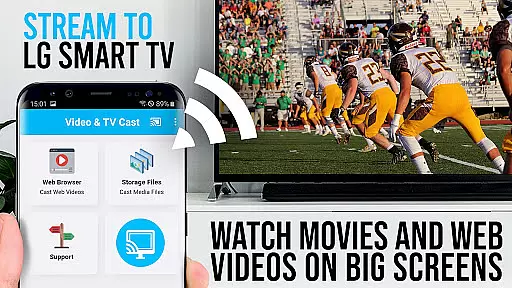
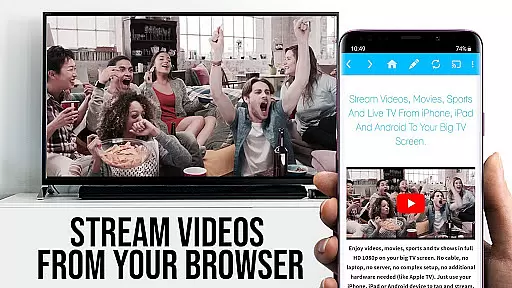
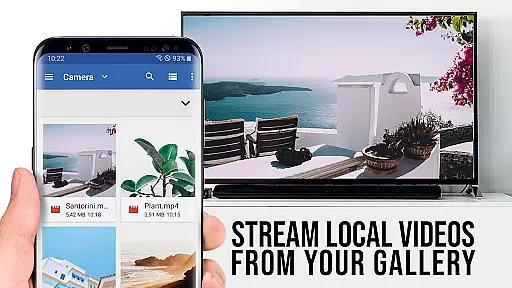
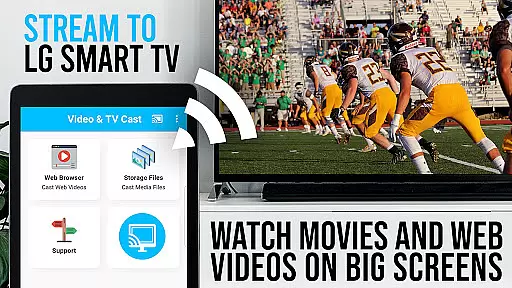
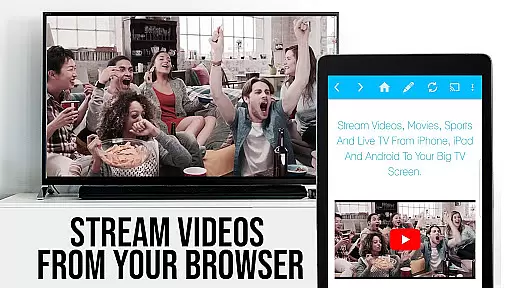
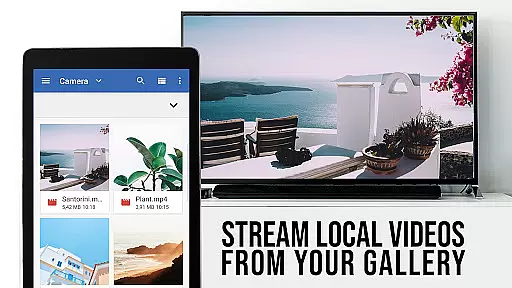
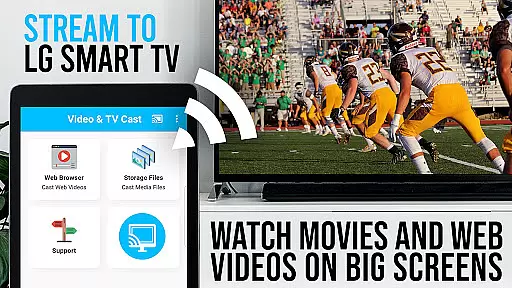
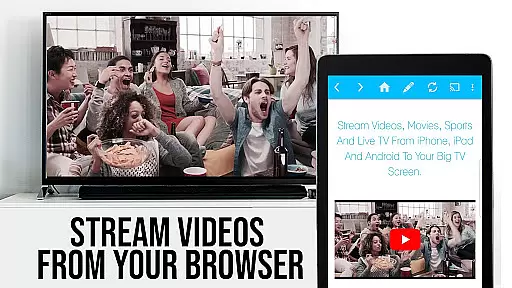
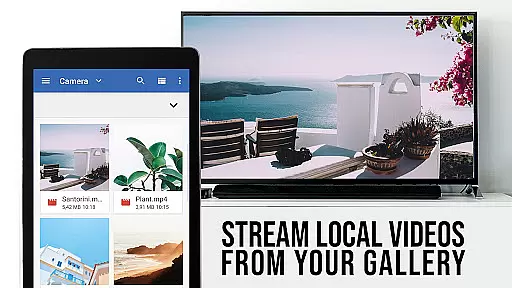
TV Cast Pro for LG webOS is a premier application designed to enhance your LG Smart TV experience. This app allows users to stream web-videos, online-movies, livestreams, and live-tv shows directly on their LG TVs without the need for an additional streaming box. Compatible with both webOS and Netcast LG Smart TVs, it offers a seamless solution for enjoying multimedia content on the big screen.
The PRO edition of TV Cast includes all premium features unlocked, offering advantages over traditional screen mirroring technologies like Miracast. Users can enjoy benefits such as multitasking, Full HD streaming, reduced Wi-Fi usage, and broader device support. Whether you're looking to stream content from popular websites or obscure online sources, TV Cast Pro delivers a comprehensive and user-friendly solution.
TV Cast Pro for LG webOS stands out with its advanced features tailored for an optimal streaming experience. One of its key functionalities is the ability to cast videos in Full HD, even from Android devices with lower screen resolutions. This ensures that users can enjoy high-quality video playback regardless of their device's native capabilities.
Another highlight is the Remote Playbar, which provides advanced video control options including scrubbing, forward, rewind, play, pause, and stop functions. Additionally, the app includes an Ad-Blocker to enhance viewing pleasure by blocking ads and popups on most websites. With added features like Bookmarks, Desktop Mode, and customizable Homepage settings, TV Cast Pro offers a versatile and personalized browsing and streaming experience.
TV Cast Pro for LG webOS stands out with its versatile video format compatibility, ensuring users can stream a wide range of content without limitations. The app supports popular formats such as mp4 and m3u8, allowing seamless streaming in full HD quality.
This flexibility is crucial for users who want to enjoy various types of videos, from web-based clips to online movies. By accommodating multiple formats, the app ensures that most video content available on the web can be cast directly to LG Smart TVs without any hitches.
The benefit of this extensive compatibility is clear: users are not restricted by format constraints and can enjoy high-quality visuals on their TV screens. Whether it's a livestream or a recorded show, the app delivers smooth playback, enhancing the overall viewing experience.
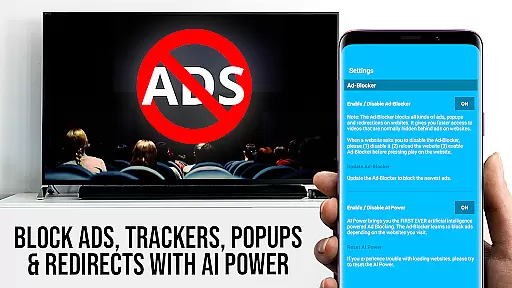
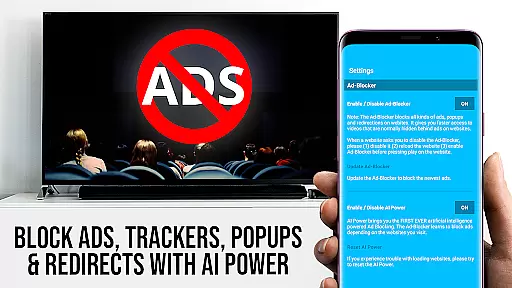
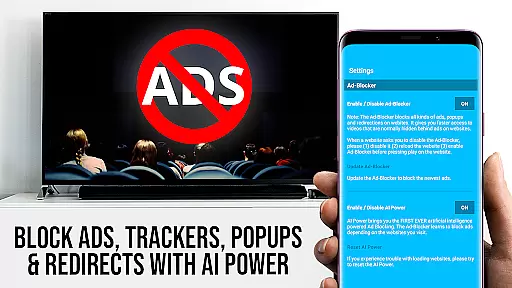
While TV Cast Pro for LG webOS doesn't focus on traditional AI-powered editing features like video trimming or color correction, it offers advanced functionalities that enhance user interaction with web content. One standout feature is the Ad-Blocker, which intelligently filters out unwanted ads and popups from websites.
This smart filtering creates a cleaner viewing environment by removing distracting elements from web pages before casting them to the TV. Users can toggle this feature in settings, giving them control over their browsing experience while maintaining optimal performance.
Additionally, the Remote Playbar provides sophisticated video control options during streaming sessions. This includes functions like scrubbing through videos, fast-forwarding, rewinding, and standard playback controls u2013 all accessible while browsing content.
Full HD Streaming
Ad-Free Experience
Advanced Video Controls
Wide Device Compatibility
Customizable Settings
No DRM Content Support
Requires Companion App
Limited Refund Period
QR Code Dependency
Premium Price Tag

Photo and Music Video Creator into Stunning Videos—Effortlessly
 4.40
4.40
This app was created to edit the metadata of music files.
4.20
KMPlayer Plus (Divx Codec) officially support Divx codec.
4.30
Pro video editor app for Instagram, edit video with song, AI, effect & slowmo.
4.80
Make your own Animations, Video and Photo Edits, Visual Effects, and more!
4.00
IPTV Loader, loads your own Playlist. DOES NOT CONTAIN ANY LIST OR CHANNELS
4.60
Connect EasyCap or UVC devices for recording and broadcast video/audio stream
3.60
Video player with 4K & 1080P support, popup play, background play and subtitle.
4.20
Photo editor & video maker with music and slideshows.
4.10
Browser + Remote for Roku to stream webvideos, online movies and livestreams
4.60
Support 1000+ Video Format, Subtitle Download, mp3 & Background Play, Cast On TV
4.60
Fast, private downloading, video saving, social media
4.50
Video Downloader, Multiple Resolution Options, Video Player
4.50
Fast & Private HD Video Downloader with Built-in Proxy Browser and Video Player.
4.50
Online Videos Player
3.90
HD video & music player - All format support with floating & PIP mode!
3.80
Manage your IPTV live channels and VOD playlists (no playlist included)
3.80
IPTV Player - Watch live TV from m3m & m3u8 playlist, stream IPTV on mobile
3.30
Play and download HD videos from all sources — fast, simple, and all-in-one.
4.1


User Reviews