
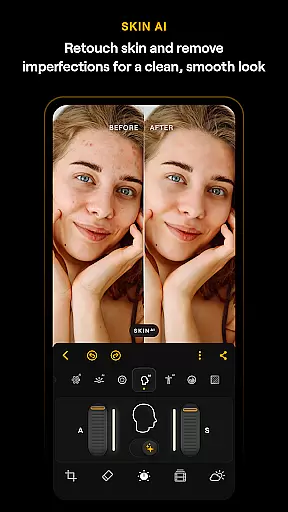
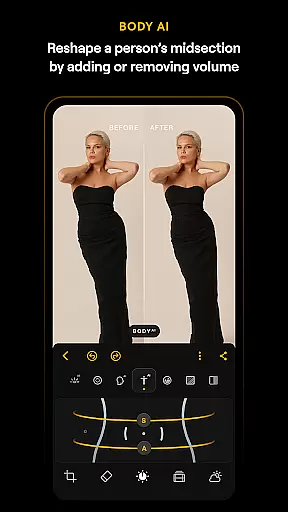
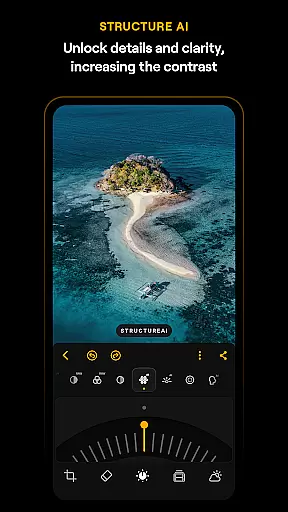
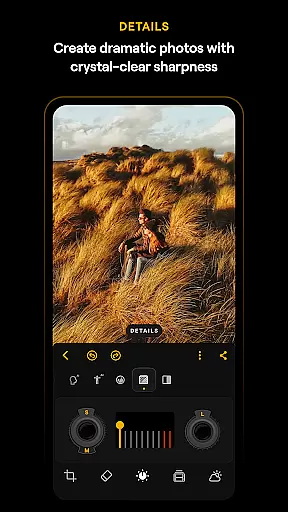
Luminar: Photo Editor is a comprehensive mobile photo editing application designed for both Android and ChromeOS users. This app combines powerful AI-driven tools with an intuitive, interactive interface that responds to touch gestures, providing users with a seamless editing experience. The streamlined design ensures unparalleled control without complicated functions, allowing users to focus on their creativity.
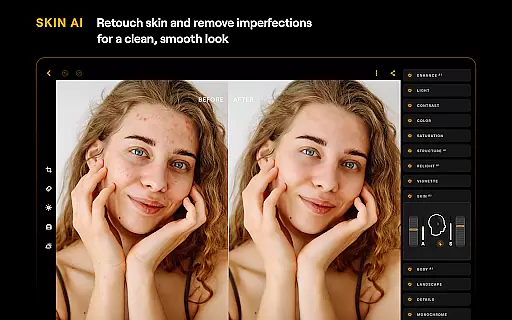
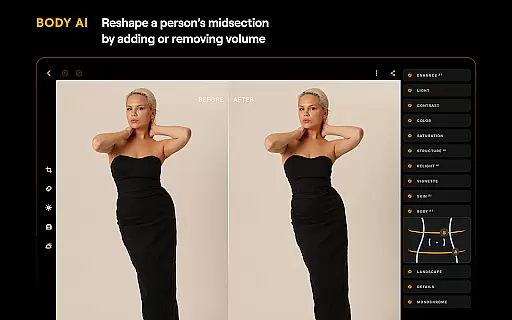
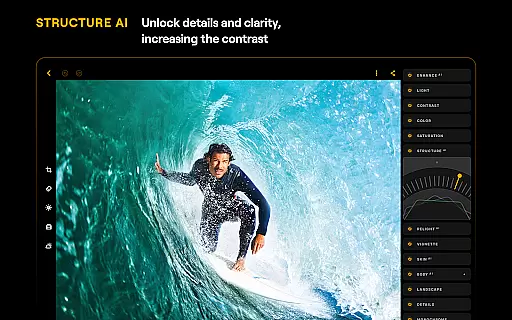
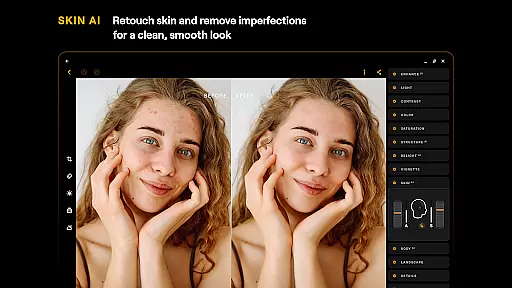
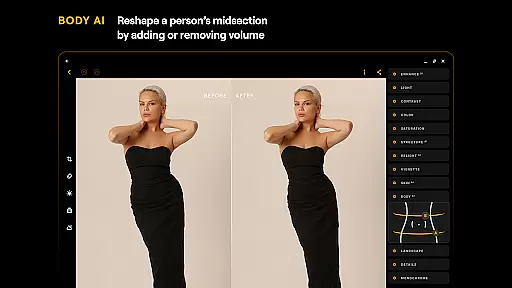
Key features include various smart AI enhancements such as SkyAI, EnhanceAI, StructureAI, RelightAI, SkinAI, and BodyAI. These tools enable users to replace skies, enhance photo quality, unlock hidden details, adjust lighting, retouch skin, and shape subjects realistically. Additionally, the app offers advanced editing options like Curves, Details, Crop, Landscape, Monochrome, Erase, and Photo Filters, along with RAW file support for high-quality post-processing.
Whether you're a beginner or a professional photographer, Luminar: Photo Editor provides all the necessary tools to elevate your photo editing skills. Compatible with devices running Android 11 or later and ChromeOS, this app ensures a smooth and responsive interface, making it an ideal creative companion for on-the-go editing.
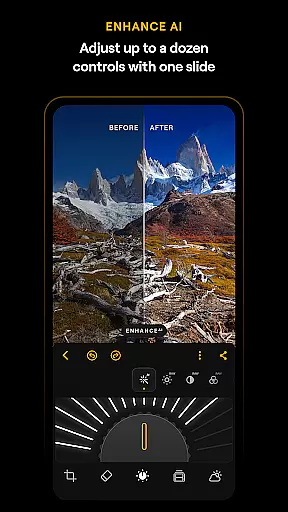
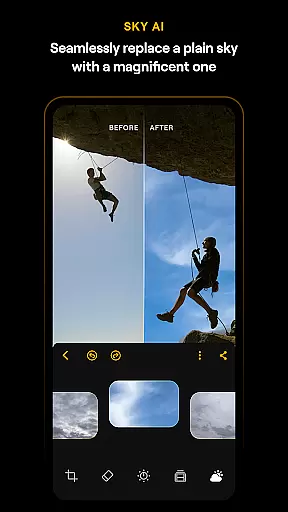
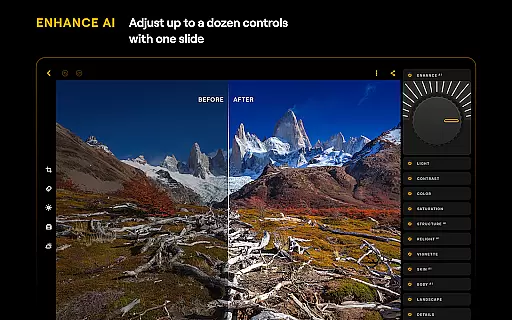
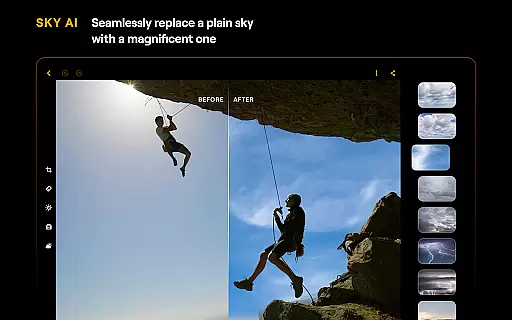
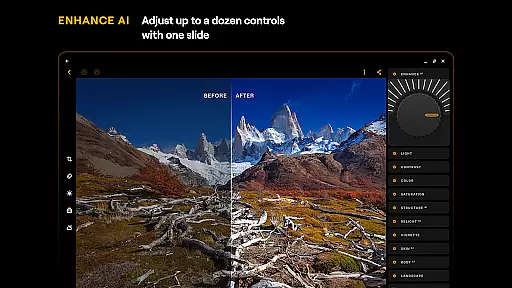
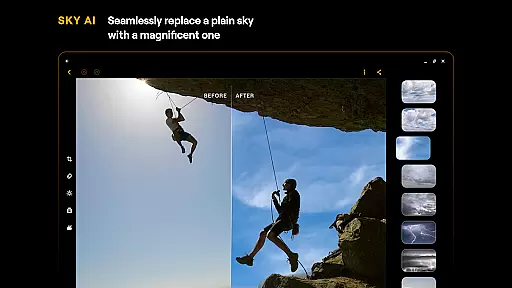
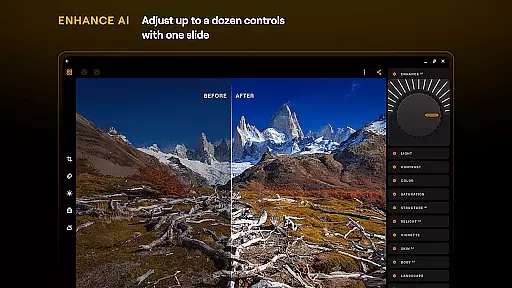
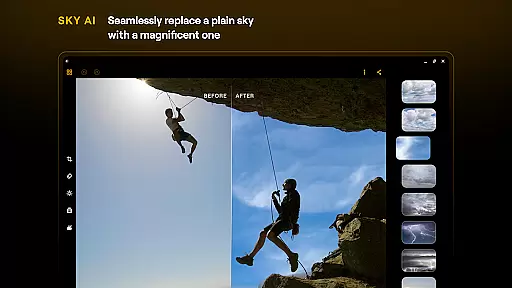
Luminar: Photo Editor stands out with its array of sophisticated features tailored to meet diverse photo editing needs. One of the most notable aspects is its suite of AI-powered tools. SkyAI allows users to replace dull skies with vibrant ones, creating stunning backdrops effortlessly. EnhanceAI simplifies the enhancement process by adjusting color, tone, and clarity with a single slide, delivering professional results in seconds.
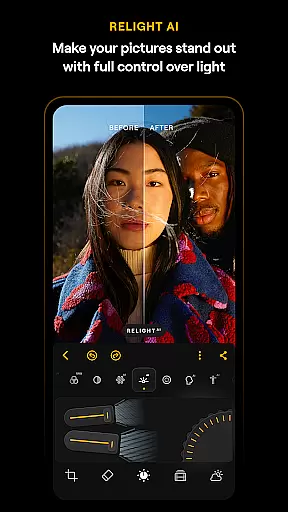
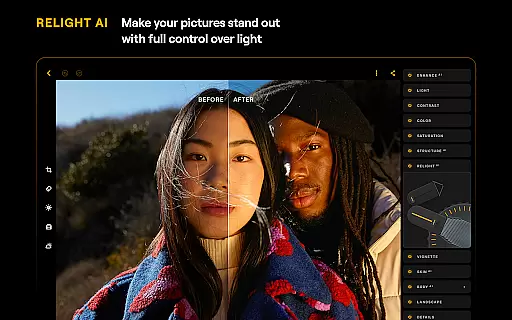
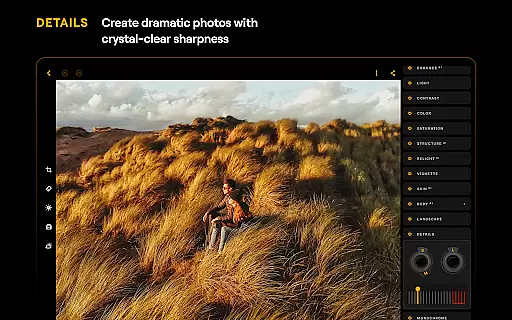
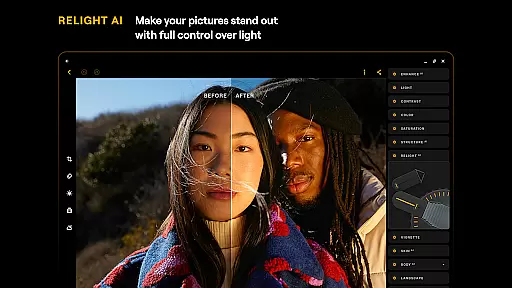
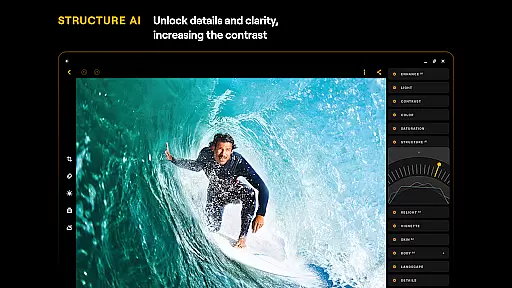
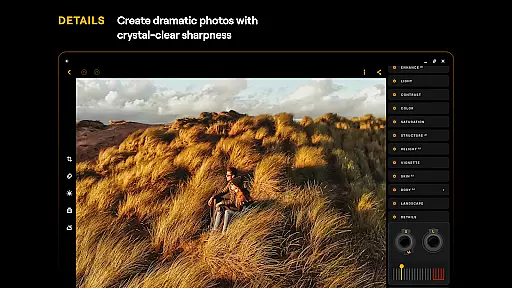
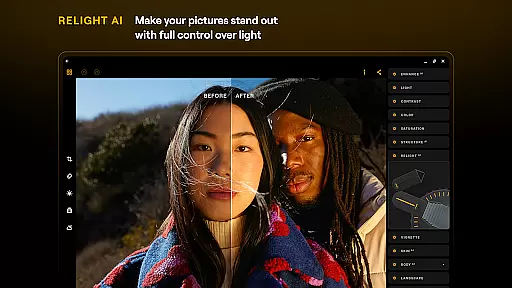
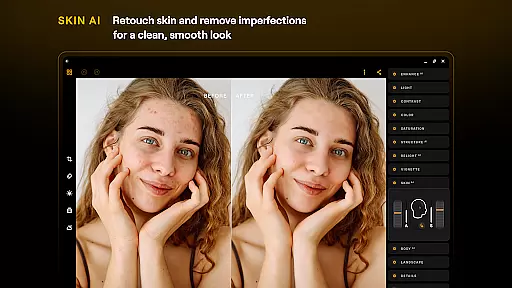
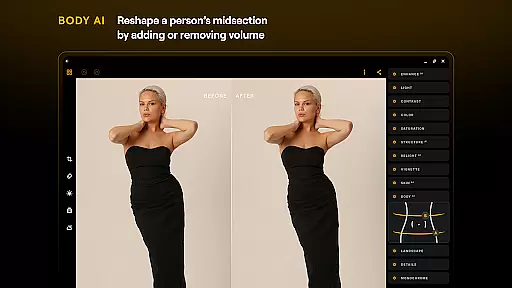
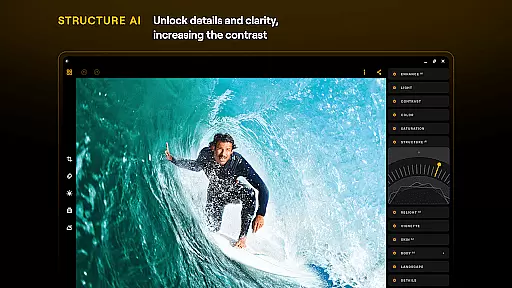
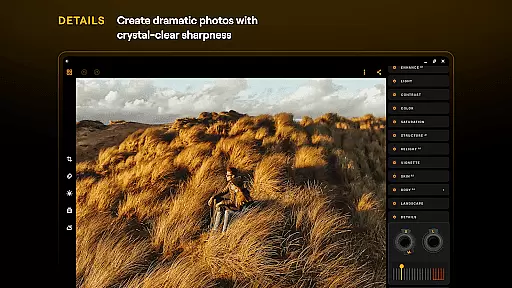
StructureAI and RelightAI further enhance image quality by unlocking hidden details and allowing dynamic control over exposure and light sources. SkinAI and BodyAI offer realistic retouching options, smoothing skin and adjusting body shapes naturally. Beyond AI tools, the app includes traditional editing features like Curves for precise color adjustments, Details for enhancing clarity, and Crop for perfect compositions.
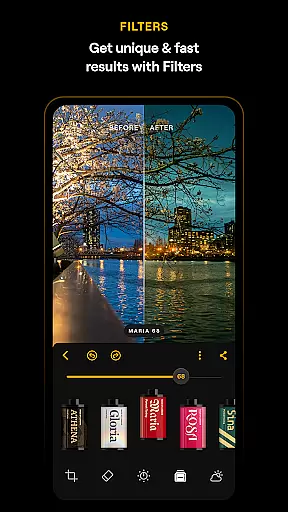
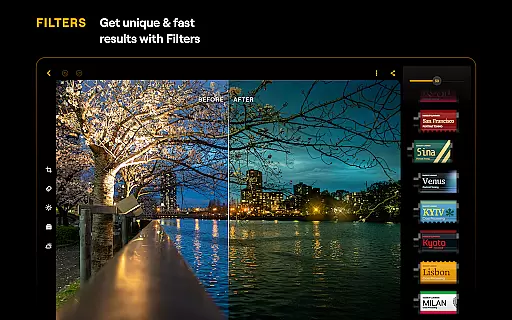
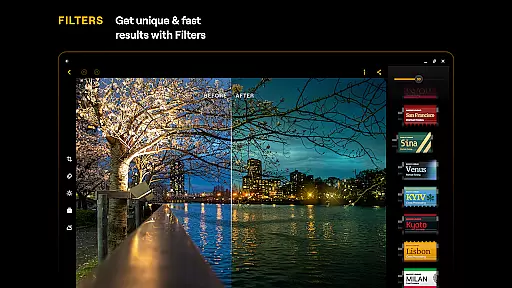
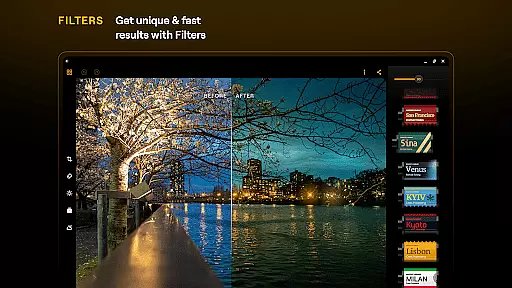
Additional functionalities such as Landscape, Monochrome, Erase, and Photo Filters provide users with creative flexibility. The app also supports RAW files, ensuring maximum quality and flexibility during post-processing. Designed for Android and ChromeOS, Luminar: Photo Editor delivers a responsive and intuitive experience, empowering users to achieve their creative vision with ease.
Real-time capture and preview functionality is essential for ensuring that photographers can accurately frame and adjust their shots before taking a picture. Luminar: Photo Editor offers a streamlined design with unparalleled control, allowing users to edit photos using intuitive gestures.
The application's interface includes smoothly gliding sliders and spinning dials that respond realistically to touch, providing tactile feedback with motion and sound. This responsive design ensures that users can make precise adjustments to their images, enhancing the real-time capture experience.
With Luminar's real-time preview, there's no need for guesswork in photo composition or editing. Users can see the effects of filters and adjustments instantly, which helps in making informed decisions about color, tone, and clarity. This immediate visual feedback empowers creators to produce professional-quality edits within seconds.
Ultimately, Luminar: Photo Editor transforms the photography workflow by offering powerful AI-driven tools that are easy to use on-the-go. Whether you're capturing landscapes or portraits, the appu2019s seamless integration with Android devices ensures a smooth and intuitive experience, enabling creativity without compromise.
AI beauty and enhancement features have become a cornerstone of modern photo editing, allowing users to refine and perfect their images with natural-looking results. Luminar: Photo Editor leverages cutting-edge technology to provide smart AI enhancements that automatically retouch skin, adjust exposure, and reveal hidden details.
Among its standout features is SkinAI, which intelligently smooths skin while preserving texture and authenticity. This ensures that edited photos maintain a realistic appearance, avoiding the over-processed look that can occur with less sophisticated tools. Additionally, EnhanceAI allows for effortless improvement of photo quality through simple slider adjustments.
Luminar also includes RelightAI for dynamic control over lighting conditions, as well as StructureAI to enhance contrast and texture. These tools work together to create striking visual impacts without sacrificing the natural essence of the original image. The result is an enhanced yet genuine representation of the subject matter.
By combining these advanced AI capabilities with an interactive interface, Luminar: Photo Editor delivers a uniquely engaging experience. It caters to both beginners and professionals who seek next-level photo editing at their fingertips, ensuring stunning outcomes with minimal effort.
User-friendly interface
Advanced AI tools
Comprehensive editing options
Supports RAW files
Compatible with multiple devices
Paid subscription required
Auto-renewal by default
Limited free features
High system requirements
Occasional performance issues

Gallery show photo, video, slideshow, is perfect 3D effect private photo albums.
 4.80
4.80
How would you look like with a differently shaped nose, chin or lips?
3.90
Perfect body tune & face app - photo retouch, makeup, slim body & beautify face.
4.80
Create AI Photos, Improve and restore quality of blurry, old or damaged pics.
4.20
Create Business Headshots, Polaroid Filter, Retake Photos,Profile Pics,AI Photos
4.50
Create AI photos & videos with Enhancer; restore, fix, beautify, enhance photos
4.50
Future baby face generator: AI kids generator, kid face! What my baby look like?
4.40
See your baby AI baby face generator AI baby maker Face generator babymaker fun!
4.70
Transform Photos: Edit, Beautify and Craft Memories & Make Collages!
4.10
Viewfinder, Light meter, Reciprocity failure time, DOF & Bellows Extension
4.60
Light-weight Media Gallery app for Android made with Jetpack Compose
4.60
Automatically backup your photos and videos to computer, NAS and Cloud services
4.60
HD Camera Pro with HD Video shooting, Panorama, Photo editor , Beauty Camera.
4.50
Search, tag and rate your way to an organized image gallery
4.40
A light meter for true photographers.
4.20
What celebrity do you look like? Celebs will find your celebrity match!
4.10
Hair color changer, AI haircut app, fun hair editor and buzz cut filter for all!
3.80
Remote control of the phone camera from your Wear OS smartwatch
3.70
Raw Image Viewer. Gallery with support of raw images (.cr3, .cr2, .nef, .raf).
2.00


User Reviews