
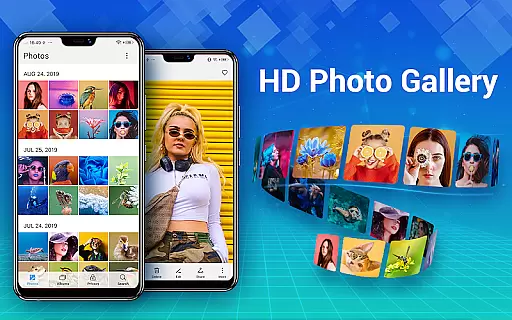
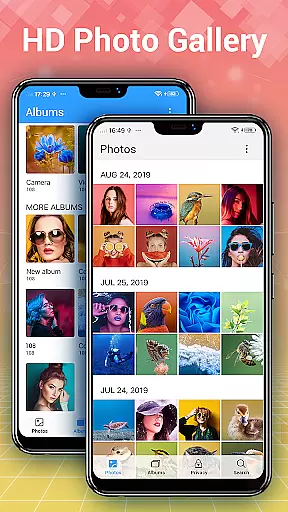
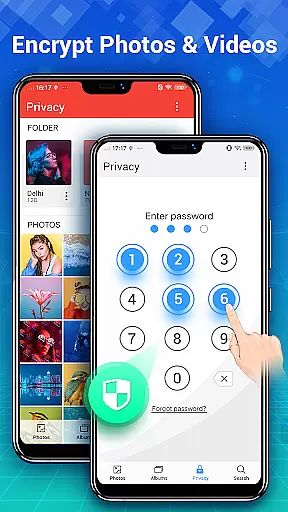
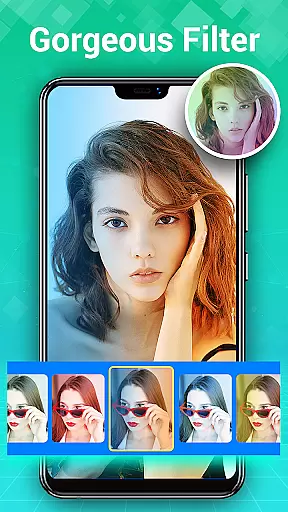
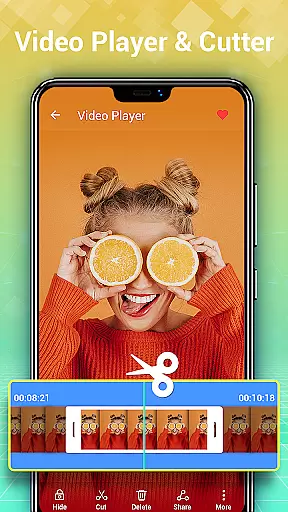
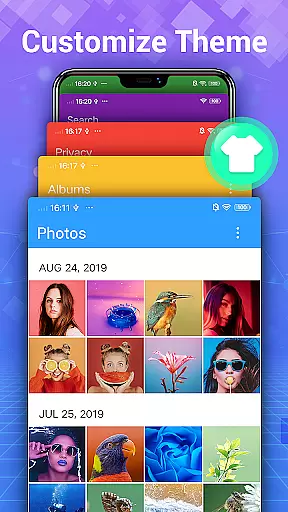
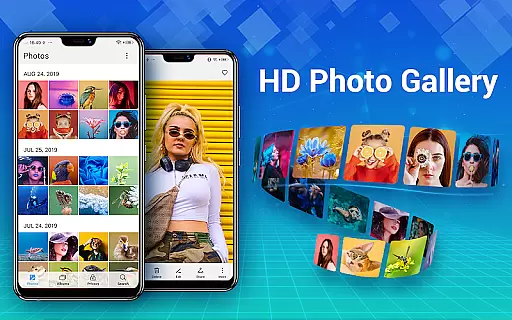
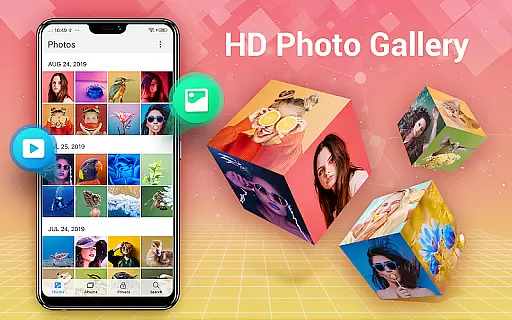
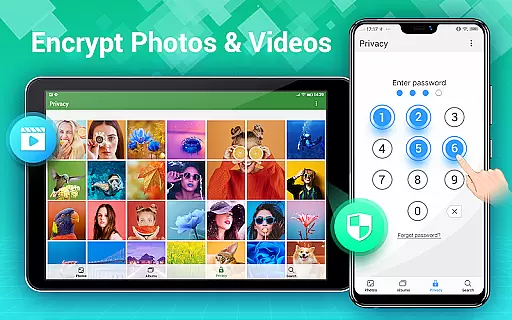
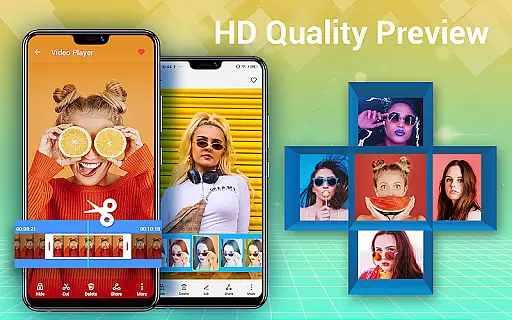
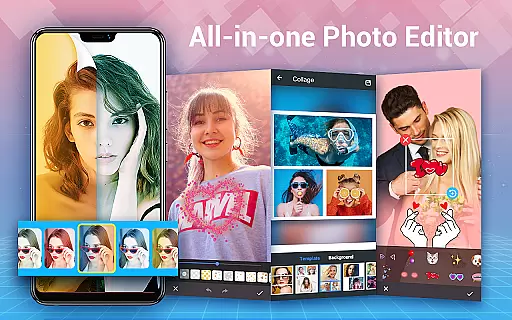
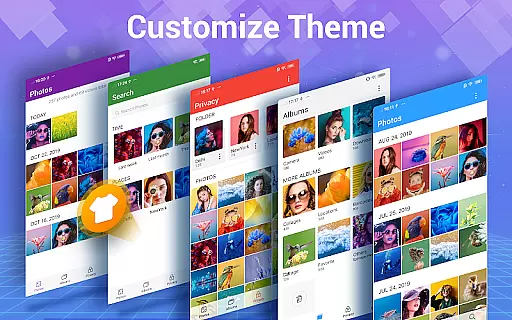
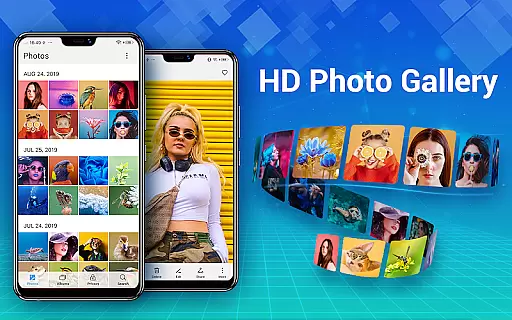
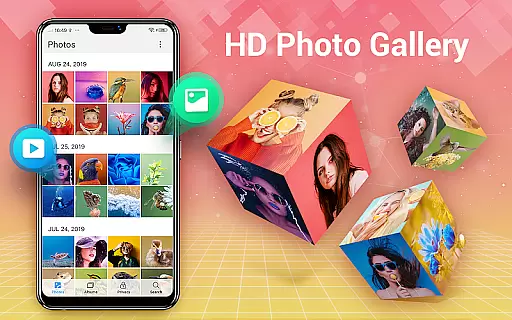
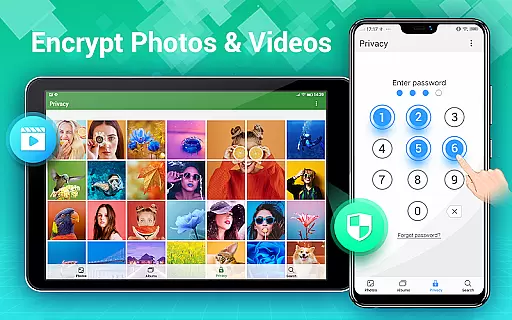
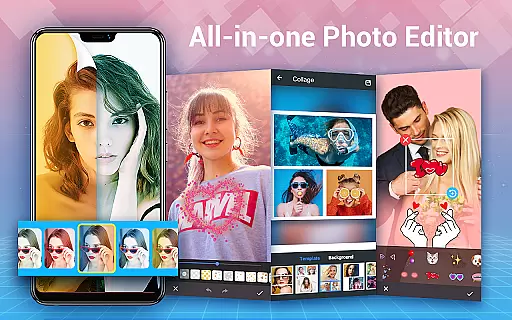
Photo Gallery is a comprehensive photography app designed to organize, edit, and secure your photos and videos. This all-in-one solution automatically categorizes your media files into albums and offers advanced editing tools for enhancing your images. With features like Gallery Lock, users can encrypt private content, ensuring complete privacy. The app supports HD viewing, slideshow playback, and even photo collage creation, making it an essential tool for Android users who want a smart way to manage their digital memories.
The application's intuitive interface allows effortless organization through date-based sorting, favorite tagging, and album creation. It also provides practical utilities such as trash management, file searching, and setting wallpapers. Photo Gallery stands out by offering both aesthetic and functional benefits, from stylish stickers and filters to robust file management capabilities. Whether you're looking to beautify your photos or keep sensitive content secure, this app delivers a seamless experience across all major functionalities.
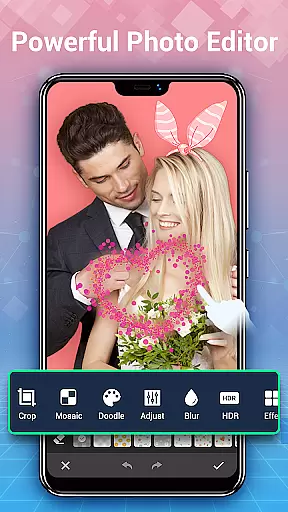
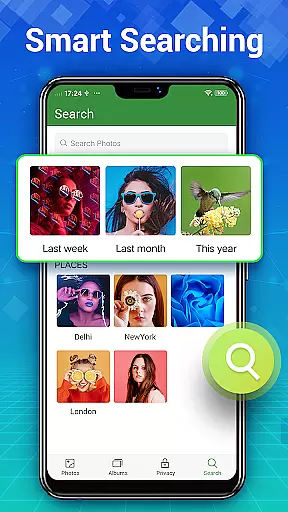
Photo Gallery shines with its rich feature set tailored for photography enthusiasts and everyday users alike. The automatic organization system intelligently sorts photos and videos into albums, while the quick search function helps locate specific files instantly. Users can enjoy advanced editing options like one-tap auto-enhance, lighting adjustments, and creative effects including stickers and mosaics. The photo collage maker allows combining multiple images into stunning layouts using free-style or grid templates.
Security is another cornerstone of this app, featuring a private gallery where users can hide and password-protect sensitive media. Additionally, the app supports external SD cards for flexible storage solutions. With slideshow modes, HD previews, and the ability to sort files by various criteria, Photo Gallery ensures that managing your media library is both efficient and enjoyable. These features collectively create a powerful yet user-friendly environment for all your photo management needs.
Real-time capture and preview functionality is essential for photography apps as it allows users to see exactly what the camera is capturing before taking a shot. This ensures that photos are framed and focused correctly, reducing the need for retakes.
Photo Gallery - Album, Vault offers an intuitive real-time capture experience with features like automatic organization of photos and videos, making it easier for users to manage their media instantly after capturing. The app's ability to browse thousands of gallery photos and videos in HD ensures high-quality previews.
Users benefit from the app's support for folders and SD cards, which allows them to organize their captures efficiently right after previewing. With easy transfer options to and from SD cards, photographers can quickly free up device space or backup their work.
The inclusion of photo editing tools within the app enhances the capture and preview process by letting users immediately enhance their photos with one-tap auto-enhancements, filters, and more. This seamless integration of capture, preview, and edit functions makes Photo Gallery a comprehensive tool for photography enthusiasts.
AI beauty and enhancement features have become a staple in modern photography apps, allowing users to refine and beautify their photos with natural-looking results. These tools leverage advanced algorithms to ensure enhancements look realistic and preserve the original essence of the image.
In Photo Gallery - Album, Vault, AI-powered enhancements include stylish stickers, text overlays, doodles, mosaics, and various filters that adjust lighting and apply artistic effects. These features enable users to create visually appealing images while maintaining authenticity.
The app also provides powerful editing capabilities such as cropping, lightening, blurring, and mosaic effects, ensuring every detail is perfected without appearing over-processed. Users can trust that their edited photos will retain a natural appearance thanks to these sophisticated AI-driven tools.
By integrating AI beauty enhancements into its all-in-one platform, Photo Gallery not only simplifies the editing process but also empowers users to produce professional-quality edits effortlessly. Whether enhancing personal photos or preparing images for social media, this app delivers both convenience and quality.
User-friendly interface
Advanced photo editing
Secure gallery lock
Automatic organization
HD quality viewing
Requires storage permission
Premium features locked
Occasional bugs reported
Limited free templates
Ads in the free version

Create & Edit with AI: AI Remove, Enhance, Retouch, Filter
 4.10
4.10
Create AI Photos, Improve and restore quality of blurry, old or damaged pics.
4.20
Cartoon and artistic effects for your photos and videos
4.70
The #1 app for B&W film developing featuring an advanced darkroom timer.
4.10
Create amazing frames with up to five photos. Rounded corners, effects and more!
3.60
Collage your moments in one tap: 1000+ layouts, filters, stickers, and texts.
4.90
AI-powered video creator by MiniMax - Where ideas meet cinema
4.20
Astrophotography with your smartphone, photo live stacking and much more!
3.90
Your personal guide to the sun and moon. Plan ahead, visualize and predict!
4.70
Photo prints, cards, & gifts at Walgreens. Easy ordering & fast local pickup !
4.80
Easily stitch panoramas from multiple photos or video.
4.40
Edit like a pro with Hypic. Apply filters, AI effects, & magic touch.
4.40
Natural Beauty, Selfie Retouch
4.30
Professional photography on your mobile phone
4.20
How old age camera Gender Swap App Face Shape Hairstyle App Hair Styler App fun!
4.00
Professional quality photo edits with the new Snapseed.
4.00
Gallery Slideshow is slideshow maker app for slideshow from your gallery photos.
3.90
Application for remote controlling DSLR
3.00
Professional video recording application with manual controls for filmmakers!
2.80


User Reviews