
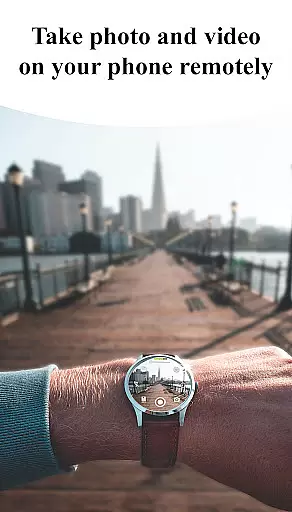
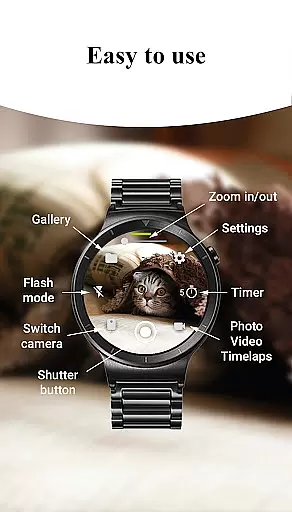
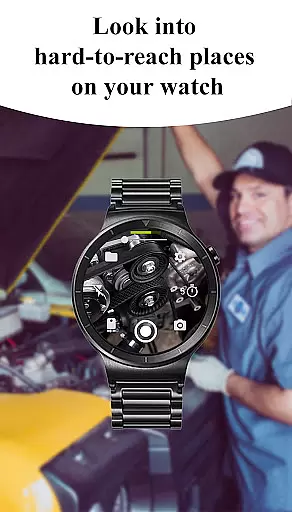
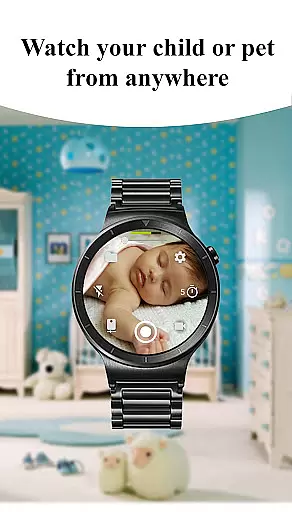
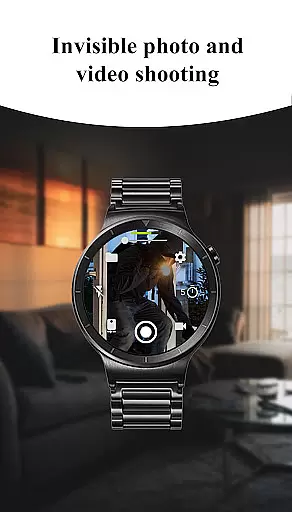
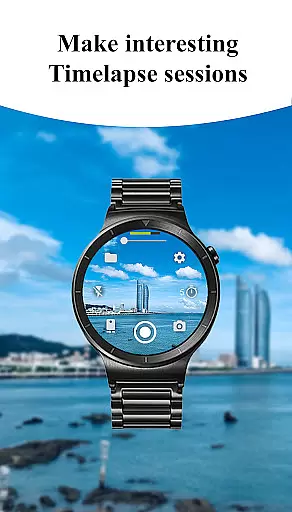
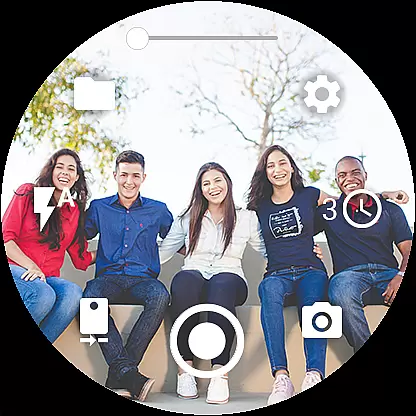
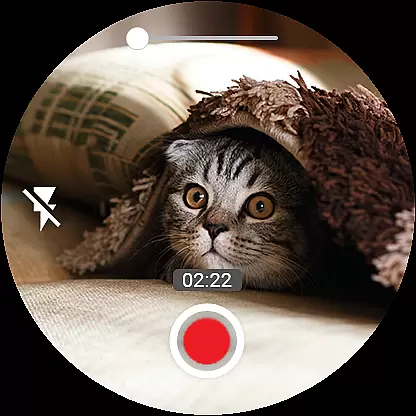

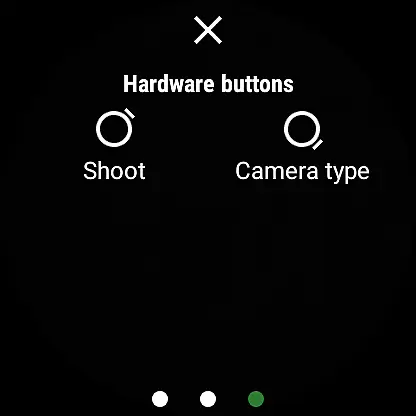
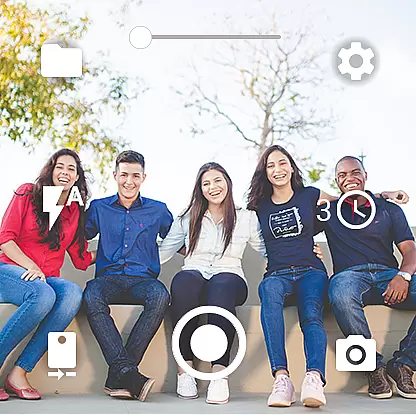
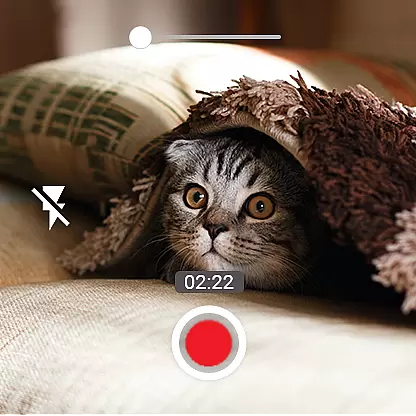
Camera Control for Wear OS is an innovative photography application that allows users to remotely control their smartphone's camera functions directly from their Wear OS smartwatch. This app offers a comprehensive suite of features including three distinct shooting modes - photo capture, video recording, and timelapse creation - all accessible from your wrist.
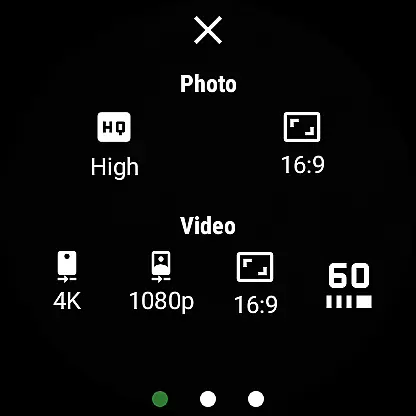
The application supports advanced camera modes such as Bokeh, HDR, Night, and Auto, providing enhanced image quality based on device compatibility. Users can conveniently set timers, control flash and flashlight settings, adjust photo and video quality parameters, and manage zoom levels directly from their smartwatch interface. The app also enables seamless switching between front and rear phone cameras, making it ideal for various photography scenarios.
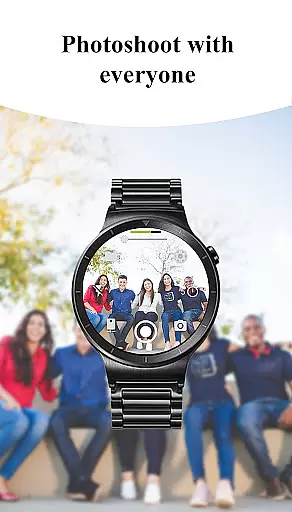
This remote camera control solution proves particularly valuable during outdoor activities or group photos where physical access to the phone might be challenging. By allowing users to maintain full camera functionality while keeping their phone securely stored, Camera Control for Wear OS enhances both convenience and safety during photography sessions.
Camera Control for Wear OS distinguishes itself through its extensive feature set designed specifically for wearable devices. The app's most remarkable characteristic is its comprehensive camera control capabilities, enabling users to manage multiple aspects of their phone's camera system directly from their smartwatch. This includes advanced settings like Bokeh effect activation, HDR optimization, and specialized night mode functionality.
A key innovation lies in its sophisticated timer setup and flash management system. Users can configure precise timing for photo sequences, video recordings, and timelapse sessions while maintaining complete control over flash intensity and modes. The inclusion of wide-angle camera support and high-framerate video recording options (30 or 60 fps) demonstrates the app's commitment to professional-grade photography features.
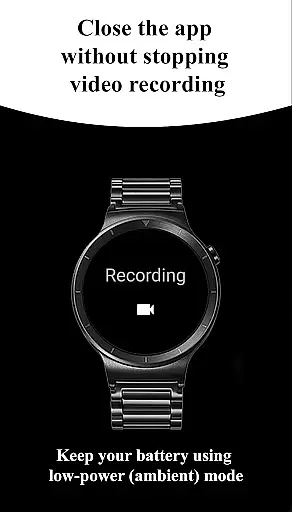
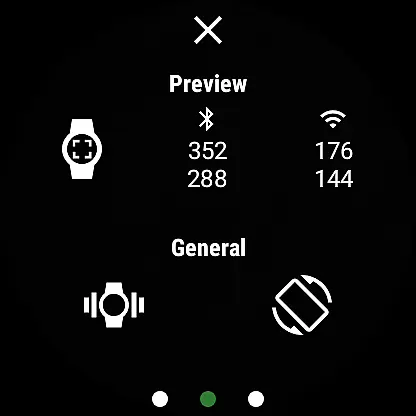
The application's ability to maintain operational continuity stands out as another significant advantage. Users can close the app on their watch without interrupting ongoing video recordings, and continue capturing media even when their phone screen is off or locked. This seamless experience, combined with wireless connectivity through Bluetooth and Wi-Fi, establishes Camera Control for Wear OS as a robust solution for modern mobile photographers seeking enhanced flexibility and control.
Real-time capture and preview functionality is essential for ensuring that users can take photos or record videos with precision and confidence directly from their Wear OS smartwatches. The Camera Control for Wear OS app excels in this area by providing a seamless connection between the smartwatch and the phone's camera.
This application allows users to control various camera functions such as switching between front and rear cameras, adjusting photo and video quality settings, and controlling zoom levels, all from their wrist. This real-time interaction ensures that users can frame their shots perfectly without needing to touch their phones, offering convenience and flexibility.
Additionally, the app supports advanced camera modes like Bokeh, HDR, Night, and Auto, which can be activated right from the watch. This means users can enhance their image quality on-the-go, capturing professional-grade photos and videos effortlessly. The ability to set timers and control flash settings further enriches the photography experience, making it versatile and user-friendly.
Overall, the real-time capture and preview feature of Camera Control for Wear OS empowers users to explore a world of possibilities, from taking spontaneous shots to creating captivating timelapse sessions, all while enjoying the convenience of smartwatch control.
AI beauty and enhancement features have become increasingly popular in photography apps, aiming to improve image quality while maintaining a natural look. The Camera Control for Wear OS app incorporates these advancements to offer users enhanced yet authentic photo experiences directly from their smartwatches.
With AI-powered enhancements, users can activate various beauty modes that intelligently adjust skin tones, smooth imperfections, and enhance facial features without over-processing the images. This ensures that every photo taken retains its natural essence while benefiting from subtle improvements that elevate overall quality.
The app also provides options for automatic image rotation and geotagging, adding layers of convenience and functionality. These features help organize and document photos effectively, ensuring that users can easily manage their galleries and recall locations where photos were taken.
By integrating AI beauty and enhancement tools, Camera Control for Wear OS not only simplifies the photography process but also delivers professional-quality results. Users can enjoy capturing stunning moments with improved clarity and vibrancy, knowing that their images will look both polished and genuine.
Comprehensive camera control
Advanced shooting modes
Convenient wearable access
Professional-grade features
Seamless device integration
Device compatibility limits
Feature availability varies
Potential connection issues
Battery consumption concerns
Learning curve for new users

Gallery show photo, video, slideshow, is perfect 3D effect private photo albums.
 4.80
4.80
Search, tag and rate your way to an organized image gallery
4.40
Viewfinder, Light meter, Reciprocity failure time, DOF & Bellows Extension
4.60
What celebrity do you look like? Celebs will find your celebrity match!
4.10
AI photo editor with hair editor, retouch tools, hair color changer & filters!
4.50
Luminar: Photo Editor - easy picture editing with AI
4.20
RAW video capture with advanced controls
4.40
Remote control the phone camera shutter from your smartwatch and take a picture
1.60
Welcome to ProShot, the most powerful camera app on Android.
4.20
Photo editor: AI filters, photo enhancer, pic collage maker, AI art generator.
4.80
Enhance, upscale, and transform your images — on your device, without limits
4.70
Easily create custom gifts, cards, photo books & more on the Shutterfly app!
4.60
PhotoSync Bundle Add-On License. Enables all features and services in PhotoSync.
4.60
Future baby face generator: AI kids generator, kid face! What my baby look like?
4.40
Shooting photos and records video easily and efficient with professional Camera
4.30
The #1 app for B&W film developing featuring an advanced darkroom timer.
4.10
Superimpose one photo on top of another using the original Superimpose app!
3.20
Application for remote controlling DSLR
3.00
Professional video recording application with manual controls for filmmakers!
2.80


User Reviews