
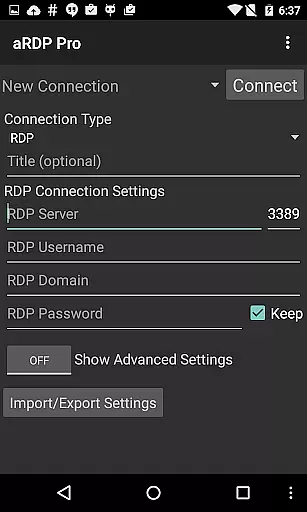
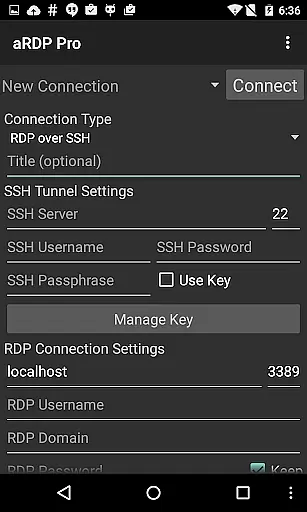
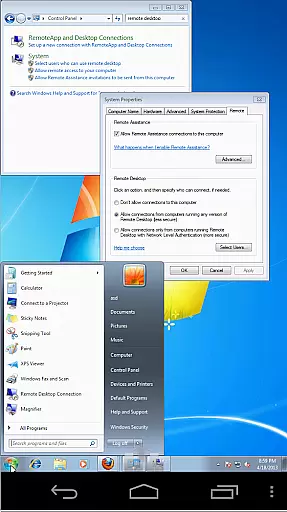
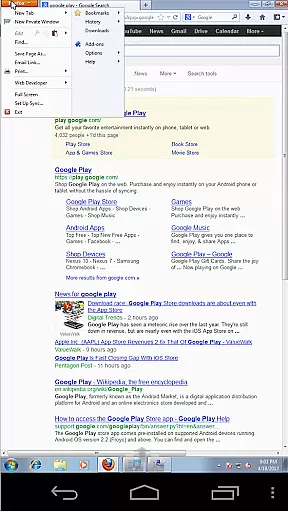
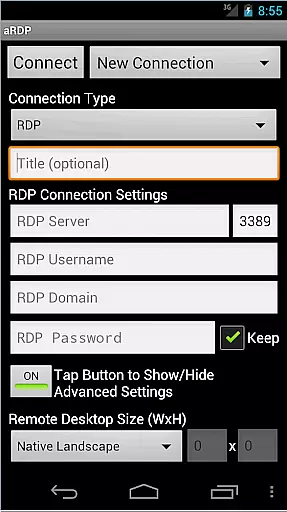
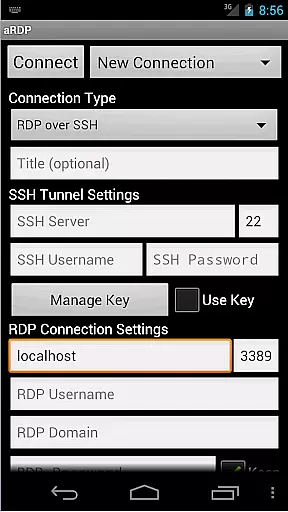
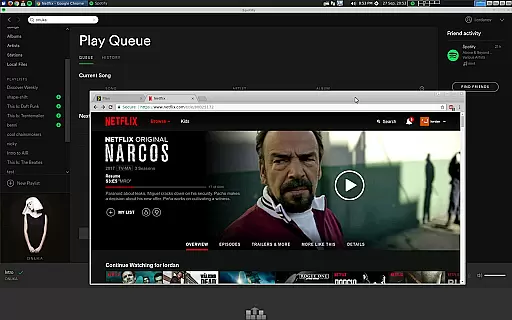
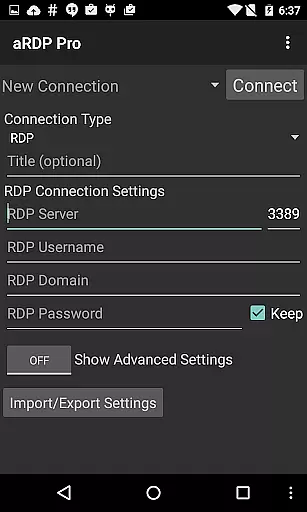
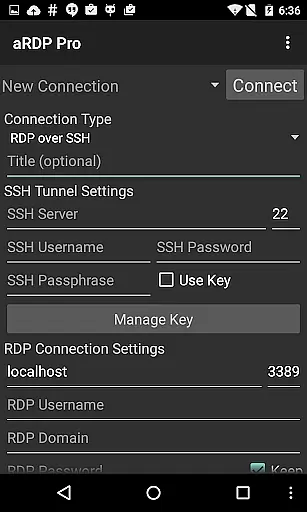
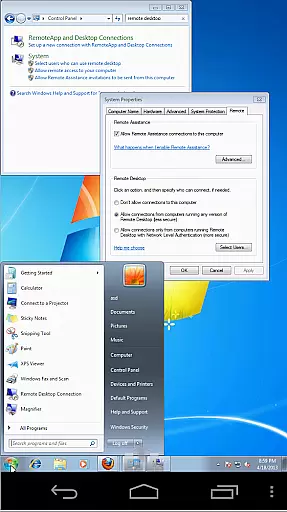
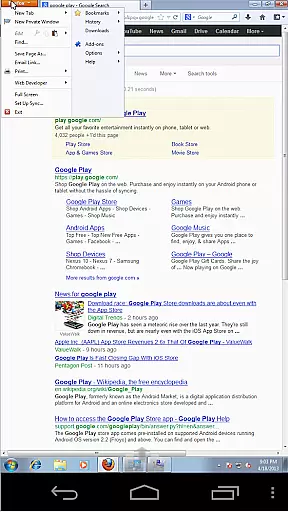
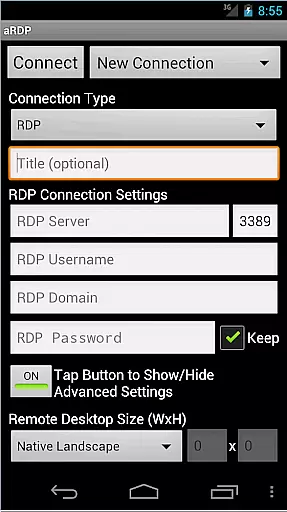
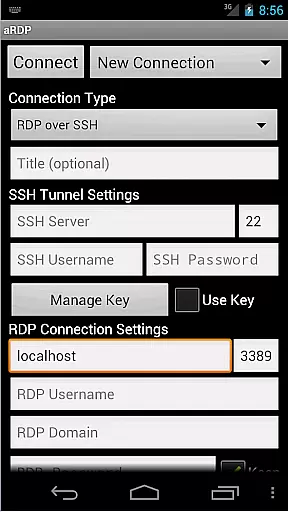
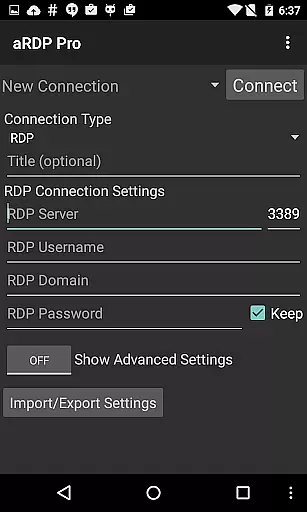
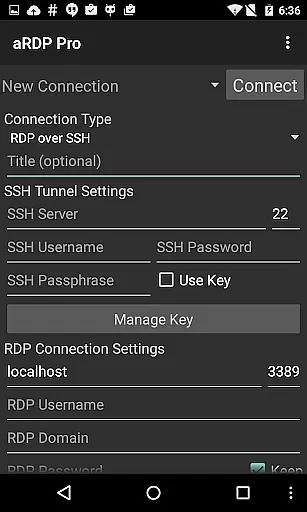
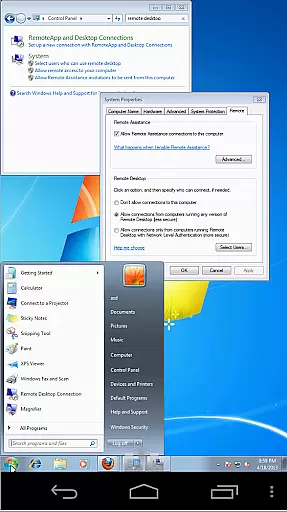
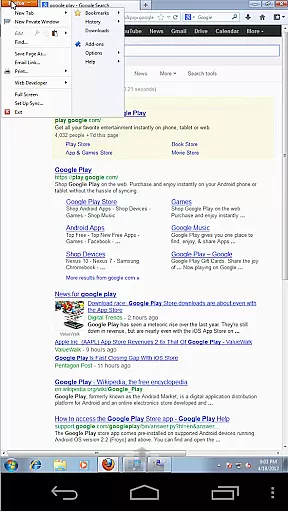
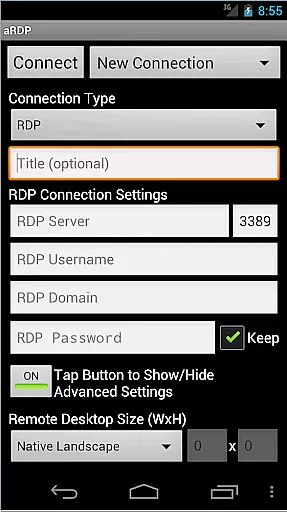
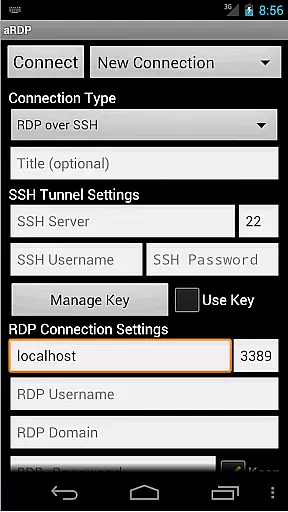
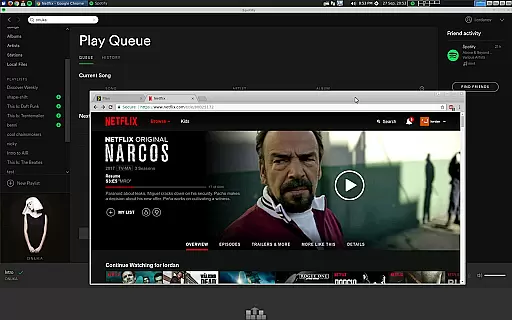
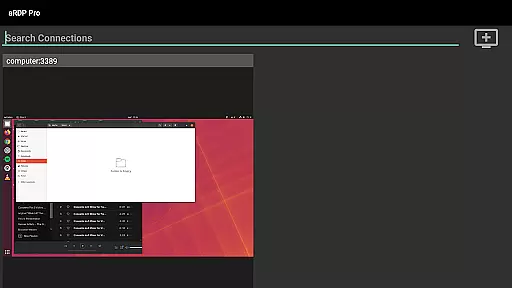
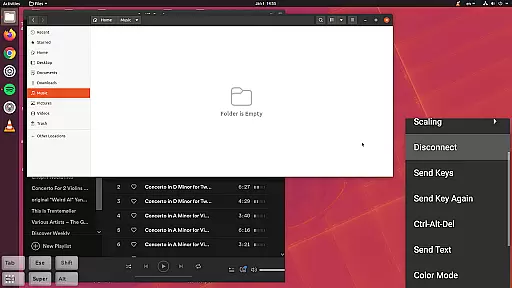
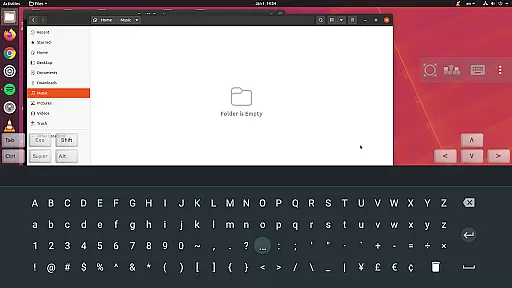
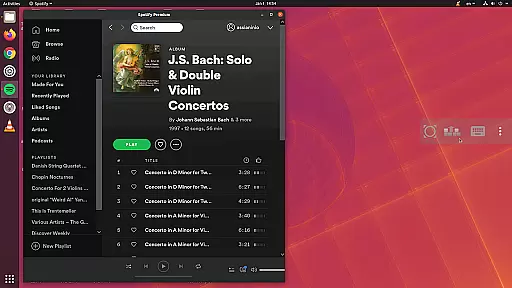
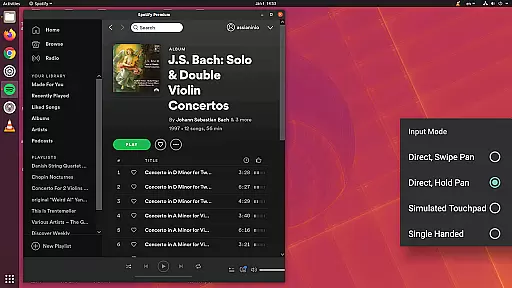
aRDP Pro is a premier open-source Remote Desktop Protocol (RDP) client, offering secure and versatile remote desktop control. It utilizes the robust FreeRDP library to enable users to connect to Windows and Linux systems, providing comprehensive session management and styling options.
With support for SSH tunneling, multi-factor authentication, and sound redirection, this app ensures secure and efficient remote access. Its intuitive touch controls and adaptive UI make it suitable for both smartphones and tablets, enhancing productivity for users who manage servers or work remotely.
aRDP Pro stands out with its advanced features tailored for productivity. The app supports RDP files, SSH authentication, and offers fine control over remote desktop sessions, including resolution adjustments and multi-touch gestures.
Users benefit from innovative functionalities like pinch-zooming, scrollable screens, and multiple input modes. Additionally, the app provides essential tools such as on-screen keys, clipboard integration, and various scaling modes, ensuring an optimal remote desktop experience across different devices and use cases.
aRDP Pro excels in core task management by offering users comprehensive control over remote desktop sessions. This includes the ability to manage multiple connections, save session settings, and swiftly switch between different remote machines.
The application supports advanced features like automatic session saving, RDP file support in the Pro version, and dynamic resolution changes. These capabilities ensure that users can efficiently organize and access their remote desktop environments without hassle.
For power users, aRDP Pro provides fine-grained control over remote desktop session styling, multi-language support, and various input modes. This level of customization allows users to tailor their remote access experience to match their workflow requirements precisely.
By integrating SSH tunneling and MFA/2FA authentication, the app ensures secure and reliable connections, making it an ideal choice for IT professionals and system administrators who require robust task management features.
Cross-device synchronization is a critical feature of aRDP Pro, enabling users to maintain consistent access to their remote desktops across different Android devices. The app achieves this through its automatic connection session saving and export/import functionality for settings.
With support for Samsung multi-window and Samsung DEX, aRDP Pro ensures that users can seamlessly transition between phone, tablet, and desktop environments while retaining their personalized configurations and saved sessions.
The inclusion of hardware keyboard support, FlexT9 integration, and clipboard integration further enhances the synchronization experience. Users can copy, paste, and input data effortlessly, regardless of the device they are using.
This reliable synchronization capability, combined with features like immersive mode and screen rotation support, makes aRDP Pro an excellent choice for professionals who need consistent performance and access across multiple devices in their daily operations.
Secure SSH connections
Multi-touch controls
Supports multiple platforms
Customizable session settings
Comprehensive gesture support
No iOS version available
Complex setup for beginners
Limited Windows 10 Home support
Occasional connectivity issues
Interface may feel cluttered

AI Video AI Image Private LLM AI Browser Llama Gemma Ollama Connect LLM Studio
 4.4
4.4
Planet Free VPN - The best Fast Unlimited and Secure VPN Without Logs
4.50
Easily read and manage all your PDF files
4.10
Smart PDF reader & editor to view, organize and manage PDF documents easily.
3.70
Simple and reliable communication between inmates, friends and family
3.20
Cloud storage, automatic phone backup, and more.
4.10
Secure your apps with lock screens, use custom themes and different features.
4.40
Share files & memories safely. Keep your photos and videos secure.
4.40
Browse and view your photos and videos from the phone with photo & video hide.
4.10
Great calculator for Android named one of USA TODAY's "25 Essential Apps".
4.90
The Pro Version of Android's tiniest Notepad app. Just 0.3MB but feature-packed!
4.60
All document reader, all in one file viewer read PDF, DOCX, XLS, PPT, TXT files.
4.60
Lightweight PDF, Word, Excel reader.
4.60
Send files, sync SMS, notifications & clipboard across devices via local network
4.40
Docker, Kubernetes management over Portainer Mobile
4.40
Enjoy classic gameplay with customizable features and retro-style graphics.
4.30
Take control of your clipboard with Clipper!
3.90
Make your handwriting beautiful, even more than pen on paper.
3.60
Code on-the-go with VScode for Android. Edit,debug and collaborate from mobile!!
3.10


User Reviews