
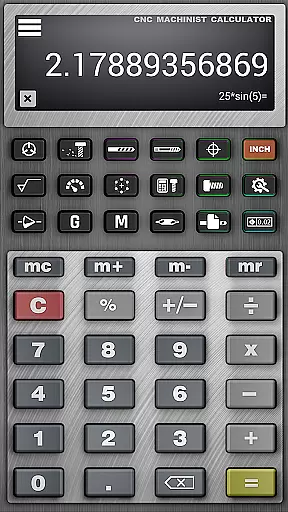
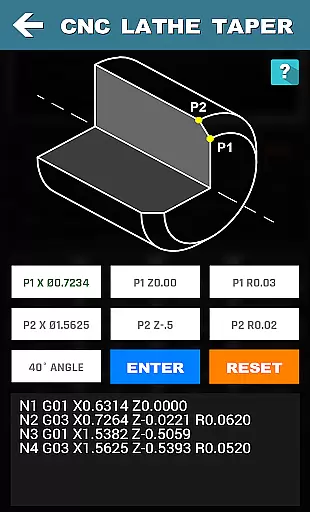



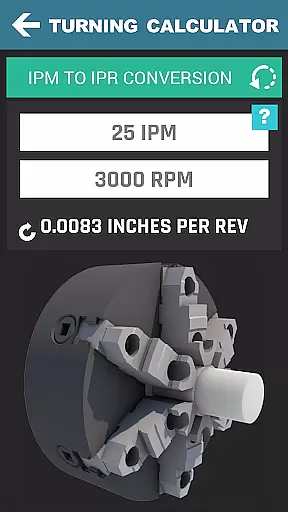


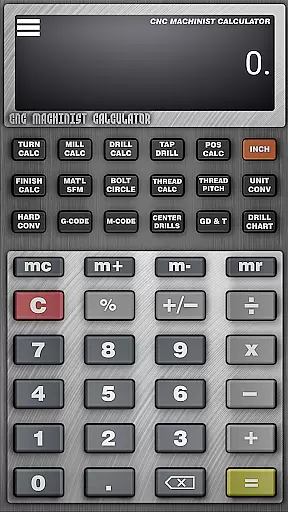


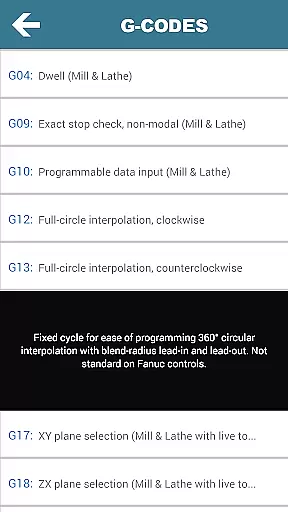
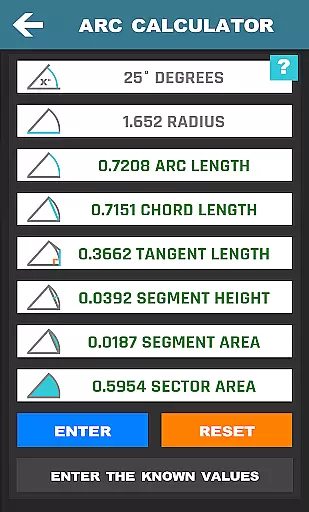


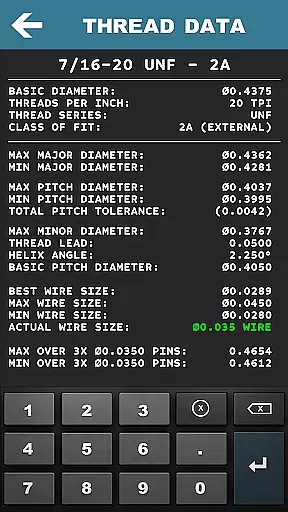


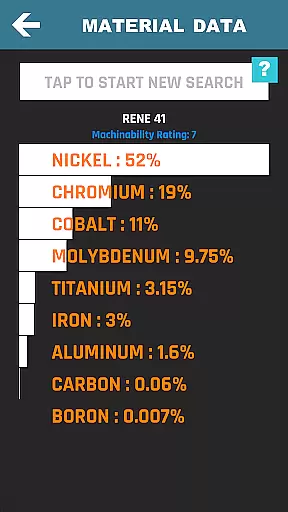
CNC Machinist Calculator Pro is a powerful productivity tool tailored for manufacturing engineers, machinists, and CNC operators. This application serves as an all-in-one machining calculator, enabling users to perform quick and accurate calculations essential for CNC programming and machine operations.
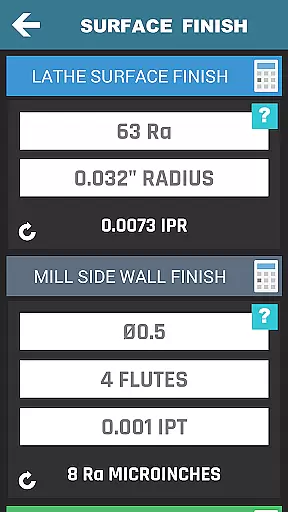
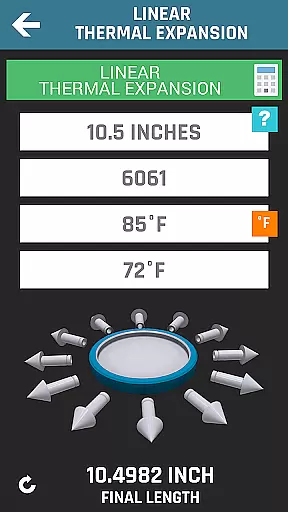
The app features a wide array of calculators including turning, milling, and drilling, which cater to lathe and mill operators. Users can calculate cutting speeds, cycle times, feed rates, and more. Additionally, it offers specialized tools like thread milling calculations, surface finish calculators, and geometric tolerance descriptors, making it indispensable for both professional and hobbyist machining projects.
Whether you're at the workshop or on the go, CNC Machinist Calculator Pro ensures that you have the necessary computational power to optimize your machining tasks efficiently. Its intuitive design and extensive functionality make it a must-have for anyone involved in CNC machining.
This productivity app boasts an impressive range of features designed to enhance the efficiency of CNC machinists. One of its standout capabilities is the inclusion of multiple calculators tailored for different machining operations. For instance, the turning calculator assists lathe operators with cutting speed and cycle time calculations, while the milling calculator provides feed rate and metal removal rate computations.
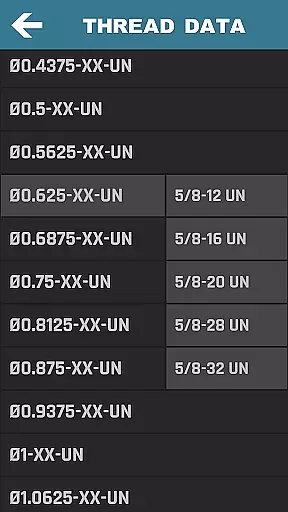
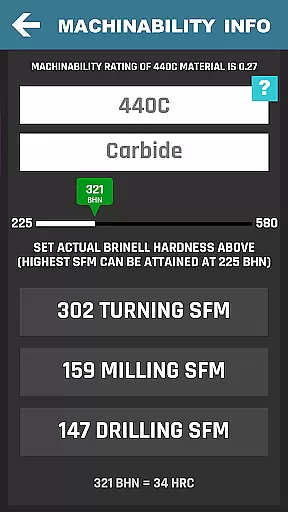
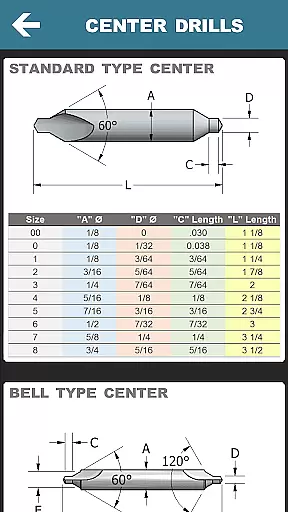
Beyond basic calculations, CNC Machinist Calculator Pro offers advanced functionalities such as true position calculators, bolt pattern calculators, and hardness conversions. These tools are complemented by an extensive drill and tap chart, thread data for various types, and geometric calculators. The app also includes a scientific calculator and a material property search feature, further broadening its utility.
Each feature within the app is crafted to deliver precision and ease of use, ensuring that machinists can focus more on their work and less on complex calculations. By integrating these diverse tools into a single platform, the app significantly boosts productivity and accuracy in machining operations.
CNC Machinist Calculator Pro excels in core task management by providing a comprehensive suite of calculators tailored for manufacturing professionals. This productivity tool consolidates over 35 distinct calculation functions, ranging from turning and milling to grinding operations.
The application's interface organizes these functions into clear categories, allowing users to quickly access the specific calculator needed for their current task. Whether it's determining cutting speeds, cycle times, or material properties, machinists can efficiently manage their workflow without switching between multiple apps or references.
Each calculator is designed to deliver precise results based on industry-standard formulas and material data. The app supports quick conversions between measurement units and provides immediate feedback on machining parameters, helping operators optimize their processes.
This systematic approach to task management enables CNC programmers and machine operators to maintain focus on their work while accessing critical information. The app's ability to handle complex calculations rapidly makes it an indispensable tool for both professional and hobbyist machinists seeking to improve their productivity.
While CNC Machinist Calculator Pro operates primarily as a standalone application, its reliability across different Android devices ensures consistent performance regardless of the hardware used. The developers have optimized the app to function seamlessly on various screen sizes and resolutions.
The application maintains its data integrity through careful state management. When users switch between different calculations or sections within the app, their input values and calculation results remain intact, providing a reliable experience across different usage sessions.
Although the app doesn't feature cloud synchronization, its local data handling is robust. All calculation functions and reference materials are stored locally, ensuring that machinists can access critical information even without internet connectivity.
This approach to reliability extends to the app's update process as well. When new features or material data sets are added, the application maintains backward compatibility while incorporating improvements. This stability makes it a trustworthy tool for manufacturing engineers and machinists who depend on consistent performance in their daily operations.
Comprehensive machining tools
User-friendly interface
Wide range of calculators
Regular updates and improvements
Excellent for professional and hobbyist use
May be overwhelming for beginners
Some features require technical knowledge
Premium version needed for full access
Occasional bugs reported
Heavy on storage space

Take control of your clipboard with Clipper!
 3.90
3.90
Professional calendar app for Google Calendar, MS Outlook & Exchange
4.20
Easily read and manage all your PDF files
4.10
Automates browsing any website and notifies you of important changes or events
4.30
All in One PDF Reader: Manage, Read and Edit your Documents
4.20
Access your phone's notifications, calls, apps, photos & texts on your PC
3.90
Use powerful, industry-leading AI tools to generate visual charts from any data
4.80
Lightweight PDF, Word, Excel reader.
4.60
Note taking, handwriting, record audio, PDF annotation, planner & journal
4.20
Android Wallet Password Manager
4.80
Stay on top of your to-dos with Google Tasks, part of Google Workspace.
4.60
A simple Whisper AI keyboard for reliable speech transcription and rewording
4.60
PDF scanner & converter for files, photos, lottery, QR codes. One swipe away!
4.50
Docker, Kubernetes management over Portainer Mobile
4.40
* block pre-roll ads, pop-up and forced redirect ads * Samsung certification app
4.00
The ultimate file manager for rooted devices. The original and still the best.
4.00
⏰ Finally a timer app which can run multiple timers simultaneously on your watch
3.90
AI Video AI Image Private LLM AI Browser Llama Gemma Ollama Connect LLM Studio
4.4
The upgraded version of Name Wheel with AI and the power to add your own wheels.
4.4


User Reviews