


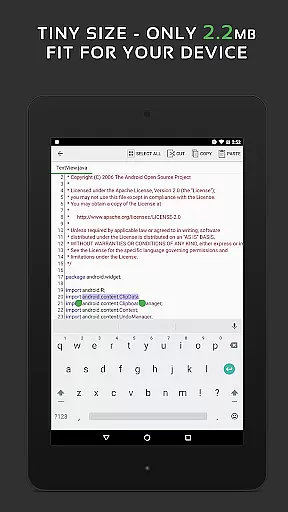
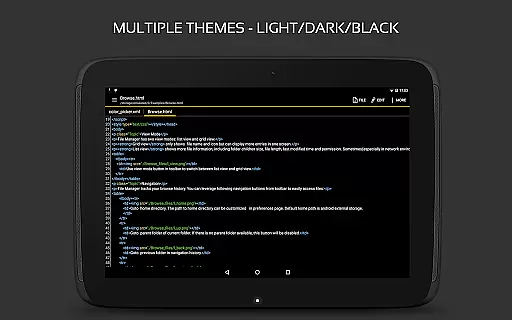
QuickEdit Text Editor Pro is a premium text editing solution designed for both casual users and programming professionals. This productivity app combines the functionality of a standard text editor with advanced code editing capabilities, making it suitable for various tasks from note-taking to software development.
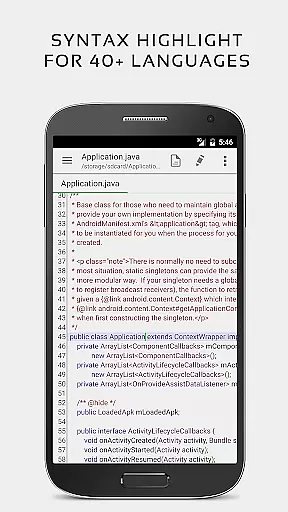
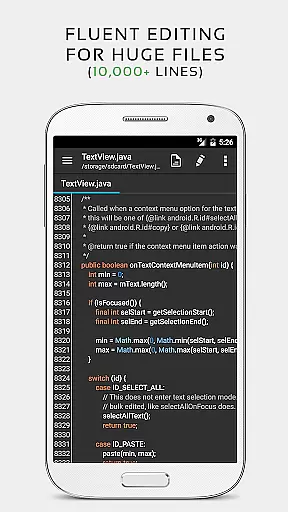
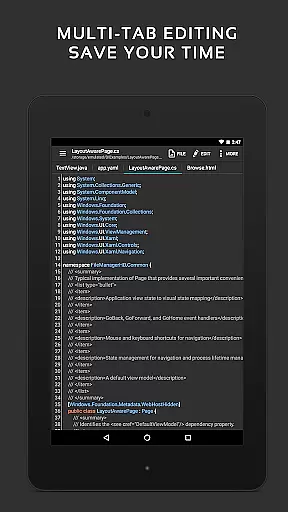
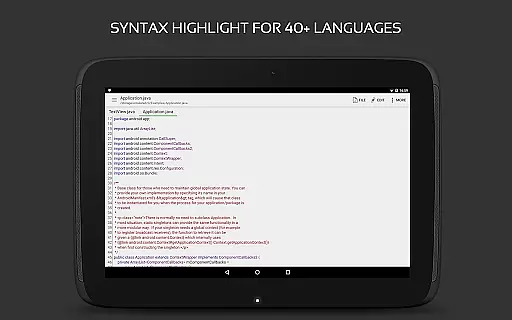
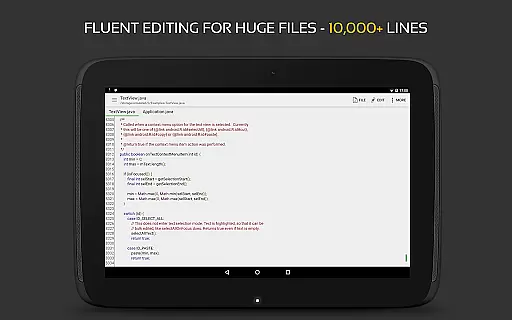
The app stands out with its support for 170+ programming languages, complete with syntax highlighting and online compilation features. Whether you're working on small scripts or large-scale projects with over 10,000 lines of code, QuickEdit maintains exceptional performance and responsiveness. Its intuitive interface works seamlessly across phones and tablets, while offering advanced features like multi-tab navigation, unlimited undo/redo, and cloud storage integration.
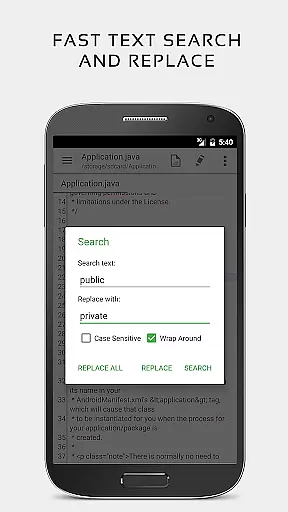
For developers and power users, QuickEdit provides essential tools such as line numbering, indentation control, and quick search/replace functions. The app's optimization extends to physical keyboard support and smooth scrolling in both directions, ensuring maximum efficiency regardless of your workflow.
QuickEdit Text Editor Pro distinguishes itself through its comprehensive feature set tailored for productivity enthusiasts. The app's enhanced notepad functionality goes beyond basic text editing by incorporating professional-grade tools that cater to both general users and developers.
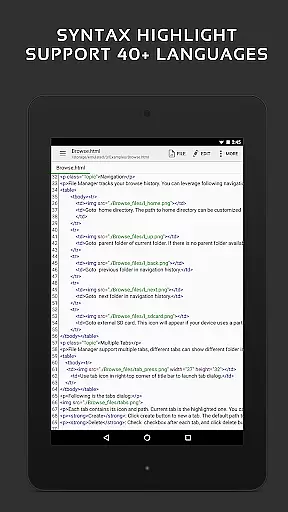
One of its most notable features is the robust code editing capability, supporting syntax highlighting for over 170 programming languages. The integrated online compiler can handle more than 30 common languages, allowing users to compile and run code directly within the app. Advanced text manipulation tools include unlimited undo/redo operations, automatic indentation, and precise cursor control, all optimized for handling large files without performance degradation.
Productivity is further enhanced through seamless integration with cloud services like Google Drive, Dropbox, and OneDrive. Users can access their files from multiple devices while enjoying additional conveniences such as FTP support, dark/light themes, and customizable font options. These features collectively create a versatile editing environment suitable for various professional scenarios.
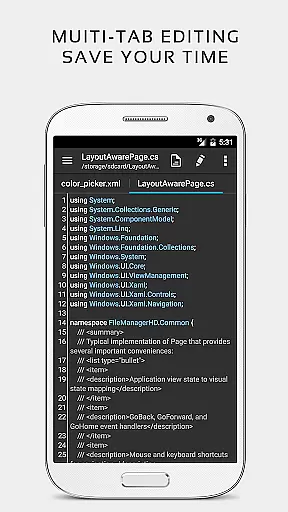
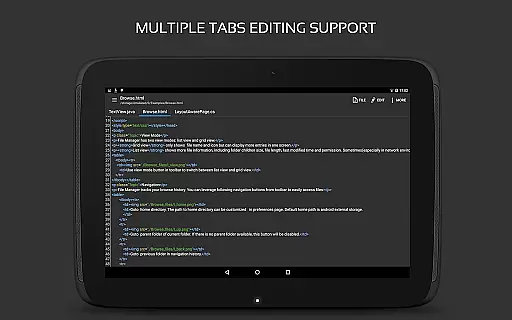
Task management is a critical aspect of productivity applications, and QuickEdit Text Editor Pro excels in this area. The app provides users with the ability to easily navigate between multiple open tabs, which is essential for managing various tasks or files simultaneously.
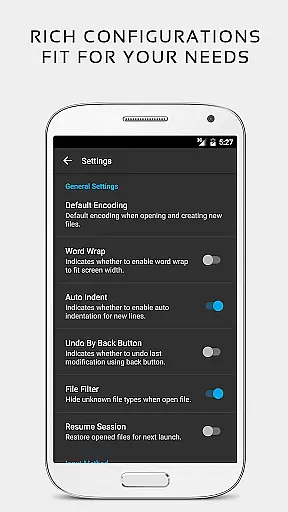
QuickEdit enhances task efficiency by offering features such as undo and redo changes without limit, displaying or hiding line numbers, and increasing or decreasing line indentations. These functions allow users to maintain better control over their workflow and make precise edits as needed.
The application also supports physical keyboard input including key combinations, catering to power users who prefer this method for faster text editing. This feature contributes significantly to streamlining task execution within the editor.
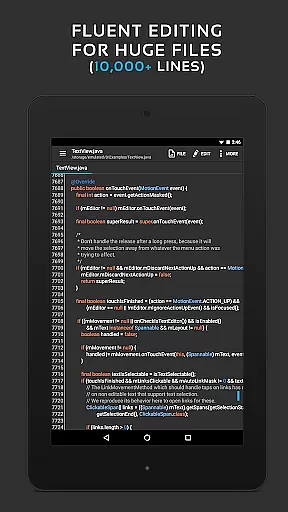
With its high performance even on large text files, QuickEdit ensures that professionals can manage complex coding projects or extensive documentation without experiencing lag, thus maintaining productivity at all times.
Cross-device synchronization is vital for users who work across multiple devices. QuickEdit Text Editor Pro addresses this need by providing reliable access to files from various cloud services including FTP, Google Drive, Dropbox, and OneDrive.
This level of integration allows users to seamlessly continue their work regardless of the device they are using at any given time. By accessing files directly from these services, QuickEdit ensures that all changes are updated in real-time, thus preserving data integrity.
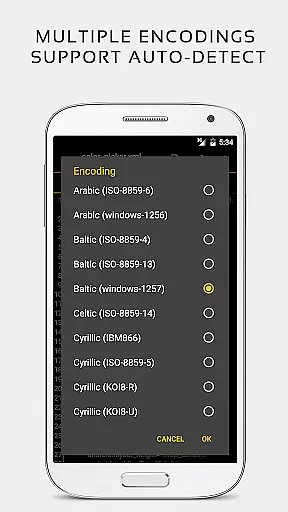
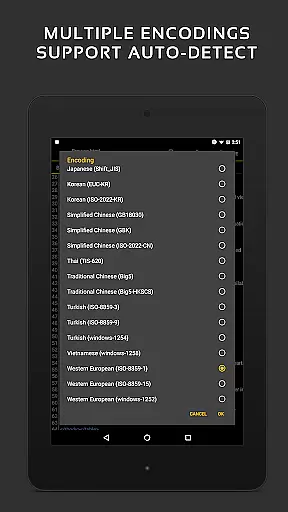
Moreover, QuickEdit's capability to automatically detect charset and encoding when opening files guarantees consistency across different platforms. Users will not have to worry about formatting issues when switching between devices.
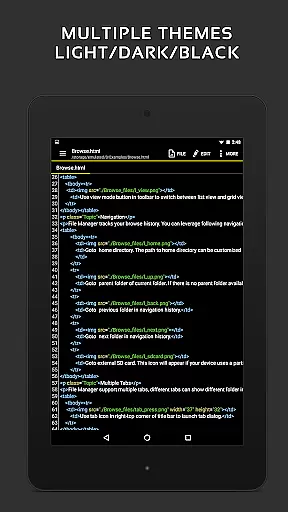
In addition, with support for both light and dark themes, QuickEdit offers a comfortable viewing experience on any device, adapting to user preferences and environmental lighting conditions, further enhancing cross-device usability.
Extensive language support
High-performance editing
Cloud integration
Advanced coding tools
Ad-free experience
Paid version only
Steep learning curve
No collaboration features
Limited mobile optimization
Complex interface

 4.20
4.20
QuickBooks Workforce lets teams view pay info and track time in one place.
4.70
Professional calendar app for Google Calendar, MS Outlook & Exchange
4.20
Direct Chat without saving contacts & Dual WA Account on Single Device
4.70
Automates browsing any website and notifies you of important changes or events
4.30
Pwnagotchi companion app
4.20
CalenGoo is a very flexible and feature-rich calendar app
4.40
Ultimate Virtual AI Character for immersive Roleplay Chat. Perfect Companion
3.90
Browse and view your photos and videos from the phone with photo & video hide.
4.10
Multilingual translator for text, voice, and image translation!
4.90
Use powerful, industry-leading AI tools to generate visual charts from any data
4.80
Quickly and easily keep track of your work shifts
4.70
All document reader, all in one file viewer read PDF, DOCX, XLS, PPT, TXT files.
4.60
To do list widget with a notebook organizer, checklist, simple shopping list
4.60
Lightweight PDF, Word, Excel reader.
4.60
Share files & memories safely. Keep your photos and videos secure.
4.40
Device's storage information in a simple and clear graphical form (infographics)
4.10
Font maker keyboard with your own handwriting
4.10
AI Video AI Image Private LLM AI Browser Llama Gemma Ollama Connect LLM Studio
4.4


User Reviews