
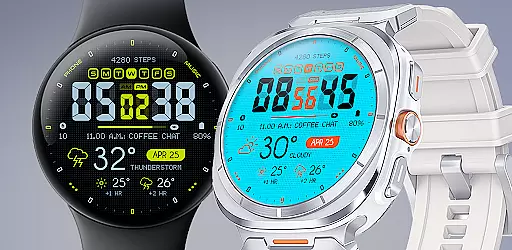
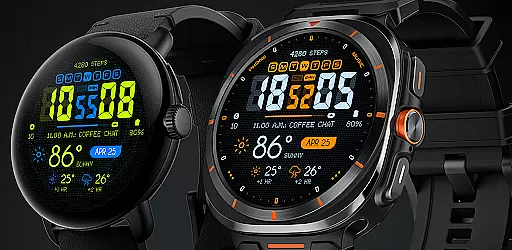
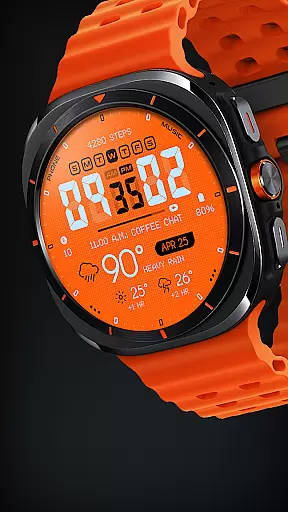
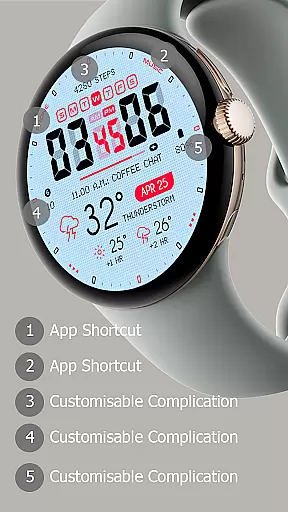
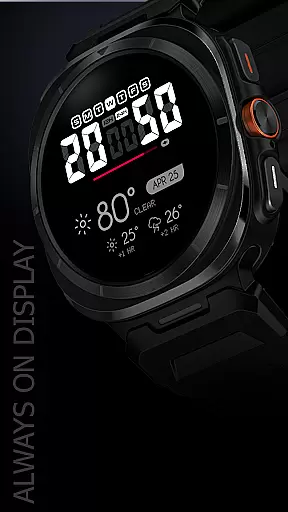
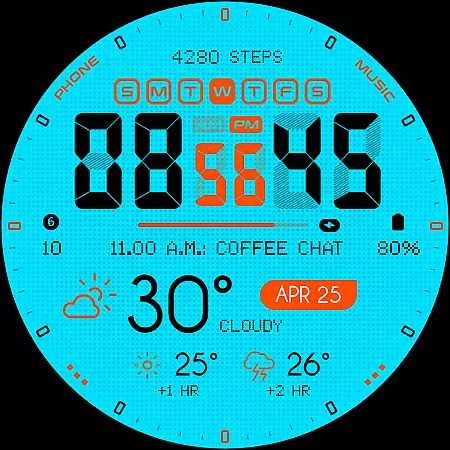
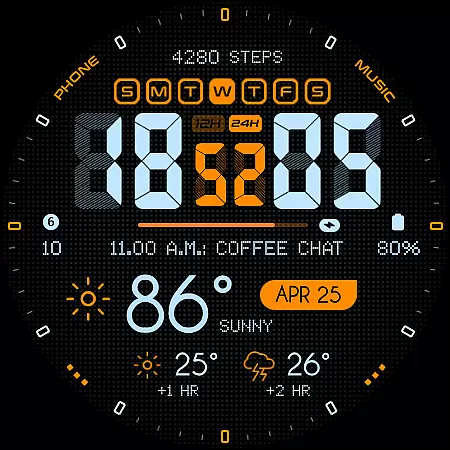
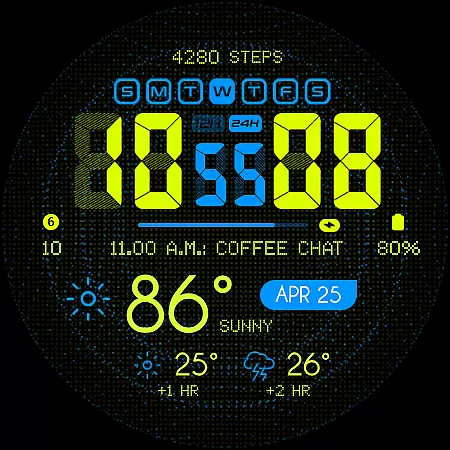
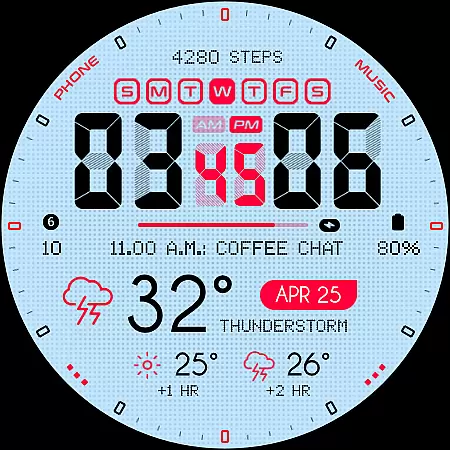
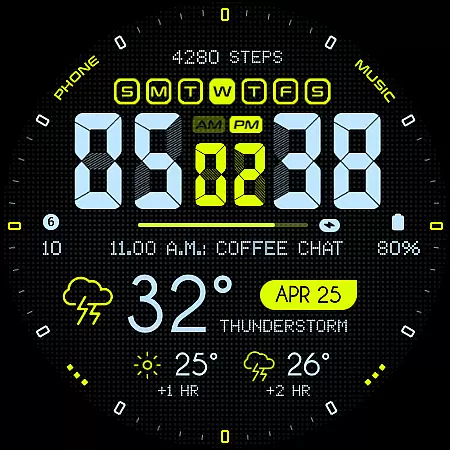
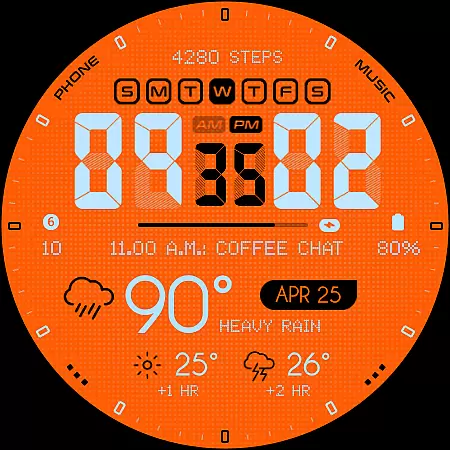
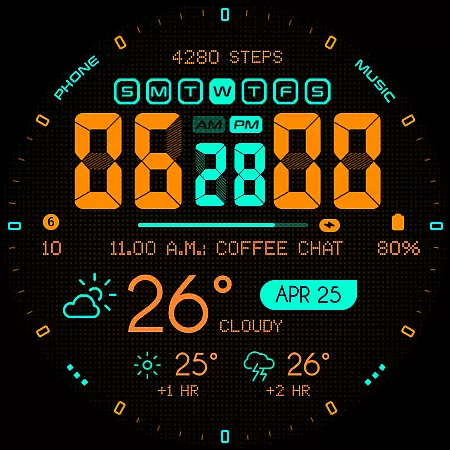
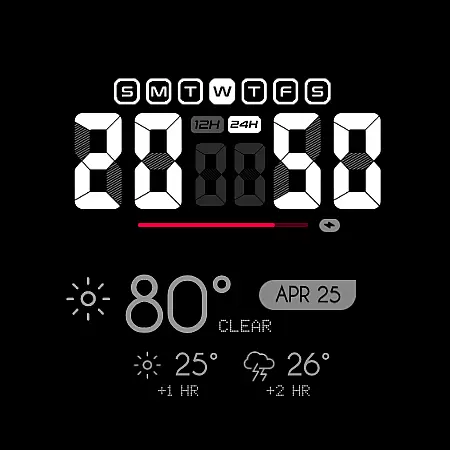
Oogly Atmos is a dynamic weather-themed watch face designed for Wear OS devices. It combines vivid colors and a clean layout to display current weather conditions along with a 2-hour forecast directly on your wrist. The watch face offers both style and functionality, featuring real-time visuals that keep you informed while providing an animated background option for those who love movement.
With compatibility across Wear OS API 30+ devices, including Galaxy Watch 5, Pixel Watch, and other popular models, Oogly Atmos ensures broad usability. Whether you're looking for an inspiring visual experience or need quick access to weather updates, this watch face delivers both form and function in one sleek design.
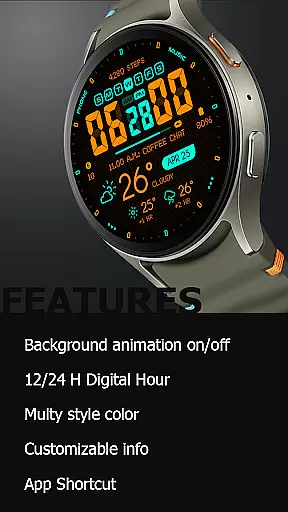
Oogly Atmos stands out with its customizable features tailored to enhance user experience. Key functionalities include support for both 12-hour and 24-hour time formats, catering to personal preferences. Users can toggle the animated background on or off depending on their mood or need for focus, offering flexibility in visual presentation.
The watch face also includes options like Index On/Off for a cleaner layout, customizable information display, app shortcuts, and an Always-On Display feature. These elements ensure users have control over how much or how little information is shown at any given time. With such comprehensive customization, Oogly Atmos provides both aesthetic appeal and practical utility, making it a versatile choice for smartwatch users.
Companion app integration is essential for a seamless wearable experience. Oogly Atmos ensures that your watchface data is perfectly synced with your smartphone application.
This weather-themed watchface connects effortlessly with its companion app, enabling real-time updates of weather conditions and forecasts directly on your wrist. The synchronization process is smooth, maintaining the accuracy of displayed information.
Users benefit from having consistent data across devices, ensuring they are always informed about current weather patterns. This integration allows for customizable settings to be adjusted via the mobile app.
The value lies in the convenience of managing preferences from your phone while enjoying an uninterrupted display of vivid visuals and critical weather details on your Wear OS device.
Ensuring broad device compatibility is crucial for any Wear OS application. Oogly Atmos is designed to work seamlessly with WEAR OS API 34+ and supports Galaxy Watch 5 or newer, Pixel Watch, Fossil, and other Wear OS devices with a minimum API of 30.
This compatibility range guarantees that users with different devices can enjoy the bold design and functionality of this weather-themed watchface. Real-time visuals and animated backgrounds adapt well across supported platforms.
By supporting a wide array of devices, Oogly Atmos provides flexibility for users to choose their preferred hardware without compromising on style or features like 12/24 hour format and customizable information.
The true advantage is the assurance that regardless of your device, you will experience consistent performance and visual appeal, making it a reliable choice for those seeking both form and function in a watchface.
Visually appealing design
Real-time weather updates
Customizable layout options
Animated background feature
Broad device compatibility
Limited to Wear OS
No iOS support
Requires API 30+
Premium feel may come at cost
Animation may drain battery

Christmas - Festive - Christmas Village - Winter - Christmas lights
 5.00
5.00
an Analog Watch Face for winter season with freeze winter background for Wear OS
4.4
Animated Watch Face and Customizable with 24 Backgrounds. Perfect for Christmas!
3.90
The most customizable minimal watch face. For Wear OS 5.0, API 34+ and later
4.70
Bold, Modern Hybrid Watch Face for Wear OS. 10 Colors, Rich Info Display.
4.30
sleep, alarm, snoring, stress, healing, focus, sound therapy, circadian rhythm
4.10
To-Do List: daily schedule planner, task organizer, to do reminder app, calendar
4.60
Premium hybrid watch face with many customizations for Wear OS devices.
4.40
Start and succeed with PAP
4.10
Digital watch face. For Wear OS devices.
4.40
Christmas watch face. For Wear OS devices.
4.30
Find EV charging stations
4.30
Locate your family members by GPS phone location tracker everywhere and anytime
4.30
Snowflake Rose Gold Watch Face - Digital, modern, & sleek with GYRO effect.
4.10
Embrace the festive spirit with our Christmas Countdown watchface for Wear OS
4.10
Get helpful reminders, take progress photos and find answers to your questions.
3.90
Stay in touch with your friends and family using LINE!
3.40
Watch face designed for Thanksgiving Day. 7 Background Styles included.
3.20
A heartwarming Christmas scene featuring a cute image of Santa and Rudolf
4.5


User Reviews