
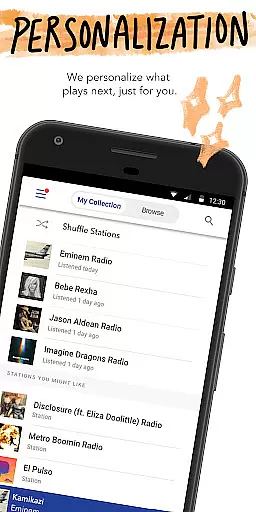
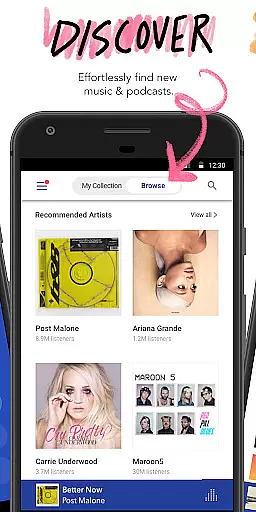
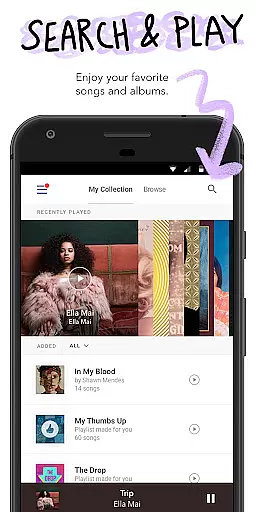
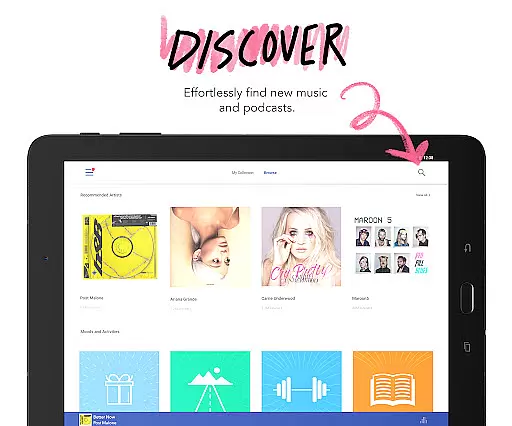
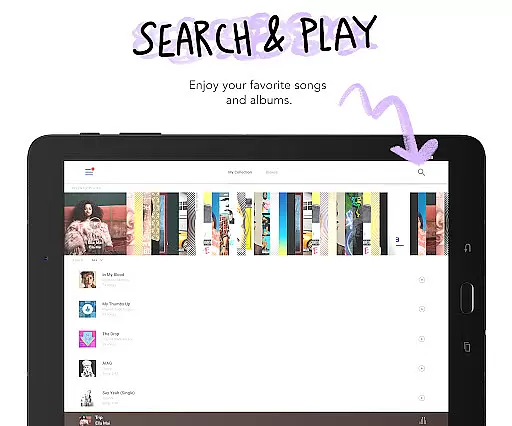
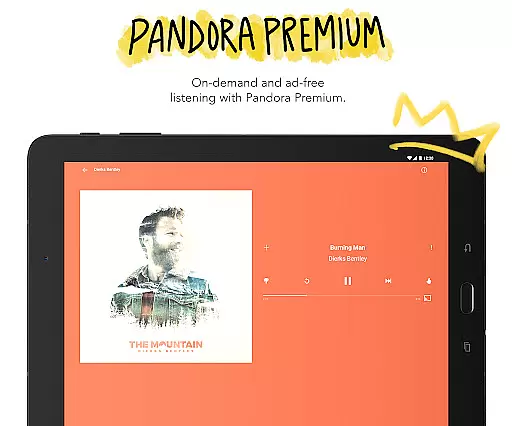
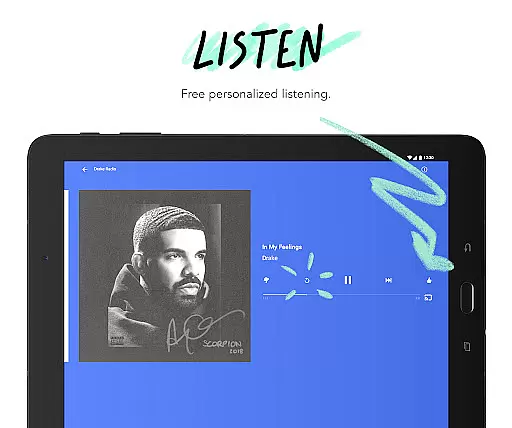
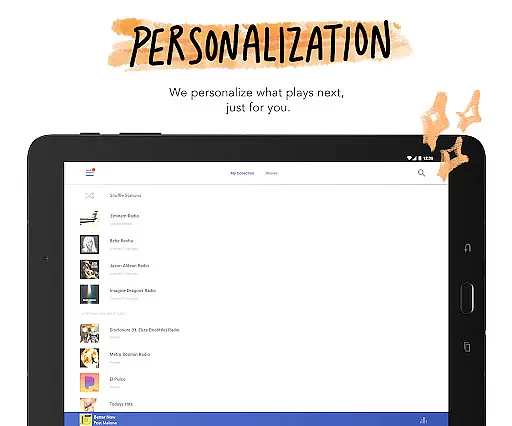

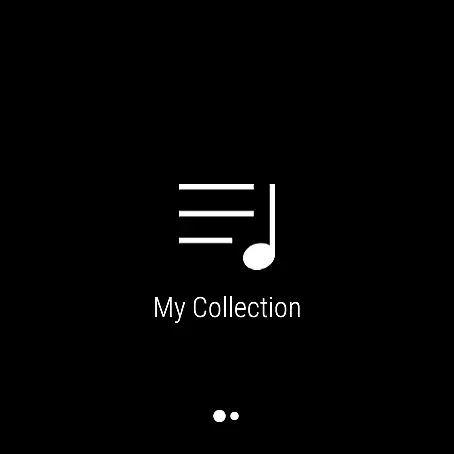
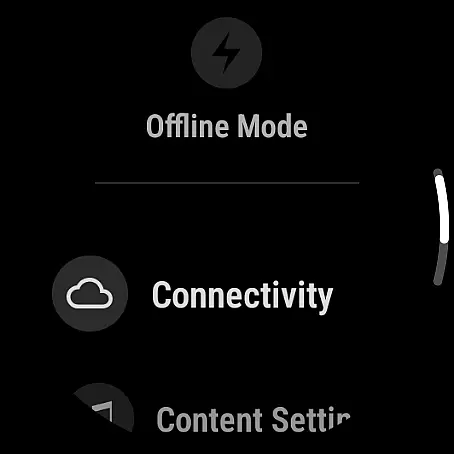

Pandora is a leading music streaming service that redefines personalized listening experiences on Android Wear devices. By analyzing users' preferences, it crafts bespoke radio stations featuring favorite artists and new discoveries aligned with individual tastes.
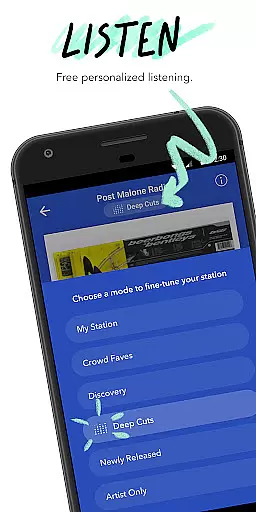
This application stands out with its sophisticated Music Genome Project technology, which dives deep into song characteristics to recommend tracks. It supports discovering both emerging and established artists across various genres while enabling users to fine-tune station suggestions actively.
Ideal for tech-savvy music enthusiasts, Pandora combines convenience with customization. Its compatibility with Android Wear ensures users enjoy uninterrupted music flow, whether commuting or working out, making every moment musically enriching.
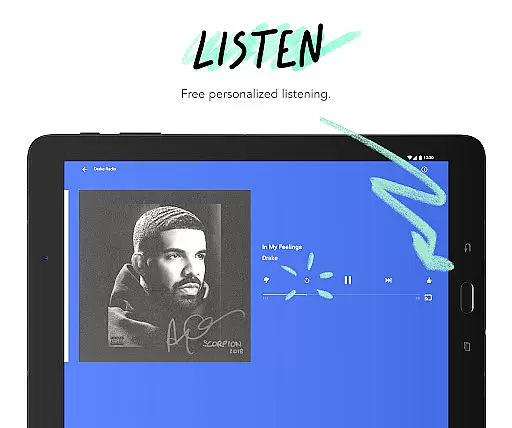
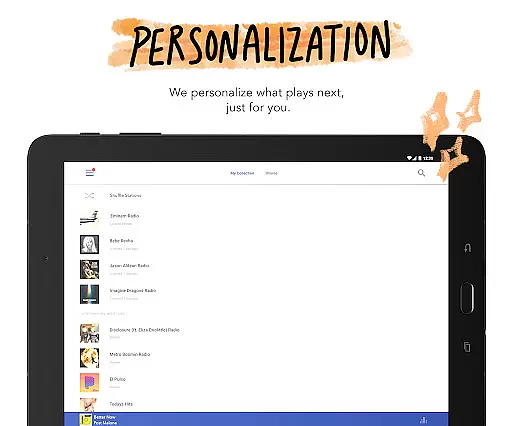
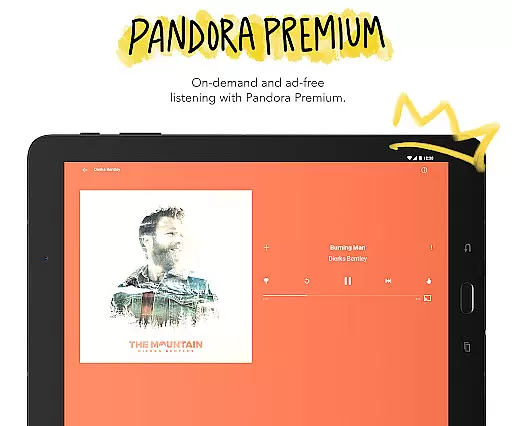
Pandora offers an advanced recommendation engine that creates personalized radio stations based on users' musical tastes. The system analyzes each song's attributes to suggest similar tracks, ensuring a unique listening journey.
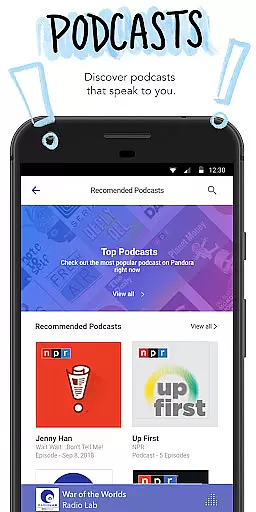
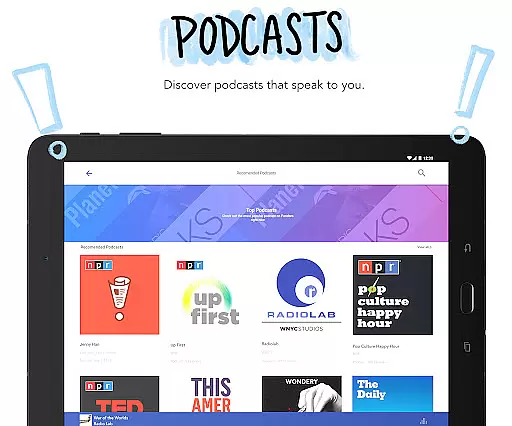
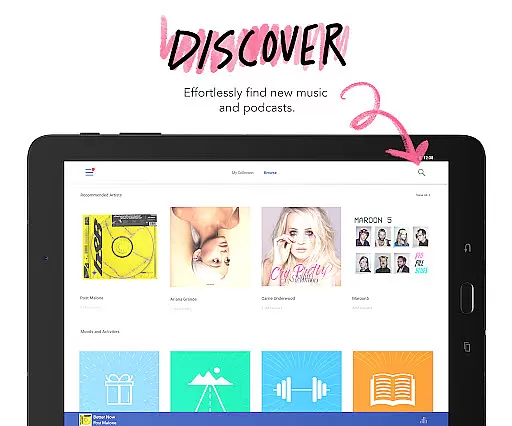
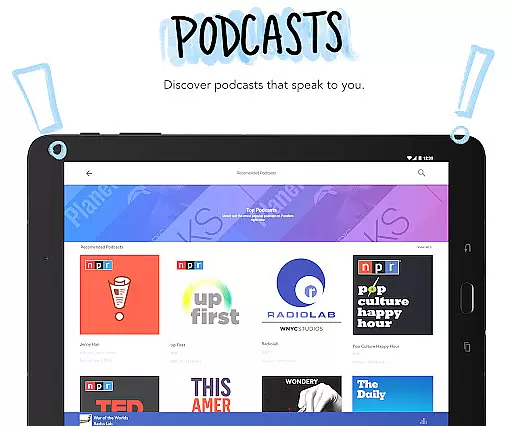
Beyond music, the app provides a rich selection of podcasts tailored to individual interests. Users can explore diverse topics and subscribe to their favorite shows, enjoying new episodes automatically downloaded for offline listening.
The Android Wear integration allows seamless control of music playback directly from your wrist. Whether you're jogging or driving, adjusting volume or skipping tracks has never been easier through simple voice commands or touch gestures.
Companion app integration is essential for a seamless wearable experience. Pandora excels in this area by offering robust synchronization between its mobile application and Wear OS devices. This ensures that your music preferences, stations, and playlists remain consistent across all platforms.
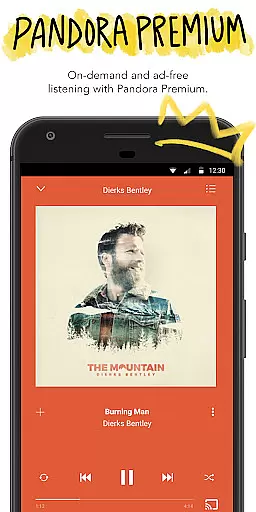
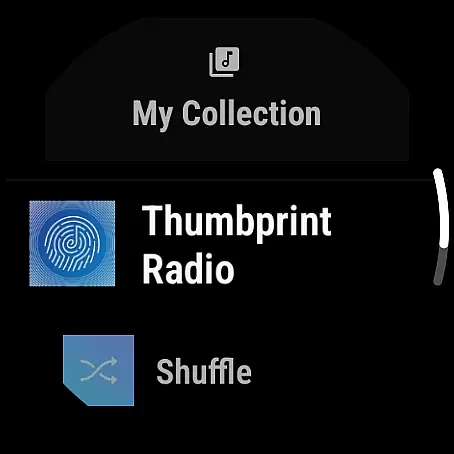
The integration allows users to control playback directly from their smartwatch. Whether you want to pause, play, skip tracks, or adjust the volume, all these functions are readily accessible on your wrist. This makes it incredibly convenient when you're on the go or engaged in activities where handling your phone isn't practical.
Pandora also supports offline listening on Wear OS devices. By downloading your favorite stations, you can enjoy music even without your phone nearby. This feature leverages Wi-Fi or cellular connectivity, ensuring uninterrupted playback wherever you are.
Overall, Pandora's companion app integration enhances user convenience and extends the personalized listening experience to your wrist. This makes it an ideal choice for those who value flexibility and ease of access in their daily lives.
Device compatibility is crucial for ensuring that applications run smoothly across various hardware configurations. Pandora offers extensive support for Wear OS devices, making it versatile and adaptable to different smartwatches available in the market today.
The app is optimized to deliver high performance regardless of the specific Wear OS device you own. Whether you have a newer model with advanced features or an older version with basic capabilities, Pandora adjusts its functionality to provide the best possible experience. This adaptability ensures that all users can enjoy their personalized music stations without any hitches.
In addition to supporting a wide range of devices, Pandora also maintains regular updates to keep pace with technological advancements. These updates often include improvements in compatibility, security enhancements, and new features tailored specifically for Wear OS users.
By focusing on broad device compatibility, Pandora guarantees that more people can take advantage of its powerful music discovery platform right from their wrists. This commitment to inclusivity and continuous improvement underscores Pandora's dedication to delivering top-notch wearable technology experiences.
Personalized stations
Voice command support
Podcast variety
Offline mode
High-quality audio
Limited skips
Offline feature
Subscription cost
Ad interruptions
Regional limits

Wear Os Watch Face - Animated Snow - Sesonal for Christmas & Winter
 4.0
4.0
MyNISSAN® lets you remotely control your car from your phone.*
4.50
Easy Voice Recorder is your everyday companion to record important moments.
4.70
Find EV charging stations
4.30
Real-time weather radar with temperatures, warnings, hurricanes, and widgets
4.80
Hyper-Realistic Airplane Dashboard Watch Face With 10 Skins and Custom AOD
4.00
Daily Weather forecast with 15 weather images for Day & Night plus Big Bold time
4.10
A white realistic classic analog watch face with many customization options.
4.40
From periods to pregnancy & perimenopause, Flo helps you track it all. Try now.
4.70
Gym Log & Workout Tracker | Fitness Journal, Training & Weight Lifting Planner
4.90
The most customizable minimal watch face. For Wear OS 5.0, API 34+ and later
4.70
Connect to your Bluelink equipped Hyundai vehicle from your smartphone.
4.50
Premium hybrid watch face with many customizations for Wear OS devices.
4.40
Christmas watch face. For Wear OS devices.
4.30
Connect, create, and collaborate with Gmail, part of Google Workspace.
4.10
Structured watch face with seven complications and modular UI elements
3.90
A Wintery Snow Globe on Your Wrist; now celebrating Christmas!
4.2
Stylish digital watch face for Wear OS devices with customizable features
4.3
Funny animated watch face for Thanksgiving
4.1


User Reviews