
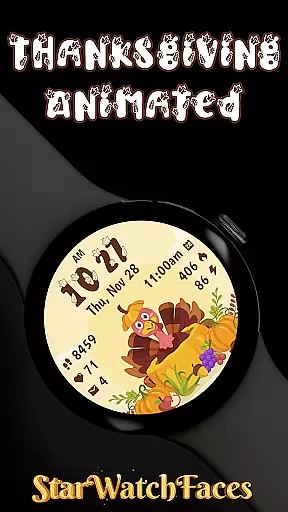
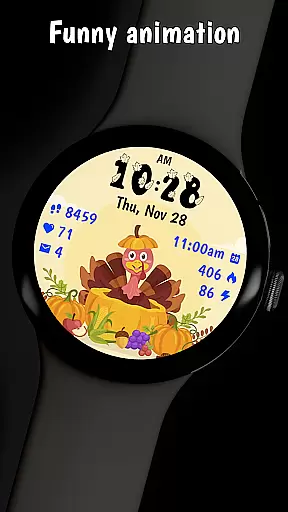


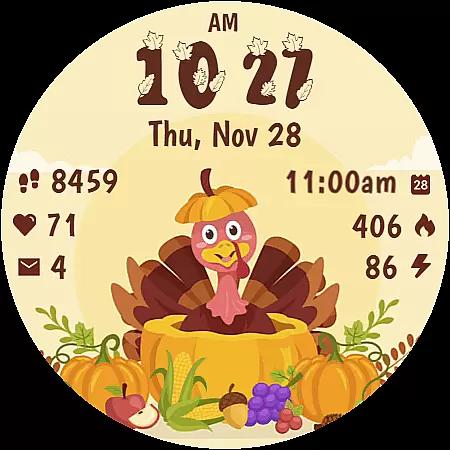
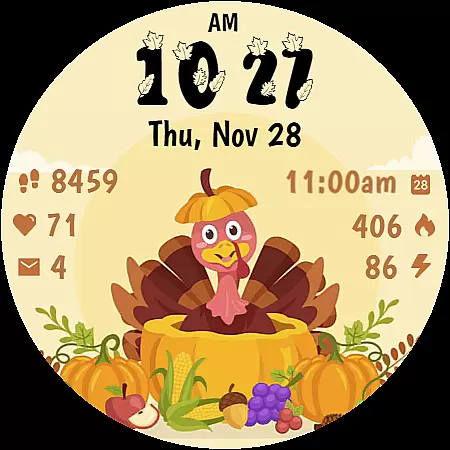
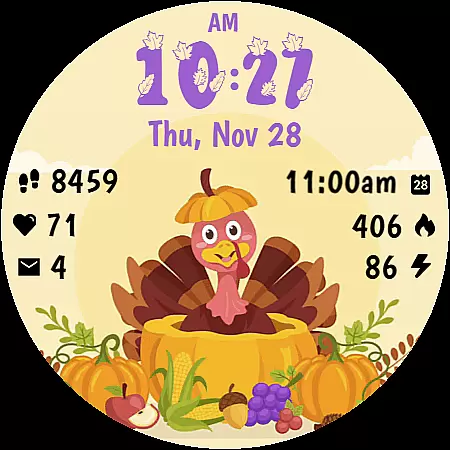
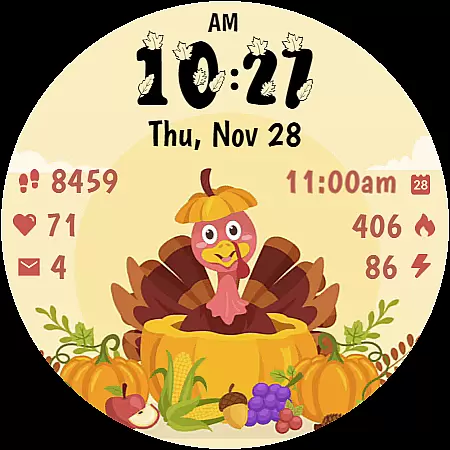
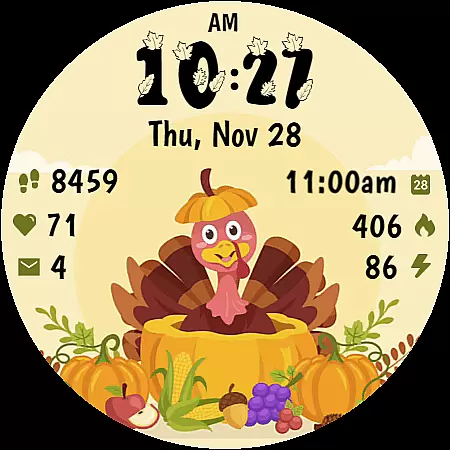
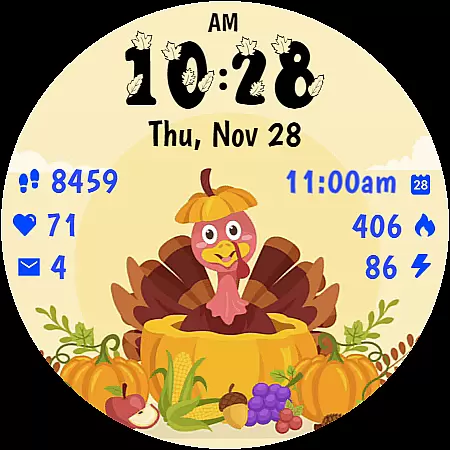
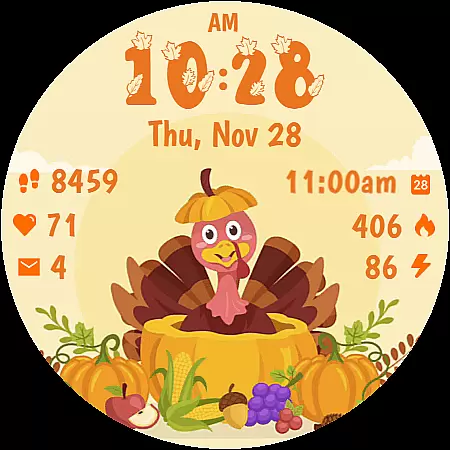
Thanksgiving Animated is a festive watch face designed for Wear OS devices, bringing the charm of Thanksgiving to your smartwatch. Featuring an adorable animated turkey and seasonal decorations, this app transforms your device into a delightful harvest celebration.
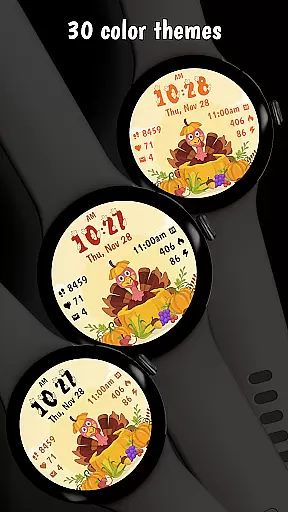
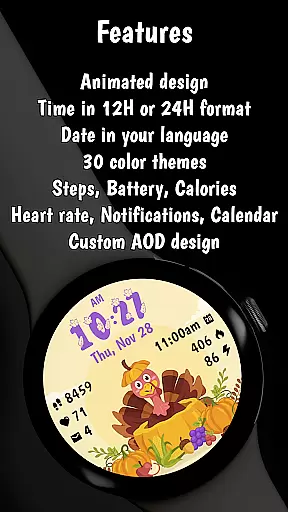
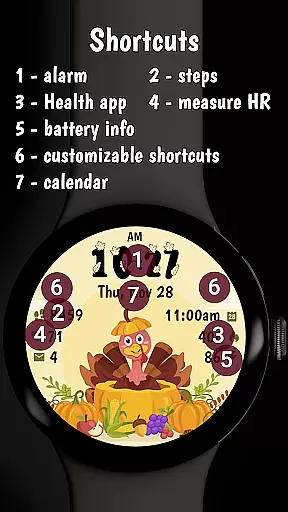
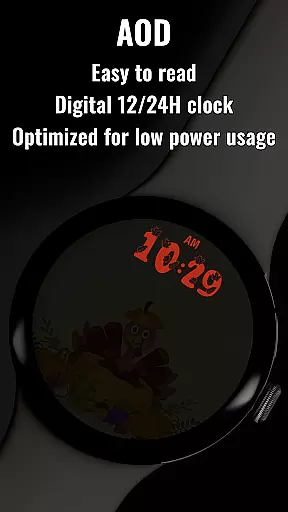
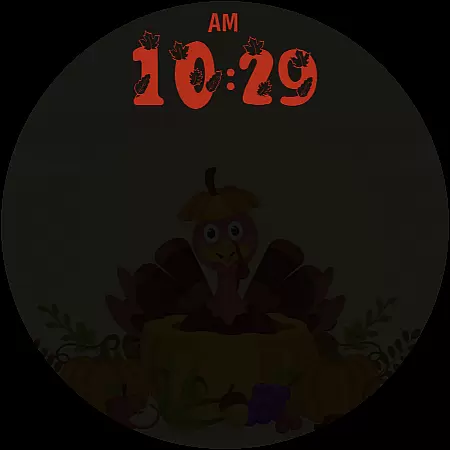
The watch face includes essential features such as digital time display with custom fonts, date display in your device's language, fitness tracking (step counter, heart rate monitor, calorie tracker), notifications, battery level indicator, and calendar integration. With 30 color themes and an optimized Always On Display mode, it offers both style and functionality while maintaining battery efficiency.
Thanksgiving Animated stands out with its cheerful animated turkey that brings life to your watch face. The beautifully designed harvest scene incorporates pumpkins, corn, and autumn fruits, creating a perfect autumn atmosphere.
Beyond its festive design, the app delivers practical functionality through clear digital time display, essential fitness tracking features (step counter, heart rate monitor, calorie tracker), and useful indicators like battery level and notifications. The thoughtful customization options include 30 stunning color themes and complications settings, while the optimized Always On Display ensures minimal battery impact without compromising style.
Compatible with Wear OS 4 and 5 devices, this watch face uses the latest WFF format for optimal performance. Whether you're preparing for Thanksgiving or simply enjoying the autumn season, this app provides the perfect blend of festivity and functionality.
Companion app integration is essential for a seamless wearable experience. Thanksgiving Animated offers a robust companion app that enhances the watch face's functionality by enabling detailed customization options directly from your smartphone.
The companion app allows users to modify color themes, adjust complications, and fine-tune various display settings with ease. This ensures that your watch face perfectly matches your personal style and preferences while maintaining optimal usability.
Through the companion app, users can also explore additional watch faces created by the developer. This feature not only expands your customization possibilities but also provides access to a diverse collection of designs tailored for different occasions and moods.
This level of integration between the wearable device and its companion app demonstrates the developer's commitment to delivering a cohesive and user-friendly experience across platforms.
Device compatibility is crucial when selecting a Wear OS watch face. Thanksgiving Animated is optimized for both Wear OS 4 and Wear OS 5 devices, ensuring broad compatibility with the latest smartwatch models on the market.
The watch face utilizes the newest WFF format, which guarantees improved performance and enhanced visual quality. This modern format takes full advantage of Wear OS capabilities, providing users with smooth animations and accurate timekeeping.
Whether you're using a Fossil, TicWatch, or any other Wear OS device, this watch face maintains consistent functionality and appearance. The developer has implemented rigorous testing protocols to ensure reliable operation across different hardware configurations.
By supporting the latest Wear OS versions and devices, Thanksgiving Animated demonstrates its dedication to delivering a future-proof product that will remain compatible as new smartwatch models emerge.
Festive Design
Customizable Themes
Battery Efficient
Fitness Tracking
Seasonal Decorations
Limited to Wear OS
Animation Heavy
Premium Features Locked
Complex Customization
Occasional Bugs

sleep, alarm, snoring, stress, healing, focus, sound therapy, circadian rhythm
 4.10
4.10
To-Do List: daily schedule planner, task organizer, to do reminder app, calendar
4.60
Stay in touch with your friends and family using LINE!
3.40
Minimalistic design modern digital watch face.
4.1
Hybrid watch face for Wear OS with customizable complications by Matteo Dini MD
4.70
Daily Weather forecast with 15 weather images for Day & Night plus Big Bold time
4.10
A white realistic classic analog watch face with many customization options.
4.40
Fitbit is dedicated to helping people lead healthier, more active lives.
4.10
Back up your contacts & access them anywhere
4.30
Digital, flexibly customizable watch face. For Wear OS 5.0, API 34+ and later.
5.00
Ideal for surviving in the wasteland left after nuclear fallout
4.50
Beautiful artistic animated digital watch face, with a customizable layout!
4.40
Watch face for Wear OS.
4.20
Animated video-game inspired “secret agent” simulation, right on your wrist!
4.20
Snowflake Rose Gold Watch Face - Digital, modern, & sleek with GYRO effect.
4.10
Viewer for Wyze/Yi/Eufy/Arlo/ONVIF/RTSP/P2P IP cams w/ adv. features & DIY DVR
4.00
Authentic military-tactical design with ZULU time! Realistic and functional!
3.80
Analog watch face with 8 complications and expedition styling
4.4
Hybrid Vibrant Health Watch Face for Wear OS
4.4


User Reviews