
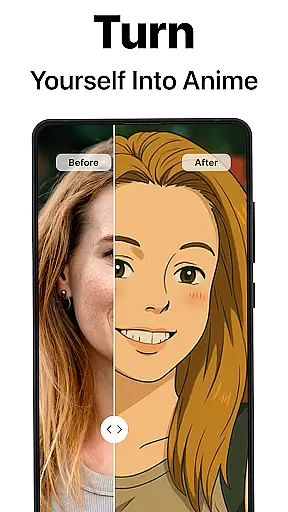
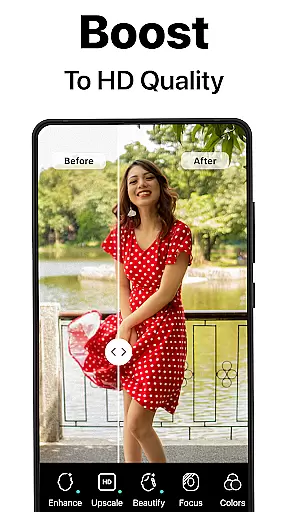
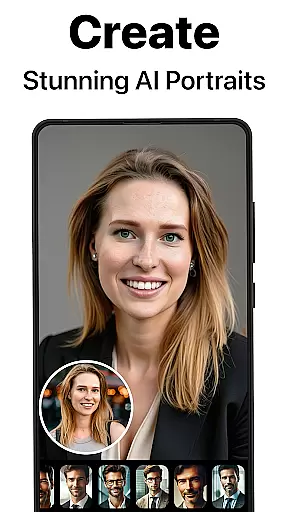
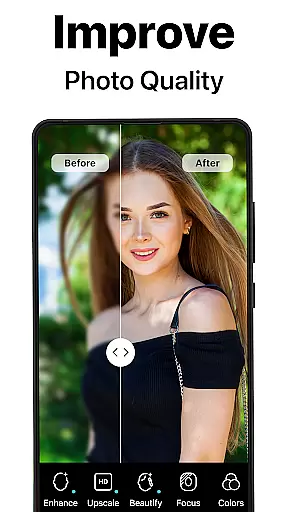
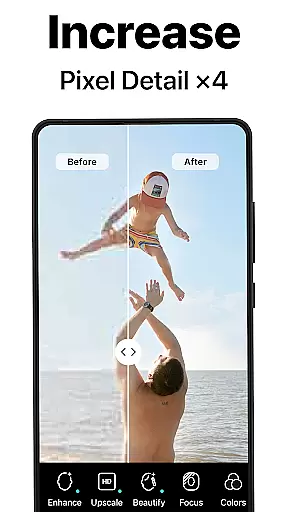
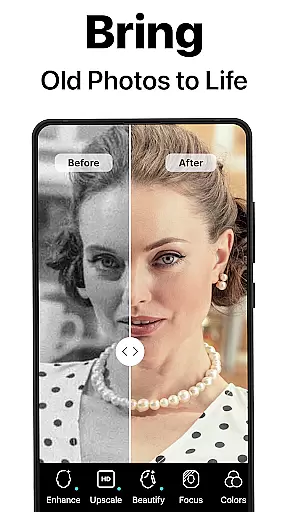
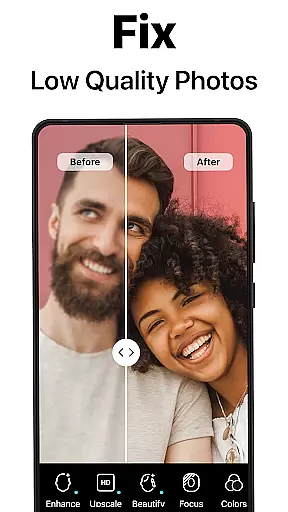
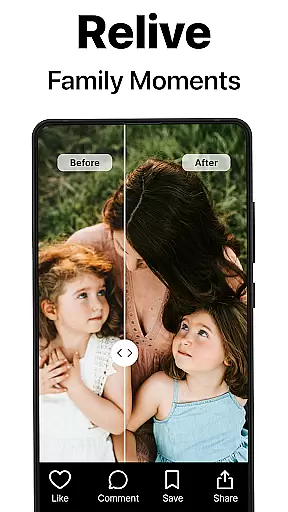
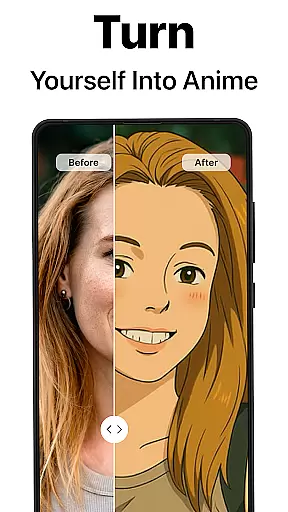
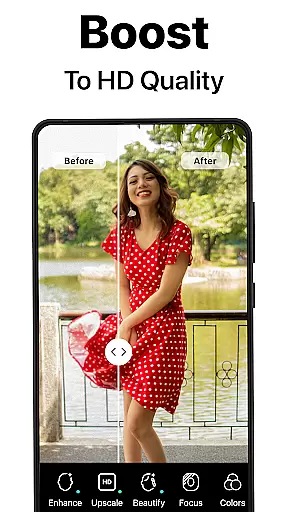
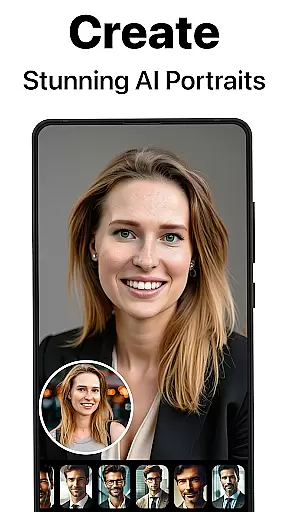
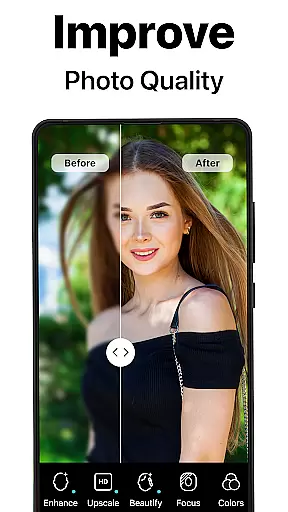
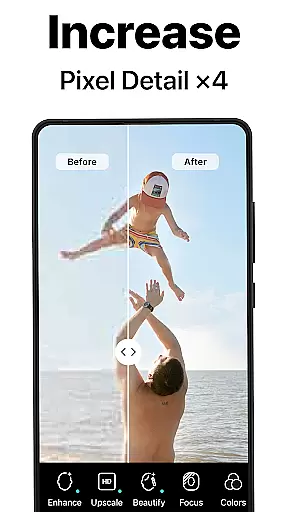
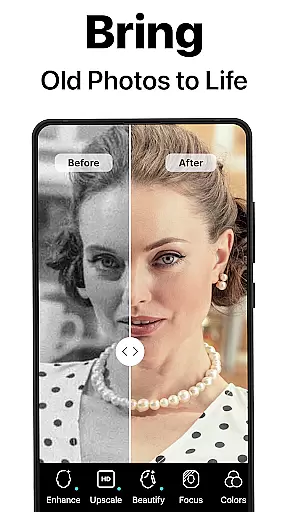
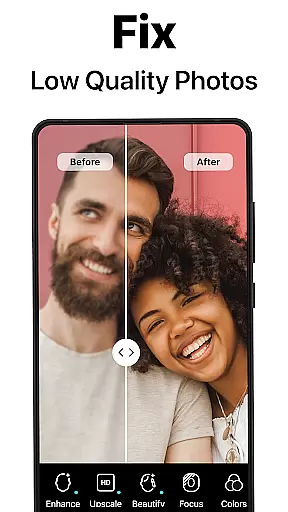
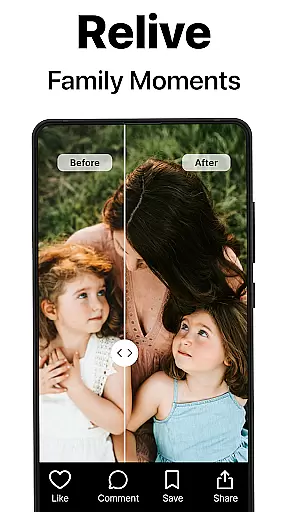
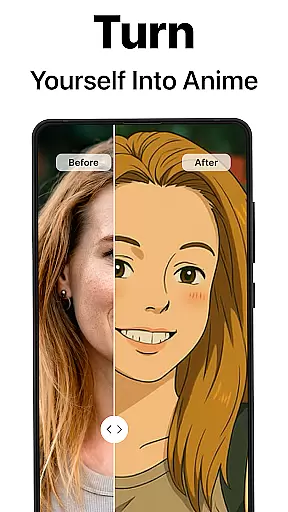
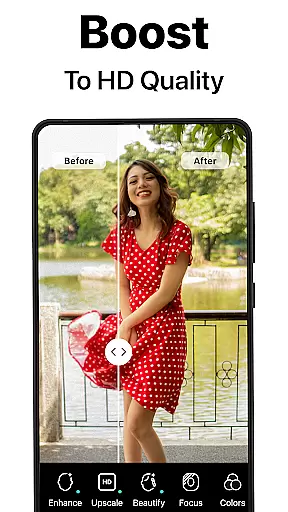
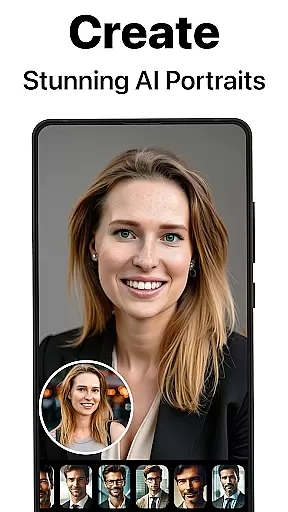
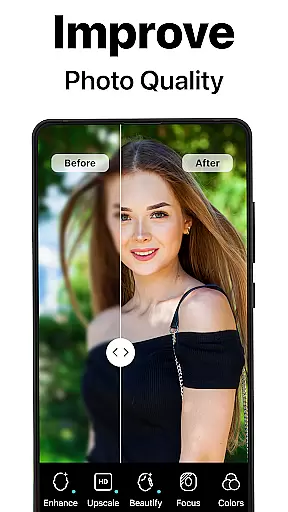
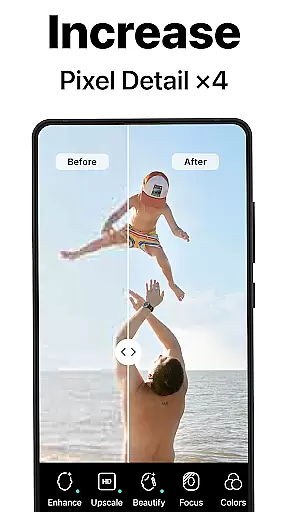
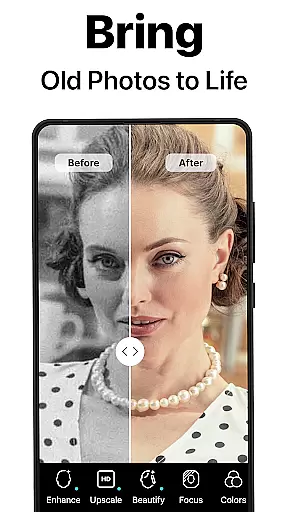
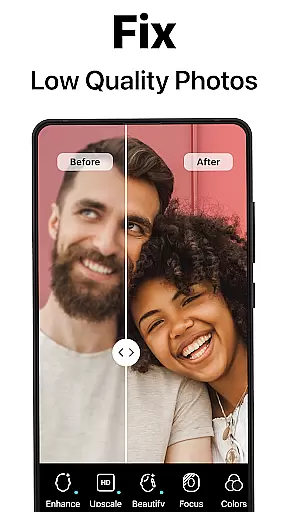
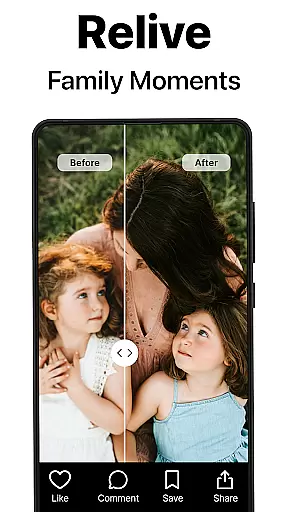
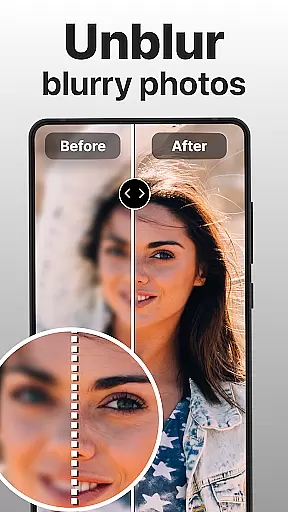
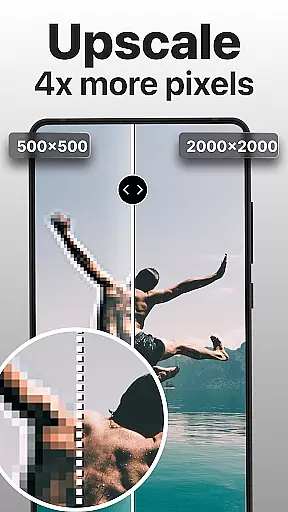
PhotoBoost is a revolutionary photography app designed to enhance, restore, and transform your images using advanced AI technology. The app specializes in sharpening blurry photos, reviving pixelated images, and restoring cherished memories with precision. Additionally, PhotoBoost offers an innovative AI Avatars feature that allows users to create stunning avatars in various artistic styles, making it versatile for both personal and professional use.
With its cutting-edge AI tools, PhotoBoost caters to photographers, social media enthusiasts, and families looking to preserve their photo albums digitally. Whether you're repairing old family photos or generating creative content for social platforms, PhotoBoost delivers high-quality results quickly and efficiently.
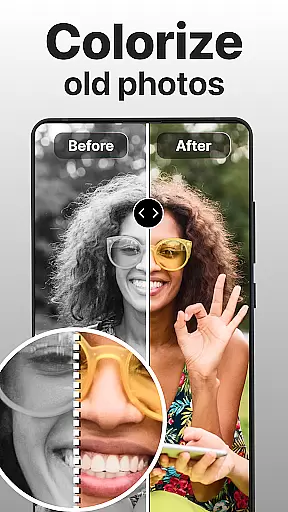
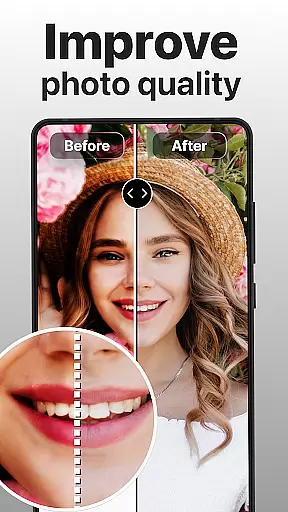
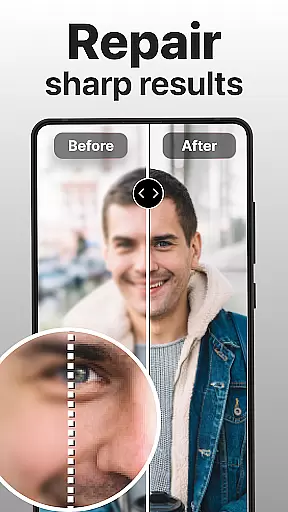
PhotoBoost stands out with its robust set of features tailored for photo enhancement and creativity. The app's core functionalities include instant photo sharpening, which transforms low-resolution images into sharp, high-definition visuals perfect for sharing online. Its restoration tool repairs scratched, faded, or damaged photos while also offering colorization for black-and-white images.
Another highlight is the Advanced AI Upscaling feature, enabling users to enlarge images without losing quality—ideal for printing or framing. Additionally, the AI Avatars feature provides endless creative possibilities by transforming selfies into unique art pieces inspired by famous styles like Van Gogh or futuristic themes. These capabilities ensure versatility and unmatched user experience across different needs.
Real-time capture and preview functionality is essential for ensuring that every photo taken meets the user's expectations. PhotoBoost excels in this area by providing instantaneous feedback on images as they are captured, allowing users to make necessary adjustments before finalizing their shots.
The app leverages advanced AI technology to enhance the clarity and quality of photos during the capture process. This ensures that even if the original shot is suboptimal, the preview will show a significantly improved version, ready for further refinement or immediate use.
Users benefit from this feature by being able to take high-quality photos with confidence. Whether capturing memories for social media or digitizing old family albums, PhotoBoost's real-time enhancements guarantee professional-grade results every time.
This capability not only saves time but also enhances the overall photography experience, making it accessible and enjoyable for both amateur and professional photographers alike.
AI beauty and enhancement features have become a staple in modern photography apps, aiming to improve the aesthetic appeal of photos while maintaining a natural look. PhotoBoost stands out by offering sophisticated AI-driven tools that enhance facial features, skin texture, and overall image quality without appearing artificial.
The app uses state-of-the-art algorithms to analyze and adjust various aspects of a photo, such as brightness, contrast, and color balance. These adjustments are made with precision to ensure that the final output looks polished yet authentic, preserving the subject's true essence.
For users, this means they can achieve stunning portraits and selfies that highlight their best features without sacrificing realism. The AI Avatars feature, for instance, transforms selfies into creative masterpieces across different themes, all while retaining a lifelike appearance.
Ultimately, PhotoBoost's commitment to natural enhancement empowers users to express themselves creatively, whether for personal enjoyment or professional purposes, ensuring their photos stand out with authenticity and flair.
User-friendly interface
High-quality enhancements
Versatile avatar options
Fast processing speed
Frequent theme updates
Paid subscription required
Limited free trial features
Internet connection needed
Occasional ads in free version
Large file size

Add Watermark - Sign your pictures with a text or logo. Effective, quick, easy!
 4.50
4.50
Viewfinder, Light meter, Reciprocity failure time, DOF & Bellows Extension
4.60
All-in-One Editor & AI Photo Enhancer, Collage, Cartoonify, Funny Stickers & BGS
4.10
Virtual makeup, hair filters & body tuner—edit from face to full body!
4.20
Photo prints, cards, & gifts at Walgreens. Easy ordering & fast local pickup !
4.80
Create amazing frames with up to five photos. Rounded corners, effects and more!
3.60
Your personal guide to the sun and moon. Plan ahead, visualize and predict!
4.70
The original Rarevision VHS look seen everywhere!
4.70
A unique animation app. Powerful, easy to use, and lots of fun.
4.30
See your baby AI baby face generator AI baby maker Face generator babymaker fun!
4.70
Amazing Photo Effects - The most fun you can have with your photos!
4.70
Take videos and pictures with the popular TikTok TIME WARP SCAN filter.
4.60
Easily create custom gifts, cards, photo books & more on the Shutterfly app!
4.60
Create AI photos & videos with Enhancer; restore, fix, beautify, enhance photos
4.50
AI photo enhancer with Sora 2! Enhance, descratch, and colorize your old photos.
4.50
Search, tag and rate your way to an organized image gallery
4.40
Professional quality photo edits with the new Snapseed.
4.00
GCamera allows all GCam features on all phone models! Better photos with GCamera
3.30
Raw Image Viewer. Gallery with support of raw images (.cr3, .cr2, .nef, .raf).
2.00


User Reviews