
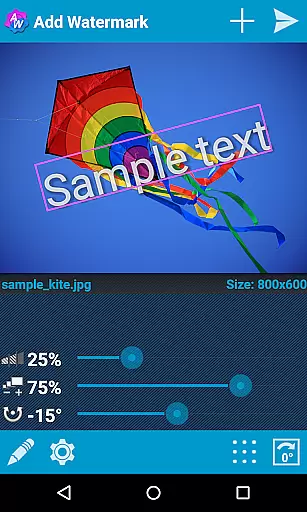
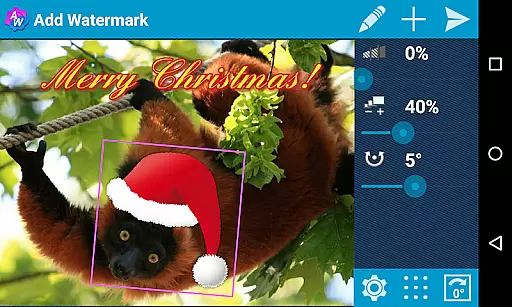
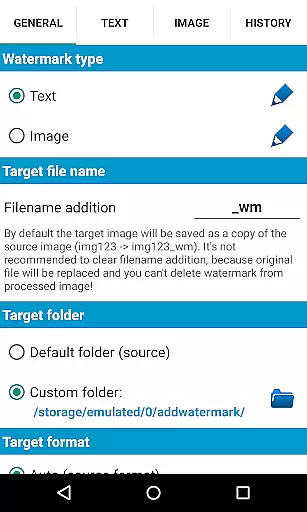
Add Watermark is a powerful photography app designed to help users protect their digital content by adding customizable watermarks to images. The app allows you to add text or logo watermarks, adjust size, transparency, rotation, and alignment, then save or share the watermarked images effortlessly.
With features like batch processing, automatic watermarking through sharing from other apps, and support for transparent PNG images as watermarks, this app caters to professional photographers and bloggers who need efficient ways to brand their work. Its extensive settings, including 72 built-in fonts, custom font imports, timestamp options, and EXIF metadata support, make it a versatile tool for safeguarding your creative property.
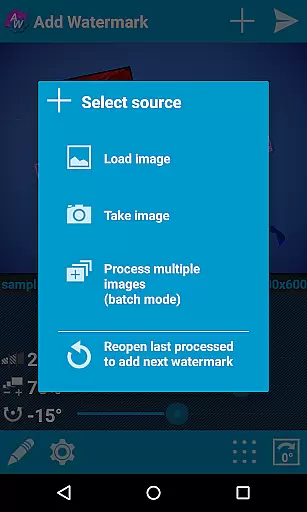
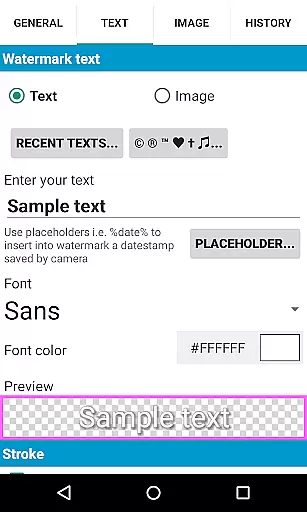
The app offers an array of advanced features tailored for both casual users and professionals. It supports batch mode for processing multiple images at once, auto-processing via image sharing from other apps, and includes numerous customization options such as fonts, colors, and effects in text mode.
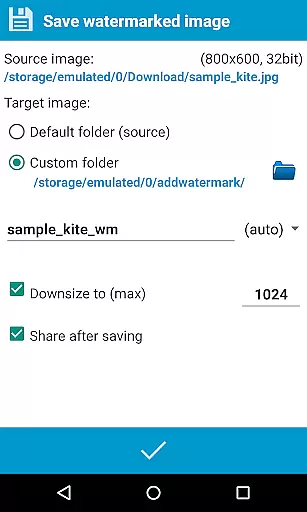
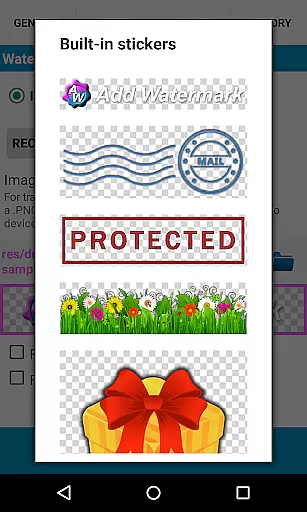
Additionally, Add Watermark provides a built-in sticker collection, supports transparent PNG images as watermarks, and enables quick sharing to platforms like Instagram, Facebook, and Flickr. Users can also back up settings on their device or in the cloud, rename files, resize images, and even include GPS tags and timestamps as part of the watermark text.
For those working with specialized formats, the app fully supports EXIF and XMP metadata and handles 360° panoramas seamlessly. While the free version has some limitations, upgrading to the full version unlocks all these professional-grade features.
Real-time capture and preview functionality is essential for ensuring that users can accurately place watermarks on their images. Add Watermark provides a seamless experience by allowing users to see the changes in real time as they adjust the watermark's size, transparency, rotation, and alignment.
This app enables photographers and bloggers to experiment with different settings without any lag, which enhances the overall user experience. The ability to instantly view modifications ensures that the final image meets the user's expectations before saving or sharing it.
With real-time previews, users can fine-tune their watermarks with precision, making certain that text or logo integration appears exactly as intended. This feature saves time and effort, eliminating the need for trial and error, and allows for efficient workflow, particularly when processing multiple images in batch mode.
While primarily focused on watermarking, Add Watermark also offers features that touch on AI beauty and enhancement naturalness. Although not its main function, the application includes options for adjusting colors and other effects in text mode, which can subtly enhance images while adding watermarks.
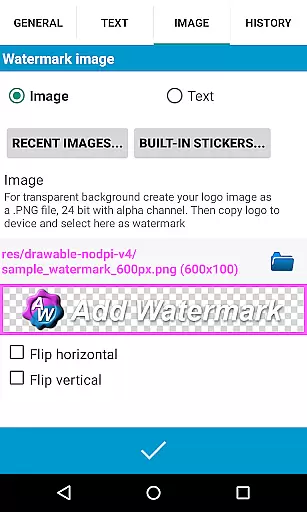
The app supports transparent PNG images as watermarks, which means logos or graphics can be integrated naturally without disrupting the original photo's aesthetics. Users have control over opacity and blending, allowing for enhancements that maintain the authenticity of the image.
Moreover, with built-in sticker collections and custom fonts, users can creatively enhance their photos while ensuring that all additions look organic and unobtrusive. These thoughtful touches help ensure that even with added elements, the final product retains a professional and polished appearance.
User-friendly interface
Batch processing available
Extensive customization options
Cloud backup support
Quick sharing to social media
Free version has limitations
Custom fonts require setup
Logo watermarking disabled in free version
Advanced features need purchase
Learning curve for beginners

Search, tag and rate your way to an organized image gallery
 4.40
4.40
Cut and paste photo editor & eraser to customize photos easy and swap faces fun
4.50
Photo editor: AI filters, photo enhancer, pic collage maker, AI art generator.
4.80
Be your best in every shot! Fix, edit and retouch your face in selfies & photos.
3.70
Movie camera, supports pro recording settings for filming. Try it and be amazed!
4.50
AI Photo Editor with 100+ Filters, Effects! Remove BG, Retouch & Photo Enhancer.
4.80
Smart, light, and fast photo and video gallery
4.30
Effortlessly make high-quality GIFs from images & videos without any watermarks.
4.70
Try an anime version, cartoon yourself, and generate AI hug or aging videos!
3.70
The original Rarevision VHS look seen everywhere!
4.70
See your baby AI baby face generator AI baby maker Face generator babymaker fun!
4.70
Enhance, upscale, and transform your images — on your device, without limits
4.70
Unblur, enhance & restore photos with powerful AI photo enhancer tools.
4.60
Photo Exif Editor allows to view, add and modify EXIF data of multiple photos
4.50
AI photo enhancer with Sora 2! Enhance, descratch, and colorize your old photos.
4.50
Edit like a pro with Hypic. Apply filters, AI effects, & magic touch.
4.40
AI portrait generator and polaroid AI selfie, fun AI generated AI photo creator!
4.30
All-in-One Editor & AI Photo Enhancer, Beautify & Retouch, Collage, Cartoonify
4.20
An interval timer to automate photo taking process for timelapse
2.90


User Reviews