
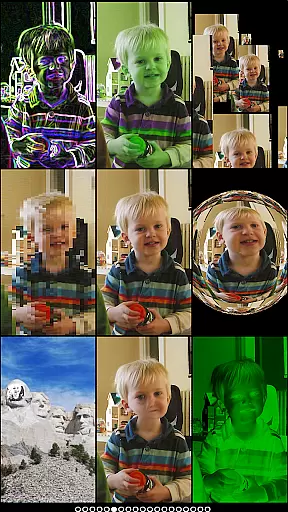
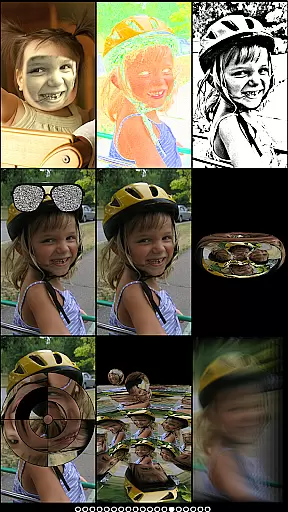
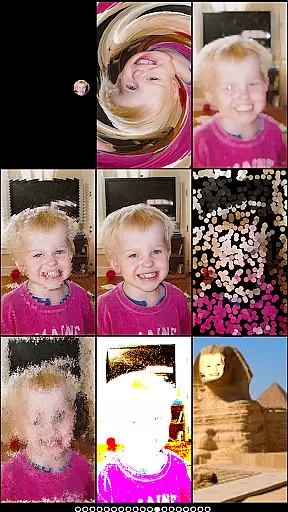
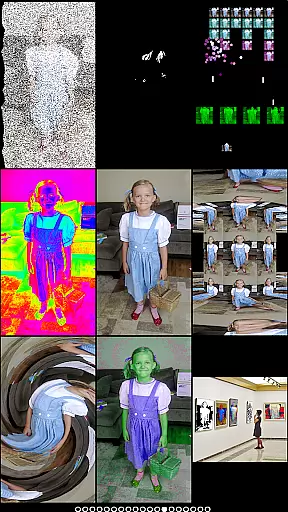
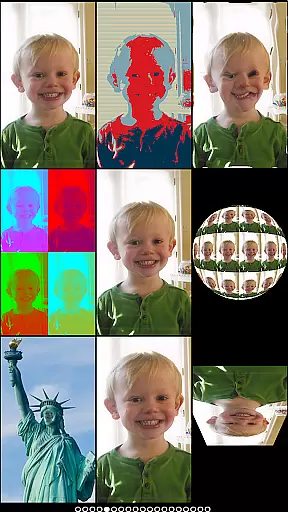
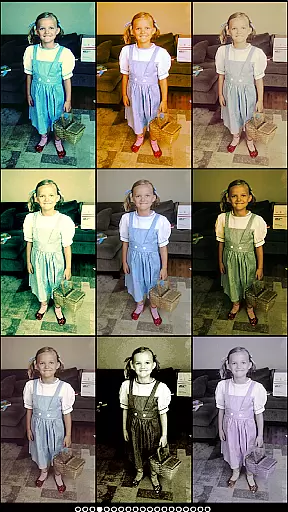
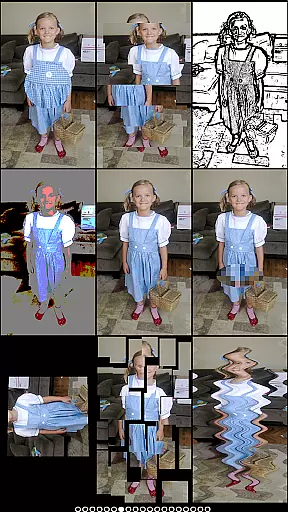
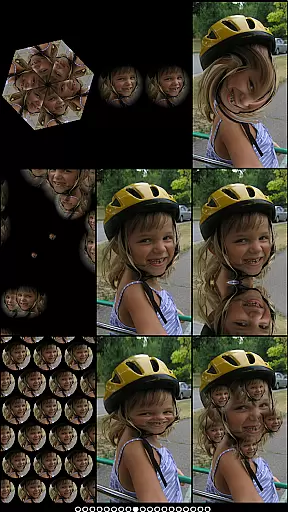
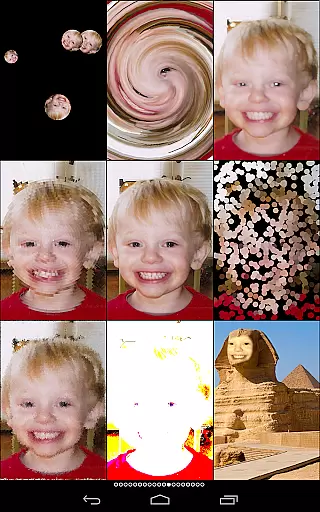
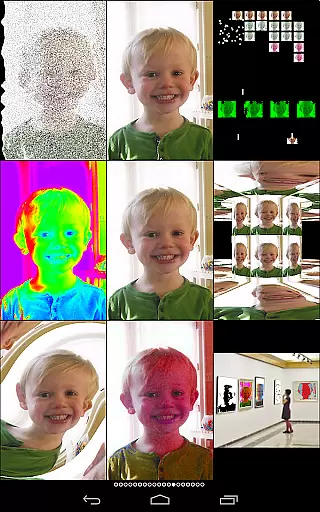
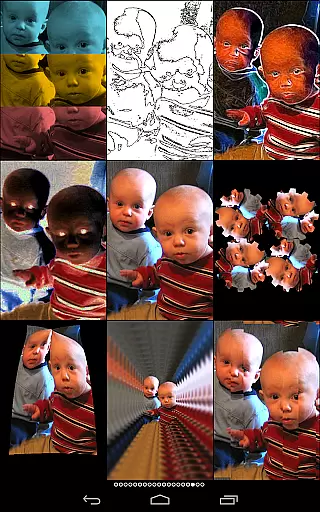
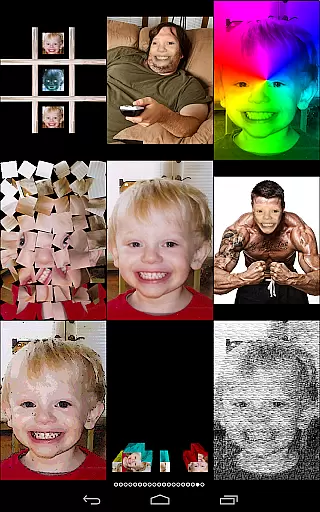
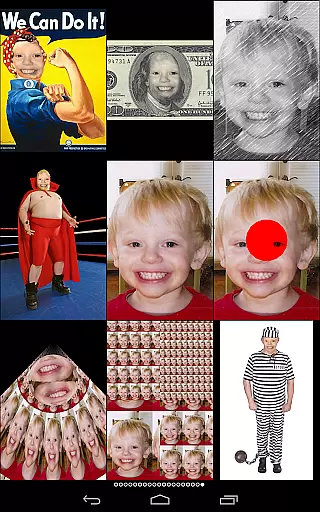
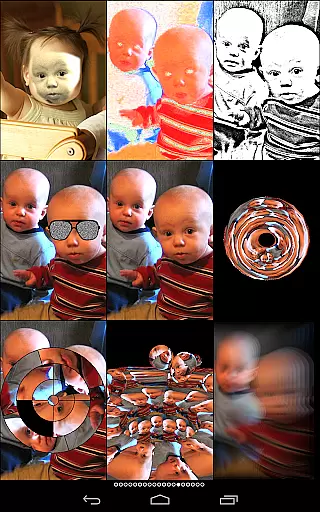
Mega Photo Pro is an innovative photography app that transforms your photos and videos into interactive experiences. With over 200 real-time effects, the app allows users to morph, warp, and twist their images into unique designs. The app also features engaging games like brick breaker and tile puzzles, making photo editing a fun experience.
One standout feature is the ability to walk through a 3-D maze of your photos or interact with them in various ways. Users can switch between front and rear cameras effortlessly and apply vintage camera effects for a retro feel. Whether you're looking to add a creative touch to your photos or simply have fun, Mega Photo Pro offers endless possibilities for personalizing your images.
Mega Photo Pro stands out with its extensive range of features designed to enhance user interaction. The app includes over 200 effects such as engraving, waving flags, mosaics, and more, all rendered in real-time. These effects allow users to see immediate transformations on their photos.
In addition to photo effects, the app offers interactive games including brick breaker, ninja slicer, and alien invaders. Each effect and game is designed to be highly interactive, allowing users to personalize their creations by tapping, dragging, zooming, and rotating elements within the app. This level of customization ensures that every photo becomes a unique piece of art.
Real-time capture and preview functionality is essential for photography apps as it allows users to see effects applied instantly. Mega Photo Pro excels in this area by offering over 200 real-time effects that transform your photos in unique ways.
The app provides an interactive experience where users can twist, morph, pinch, and warp their photos into outrageous designs. This instant feedback loop enhances creativity and lets users experiment with different styles without any lag.
With the ability to switch between front and rear cameras seamlessly, Mega Photo Pro ensures that users can capture the perfect shot from any angle. The live camera feed supports various interactive effects, allowing personalization even before taking a picture.
This feature not only makes photo editing more engaging but also saves time, providing a smooth workflow for both amateur photographers looking to have fun and professionals seeking innovative tools.
AI beauty and enhancement features are crucial for modern photography apps, aiming to improve images while maintaining natural aesthetics. Mega Photo Pro offers 40 vintage camera effects that give photos a retro feel without compromising authenticity.
The app includes various filters such as engraving, mosaic, sketch, and night vision, which enhance photos naturally. These effects are designed to bring out the best in your images without making them look overly processed or artificial.
Users can personalize their photos using interactive elements like glasses, waving flags, and bouncing balls. This customization ensures that each photo remains unique and true to the original image's essence.
By focusing on natural enhancement, Mega Photo Pro stands out among other photography apps, offering users the tools they need to create stunning yet authentic visuals effortlessly.
User-friendly interface
Over 200 real-time effects
Interactive photo games
Vintage camera filters
Highly customizable options
May drain battery quickly
Some features require in-app purchases
Interface may overwhelm new users
Limited free content
Occasional performance lags

Long exposure camera with computational photography
 2.60
2.60
[3DSteroid Pro] is a stereoscopic application for Android.
4.30
Professional video recording application with manual controls for filmmakers!
2.80
Android Native system HD camera app. Never been so simple and faster.
4.70
Over 800 film simulation recipes for Fujifilm. Black Friday Offer!
4.2
Gallery Slideshow is slideshow maker app for slideshow from your gallery photos.
3.90
Photo editor & gallery. Crop pictures & edit photos offline, no wifi!
4.50
GCamera allows all GCam features on all phone models! Better photos with GCamera
3.30
live datamoshing
4.00
Viewfinder, Light meter, Reciprocity failure time, DOF & Bellows Extension
4.60
Take videos and pictures with the popular TikTok TIME WARP SCAN filter.
4.60
Discover & download millions of art for The Frame TV or Hisense CanvasTV
4.60
Easily stitch panoramas from multiple photos or video.
4.40
Edit like a pro with Hypic. Apply filters, AI effects, & magic touch.
4.40
How old age camera Gender Swap App Face Shape Hairstyle App Hair Styler App fun!
4.00
Turn photos into cartoons & avatars! - Photo Editor, Cartoon Face!
3.90
Remote control of the phone camera from your Wear OS smartwatch
3.70
Remote control the phone camera shutter from your smartwatch and take a picture
1.60
Snap photos remotely using your Garmin watch as the camera trigger
4.2


User Reviews