
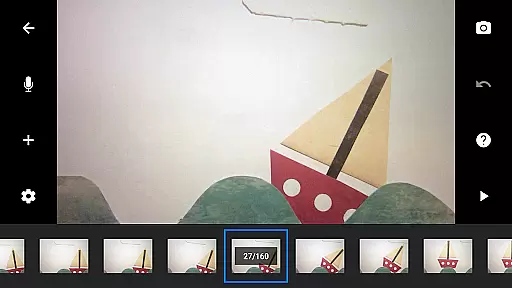
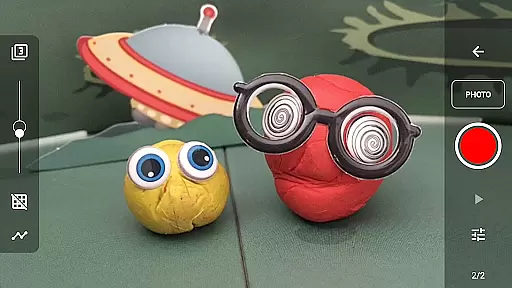
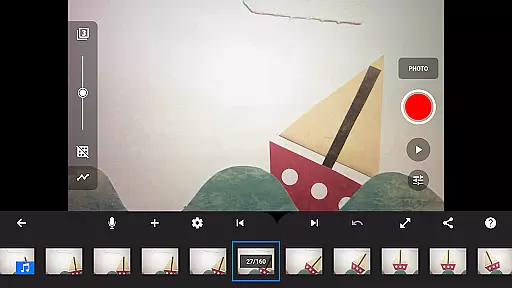
Stop Motion Studio Pro is the ultimate app for stop motion enthusiasts, offering a complete suite of tools to create professional-quality animations. The app features an intuitive interface that makes it easy to produce stunning stop motion videos, even for beginners. With advanced features like overlay mode, animation guides, and interactive timeline, users can precisely control every frame of their movie.
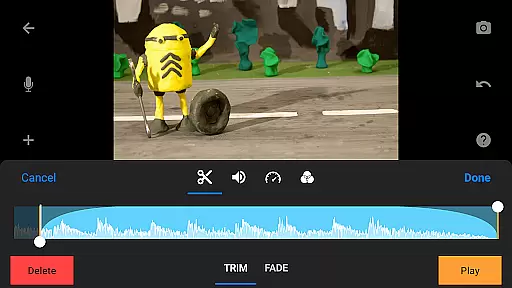
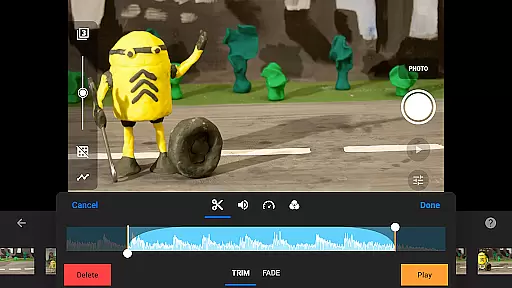
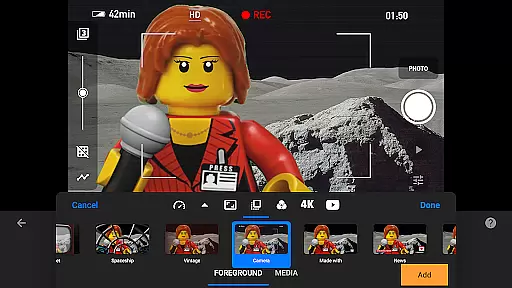
The app excels in providing creative options for movie enhancement. Users can choose from various unique titles, credits, and text cards or design their own. It includes video filters, foregrounds, backgrounds, aspect ratios, and fade effects to give movies a polished look. The soundtrack creation tool allows adding music, sound effects, or narration, while rotoscoping and green screen features enable creating impressive visual effects.
Perfect for both amateur and professional animators, Stop Motion Studio Pro supports 4K and 1080p video export to YouTube, animated GIF creation, and saving all images for further processing. The app's comprehensive learning resources, including tutorial videos and tips, make it an ideal choice for anyone looking to master the art of stop motion animation.
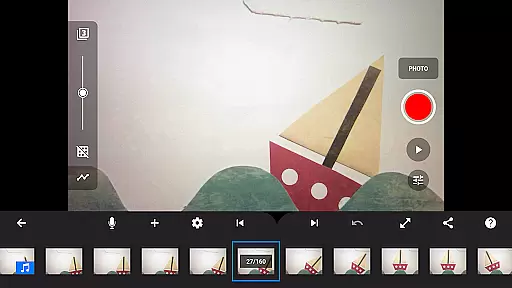
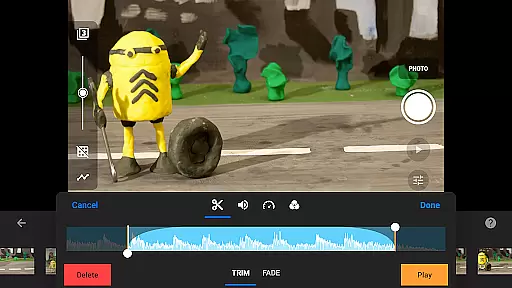
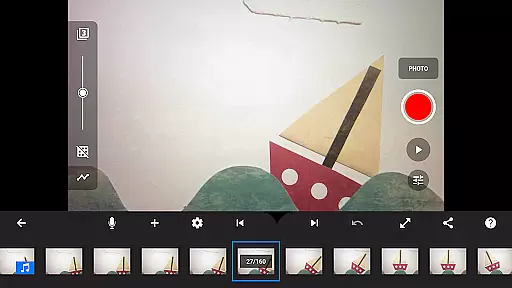
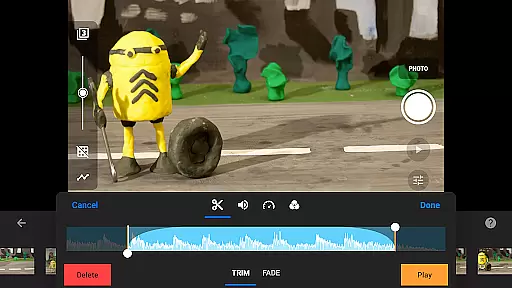
Stop Motion Studio Pro stands out with its powerful yet user-friendly feature set. The app's simplistic interface hides a robust set of professional-grade tools. The overlay mode helps animators see frame differences, while animation guides assist in positioning objects accurately. The interactive timeline keeps projects organized, even with hundreds of frames, and basic editing functions like copy, paste, cut, and insert are readily available.
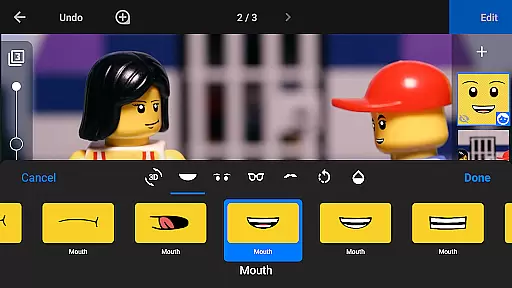
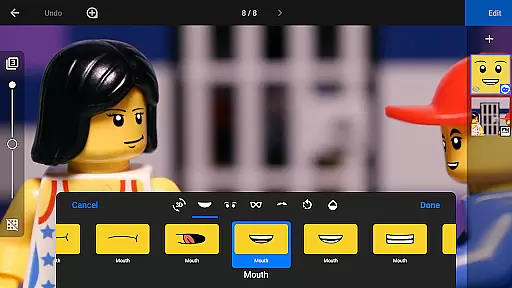
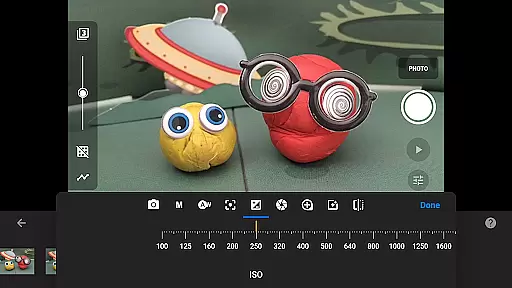
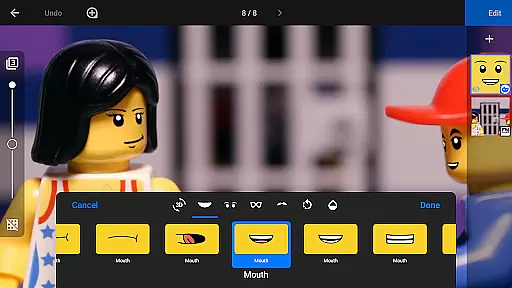
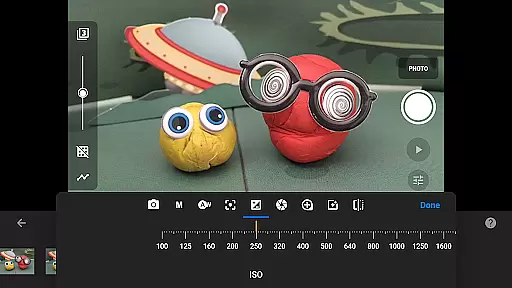
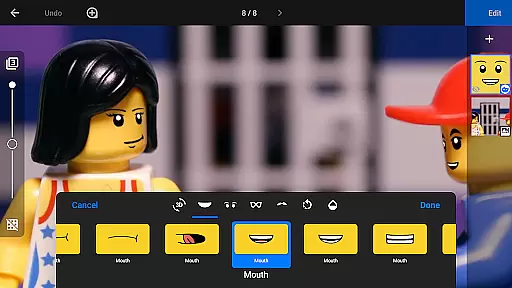
The app's image capture capabilities rival professional equipment. It offers adjustable time interval settings and full camera control with manual white balance, focus, exposure, ISO, and shutter speed adjustments. For more complex setups, users can connect a second device as a remote camera. The built-in layer-based image editor provides advanced tools for adding text, speech bubbles, facial expressions, and touch-up effects.
Sharing and collaboration features make project management seamless. Users can save their work to the photo library, export to YouTube in high resolution, or save as animated GIFs. The app supports cross-device project transfer through Dropbox or Google Drive, allowing users to start on mobile devices and continue on desktop computers. These features, combined with comprehensive learning resources, create a complete ecosystem for stop motion animation.
Real-time capture and preview functionality is essential for ensuring that every frame of your stop motion animation is exactly as you envision it. Stop Motion Studio Pro offers a comprehensive set of tools to enhance the capturing process.
The app provides an adjustable time interval feature, allowing users to automate the capture process based on their preferred timing. This ensures consistency across frames, which is crucial for smooth animations.
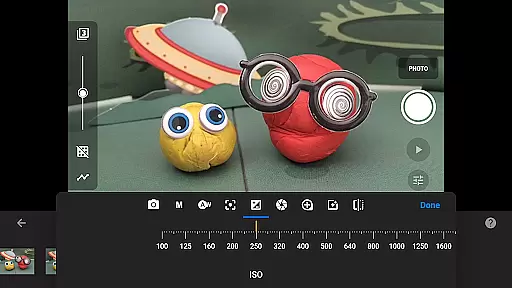
For those seeking more control, the app includes full camera settings with options for automatic or manual white balance, focus, exposure, ISO, and shutter speed adjustments. These features ensure that lighting and clarity are perfectly tailored to the scene being captured.
Additionally, users can employ a second device as a remote camera, offering new angles and perspectives without needing to physically adjust the primary shooting device. This flexibility empowers creators to experiment with complex shots while maintaining precise control over each frame's composition.
While primarily focused on stop motion creation, Stop Motion Studio Pro also integrates AI beauty and enhancement features that add a natural polish to animations without compromising their original charm.
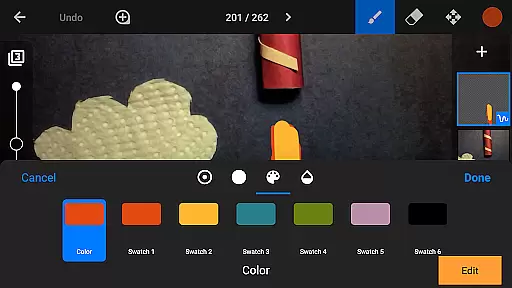
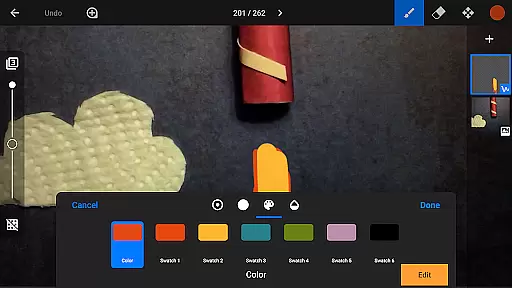
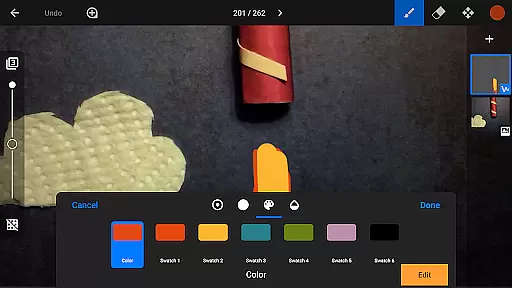
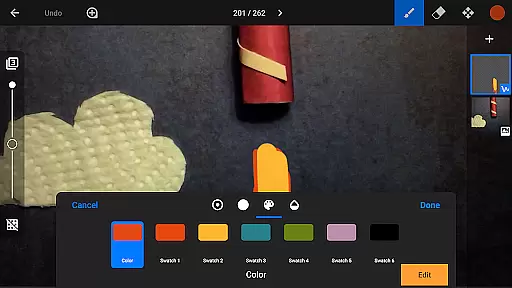
The powerful, built-in layer-based image editor allows users to touch up and enhance individual frames. With tools for sketching, painting, and erasing unwanted objects, animators can refine scenes meticulously.
Users can insert text and speech bubbles or create titles using the editor. This feature helps in adding context or humor to the animations, making them more engaging and expressive.
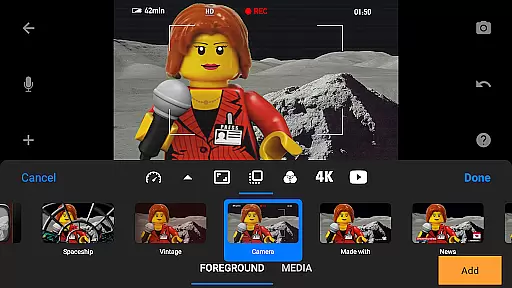
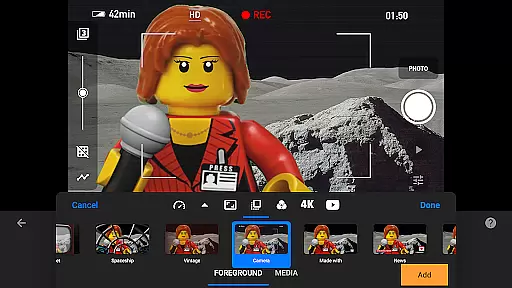
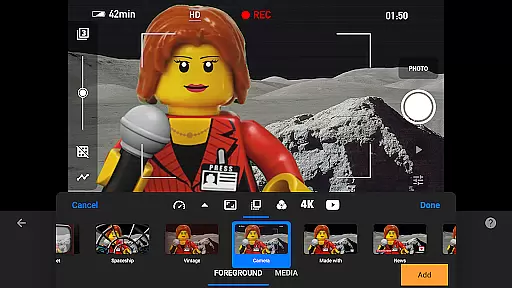
Furthermore, the app enables the addition of video filters, foregrounds, backgrounds, aspect ratios, and fade effects. These enhancements provide a professional finish to animations, ensuring they captivate audiences while retaining the authentic feel that makes stop motion unique.
User-friendly interface
Professional-grade tools
Comprehensive sharing options
Advanced camera controls
Extensive learning resources
Steep learning curve
High storage requirements
Limited free version
Occasional performance issues
Subscription fees apply

Professional video recording application with manual controls for filmmakers!
 2.80
2.80
Android Native system HD camera app. Never been so simple and faster.
4.70
Perfect body tune & face app - photo retouch, makeup, slim body & beautify face.
4.80
Photo editor & gallery. Crop pictures & edit photos offline, no wifi!
4.50
A reflected light meter with spot metering and incident light metering.
4.40
Add a dreamy vibe to your selfies and videos with soft style filters
4.5
Create AI photos & videos with Enhancer; restore, fix, beautify, enhance photos
4.50
Fit multiple photos on one post. Create carousels & scroll layouts for Instagram
4.50
Your Family Calendar + Photos. Manage your Skylight Calendar and Skylight Frame.
4.40
Enhance, upscale, and transform your images — on your device, without limits
4.70
PhotoSync Bundle Add-On License. Enables all features and services in PhotoSync.
4.60
Trendy TikTok time warp scan funny filter app brings you unique photos & videos.
4.40
[3DSteroid Pro] is a stereoscopic application for Android.
4.30
Create & Edit with AI: AI Remove, Enhance, Retouch, Filter
4.10
How would you look like with a differently shaped nose, chin or lips?
3.90
Remote control of the phone camera from your Wear OS smartwatch
3.70
Perfect photos with body shaping, BG changer and object remover.
3.70
GCamera allows all GCam features on all phone models! Better photos with GCamera
3.30
Over 800 film simulation recipes for Fujifilm. Black Friday Offer!
4.4


User Reviews