
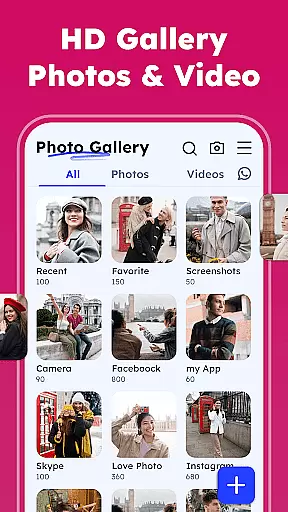
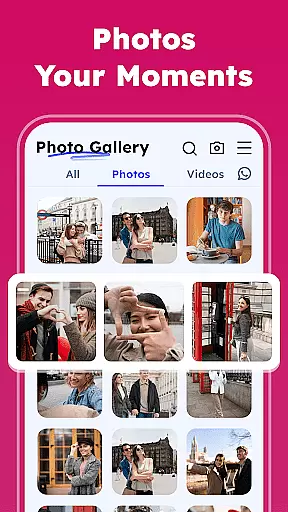
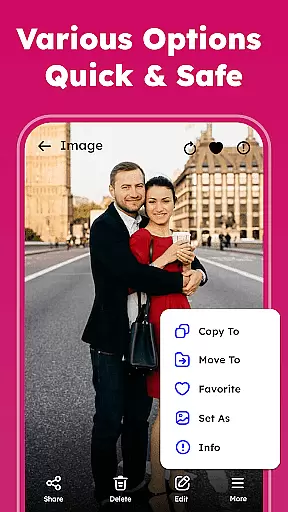
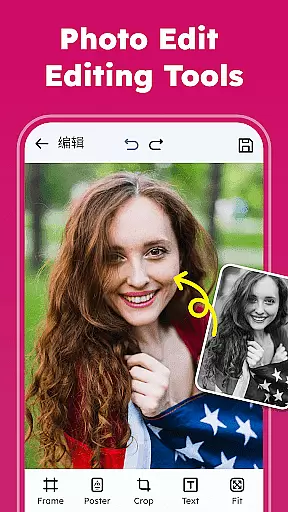
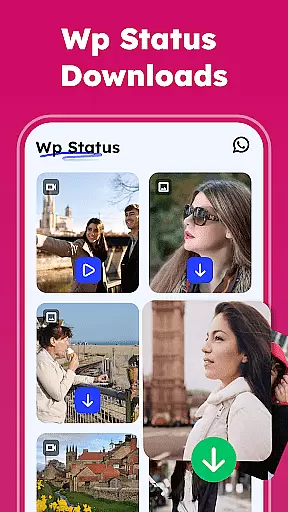

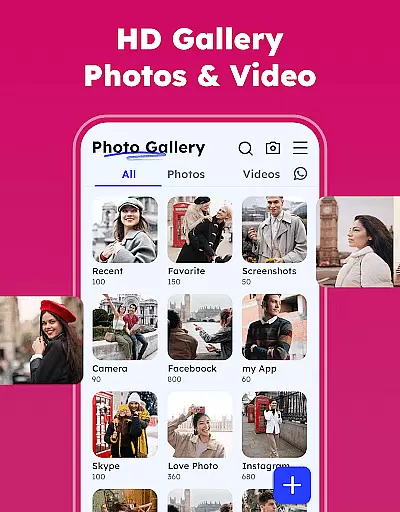
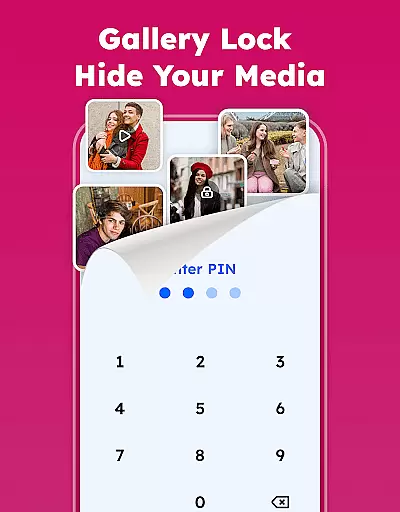
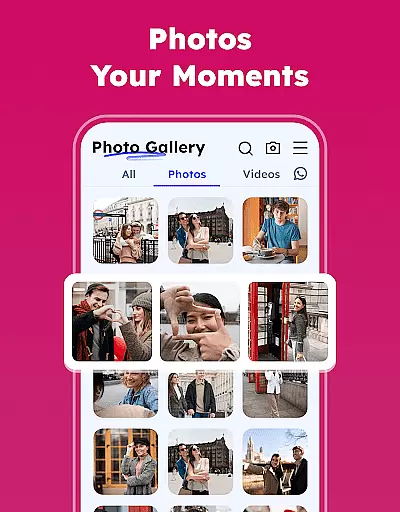
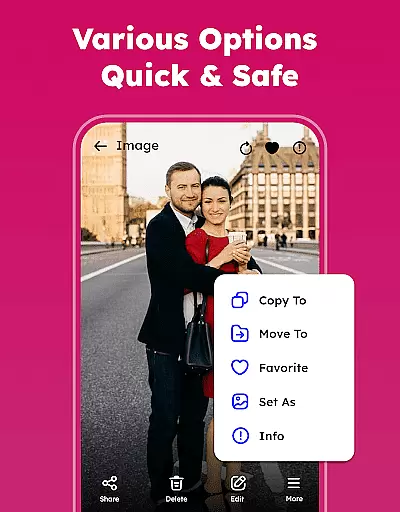
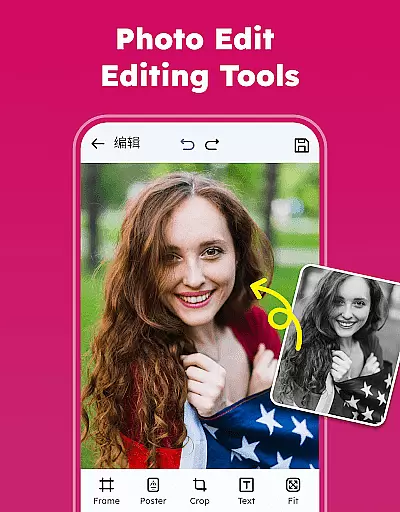
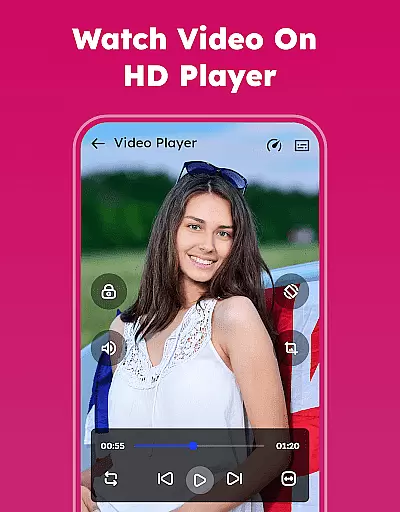
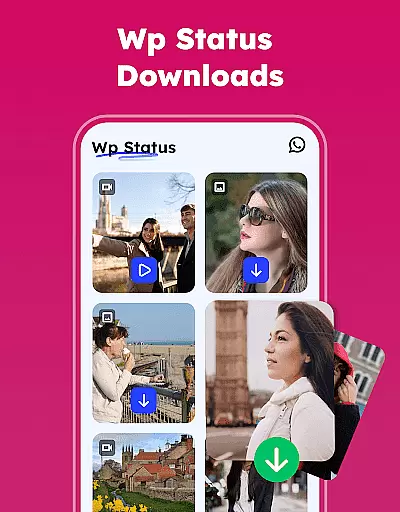

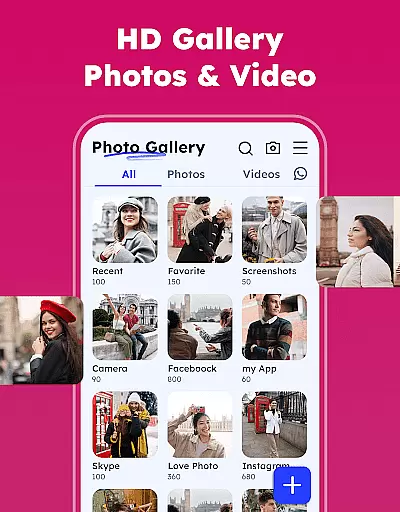
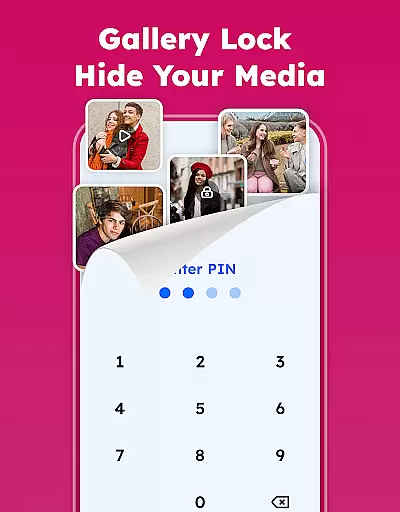
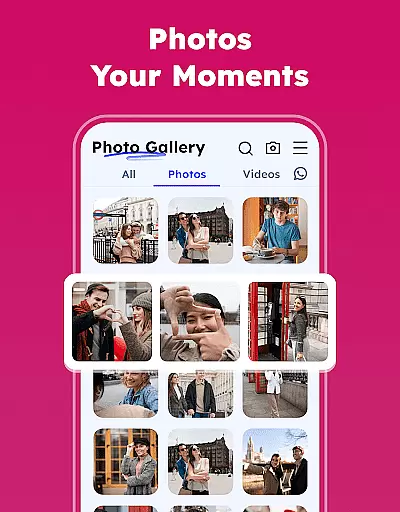
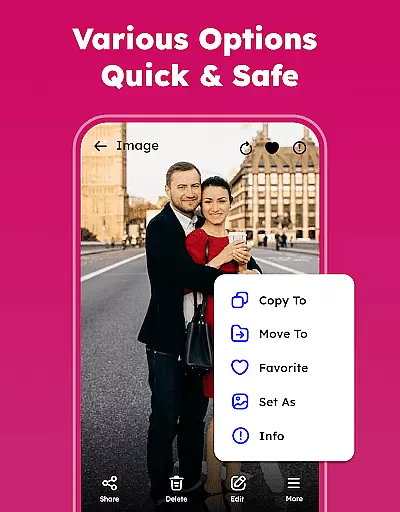
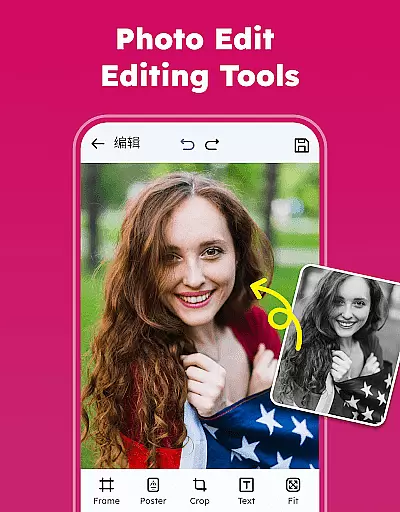
Gallery - Photos & Videos is a feature-rich photography app designed to help users efficiently manage, edit, and protect their media files. This lightweight application offers a comprehensive suite of tools for organizing photos and videos, including password protection, editing capabilities, and categorization features. With its user-friendly interface and powerful functionality, the app is perfect for daily use, allowing users to relive their favorite moments with ease while maintaining privacy and security.
The app stands out through its advanced organizational features such as sorting by name, date, size, or category, and its ability to automatically categorize media into groups like people, places, and events. Additionally, users can enjoy professional-grade photo editing tools, offline access, and secure private galleries. These features collectively ensure that Gallery - Photos & Videos not only simplifies media management but also enhances the overall user experience by providing both utility and peace of mind.
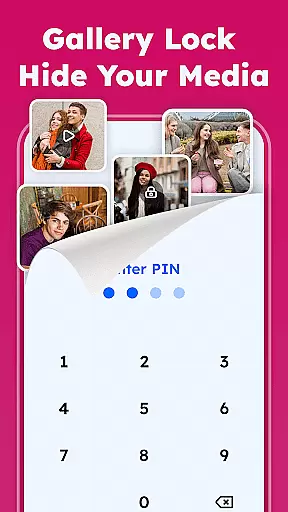
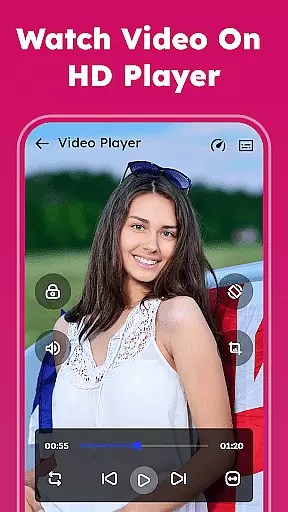
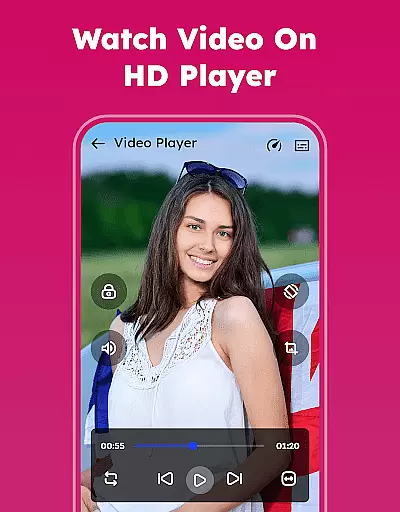
Gallery - Photos & Videos offers an impressive array of features that cater to diverse user needs. One of its standout capabilities is the Gallery Lock feature, which allows users to secure sensitive photos and videos behind a PIN or password, ensuring complete privacy. The app also includes a robust photo editor equipped with filters, emojis, and other creative tools, enabling users to enhance their images like professionals. Furthermore, the app supports smooth video playback and provides options to set photos as wallpapers or share them directly to social media platforms.
Organization is another key strength of this app. Users can sort and manage their media files effortlessly using various criteria such as name, date, size, or category. The Explore feature automatically groups photos and videos into meaningful categories, making it easier to locate specific memories. Additional functionalities include removing duplicate files to save storage space, restoring deleted items from the trash, and customizing albums based on personal preferences. These features collectively deliver a seamless and intuitive media management experience.
Real-time capture and preview functionality is essential for any photography app, ensuring that users can instantly see the results of their shots before committing to the final image. The Gallery - Photos & Videos app offers a seamless experience in this aspect by providing an intuitive interface where users can quickly snap photos and review them without delay.
The app's real-time capabilities are bolstered by its compatibility with various image and video formats, allowing users to capture media in multiple resolutions and styles. This flexibility ensures that whether you're shooting high-resolution images or casual snapshots, the preview accurately reflects the end product.
For users, this means greater control over their photography process. They can make immediate adjustments to their shots based on the live previews, thus improving the overall quality of their photo library. This instant feedback loop is invaluable for both amateur photographers looking to learn and professionals needing quick turnaround times.
Ultimately, the real-time capture and preview feature enhances user satisfaction by streamlining the photo-taking experience. It empowers users to take better photos more efficiently, making it a standout choice among photography apps.
AI beauty and enhancement features have become a staple in modern photography apps, offering users the ability to refine and perfect their images effortlessly. The Gallery - Photos & Videos app leverages advanced AI algorithms to provide natural-looking enhancements that preserve the authenticity of each photo while elevating its aesthetic appeal.
This app includes a variety of tools such as filters, skin smoothing, and blemish removal, all designed to enhance photos without making them appear overly processed. Users can apply these enhancements with precision, ensuring that their edited images remain true to life and retain their original charm.
One significant advantage for users is the ease with which they can achieve professional-quality edits. With just a few taps, users can transform ordinary photos into stunning visuals, boosting their confidence in sharing memories on social media or keeping them as personal keepsakes.
By focusing on naturalness in AI enhancements, the Gallery - Photos & Videos app sets itself apart from competitors. It delivers a balanced approach to photo editing that respects the integrity of the original image while offering creative freedom to its users.
User-friendly interface
Advanced privacy controls
Comprehensive editing tools
Efficient organization system
Offline accessibility
Requires additional permissions
Limited cloud integration
Premium features may cost extra
Occasional bugs reported
Heavy on battery usage

[3DSteroid Pro] is a stereoscopic application for Android.
 4.30
4.30
Safe & smart flight with Go Fly drone controller for 40+ drone camera, zone map
4.50
Cut and paste photo editor & eraser to customize photos easy and swap faces fun
4.50
Photo editor: AI filters, photo enhancer, pic collage maker, AI art generator.
4.80
HD Camera Pro with HD Video shooting, Panorama, Photo editor , Beauty Camera.
4.50
Photo editor & gallery. Crop pictures & edit photos offline, no wifi!
4.50
Transform Photos: Edit, Beautify and Craft Memories & Make Collages!
4.10
RAW video capture with advanced controls
4.40
Your personal guide to the sun and moon. Plan ahead, visualize and predict!
4.70
Perfect body tune & face app - photo retouch, makeup, slim body & beautify face.
4.80
Viewfinder, Light meter, Reciprocity failure time, DOF & Bellows Extension
4.60
Easily create custom gifts, cards, photo books & more on the Shutterfly app!
4.60
Create collages easily! Nice pic collage maker & background eraser for Instagram
4.50
Create Business Headshots, Polaroid Filter, Retake Photos,Profile Pics,AI Photos
4.50
Future baby face generator: AI kids generator, kid face! What my baby look like?
4.40
AI portrait generator and polaroid AI selfie, fun AI generated AI photo creator!
4.30
Turn your phone into a professional camera - full DSLR manual photography
4.30
A light meter for true photographers.
4.20
How would you look like with a differently shaped nose, chin or lips?
3.90


User Reviews