
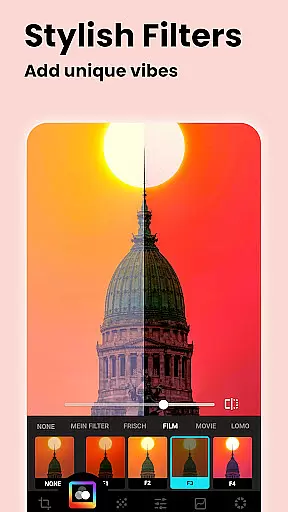
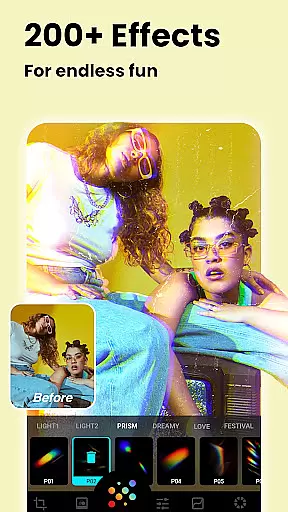


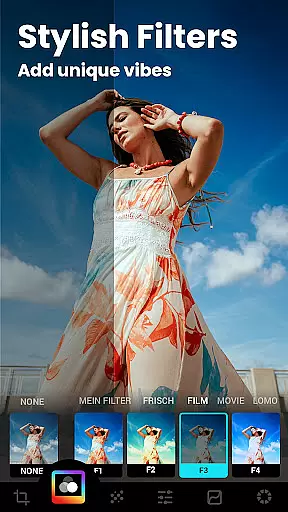


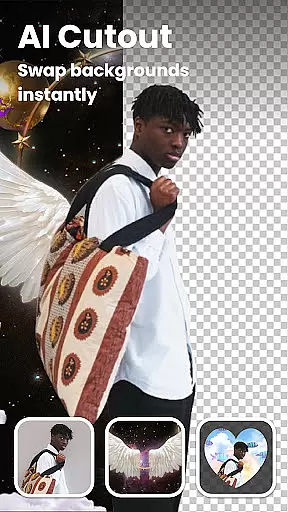
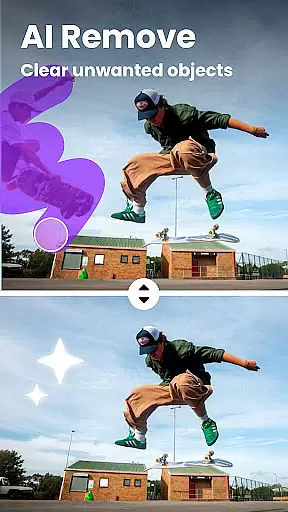

Lumii is a powerful AI Photo Editor that combines professional tools with smart AI editing features. Easily enhance photo quality, remove backgrounds, retouch selfies, and apply 100+ trendy photo filters and effects to edit photos.
Create artistic, high-quality photos effortlessly — no professional skills required. As one of the best photo maker and presets photography apps, Lumii makes photo editing simple, fast, and fun. No ads while editing.
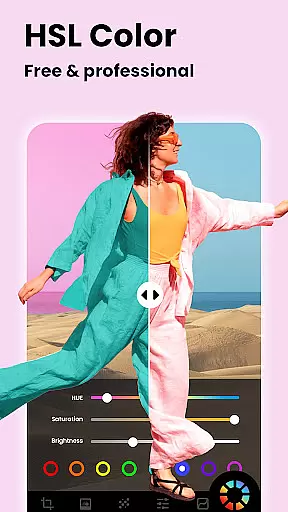
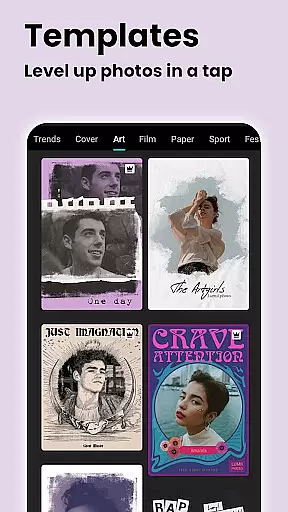
Lumii offers a wide range of features including customizable photo filters, 100+ photo effects, auto background eraser, useful & fun AI edits, BG blur, bokeh & mosaic, free HSL color, curves for photos, adding text to photos, double exposure - professional blend editor, basic photo editing tools, glitch photo editor, trendy templates, and photo editing history & draft.
With all these powerful and distinctive features, Lumii helps you become an expert in photo editing (enhance, photo filters and effects), and discover endless fun during the time.
Real-time capture and preview functionality is essential for any photography app, allowing users to see exactly what their photo will look like before taking the shot. Lumii offers a seamless real-time preview experience that ensures every detail is captured as intended.
The app's advanced AI algorithms enhance the live view, providing instant feedback on lighting, focus, and composition. This helps photographers of all skill levels to adjust settings on-the-fly and achieve professional-quality results without needing extensive technical knowledge.
With Lumii's real-time capabilities, users can experiment with different filters and effects while framing their shots. This feature empowers creators to visualize their artistic vision immediately, making photo editing more intuitive and enjoyable.
By delivering accurate previews, Lumii reduces the need for post-processing adjustments, saving time and effort. Photographers can trust that the final image will closely match what they saw in the preview, enhancing overall satisfaction with the photography process.
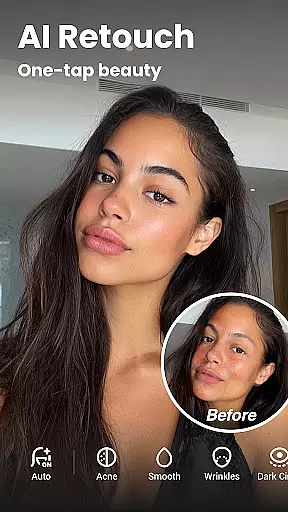
AI beauty and enhancement features are crucial for modern photo editors, offering tools to refine and perfect images while maintaining a natural appearance. Lumii excels in this area by providing sophisticated AI-powered enhancements that elevate photos without compromising authenticity.
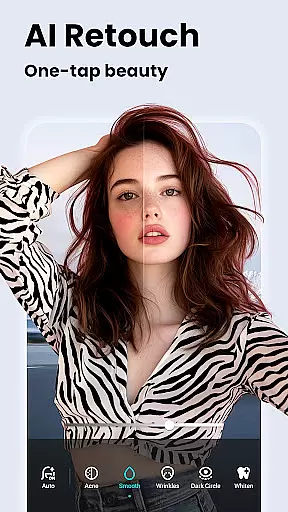
The app includes an Auto Retouch function that smooths skin, whitens teeth, and removes blemishes with remarkable precision. These adjustments are applied subtly, ensuring that edited photos retain their genuine character and don't appear overly processed or artificial.
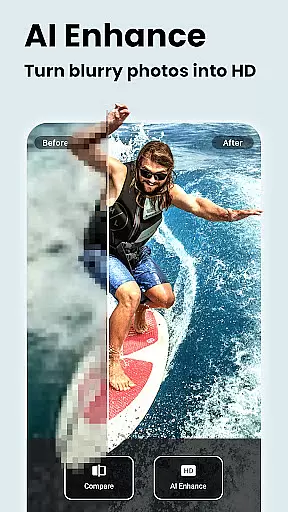
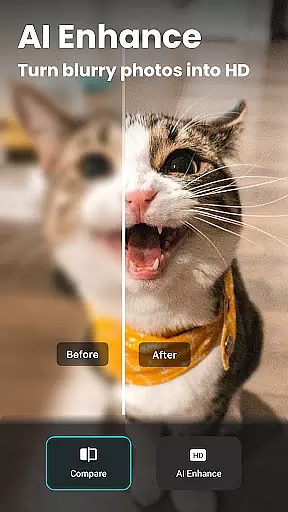
Lumii's AI Photo Enhancer transforms ordinary portraits into high-definition masterpieces by intelligently sharpening details and improving overall image quality. The algorithm works to preserve natural textures and colors, resulting in enhanced photos that look professionally retouched yet remain true to life.
These AI-driven enhancements cater to both casual users seeking quick improvements and professional photographers demanding precise control over their edits. By striking the perfect balance between enhancement and naturalness, Lumii establishes itself as a versatile tool for creating stunning, authentic-looking photographs.
User-friendly interface
Wide range of features
No ads while editing
Advanced AI editing capabilities
Free and all-in-one photo editor
Some features may require in-app purchases
Interface can be overwhelming for beginners
Occasional bugs reported by users
Limited customer support options
High system requirements for optimal performance

All-in-One Editor & AI Photo Enhancer, Collage, Cartoonify, Funny Stickers & BGS
 4.10
4.10
Natural Beauty, Selfie Retouch
4.30
Android Native system HD camera app. Never been so simple and faster.
4.70
Perfect body tune & face app - photo retouch, makeup, slim body & beautify face.
4.80
Easily create custom gifts, cards, photo books & more on the Shutterfly app!
4.60
Unblur, enhance & restore photos with powerful AI photo enhancer tools.
4.60
live datamoshing
4.00
A light meter for true photographers.
4.20
Photo & Video Gallery app to manage albums and save WA Status easily.
4.70
Create funny photos and videos with the popular Time Warp Scan filter.
4.90
Gallery show photo, video, slideshow, is perfect 3D effect private photo albums.
4.80
Enhance, upscale, and transform your images — on your device, without limits
4.70
Take videos and pictures with the popular TikTok TIME WARP SCAN filter.
4.60
Discover & download millions of art for The Frame TV or Hisense CanvasTV
4.60
Fit multiple photos on one post. Create carousels & scroll layouts for Instagram
4.50
Effortlessly organize, view and share your photos & videos with Gallery app!
4.40
Professional camera app that brings DSLR manual photography controls to Android.
4.20
Photobooth mini FULL app will allow you to add more fun to your parties
4.00
Perfect photos with body shaping, BG changer and object remover.
3.70


User Reviews