
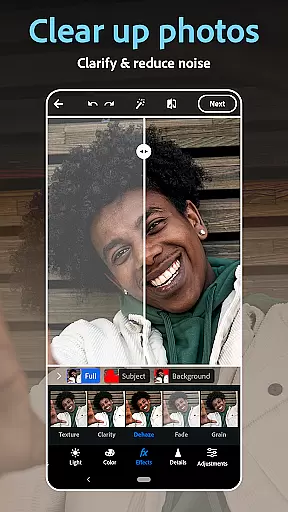
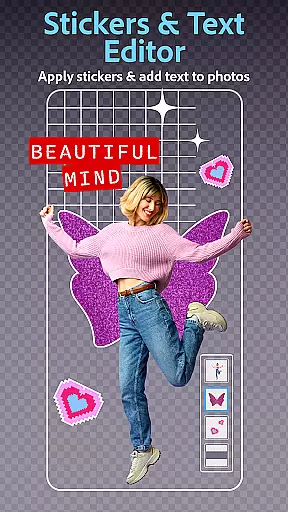
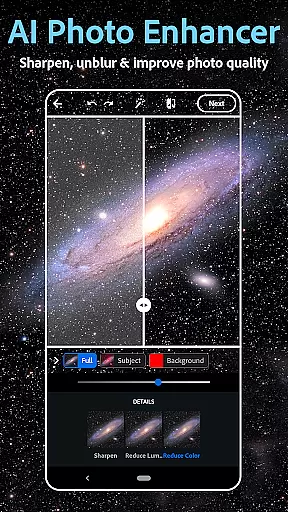
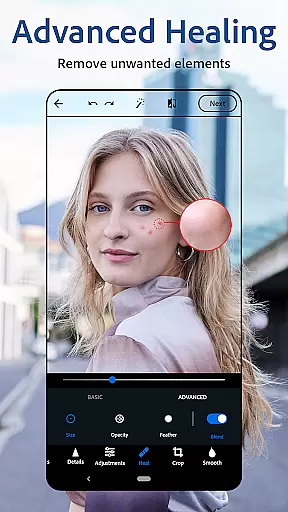
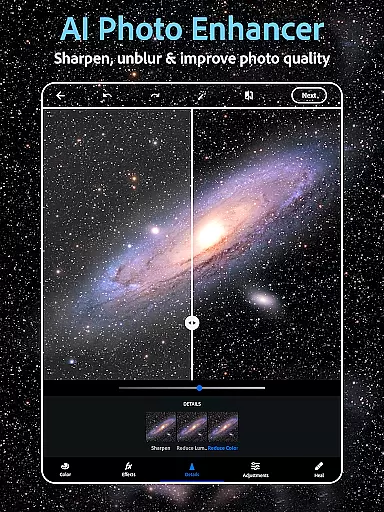
Photoshop Express Photo Editor is a versatile mobile application designed for effortless photo editing. This app allows users to enhance their images with one-tap edits, making photo enhancement accessible even to beginners. Trusted by millions, it offers a comprehensive suite of tools including AI-powered image adjustments, a collage maker, and a face editor.
The app stands out with its state-of-the-art AI image generator, easy-to-use interface, and a wide array of customization options. Users can add text to photos, apply vintage camera filters, and utilize airbrush tools for perfect selfies. Whether you're looking to touch up a portrait or create stunning collages, Photoshop Express provides the necessary tools to transform your creative ideas into reality.
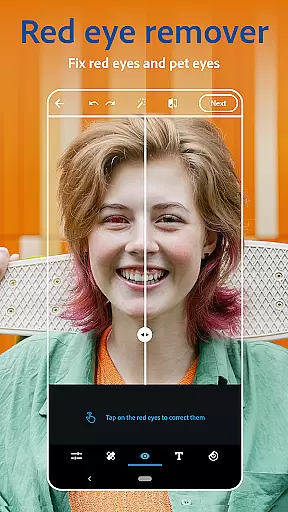
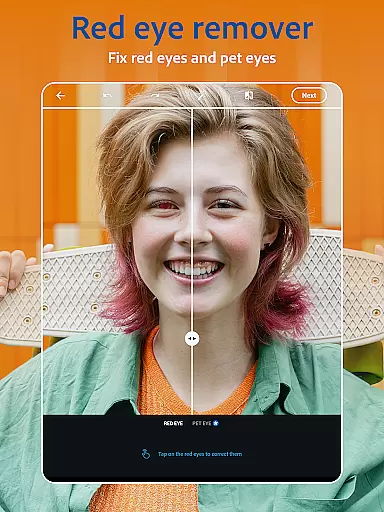
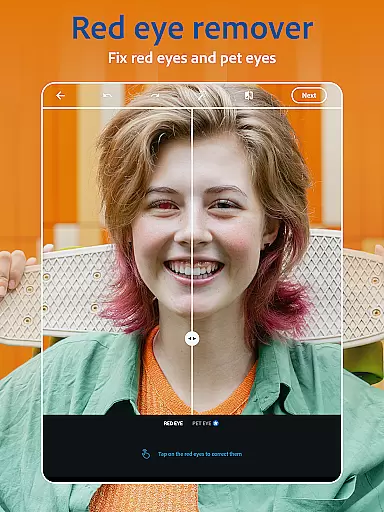
Perfect for social media enthusiasts and amateur photographers, this app ensures high-quality edits regardless of your skill level. With features like red-eye correction, blemish removal, and hundreds of camera filters, Photoshop Express empowers users to produce professional-grade photos effortlessly.
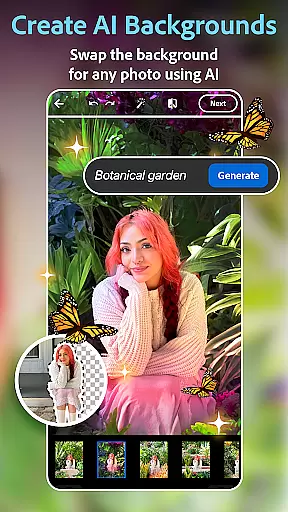
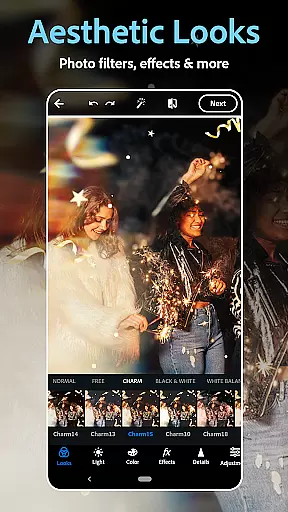
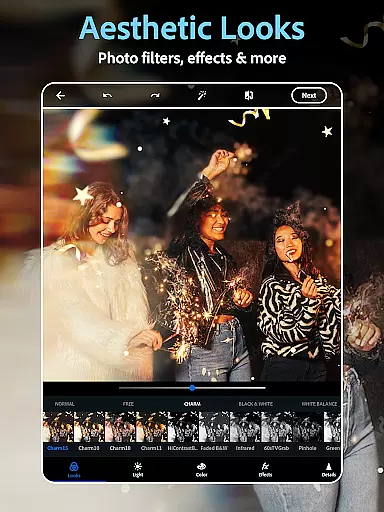
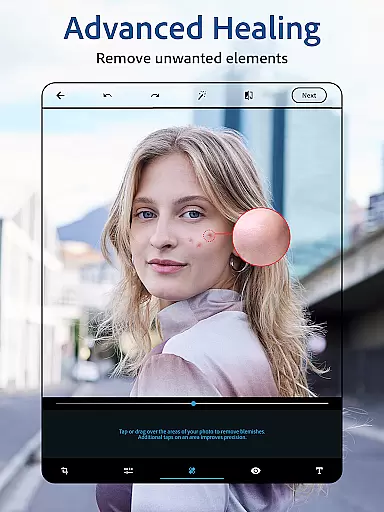
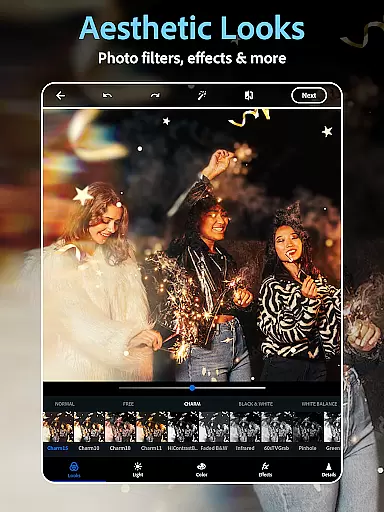
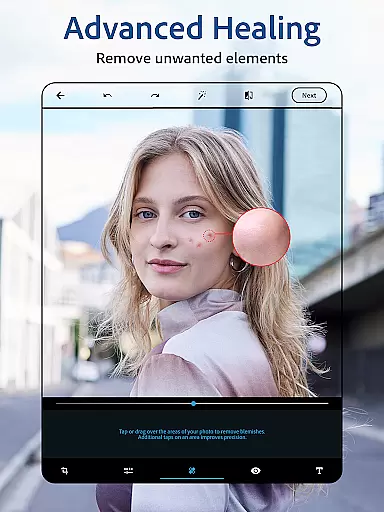
Photoshop Express boasts an impressive range of features tailored for both casual and advanced photo editing. The AI photo editor and retouch tools allow users to airbrush selfies, remove blemishes, and apply spot healing with precision. Vintage camera filters offer a retro aesthetic, while the ability to replace image backgrounds opens up endless creative possibilities.
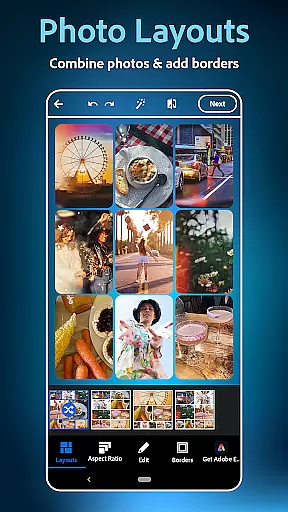
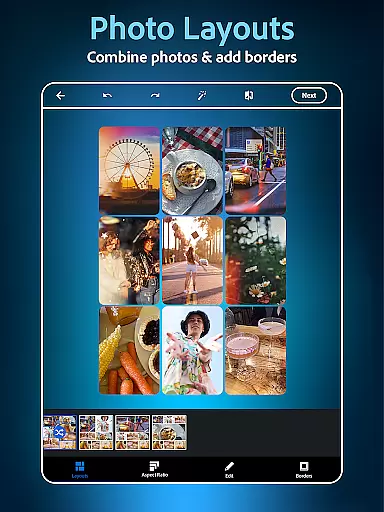
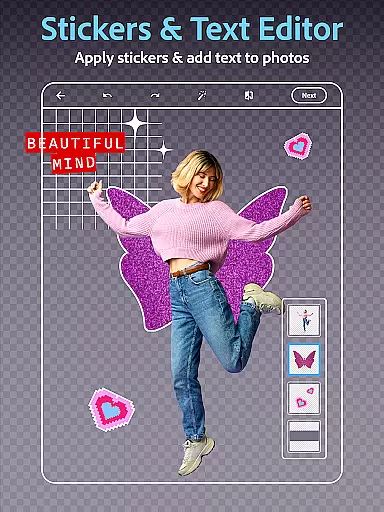
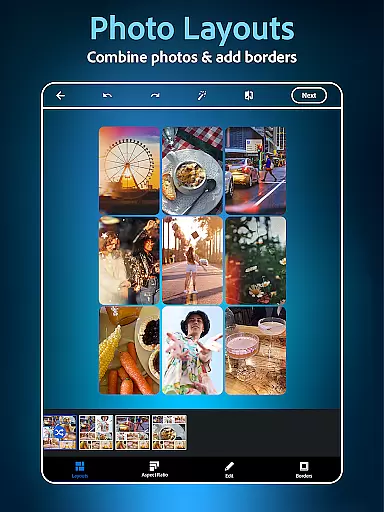
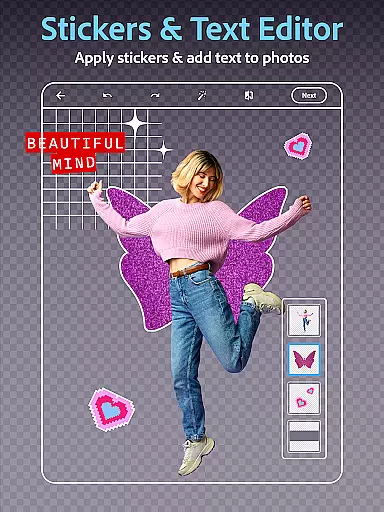
In addition to its powerful editing capabilities, the app includes a dynamic collage maker and graphic design features. Users can combine pictures in pre-made grids, add custom text to photos, and create unique watermarks. The text-to-image functionality enables the creation of eye-catching stickers and personalized visual content through simple text prompts.
Sharing your creations is seamless with support for multiple file formats and direct sharing to popular social platforms. With Photoshop Express Premium, users gain access to exclusive features and more precise editing controls, elevating their photo editing experience to new heights.
Real-time capture and preview functionality is essential for ensuring that every photo taken meets the user's expectations without delay. Photoshop Express Photo Editor excels in this area by providing instant feedback on images captured through its interface.
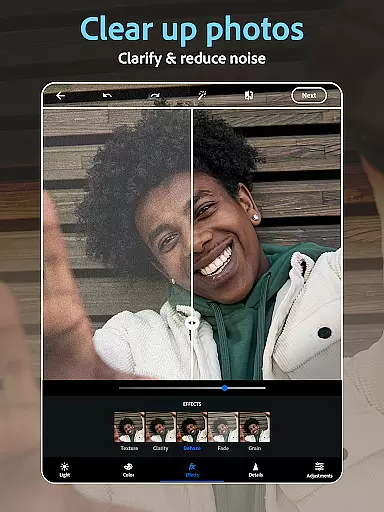
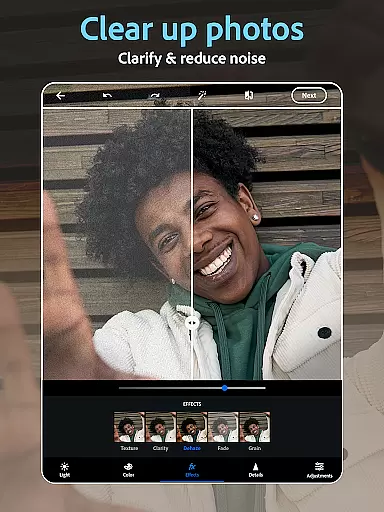
The application leverages advanced processing capabilities to deliver a seamless experience when applying filters or making adjustments. Users can see the effects of vintage camera filters, blemish removers, and other editing tools immediately, allowing for quick iterations until the desired outcome is achieved.
This immediate visualization helps users make informed decisions about their edits, enhancing both efficiency and satisfaction. With real-time previews, photographers of all skill levels can fine-tune their work with confidence, knowing exactly how each change will appear in the final image.
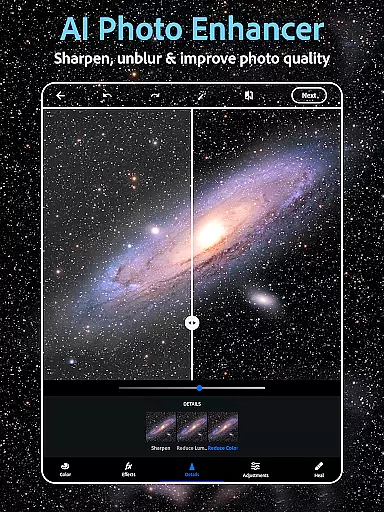
AI beauty and enhancement features are designed to elevate photographs while maintaining a natural look. Photoshop Express incorporates sophisticated algorithms that intelligently apply enhancements without over-processing, preserving the authenticity of the original image.
From skin retouching to adding makeup, the app's AI-driven tools analyze facial features to deliver subtle yet effective improvements. These enhancements adapt to different skin tones and lighting conditions, ensuring consistent quality across diverse scenarios.
By prioritizing naturalness, Photoshop Express allows users to enhance portraits in a way that looks genuine and professional. This approach not only boosts the aesthetic appeal of photos but also respects the unique characteristics of each subject, resulting in more engaging and believable images.
User-friendly interface
Wide range of editing tools
AI-powered enhancements
Versatile filter options
Seamless social media integration
Premium features locked behind paywall
Advanced tools may overwhelm beginners
Limited offline functionality
Occasional performance issues
Subscription cost may deter some users

Remote control of the phone camera from your Wear OS smartwatch
 3.70
3.70
Perfect photos with body shaping, BG changer and object remover.
3.70
Application for remote controlling DSLR
3.00
Superimpose one photo on top of another using the original Superimpose app!
3.20
USB Storage Access for Photos, Videos, Music and Documents
3.80
AI Photo Editor with 100+ Filters, Effects! Remove BG, Retouch & Photo Enhancer.
4.80
Collage your moments in one tap: 1000+ layouts, filters, stickers, and texts.
4.90
Transform Photos: Edit, Beautify and Craft Memories & Make Collages!
4.10
The original Rarevision VHS look seen everywhere!
4.70
Pro version: AR sun/moon tracker for any date. Tool for photographers & planners
4.90
Photo editor: AI filters, photo enhancer, pic collage maker, AI art generator.
4.80
Your personal guide to the sun and moon. Plan ahead, visualize and predict!
4.70
Light-weight Media Gallery app for Android made with Jetpack Compose
4.60
AI photo enhancer with Sora 2! Enhance, descratch, and colorize your old photos.
4.50
AI portrait generator and polaroid AI selfie, fun AI generated AI photo creator!
4.30
What celebrity do you look like? Celebs will find your celebrity match!
4.10
Hair color changer, AI haircut app, fun hair editor and buzz cut filter for all!
3.80
An interval timer to automate photo taking process for timelapse
2.90
Over 800 film simulation recipes for Fujifilm. Black Friday Offer!
4.1


User Reviews