
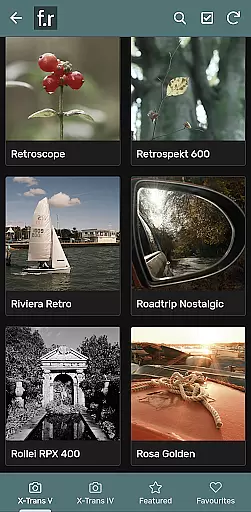

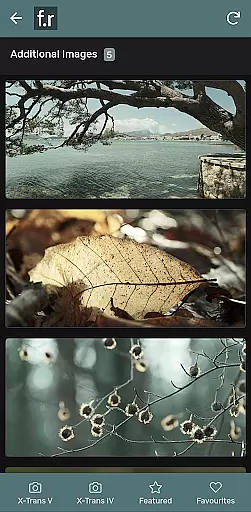
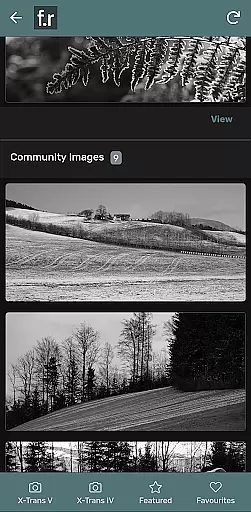
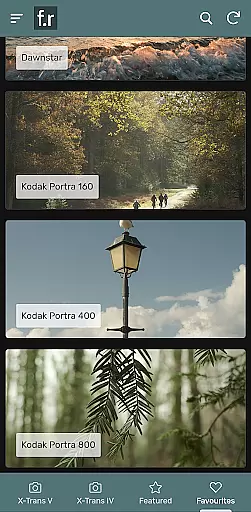
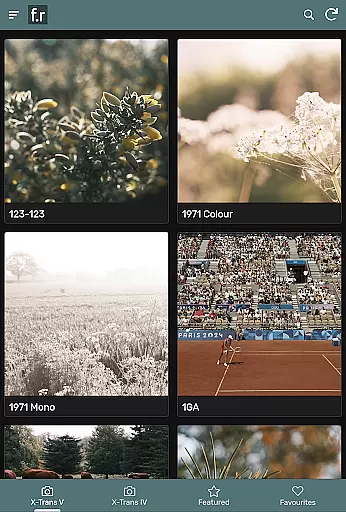
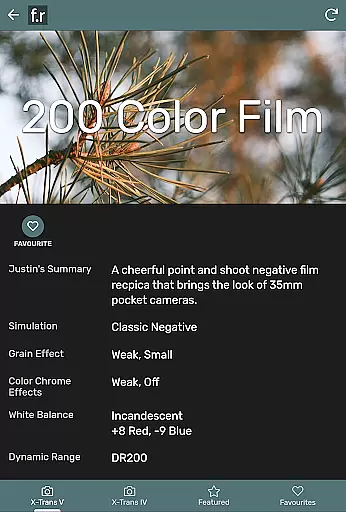
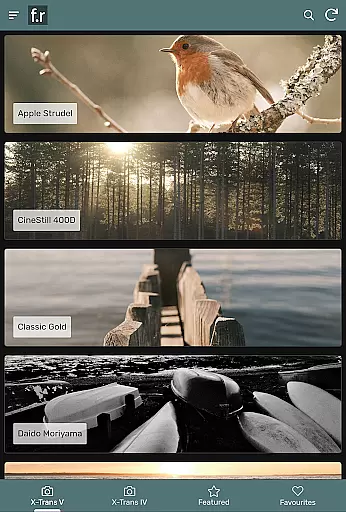
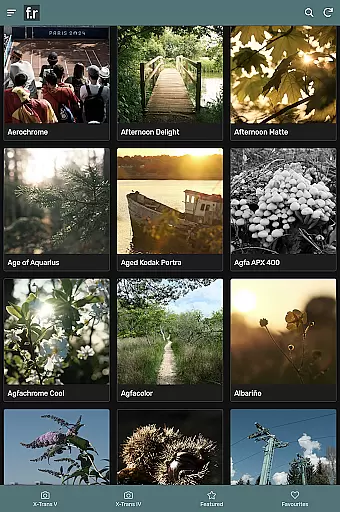
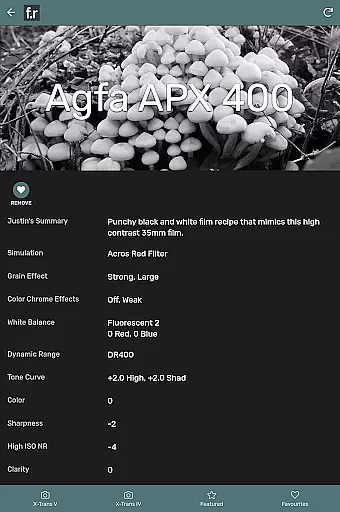
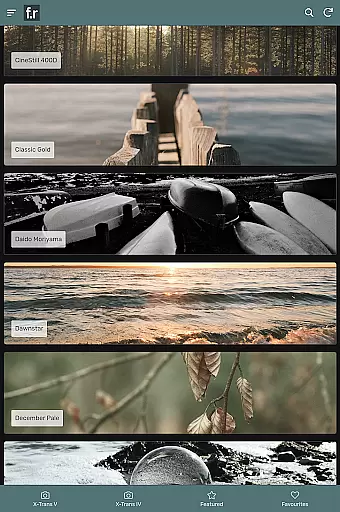
Film Recipes by Justin Gould is a photography app designed for Fujifilm camera users, offering over 800 film simulation recipes to enhance your photographic style. This app allows photographers to shoot stylish images straight out of the camera by applying JPEG settings inspired by real-world films such as Portra, Superia, CineStill, and Kodachrome.
With features like filtering, search, related recipes, and shuffle options, this app provides tools for creative inspiration. It supports recent Fujifilm cameras from the X-Trans IV and V generations, making it an invaluable resource for capturing images in diverse situations and styles.
Whether you're participating in photo challenges, adding to user galleries, or engaging with social groups within the app, Film Recipes offers a comprehensive solution for elevating your photography game without needing post-processing.
The app boasts an extensive collection of over 800 film simulation recipes tailored for Fujifilm cameras. These recipes are meticulously crafted by Justin Gould and cover a wide array of styles, ensuring that photographers can find the perfect match for their creative vision.
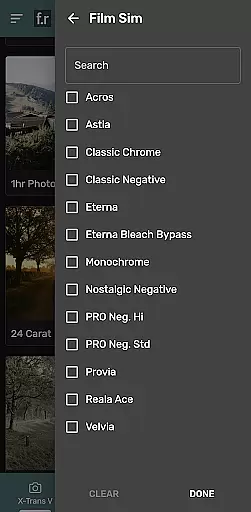
Key features include advanced filtering and search functionalities, which allow users to quickly locate specific recipes. The shuffle feature provides random recipe suggestions to spark new ideas. Additionally, users can join photo challenges, contribute to galleries, engage in social groups, and save favorite recipes for future use.
Supporting recent Fujifilm models like the X-T4, X-T5, X100V, and others, this app ensures compatibility with modern camera technology while delivering stunning results directly from the camera.
Real-time capture and preview functionality is essential for photographers who want to see the results of their settings immediately. The Film Recipes app by Justin Gould offers this feature, allowing users to apply various film simulation recipes directly to their Fuji X camera and view the outcomes instantly.
This app supports a wide range of Fujifilm cameras from the X-Trans IV and V generations, including models like the X-T4, X-T5, X100V, and X-H2S. By loading the selected JPEG settings into your camera, you can capture images with styles inspired by real-world films such as Portra and Kodachrome, ensuring that what you see in the preview is what you get in the final image.
The ability to preview different styles on-the-fly empowers photographers to experiment with various looks without post-processing. This saves time and enhances creativity, making it easier to achieve the desired aesthetic straight out of the camera.
While primarily focused on film simulations, the Film Recipes app also incorporates elements of AI beauty and enhancement naturalness through its sophisticated JPEG settings. These settings are designed to mimic the effects of classic films, providing a natural yet enhanced appearance to photographs.
Justin Gould's collection includes over 800 unique recipes, each carefully crafted to bring out specific moods and styles. Whether you're aiming for vibrant colors or muted tones, these presets ensure that enhancements look genuine and not overly processed.
Additionally, features like filtering, search, and shuffle help users find the perfect recipe that matches their photographic vision. By saving favorites and participating in photo challenges within the app, photographers can refine their skills while enjoying naturally beautiful results.
User-friendly interface
Extensive recipe library
Advanced filtering options
Active community engagement
Regular updates and support
Limited to Fujifilm cameras
No Android tablet optimization
Occasional bugs reported
Premium pricing model
Learning curve for beginners

Cut and paste photo editor & eraser to customize photos easy and swap faces fun
 4.50
4.50
Turn your phone into a professional camera - full DSLR manual photography
4.30
Movie camera, supports pro recording settings for filming. Try it and be amazed!
4.50
Professional quality photo edits with the new Snapseed.
4.00
Easily create custom gifts, cards, photo books & more on the Shutterfly app!
4.60
Unblur, enhance & restore photos with powerful AI photo enhancer tools.
4.60
Pro version: AR sun/moon tracker for any date. Tool for photographers & planners
4.90
Discover & download millions of art for The Frame TV or Hisense CanvasTV
4.60
Effortlessly make high-quality GIFs from images & videos without any watermarks.
4.70
Find time and duration of different sunlight phases at any location
4.90
Photo prints, cards, & gifts at Walgreens. Easy ordering & fast local pickup !
4.80
See your baby AI baby face generator AI baby maker Face generator babymaker fun!
4.70
Enhance, upscale, and transform your images — on your device, without limits
4.70
Take videos and pictures with the popular TikTok TIME WARP SCAN filter.
4.60
Photo Exif Editor allows to view, add and modify EXIF data of multiple photos
4.50
AI portrait generator and polaroid AI selfie, fun AI generated AI photo creator!
4.30
Create AI Photos, Improve and restore quality of blurry, old or damaged pics.
4.20
How old age camera Gender Swap App Face Shape Hairstyle App Hair Styler App fun!
4.00
Raw Image Viewer. Gallery with support of raw images (.cr3, .cr2, .nef, .raf).
2.00


User Reviews