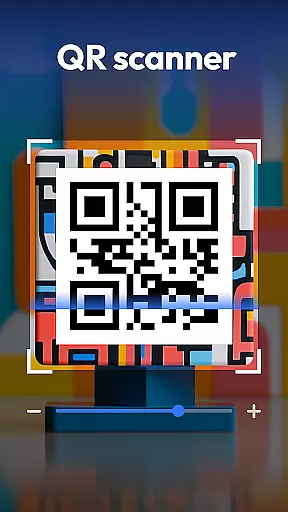
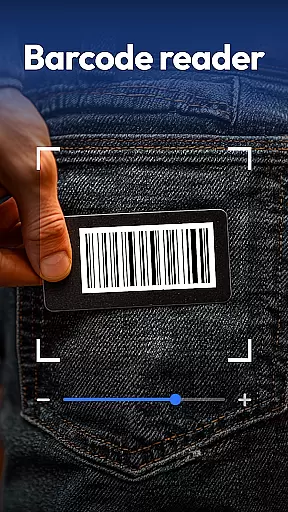
QR & Barcode Scanner is a versatile productivity tool designed to streamline various scanning tasks on Android devices. This all-in-one application combines multiple scanning capabilities in a single, user-friendly interface.
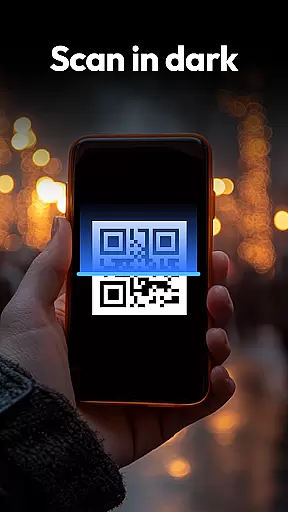
The app's core functionality revolves around its powerful scanning engine that supports QR codes, barcodes, coins, banknotes, food labels, and documents. Its advanced features include auto-zoom for precise scanning, built-in flashlight for low-light conditions, and a comprehensive scan history for easy reference.
One notable use case is in retail environments where users can scan product barcodes to compare prices across major retailers like Amazon, eBay, and Walmart. This feature helps shoppers make informed purchasing decisions while saving time and money.
QR & Barcode Scanner distinguishes itself through its comprehensive feature set and innovative implementations. The application supports an extensive range of scanning formats including QR, Data Matrix, UPC, EAN, and Code 39, making it compatible with virtually all standard codes.
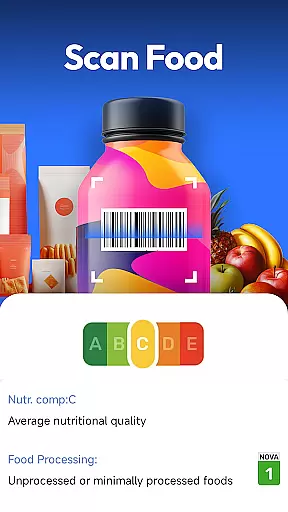
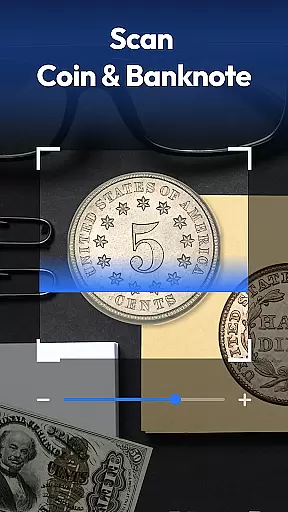
A standout feature is its specialized coin and banknote recognition system. This functionality caters to collectors and travelers by providing detailed information about currency from around the world. Additionally, the food health scanner offers valuable nutritional insights, displaying health ratings, allergen information, and ingredient details directly from product barcodes.
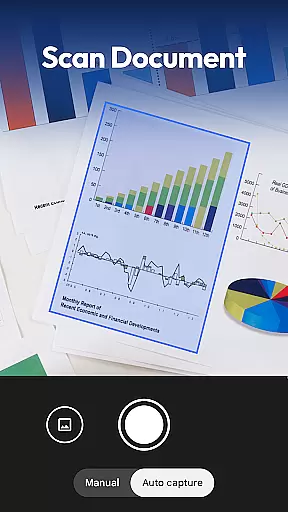
The document scanning capability demonstrates particular innovation, allowing users to convert physical documents into searchable PDFs with remarkable accuracy. This feature proves especially beneficial for professionals needing to digitize contracts, receipts, or notes while maintaining document integrity and searchability.
Task management is a cornerstone of productivity applications, and QR & Barcode Scanner excels in this area by offering an all-in-one solution for various scanning needs. This app allows users to manage different types of tasks such as scanning QR codes, barcodes, coins, banknotes, food labels, and documents efficiently.
The application's design emphasizes speed and accuracy, ensuring that each scan is processed rapidly while maintaining high levels of precision. With features like auto-zoom, flashlight support for low-light conditions, and a comprehensive scan history, users can easily organize and retrieve their scanned data.
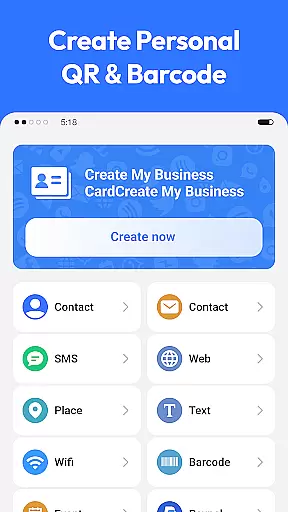
For those who require versatility in their daily operations, the app provides functionalities beyond basic scanning. Users can generate QR codes for Wi-Fi, contacts, and URLs, adding another layer of utility to their task management capabilities. This makes it an indispensable tool for both personal and professional use.
Cross-device synchronization is crucial for users who operate across multiple platforms, and QR & Barcode Scanner ensures reliable performance in this aspect. By allowing seamless data transfer between devices, the app enhances user convenience and data accessibility.
The synchronization feature supports real-time updates, meaning any scan or generated QR code is immediately available on all linked devices. This function is particularly beneficial for individuals who rely on up-to-date information for shopping comparisons, document management, or collecting purposes.
Moreover, the app prioritizes user privacy and security during synchronization. It requires only camera access and does not demand unnecessary permissions, thereby safeguarding user data while providing the flexibility of cross-device usage. This approach reassures users about the safety of their information while enjoying the benefits of synchronized data.
Comprehensive scanning options
User-friendly interface design
Advanced document management
Privacy-focused permission model
Cross-platform compatibility
Limited iOS availability
Occasional scanning inaccuracies
Basic PDF editing tools
Interface ads in free version
Large app size

Absolutely the best CNC machinist speed and feed calculator around. fswizard.com
 4.60
4.60
Secure, fast, open-source, Remote Desktop Client for Windows and Linux with SSH
4.60
App Lock with fingerprint, password: Lock apps & hide photos with lock screens
4.60
Stay on top of your to-dos with Google Tasks, part of Google Workspace.
4.60
ID.me Authenticator is a simple and free Two Factor Authentication solution
3.50
Calendar 2023 widget for Android. Appointment scheduler, planner, and reminder
4.60
Okta MFA
4.70
AI Chatbot and AI writing assistant powered by ChatGPT.
4.60
Daily processing of PDF documents.
4.40
Scientific calculator for Android - looks and operates like the real thing!
4.90
Seamlessly integrate data and reports to build your presentation to impress
4.80
Android Wallet Password Manager
4.80
Scan paperwork into PDF/JPG, generate your own e-signature and send fax or email
4.70
All document reader, all in one file viewer read PDF, DOCX, XLS, PPT, TXT files.
4.60
Secure your apps with lock screens, use custom themes and different features.
4.40
Share files & memories safely. Keep your photos and videos secure.
4.40
Todo reminder
4.10
* block pre-roll ads, pop-up and forced redirect ads * Samsung certification app
4.00
Mega cloud explorer plugin for Solid Explorer
3.80


User Reviews