
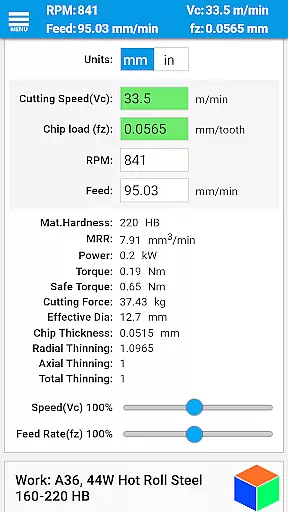
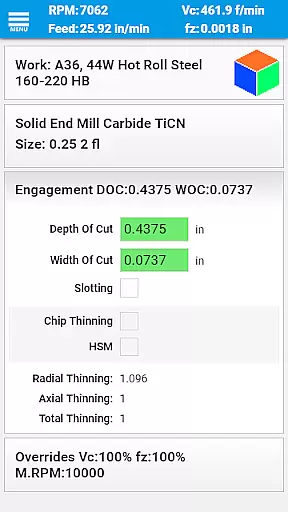
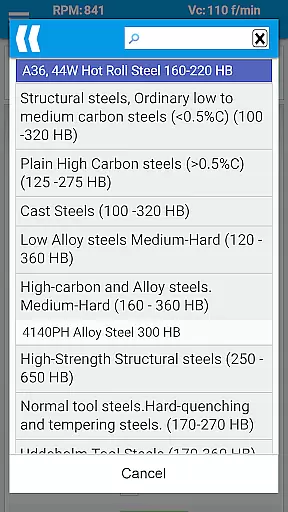
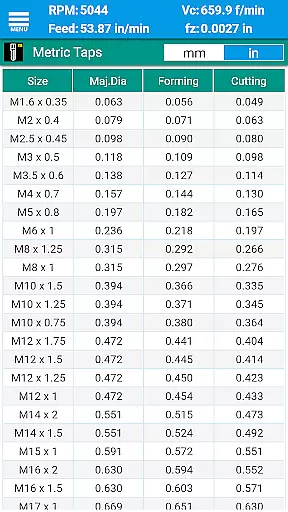
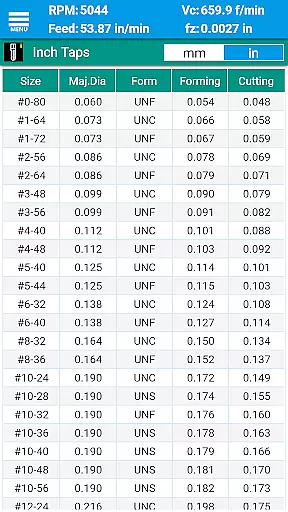
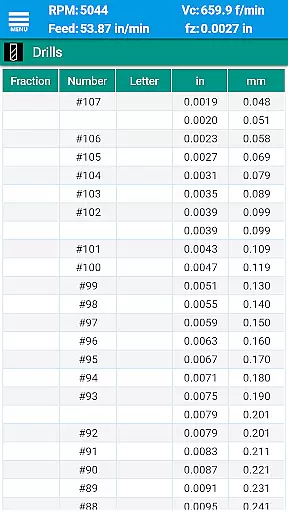
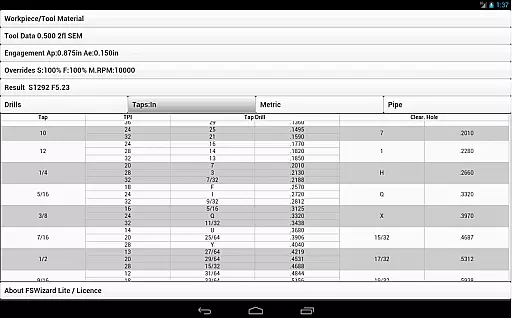
FSWizard Pro Machinist Calc is a premier CNC milling and turning speed and feed calculator designed specifically for machinists. This productivity app simplifies the process of calculating speeds and feeds by allowing users to select their work and tool material without needing to know specific numbers. FSWizard automatically applies recommended cutting speeds and chip loads for various tools, including indexed and solid endmills, drills, and taps.
The app is crafted by a CNC machinist, ensuring it meets the real-world needs of professionals in the field. It helps improve machining productivity and optimize cutter life through advanced calculations like Chip Thinning and High-Speed Machining (HSM). Whether you are working with metric or imperial units, FSWizard provides an extensive range of features that cater to both systems, making it versatile and indispensable for modern machinists.
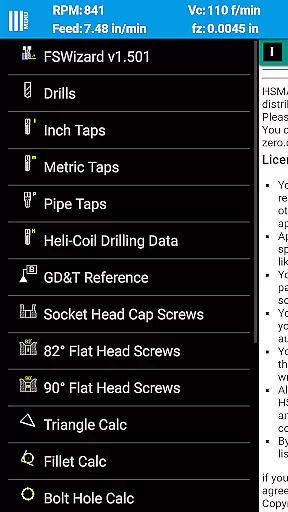
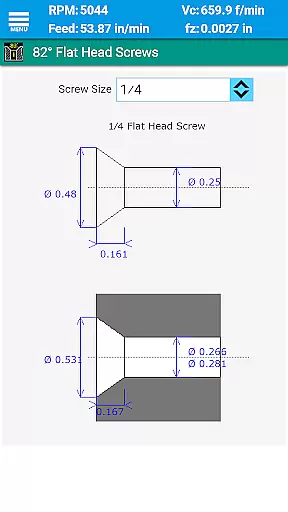
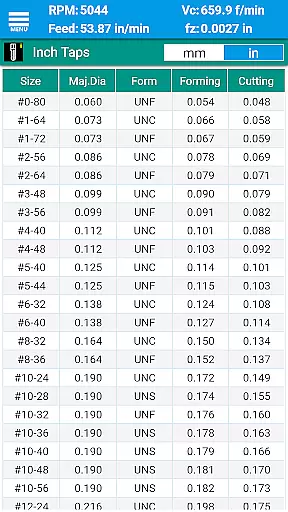
FSWizard Pro Machinist Calc offers a comprehensive suite of features tailored for CNC machinists. The app includes milling speeds and feeds, HSM capabilities, ball nose endmill calculations, and drilling and tapping speeds and feeds. Additionally, it provides optimal tap drill selection for both imperial and metric taps, drill charts, and reference materials for various screws.
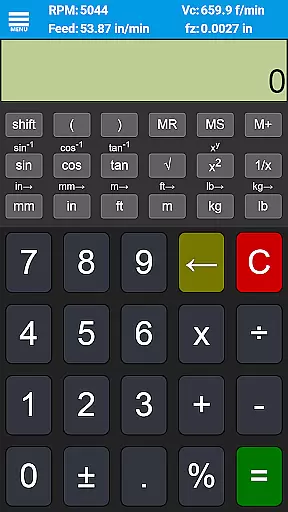
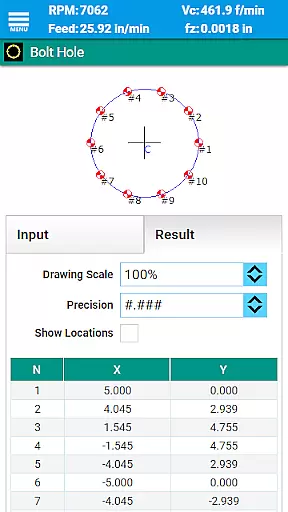
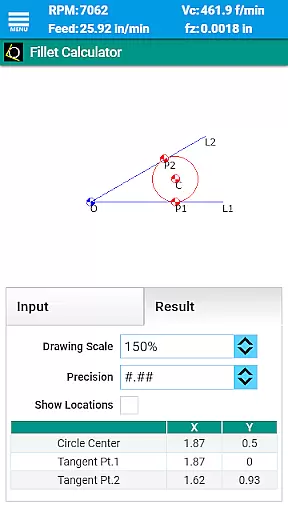
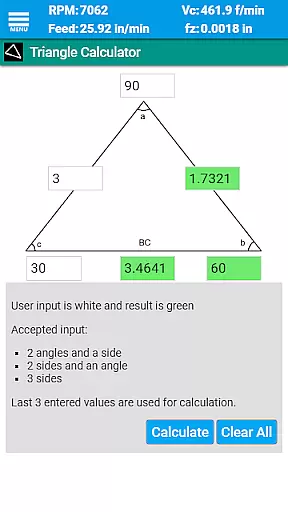
Beyond basic calculations, FSWizard incorporates advanced tools such as an oblique triangle calculator, fillet calculator, bolt circle calculator, countersink/drill point calculator, and a true position calculator. It also features a scientific calculator with trigonometric functions. These tools collectively ensure that machinists can perform a wide array of calculations necessary for precision machining tasks, thus enhancing overall productivity and accuracy.
FSWizard Pro Machinist Calc excels in core task management by offering a comprehensive suite of calculators tailored for CNC milling and turning operations. The app simplifies the process of calculating speeds and feeds, which are crucial for efficient machining.
Users can effortlessly choose their workpiece and tool material, eliminating the need to memorize specific numbers. This feature streamlines the decision-making process, allowing machinists to focus on optimizing productivity and extending tool life.
The application automatically applies recommended cutting speeds and chip loads for various tools, including endmills, drills, and taps. This automation not only saves time but also ensures that the calculations are based on industry best practices, leading to improved machining outcomes.
While FSWizard Pro Machinist Calc is a powerful standalone application, it ensures cross-device synchronization reliability for users who need consistent access to their data. Although the app's primary function is to provide accurate machining calculations, having reliable access across multiple devices enhances its utility.
Machinists can rely on the app to maintain up-to-date information regardless of the device they use. Whether switching between a phone and a tablet or sharing data with colleagues, the consistency of information is maintained, ensuring that all parties are working with the same parameters.
This reliability extends to the integrated charts and reference materials, such as drill and tap charts, which remain synchronized across devices. As a result, users can trust that their calculations and references will be identical, promoting accuracy and efficiency in both individual and collaborative machining projects.
User-friendly interface
Comprehensive tool library
Advanced calculation options
Highly accurate results
Regular updates and support
Premium version required for full access
Steep learning curve for beginners
Limited free features
Occasional bugs reported
Subscription cost may be high

Direct Chat without saving contacts & Dual WA Account on Single Device
 4.70
4.70
Android Wallet Password Manager
4.80
App Lock with fingerprint, password: Lock apps & hide photos with lock screens
4.60
Stay on top of your to-dos with Google Tasks, part of Google Workspace.
4.60
Cloud storage, automatic phone backup, and more.
4.10
Create and edit presentations with Google Slides, part of Google Workspace.
4.00
The ultimate file manager for rooted devices. The original and still the best.
4.00
Quickly and easily keep track of your work shifts
4.70
Browse and view your photos and videos from the phone with photo & video hide.
4.10
Best Tool for the professionals Electrician, Electrical contractors, etc.
4.90
Understand anything with a personalized AI research assistant
4.80
The long-awaited modern gallery app for your Nextcloud server
4.70
The Pro Version of Android's tiniest Notepad app. Just 0.3MB but feature-packed!
4.60
A simple Whisper AI keyboard for reliable speech transcription and rewording
4.60
To do list widget with a notebook organizer, checklist, simple shopping list
4.60
Access, manage and transfer files on Android, PC, Mac, NAS and cloud storages.
4.30
A customizable calendar for your Wear OS watch
4.20
Secure, open-source, SPICE and SSH Remote Desktop for QEMU KVM virtual machines
4.00
AI Video AI Image Private LLM AI Browser Llama Gemma Ollama Connect LLM Studio
4.4


User Reviews