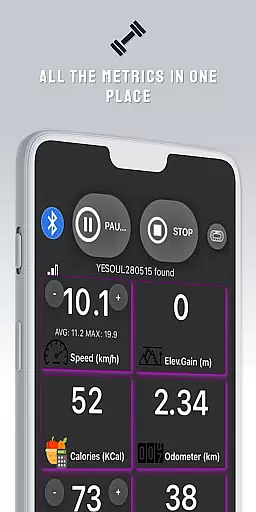
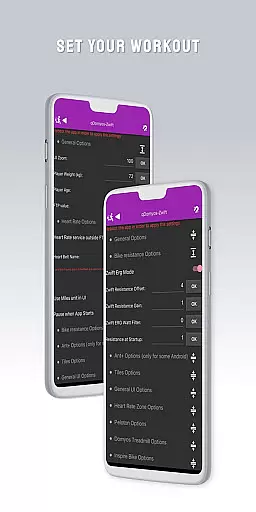
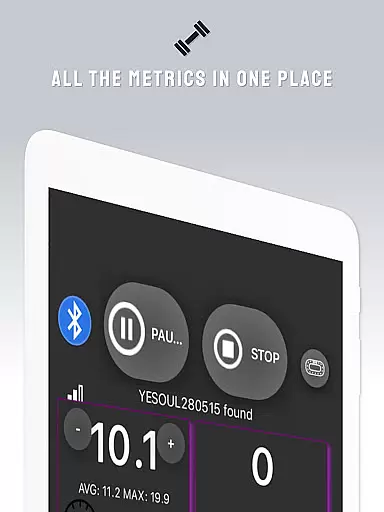
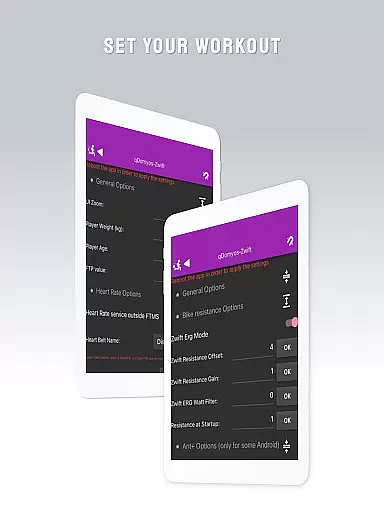
QZ is a versatile application designed to bridge the gap between various exercise equipment and popular fitness platforms like Zwift. This app allows users with Domyos, Echelon, Proform, Flywheel, Yesoul, and Toorx treadmills or bikes to seamlessly integrate their machines with Zwift, providing a new lease of life to their existing equipment.
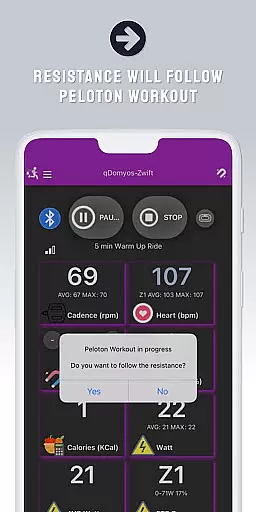
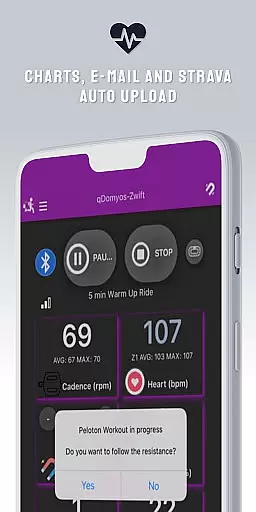
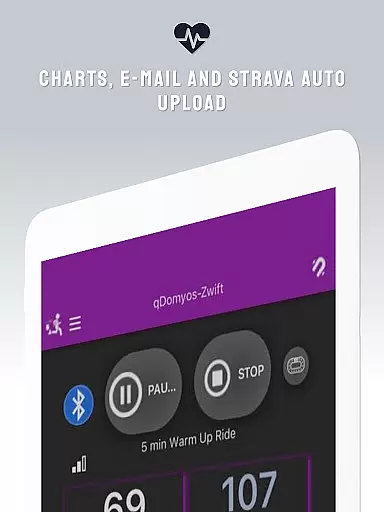
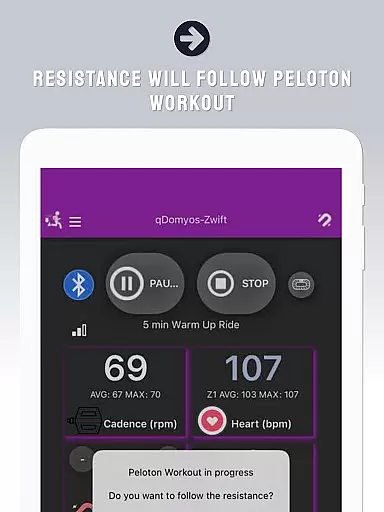
In addition to Zwift compatibility, QZ supports Peloton workouts with automatic resistance adjustments and features Strava Autopload functionality. The app also extends its support to Wear OS, enabling users to download the companion app on their smartwatches for heart rate monitoring during workouts.
With an extensive compatibility list covering multiple brands and models, QZ serves as an essential tool for fitness enthusiasts looking to enhance their home workout experience by connecting their traditional exercise machines to modern digital platforms.
QZ stands out with its broad compatibility range, supporting numerous brands such as Echelon, Domyos, Yesoul, Toorx, Keiser, Sportstech, Inspire, Schwinn, Bowflex, Fassi, Proform, Flywheel, JK Fitness, and more. This ensures that regardless of the user's equipment, there's a high chance of integration with popular fitness apps.
The app facilitates automatic resistance adjustments for Peloton workouts and includes a Strava Autopload feature for effortless activity tracking. Its support for Wear OS devices adds another layer of convenience by allowing users to monitor their heart rate directly from their smartwatch and send this data to the main QZ app.
By connecting smartphones to treadmills or bikes, QZ enables Zwift recognition without the need for additional hardware. This streamlined connectivity empowers users to enjoy interactive training sessions while breathing new life into their existing fitness gear.
Companion app integration is essential for users who want a seamless experience between their wearable devices and primary applications. QZ (qdomyos-zwift) excels in this area by offering robust connectivity options.
The app allows users to connect their smartphones to treadmills or bikes, enabling Zwift to recognize these devices effortlessly. This ensures that your workout data is accurately reflected in real-time, providing an uninterrupted fitness experience.
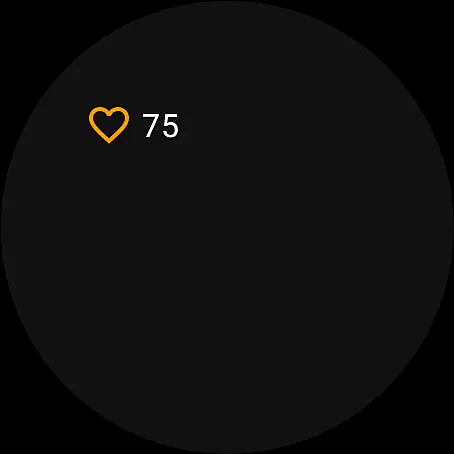
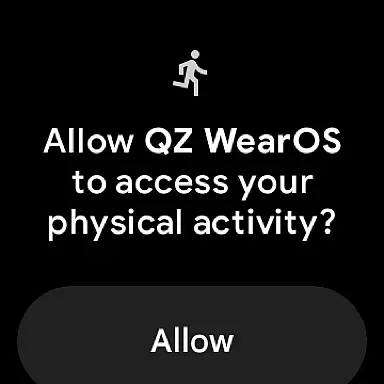
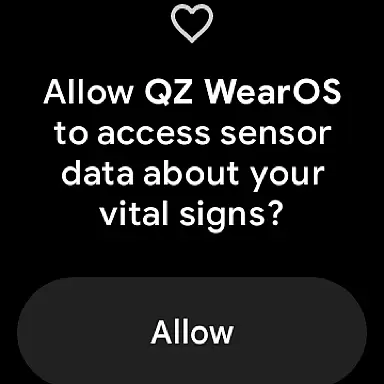
Additionally, QZ supports Wear OS, enhancing its compatibility with smartwatches. By downloading the companion app on your watch, it can read your heart rate and transmit this data to the main QZ app. This feature not only improves the accuracy of your fitness tracking but also offers convenience and flexibility.
Overall, the companion app integration provided by QZ ensures that users can enjoy a cohesive and efficient workout session, making full use of their wearable technology.
Wear OS and device compatibility are crucial for users looking to maximize the potential of their smartwatches and fitness equipment. QZ (qdomyos-zwift) stands out by supporting a wide range of devices and ensuring smooth functionality across different platforms.
This app is compatible with various exercise machines, including Domyos, Echelon, Proform, Flywheel, Yesoul, and Toorx treadmills and bikes. Such extensive compatibility means that regardless of your equipment, you can likely integrate it with QZ for an enhanced workout experience.
Moreover, QZ's support for Wear OS ensures that users can leverage their smartwatches to track vital metrics like heart rate. The ability to send this data to the main app provides a comprehensive view of your fitness performance, directly from your wrist.
By focusing on broad device compatibility and integrating advanced features for Wear OS, QZ delivers a versatile and user-friendly solution for fitness enthusiasts using Android wearables.
User-friendly interface
Wide equipment compatibility
Automatic resistance control
Wear OS integration
Strava Autopload feature
Limited Proform treadmill support
No iOS version available
Occasional connectivity issues
Requires technical setup
Peloton subscription needed

Walking app for weight loss: walk & step tracker, pedometer, indoor treadmill
 4.60
4.60
Deck out your Wear OS Watch face with a beautifully decorated pine wreath!
4.50
Bold, Modern Hybrid Watch Face for Wear OS. 10 Colors, Rich Info Display.
4.30
Your second brain for organizing your life: to-do, calendar, reminder.
4.70
The ultimate destination for kids ages 3-8 to explore the Marvel Universe!
4.30
Period, ovulation & pregnancy tracker. Fertility insights & menstrual calendar.
4.90
Real-time results, stats, schedules and player profiles for all leagues
4.60
The Chevron App allows you to pay for fuel from the comfort of your car!
4.80
Viewer for Wyze/Yi/Eufy/Arlo/ONVIF/RTSP/P2P IP cams w/ adv. features & DIY DVR
4.00
A modern premium sporty hybrid watch face for Wear OS by Ballozi
4.70
Be an elegant and classy secret agent, with this carefully detailed watch face
4.70
Kia Access makes getting your vehicle information easier than ever
4.60
Simple, helpful messaging by Google
4.60
Connect to your Bluelink equipped Hyundai vehicle from your smartphone.
4.50
Christmas watch face. For Wear OS devices.
4.30
Find EV charging stations
4.30
Your music, your playlists, and more—offline and unlimited.
4.20
Stay in touch with your friends and family using LINE!
3.40
A Wintery Snow Globe on Your Wrist; now celebrating Christmas!
4.0


User Reviews