
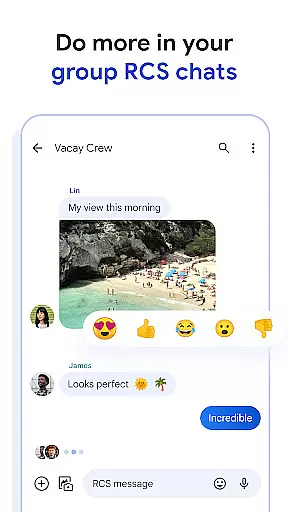
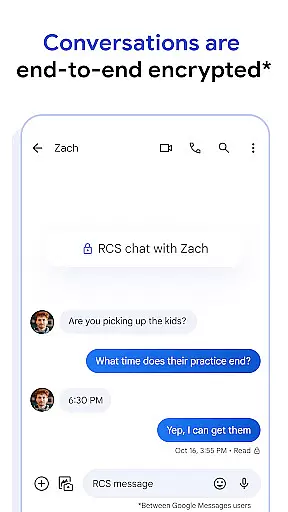
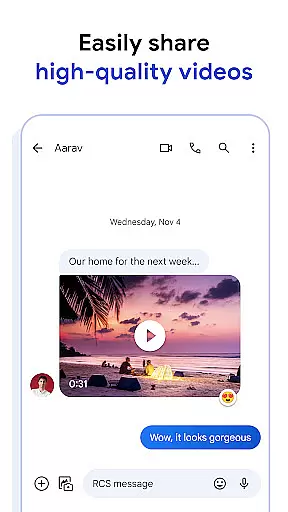
Google Messages is the official messaging app from Google, designed to enhance communication for Android users through Rich Communication Services (RCS). This protocol replaces traditional SMS and MMS, allowing users to share high-resolution photos and videos, engage in dynamic group chats, and connect seamlessly with other RCS users, including iPhone friends. The app offers a richer, safer, and more expressive messaging experience by integrating advanced features like end-to-end encryption, AI-powered suggestions, and cross-device compatibility.
With its user-friendly interface and innovative functionalities, Google Messages ensures that personal conversations remain private while providing tools to make interactions more engaging. Whether you're looking to customize your chat bubbles or continue conversations across multiple devices, this app delivers a comprehensive solution for modern messaging needs.
Google Messages stands out with its robust feature set tailored to improve user interaction. One of its core strengths is RCS, which enables high-quality media sharing and real-time typing indicators, making conversations feel more alive and connected. Additionally, the app supports dynamic group chats, ensuring smooth communication among multiple participants without the limitations of older messaging standards.
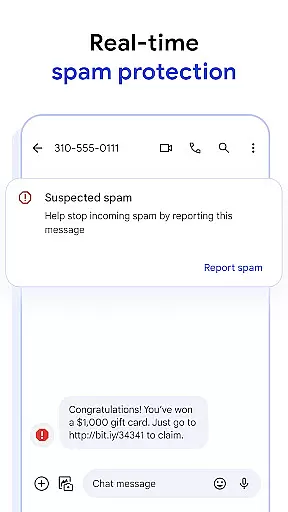
The app also emphasizes personalization and privacy. Users can customize their chat experience with unique features such as custom chat bubble colors and fun selfie GIFs. Moreover, Google Messages prioritizes security by offering end-to-end encryption between users, protecting messages and attachments from unauthorized access. Advanced spam protection further enhances safety, filtering out unwanted communications effectively.
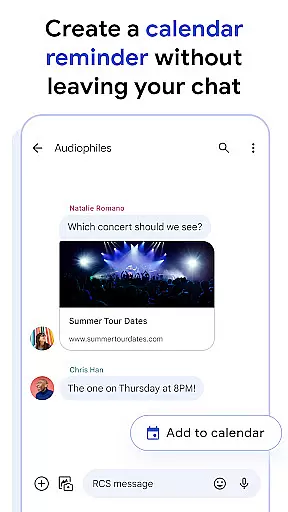
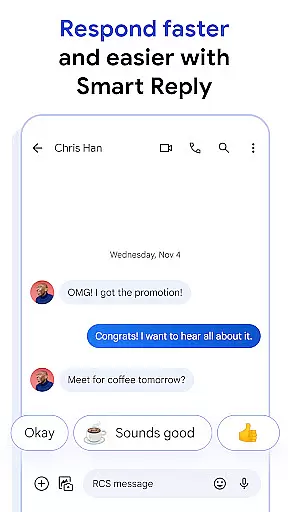
Another notable aspect is its AI-powered capabilities, including Magic Compose suggestions that help craft perfect messages effortlessly. The app's seamless integration across devices—smartphones, tablets, computers, and even Wear OS—ensures uninterrupted connectivity wherever you go. These features collectively create an enriched messaging environment that adapts to various user preferences and technological advancements.
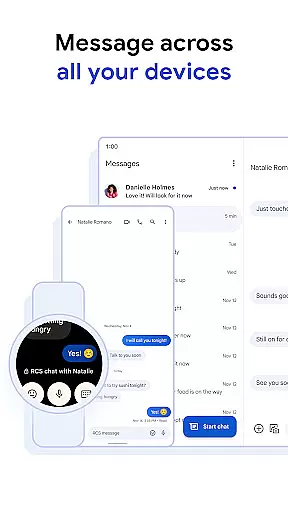
Companion app integration is essential for a seamless user experience across multiple devices. Google Messages excels in this area by providing users with the ability to start conversations on one device and continue them effortlessly on another.
The app supports cross-device functionality, allowing users to sync their messages between smartphones, tablets, and computers. This ensures that no matter where you are or what device you're using, your conversations are always up-to-date and accessible.
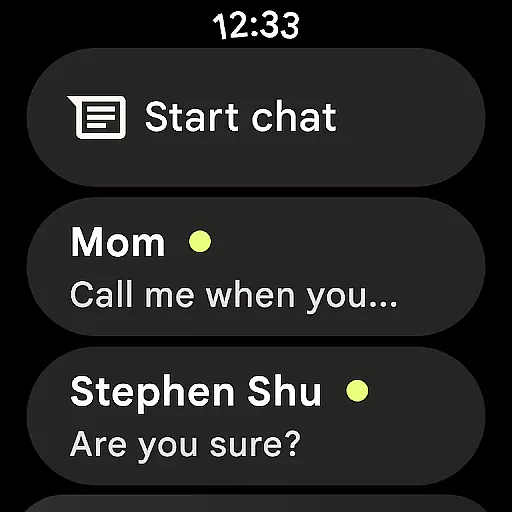
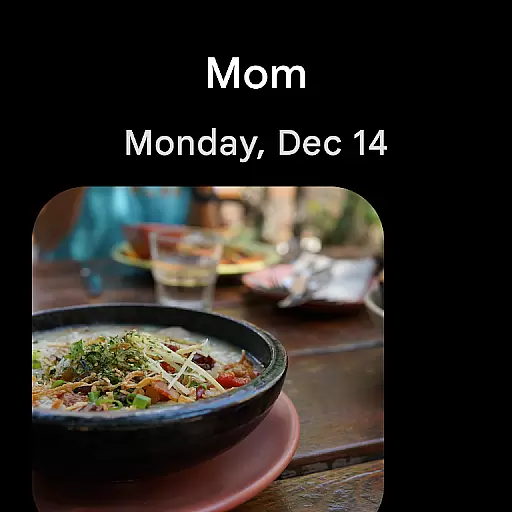
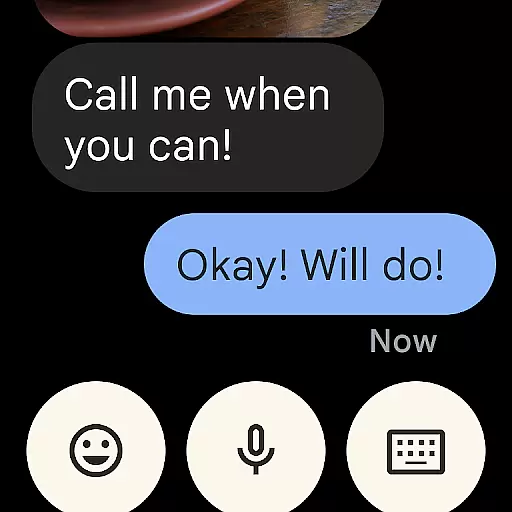
With Wear OS compatibility, users can also receive notifications and respond to messages directly from their smartwatches. This tight integration enhances convenience and keeps you connected without needing to have your phone nearby.
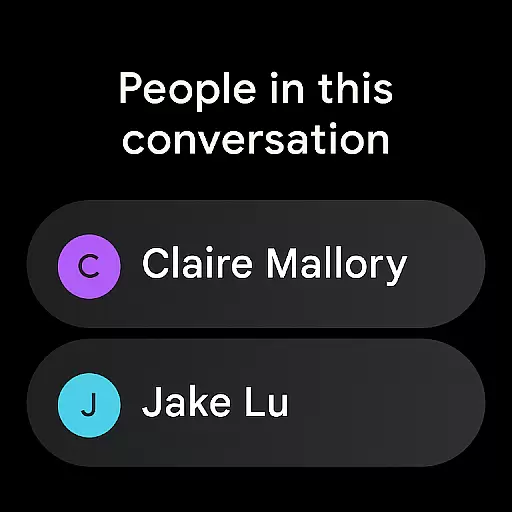
Device compatibility is crucial for ensuring that applications like Google Messages work seamlessly with Wear OS devices. Google Messages offers robust support for Wear OS, making it easy for users to stay connected through their smartwatches.
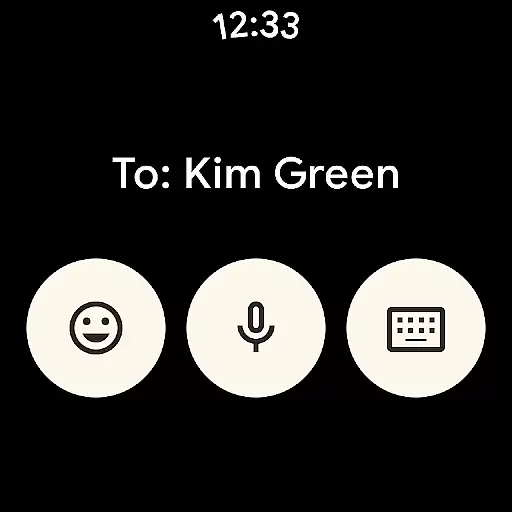
The app provides a streamlined interface optimized for smaller screens, ensuring that reading and replying to messages is intuitive and efficient. Users can enjoy features such as voice dictation and quick replies, which are particularly useful when interacting via a wearable device.
In addition to basic messaging, Google Messages on Wear OS maintains consistency with its mobile counterpart, offering end-to-end encryption and spam protection. This ensures that your communications remain secure and free from unwanted messages, regardless of the device you choose to use.
Enhanced media sharing
End-to-end encryption
AI-powered suggestions
Cross-device compatibility
Advanced spam protection
Limited RCS availability
Device-specific features
Beta testing required
Data plan necessary
Market-dependent functionality

Christmas Theme Watch Face for Wear Os
 5.00
5.00
Christmas is near, let's count together the days left until Santa comes
4.2
MyNISSAN® lets you remotely control your car from your phone.*
4.50
Embrace the festive spirit with our Christmas Countdown watchface for Wear OS
4.10
Connect to your Bluelink equipped Hyundai vehicle from your smartphone.
4.50
The ultimate destination for kids ages 3-8 to explore the Marvel Universe!
4.30
Stay in touch with your friends and family using LINE!
3.40
Hyper-Realistic Airplane Dashboard Watch Face With 10 Skins and Custom AOD
4.00
A realistic hybrid watch face with many customization options.
4.60
Hyperlocal rain alerts by MyRadar using patent-pending technology, radar & more
4.80
Diet tracker for weight loss - track calories, food and macros. Simple and easy!
4.70
Current temperature, weather hourly, weather radar by the weather forecast app
4.40
Beautiful artistic animated digital watch face, with a customizable layout!
4.40
Premium hybrid watch face with many customizations for Wear OS devices.
4.40
Your local weather forecast, storm tracker, radar maps & live weather news
3.40
Wear Os Watch Face - Animated Snow Effect & Christmas Lights
4.4
A heartwarming Christmas scene featuring a cute image of Santa and Rudolf
4.4
Artistic Digital Watchface
4.0
Sleek, highly customizable watch face inspired by Galaxy Watch Circle Dashboard.
4.0


User Reviews