
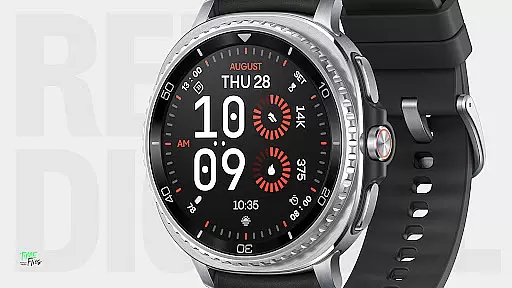
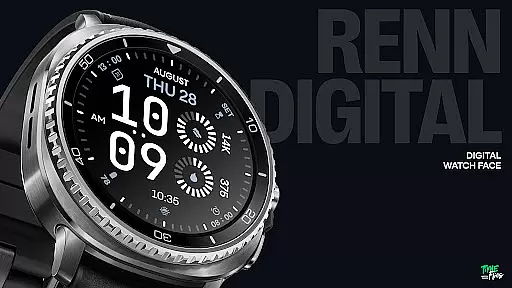
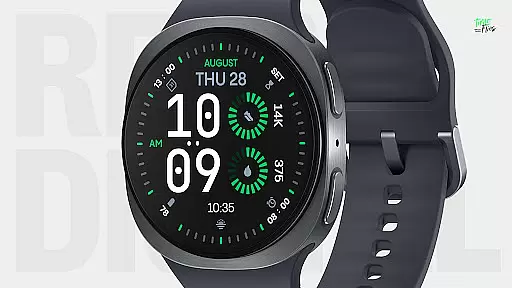
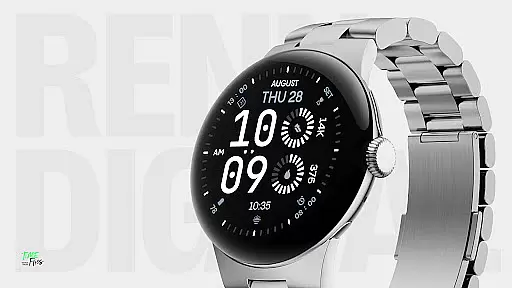
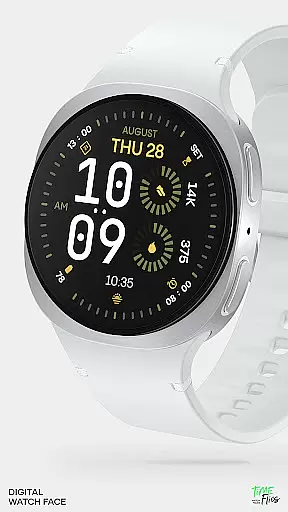
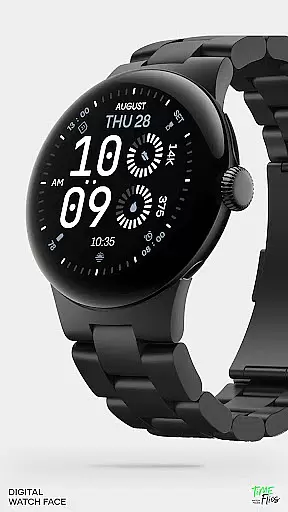
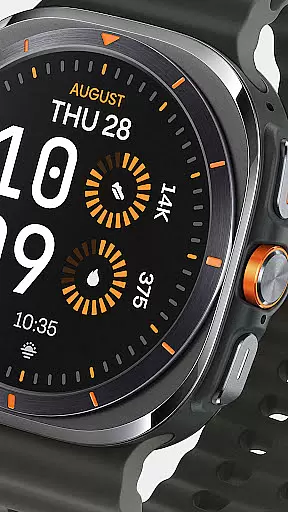
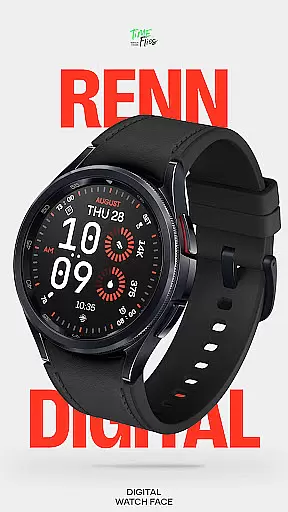
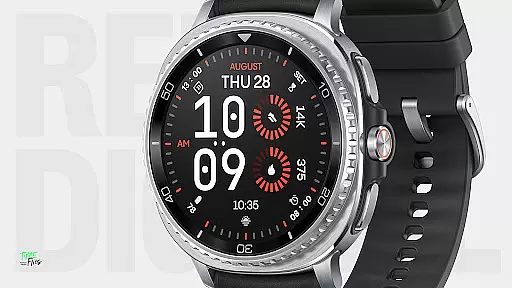
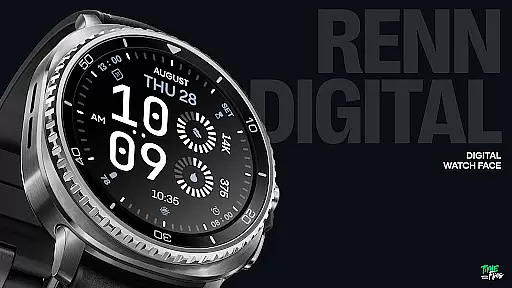
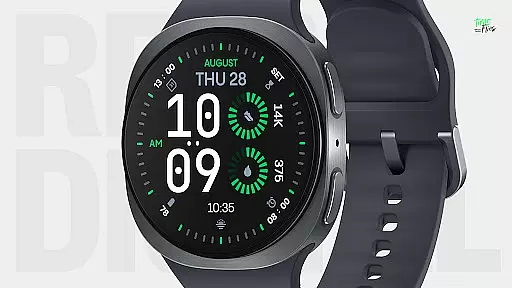
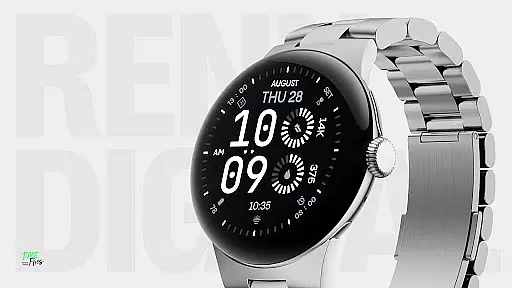
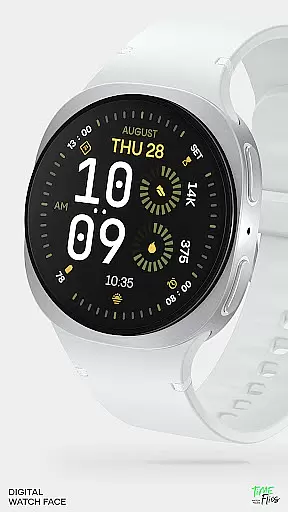
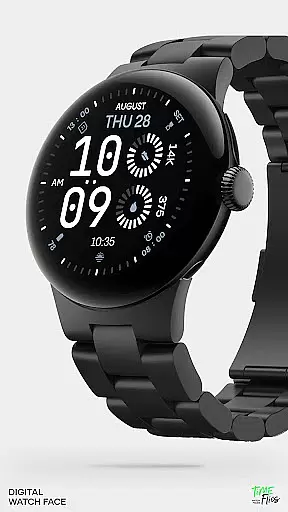
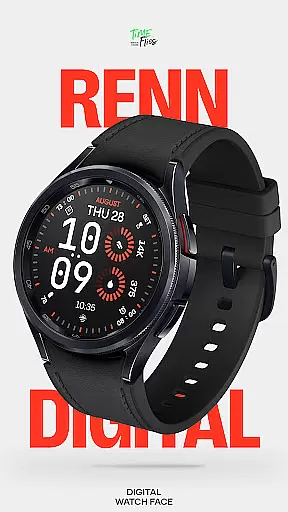
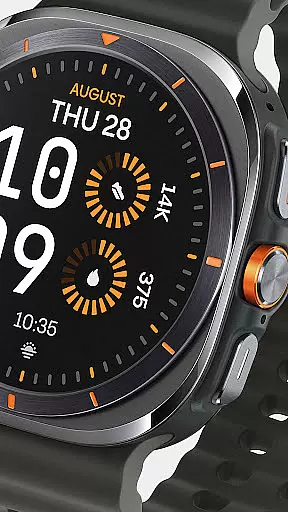
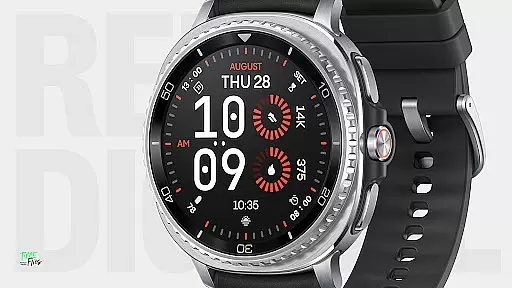
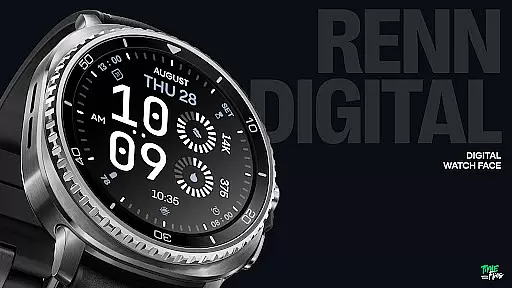
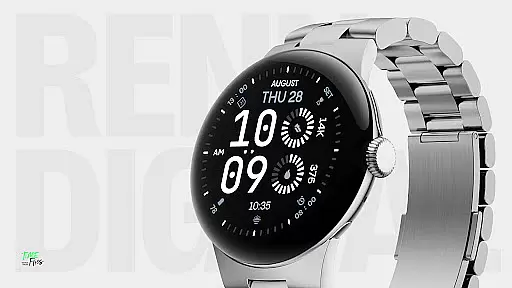
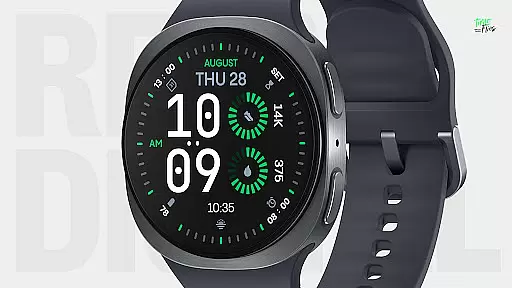
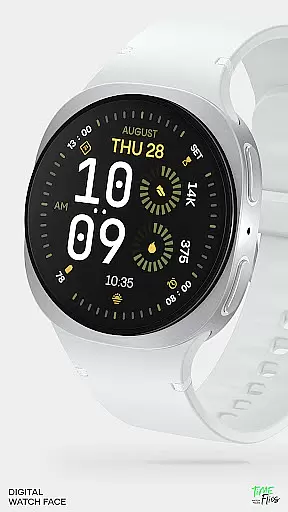
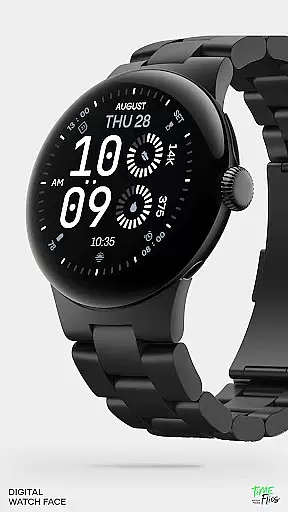
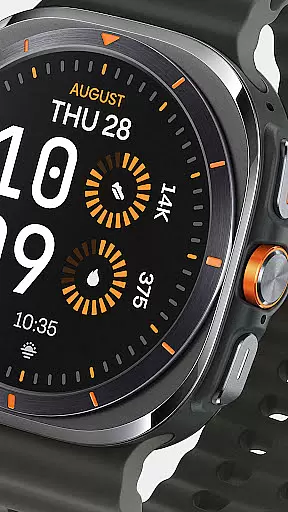
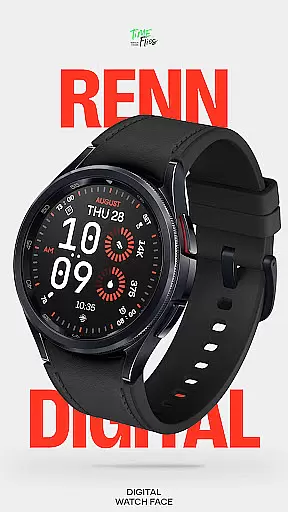
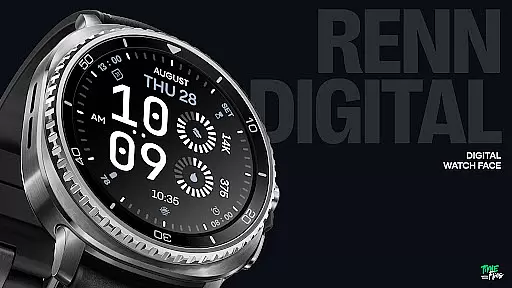
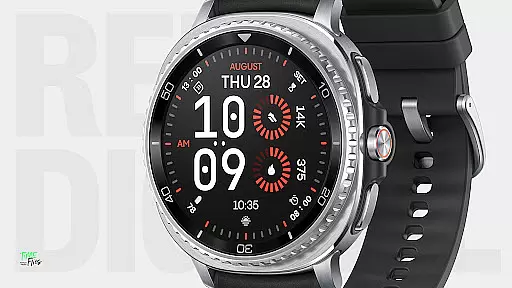
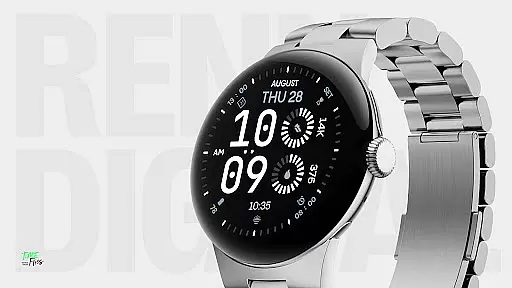
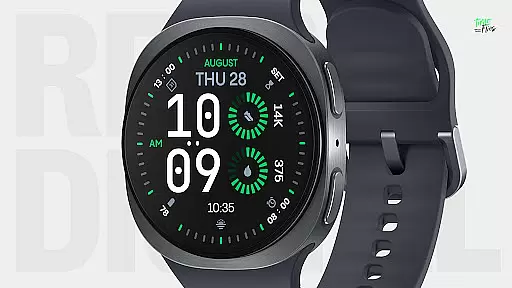
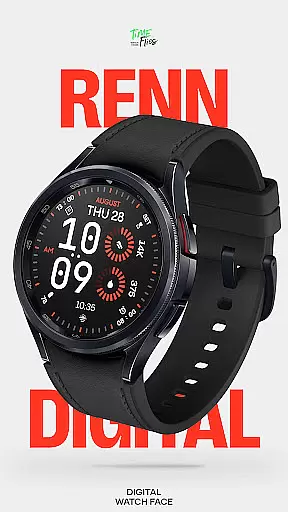
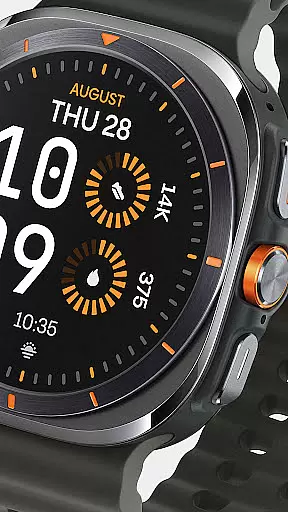
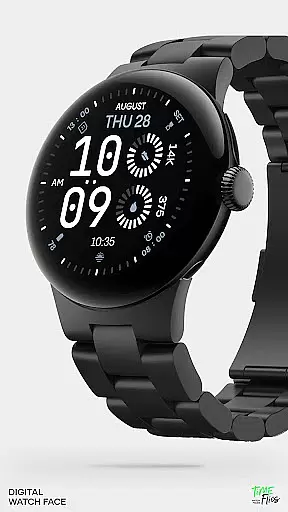
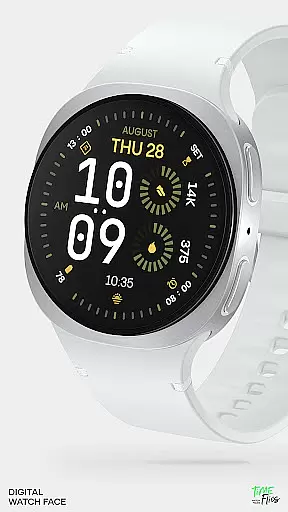
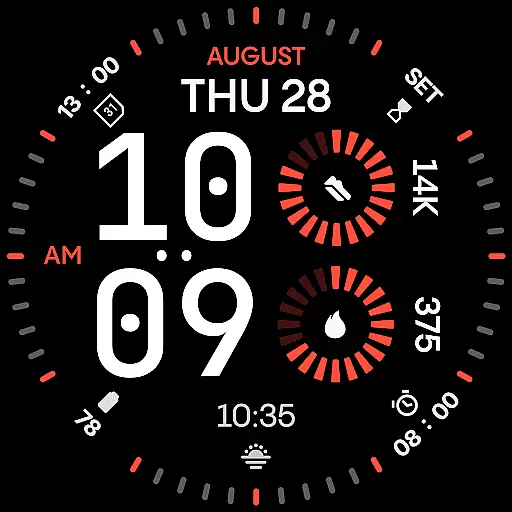
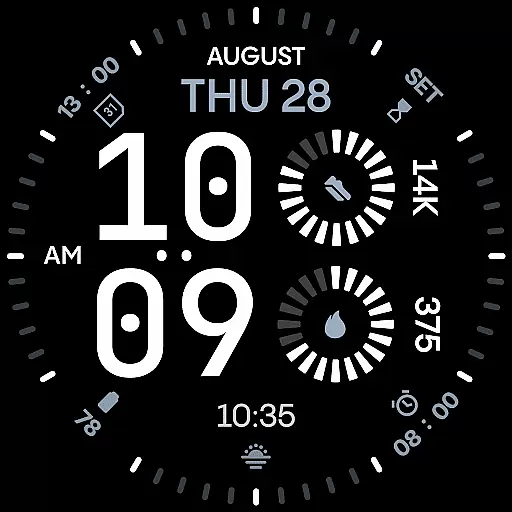
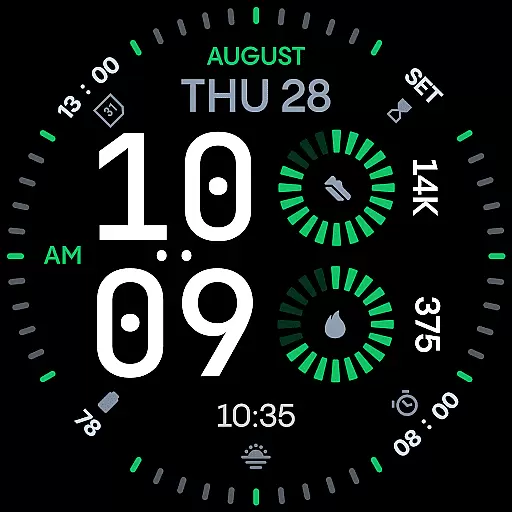
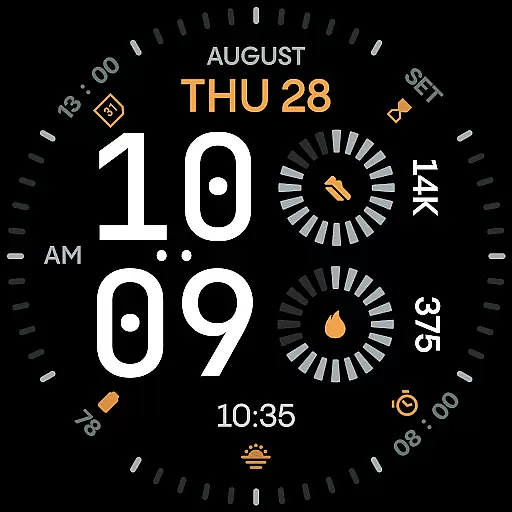
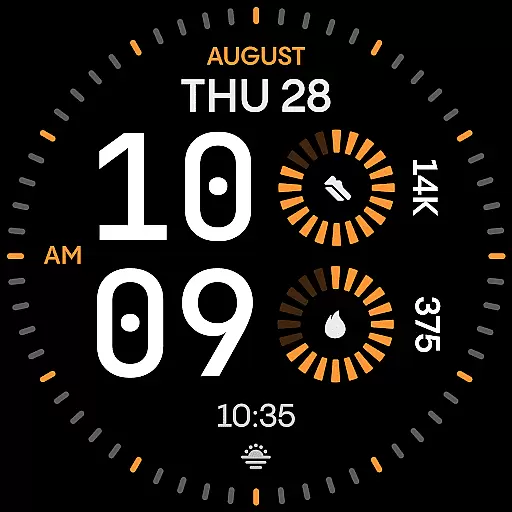
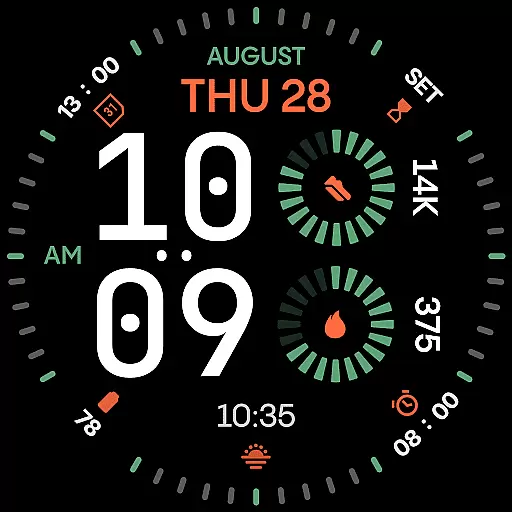
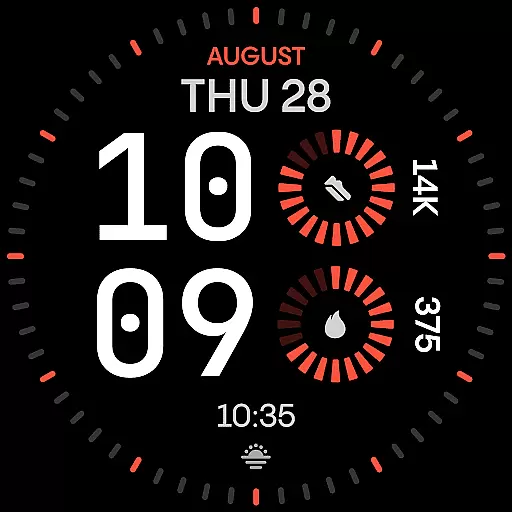
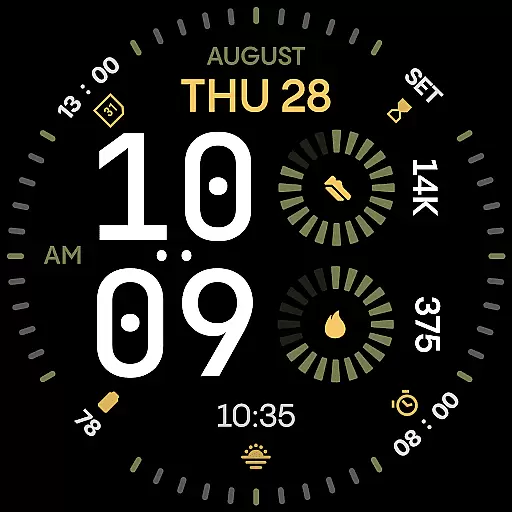
Renn Digital Watch Face is a modern digital watch face designed specifically for Wear OS smartwatches. It features bold, geometric typography and a clean layout optimized for clarity and performance. The design emphasizes legibility with large numerals and customizable complications, making it ideal for users who need quick access to essential information like steps, heart rate, or weather updates.
With 30 customizable color themes, radial progress indicators, and optional Always-On Display (AoD) modes, Renn Digital offers both style and functionality. Whether you're at work, the gym, or outdoors, this watch face adapts to your lifestyle while maintaining a sleek, high-contrast aesthetic that performs efficiently without draining battery life.
Renn Digital Watch Face stands out with its highly customizable interface. Users can personalize their experience by choosing from seven different complication slots, each capable of displaying real-time data such as steps, heart rate, calendar events, or weather updates. These complications are presented in a bold, accessible format that ensures readability even at a glance.
The watch face also includes advanced customization options like AM/PM indicators, blinking colon toggles, and optional outer dial tic marks for a minimalist look. With 30 striking color themes and five unique Always-On Display (AoD) modes, users can tailor the appearance to match their preferences while balancing visibility and energy efficiency. Built using the latest Watch Face File format, Renn Digital delivers smooth interactions and optimized battery performance.
Companion app integration is a crucial feature for smartwatch applications like Renn Digital Watch Face. This functionality allows users to seamlessly manage their watch face settings through an Android companion app.
The Time Flies companion app, specifically designed for Renn Digital, enables users to customize their watch face with ease. Through this app, users can access new features, receive update notifications, and manage installations efficiently.
This integration provides significant benefits to users. They can discover new watch faces, adjust settings remotely, and ensure their smartwatch software remains up-to-date without manual intervention.
The companion app maintains perfect synchronization with the watch face, ensuring all preferences and customizations are accurately reflected on the wearable device. This creates a cohesive ecosystem between the smartphone and smartwatch, enhancing overall user experience.
Wear OS and device compatibility represents a fundamental aspect of any smartwatch application's success. For Renn Digital Watch Face, this compatibility ensures the app functions optimally across various Wear OS devices.
Developed using the latest Watch Face File format, Renn Digital is optimized for energy-efficient performance. The application works seamlessly on different screen sizes and resolutions, providing consistent visual quality and functionality.
This broad compatibility offers users flexibility in their device choices. Whether they own a modern or slightly older Wear OS smartwatch, they can enjoy the benefits of Renn Digital without worrying about technical limitations.
Furthermore, the application's battery-friendly design and efficient performance make it suitable for various hardware configurations. Users can experience smooth interaction and smart refresh behavior regardless of their specific Wear OS device model.
Highly customizable
Bold typography
Energy-efficient
Modern design
Real-time data display
Limited analog appeal
Fewer widgets than some competitors
No advanced fitness tracking
Premium cost for full features
Requires Wear OS

Christmas and New Year - Themed Watchface
 4.5
4.5
Christmas is near, let's count together the days left until Santa comes
4.4
A Wintery Snow Globe on Your Wrist; now celebrating Christmas!
4.5
A watch face that fuses motorsport precision with contemporary smartwatch design
4.5
Sleek, highly customizable watch face inspired by Galaxy Watch Circle Dashboard.
4.0
Bold, Modern Hybrid Watch Face for Wear OS. 10 Colors, Rich Info Display.
4.30
Structured watch face with seven complications and modular UI elements
3.90
Track your active life in one place and share the journey with friends.
4.40
Toyota app currently supports 2010 or newer vehicles (2018 or newer for Hawaii).
4.50
A modern hybrid informative watch face for Wear OS designed by BALLOZI
4.80
Your second brain for organizing your life: to-do, calendar, reminder.
4.70
Gym & home workout plans with strength training, exercise tracking, HIIT & more.
4.60
Connect to your Bluelink equipped Hyundai vehicle from your smartphone.
4.50
Embrace the holiday spirit with this magical animated watch face!
4.40
Digital watch face with big numbers and many customization for Wear OS devices
4.40
Locate your family members by GPS phone location tracker everywhere and anytime
4.30
Daily Weather forecast with 15 weather images for Day & Night plus Big Bold time
4.10
Professional weather radar and more
3.90
Minimalistic design modern digital watch face.
4.5


User Reviews