
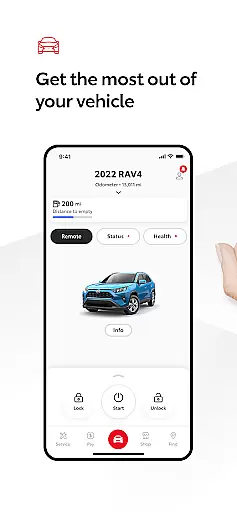
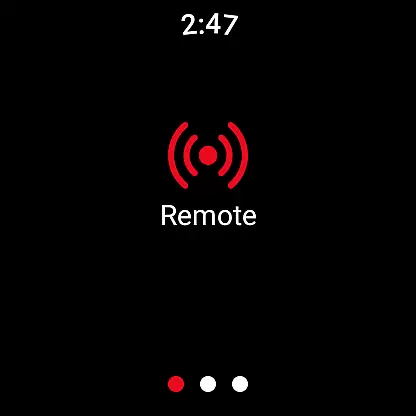
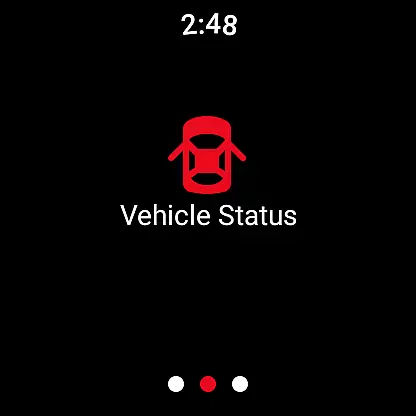
The Toyota app is a comprehensive vehicle management solution designed specifically for Toyota owners. This innovative application allows users to stay connected to their vehicles through a range of convenient features accessible anytime, anywhere.
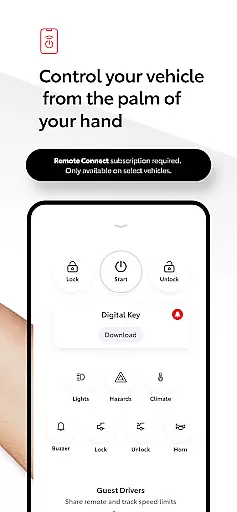
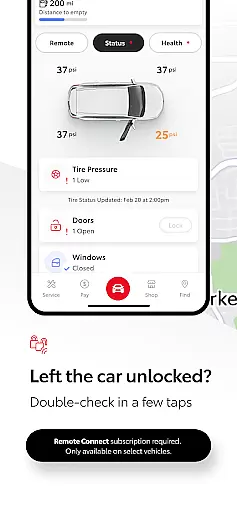
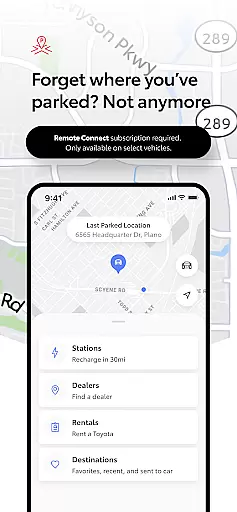
Key functionalities include Remote Connect capabilities that let you start or stop the engine, lock or unlock doors, and even locate where you last parked. The app also provides maintenance tracking and scheduling with your Toyota dealer, cloud-based navigation through Drive Connect, and essential safety features like Roadside Assistance Support.
Designed for both convenience and peace of mind, the Toyota app ensures smarter, more connected driving experiences. It's an invaluable tool for Toyota owners looking to maximize their vehicle's potential while enjoying enhanced safety and control.
The Toyota app offers a rich set of features tailored to enhance your vehicle ownership experience. One standout feature is Remote Connect, which includes functionalities such as engine start/stop, door lock/unlock, and Digital Key support. These features provide unprecedented control over your vehicle from your mobile device.
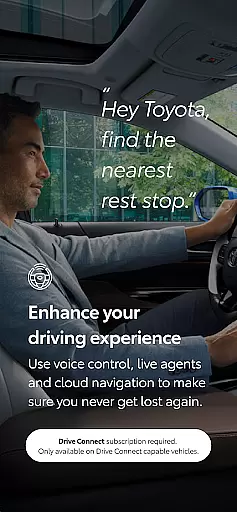
Another significant aspect is Service Connect, which simplifies vehicle maintenance by allowing users to schedule service appointments directly with their Toyota dealer and monitor their car's health status. Additionally, Drive Connect enhances navigation with cloud-based maps and live agent support via Destination Assist.
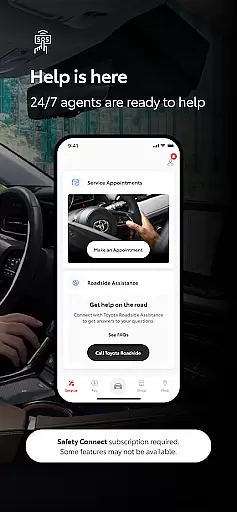
Safety Connect adds another layer of security by offering Roadside Assistance and SOS emergency support at the touch of a button. Owner Resources provide easy access to important documents like the owner’s manual and warranty guides, ensuring all vital information is always within reach.
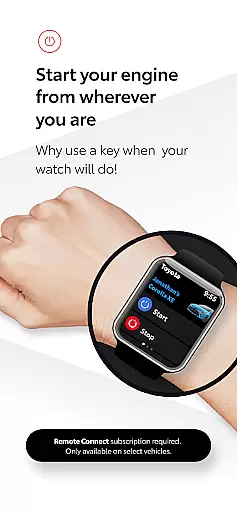
Companion app integration is essential for a seamless user experience across multiple devices. The Toyota app excels in this area by providing a robust connection between your smartphone and Wear OS devices.
This integration allows users to access key vehicle functions directly from their smartwatches. Whether you need to lock or unlock your car, start the engine, or locate where you last parked, these actions can be performed effortlessly on your wrist.
The benefit of such integration is the convenience it offers. With just a glance at your watch, you can control various aspects of your vehicle without needing to take out your phone. This ensures that you stay connected and in control even when you're on the move.
By leveraging companion app integration, Toyota enhances user engagement and provides a futuristic driving experience that aligns with modern lifestyles.
Ensuring compatibility with Wear OS devices is crucial for apps targeting smartwatch users. The Toyota app has been optimized to work seamlessly with Wear OS, offering an intuitive interface tailored for smaller screens.
Users will find that the app's design takes full advantage of Wear OS features. It supports voice commands and quick-action buttons, making it easy to interact with your vehicle using natural gestures and minimal input.
This level of compatibility means that whether you have a Samsung Galaxy Watch or any other Wear OS device, you can expect consistent performance and reliability. You won't need to worry about missing notifications or struggling with clunky controls.
Toyotau2019s commitment to Wear OS/device compatibility demonstrates its dedication to providing versatile solutions that cater to diverse user preferences and technological ecosystems.
User-friendly interface
Comprehensive remote control
Convenient service scheduling
Enhanced safety features
Cloud-based navigation
Limited to Toyota models
Dependent on 4G network
Subscription required
Varied regional availability
Potential data charges

Highly customizable hybrid watch face for Wear OS, perfect for everyday use.
 4.60
4.60
Christmas - Festive - Christmas Village - Winter - Christmas lights
5.00
Animated Watch Face and Customizable with 24 Backgrounds. Perfect for Christmas!
3.90
Rose gold watch face with festive lights & customizable features.
4.60
A heartwarming Christmas scene featuring a cute image of Santa and Rudolf
4.5
Structured watch face with seven complications and modular UI elements
3.90
A digital watch face that celebrates Christmas.
4.00
Premium hybrid watch face with many customizations for Wear OS devices.
4.40
Simple, helpful messaging by Google
4.60
The most customizable minimal watch face. For Wear OS 5.0, API 34+ and later
4.70
Easy Voice Recorder is your everyday companion to record important moments.
4.70
"PER27 Galaxy Digital" is a digital Wear OS watch face designed by PERSONA
4.10
Embrace the festive spirit with our Christmas Countdown watchface for Wear OS
4.10
Wear Os Watch Face - Animated Snow Effect & Magic Spark - 6 Scenes
4.10
Professional weather radar and more
3.90
Watch the sharpness of the sky on your wrist..
3.70
Your local weather forecast, storm tracker, radar maps & live weather news
3.40
Wear Os Watch Face - Animated Snow - Sesonal for Christmas & Winter
4.2
Funny animated watch face for Thanksgiving
4.0


User Reviews