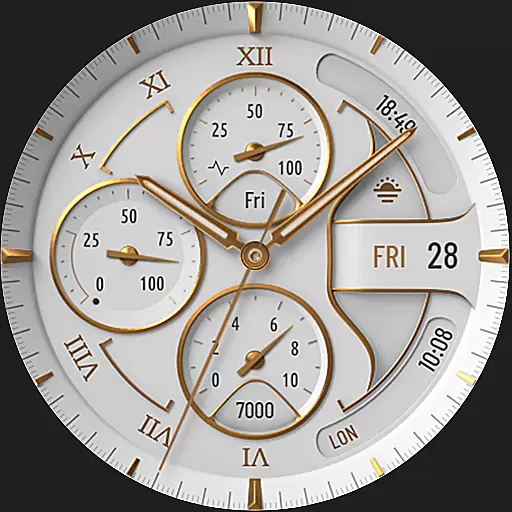
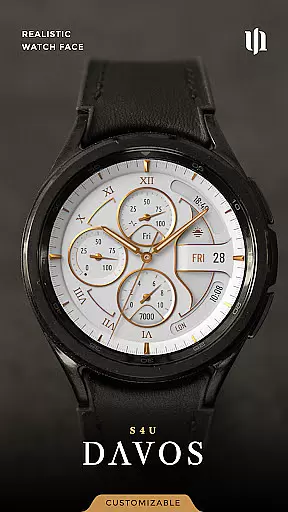
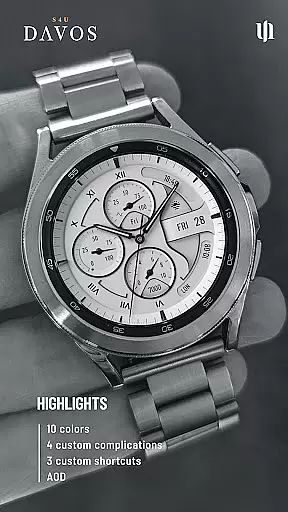
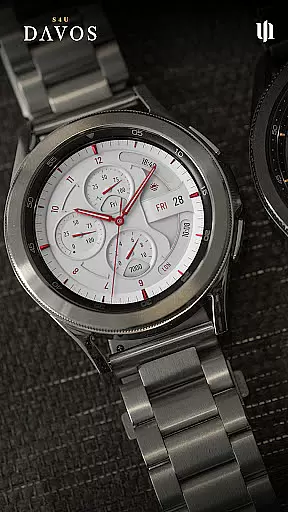
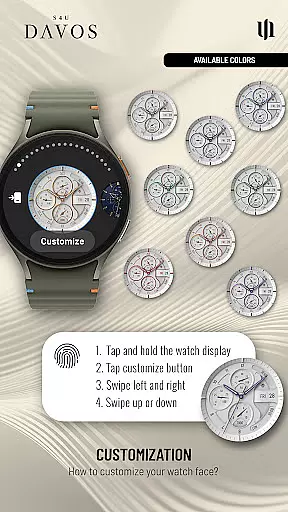
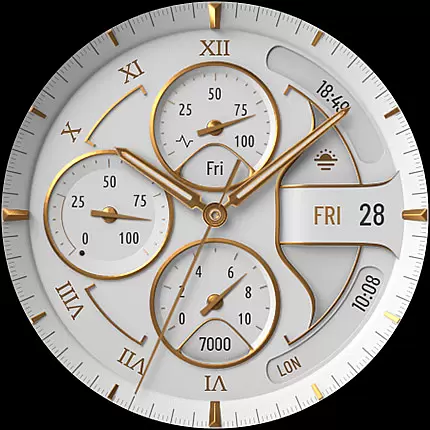
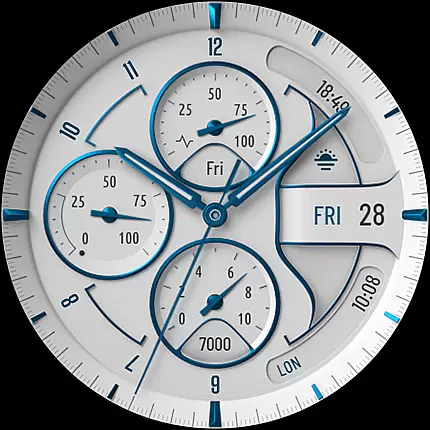
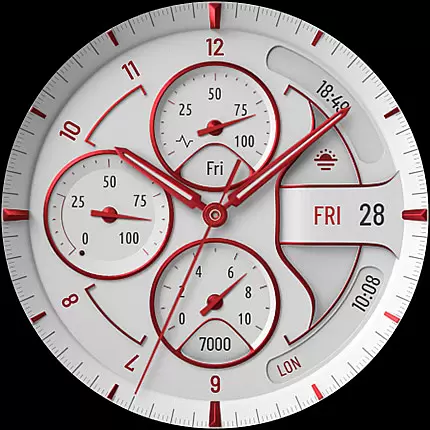
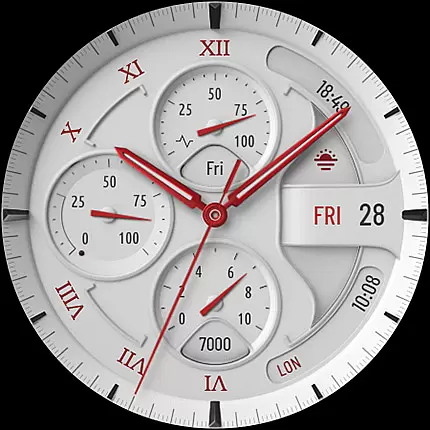
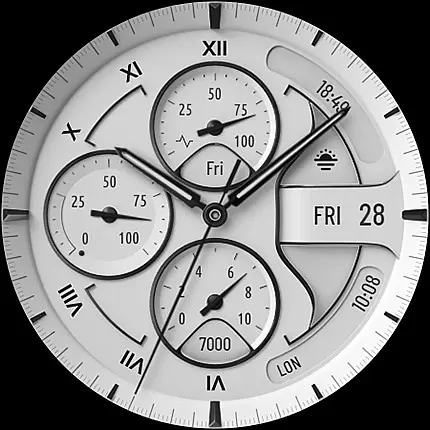
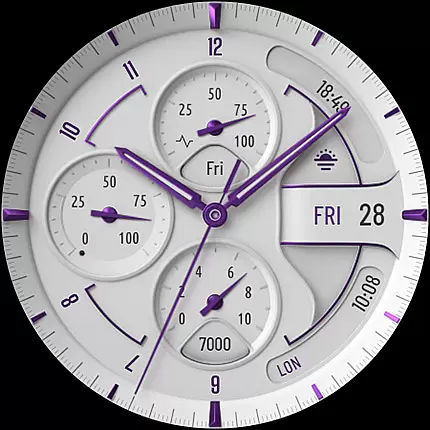
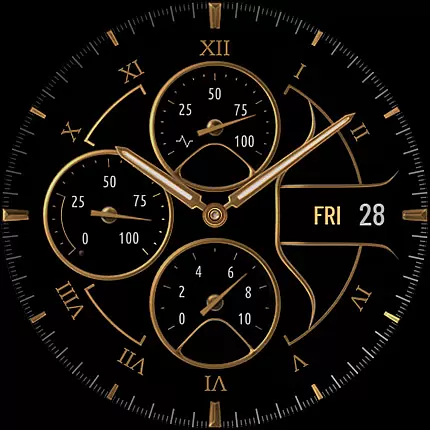
S4U Davos is a premium Wear OS watch face designed for smartwatches running Wear OS 4 or higher. This app offers a realistic, classic white analog dial with customizable options to suit your personal style. Compatible devices include Samsung Galaxy Watches, Google Pixel Watches, and other Wear OS 4+ smartwatches.
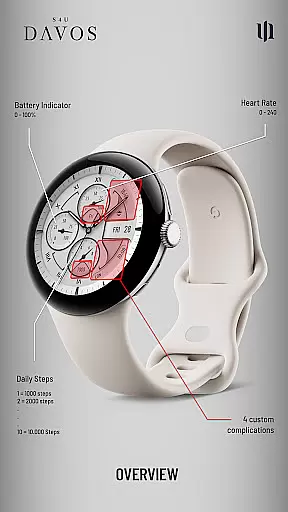
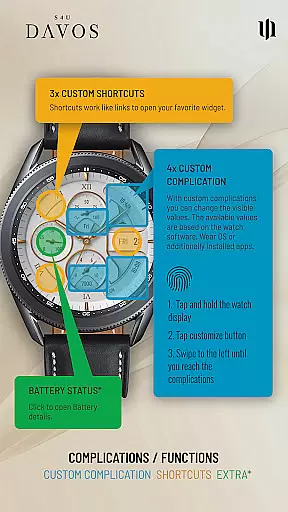
With its elegant design and advanced features, S4U Davos provides users with an enhanced timekeeping experience. The watch face includes 4 editable complications, 3 customizable shortcuts, and multiple color options for personalization. Its Always-On Display (AOD) functionality ensures continuous visibility while adapting to ambient light conditions.
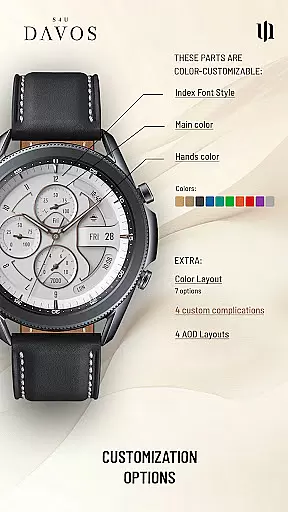
The S4U Davos watch face stands out with its beautifully crafted white analog dial that exudes timeless elegance. Users can personalize their watch faces by choosing from multiple dial colors, hands colors, and secondary colors. With 4 editable complications and 3 app shortcuts, the watch face allows you to display user-defined data and access favorite widgets effortlessly.
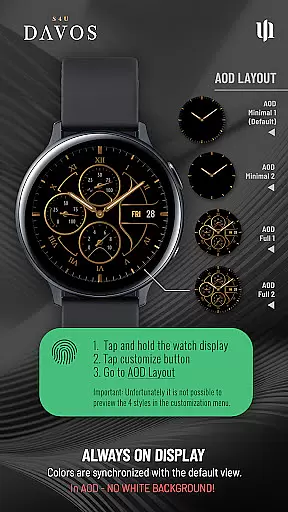
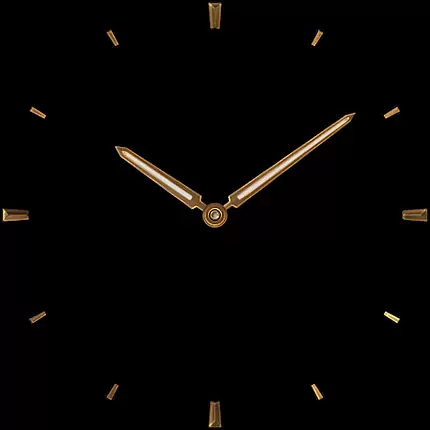
Customization is at the core of this app's functionality. You can navigate through various elements such as main colors, hands colors, index font styles, and AOD layouts to tailor the watch face to your preferences. The app also supports Always-On Display with two distinctive layout options, ensuring optimal battery usage without compromising on style.
Companion app integration is essential for a seamless Wear OS experience. S4U Davos ensures that users can effortlessly sync and manage their watch face settings through its dedicated companion app.
The companion app serves as a control center, allowing users to customize complications, shortcuts, and design elements with ease. This streamlined process enhances user engagement by providing quick access to all customization options.
For troubleshooting, the companion app includes a dedicated support section. Users can resolve installation issues or optimize performance by following simple, step-by-step instructions tailored specifically for their device model.
This robust integration between the watch face and companion app not only simplifies personalization but also guarantees reliable performance across compatible devices running Wear OS 4 or higher.
Device compatibility is crucial for ensuring optimal performance of any Wear OS application. S4U Davos supports an extensive range of smartwatches running Wear OS 4 or higher, including popular models like Samsung Galaxy Watch series and Google Pixel Watch.
The application leverages the latest Wear OS API (33+) to deliver a smooth and responsive user experience. This ensures that users benefit from the most up-to-date features while maintaining stability and reliability on their devices.
By focusing on compatibility with high-end smartwatches, S4U Davos guarantees that its sophisticated design elements and customizable options function seamlessly without compromising performance or battery life.
Users can confidently install and use this watch face knowing it has been optimized for their specific device, offering both aesthetic appeal and functional excellence tailored to their smartwatch specifications.
Highly customizable
Beautiful design
Multiple color options
User-friendly interface
Compatible with Wear OS 4+
Limited device compatibility
Battery consumption with AOD
No white background in AOD
Premium features may require payment
Installation issues reported

Walking app for weight loss: walk & step tracker, pedometer, indoor treadmill
 4.60
4.60
Embrace the holiday spirit with this magical animated watch face!
4.40
Animated Watch Face and Customizable with 24 Backgrounds. Perfect for Christmas!
3.90
Elegant animated Christmas tree with multiple customization options
4.20
Fitness interactive virtual pet super fighter boy watch face
4.2
Professional weather radar and more
3.90
Viewer for Wyze/Yi/Eufy/Arlo/ONVIF/RTSP/P2P IP cams w/ adv. features & DIY DVR
4.00
Hybrid watch face for Wear OS with customizable complications by Matteo Dini MD
4.70
Daily Weather forecast with 15 weather images for Day & Night plus Big Bold time
4.10
Real-time results, stats, schedules and player profiles for all leagues
4.60
Connect to your Bluelink equipped Hyundai vehicle from your smartphone.
4.50
Bold weather Digital watchface with forecast & optional animated background
4.40
Premium hybrid watch face with many customizations for Wear OS devices.
4.40
Animated video-game inspired “secret agent” simulation, right on your wrist!
4.20
"PER27 Galaxy Digital" is a digital Wear OS watch face designed by PERSONA
4.10
sleep, alarm, snoring, stress, healing, focus, sound therapy, circadian rhythm
4.10
A Wintery Snow Globe on Your Wrist; now celebrating Christmas!
4.3
Contemporary digital watch face with five complications
4.1
Simple Analog-Digital Watchface For Wear OS 3.0 and Up Smartwatches
4.5


User Reviews