
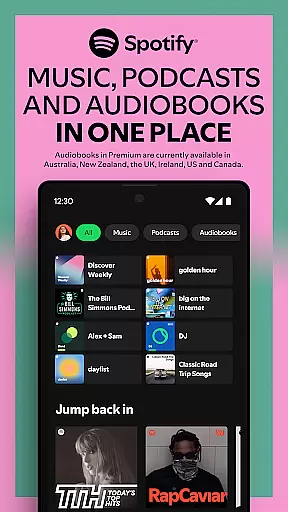


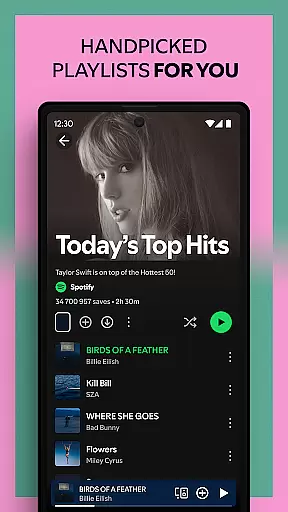
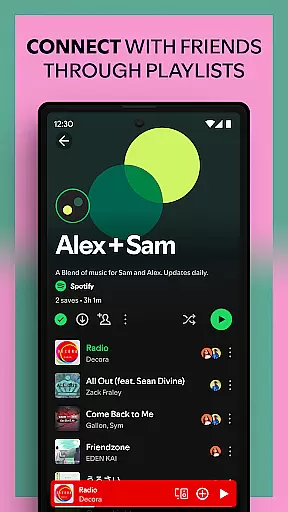

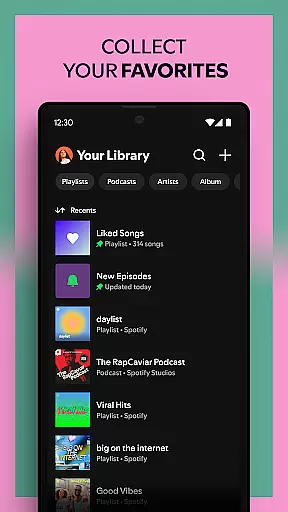
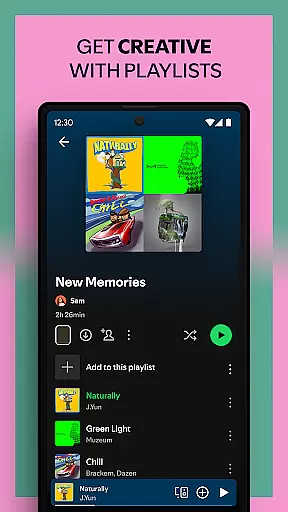
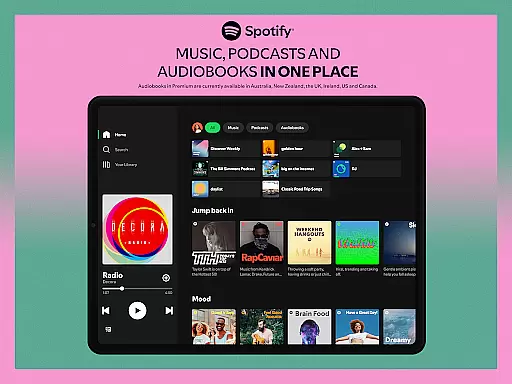

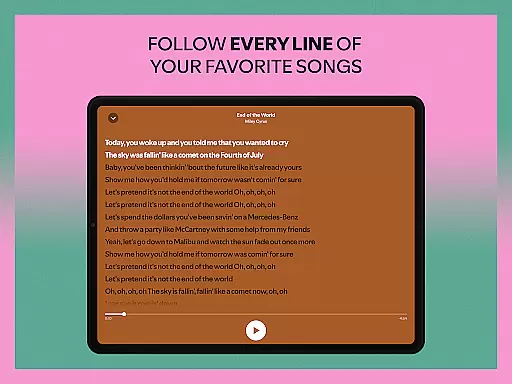
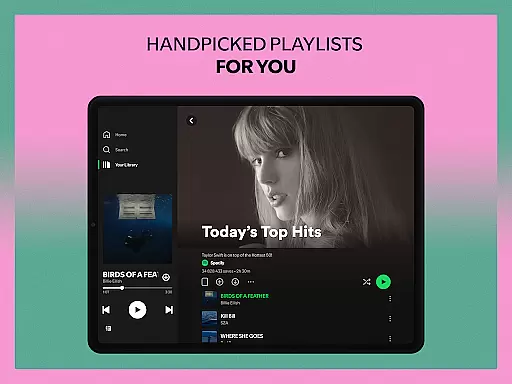
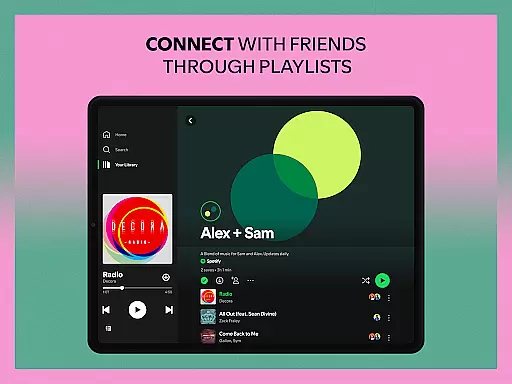
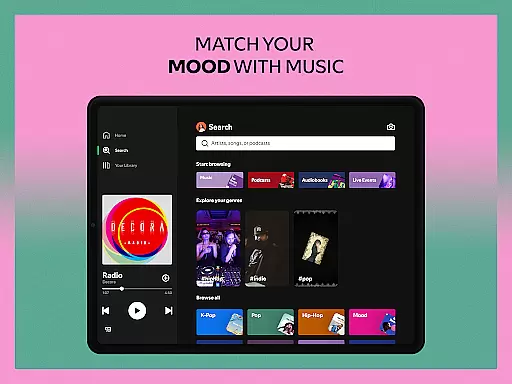
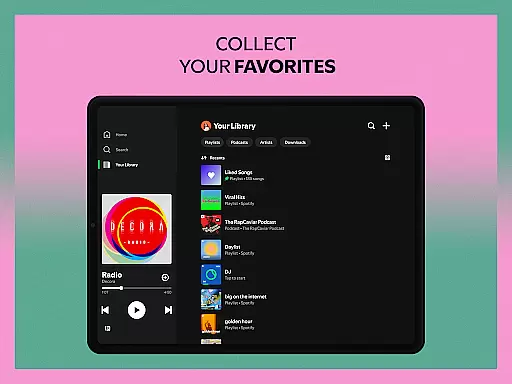
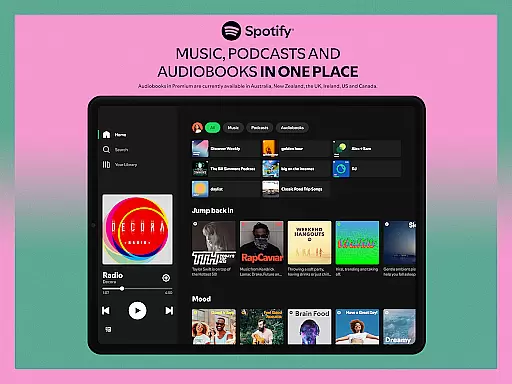

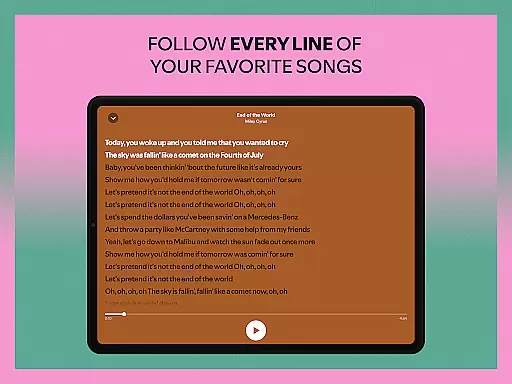
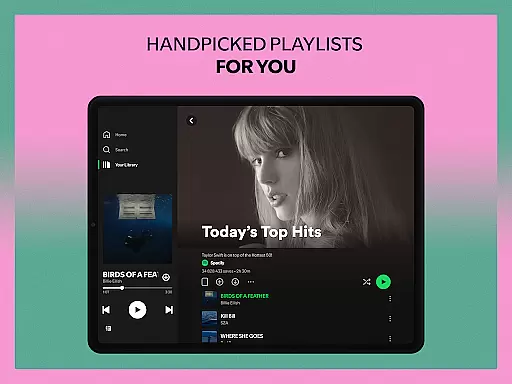
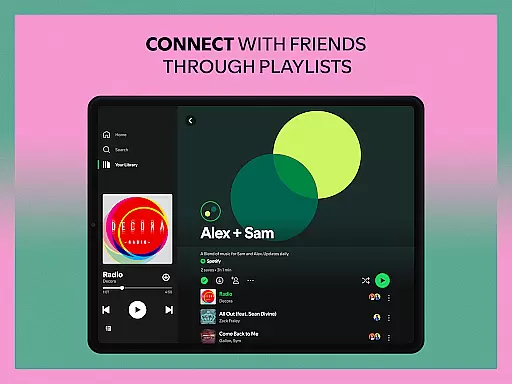
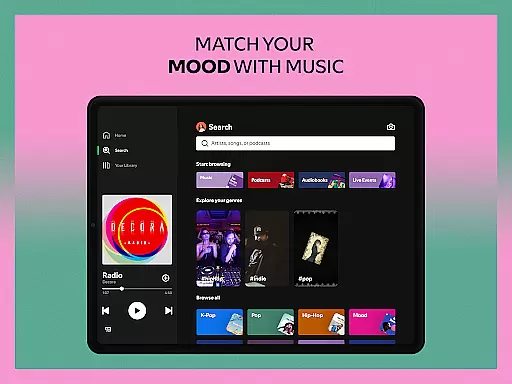
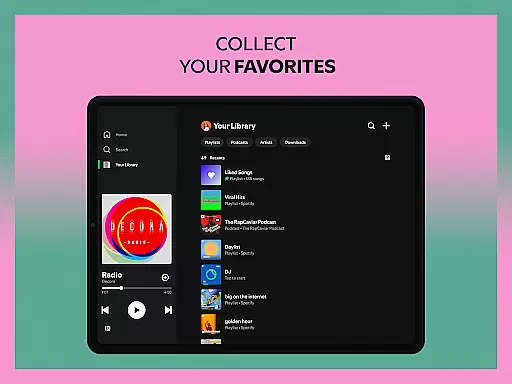
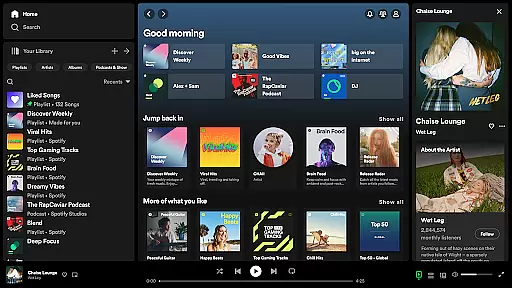
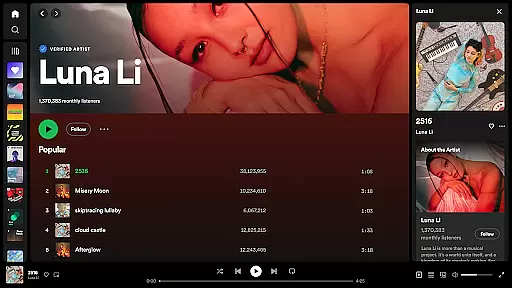
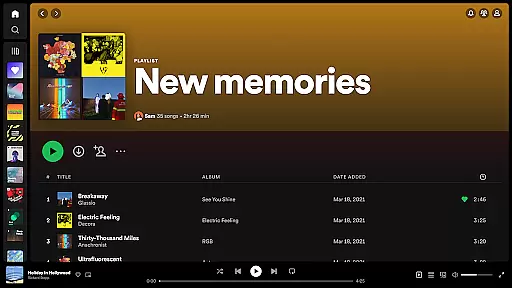
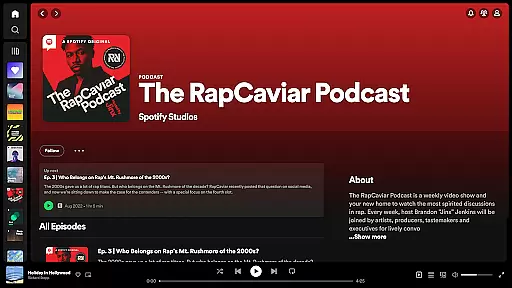

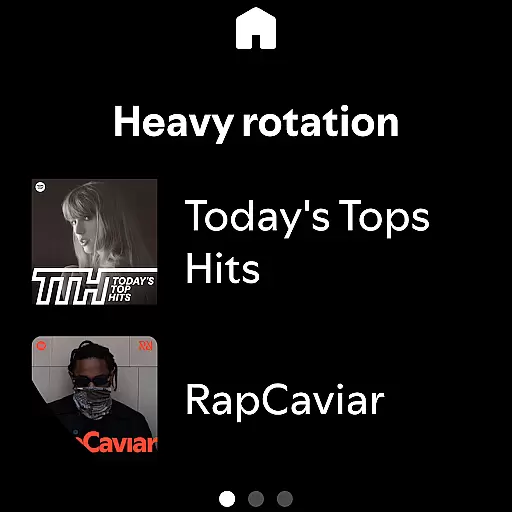
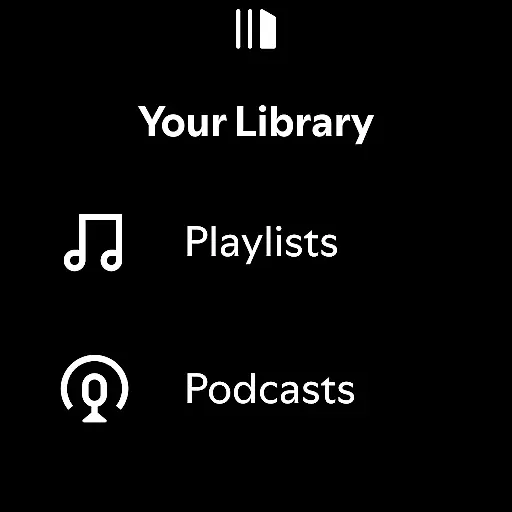
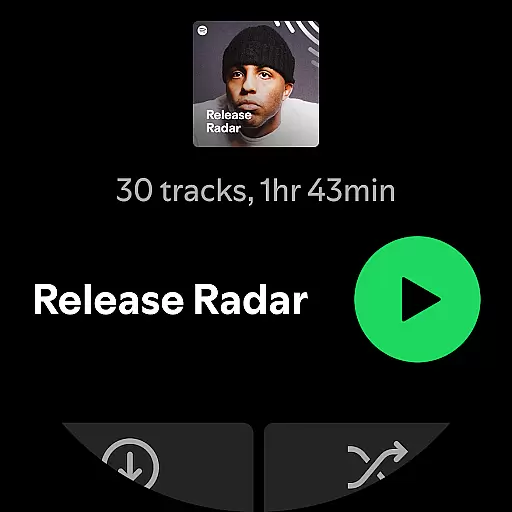

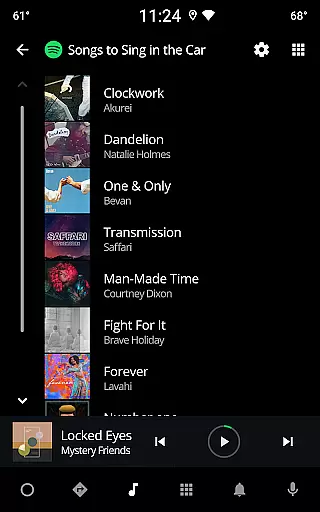
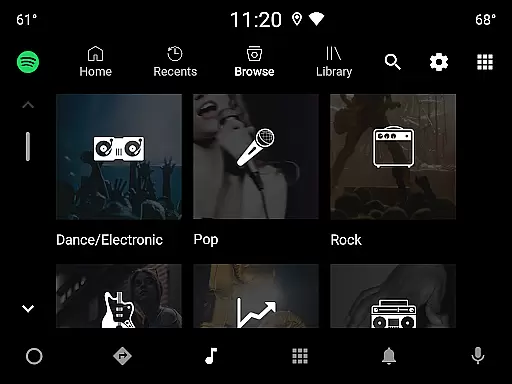
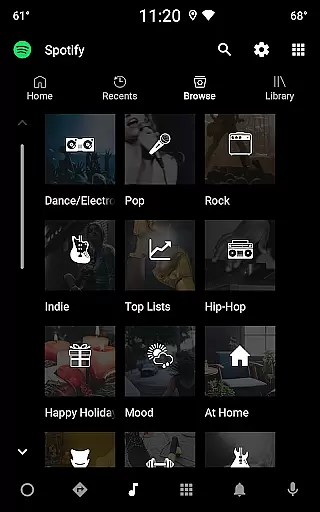
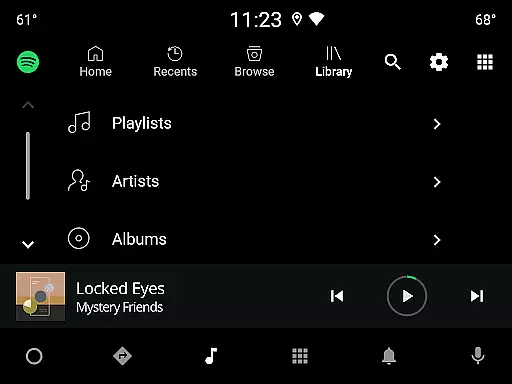
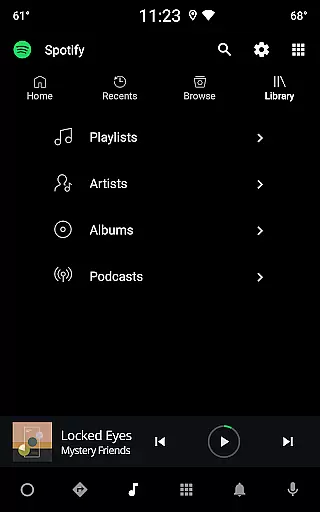
Spotify is a premier music and podcast application that offers users access to over 80 million songs, 4 million podcasts, and an extensive library of audiobooks. Available on Android Wear, it allows you to stream your favorite content directly from your wearable device. Whether you're looking for curated playlists, exclusive podcasts, or the latest albums, Spotify delivers high-quality audio across all genres and languages.
The app's intuitive interface makes it easy to discover new music through personalized recommendations and daily mixes tailored to your listening habits. With compatibility across multiple devices including mobile phones, tablets, desktops, and smartwatches, Spotify ensures you can enjoy uninterrupted music streaming wherever you go. Its offline download feature in the Premium subscription lets you save content for times when internet connectivity is limited.
One of Spotify's standout features is its vast content library, which includes millions of tracks, curated playlists, and exclusive podcasts like The Joe Rogan Experience. The app supports advanced search capabilities, allowing users to find music by lyrics or explore top charts by genre, country, or decade. For audiobook enthusiasts, Spotify provides access to over 300,000 titles, with 15 hours of monthly listening available for Premium subscribers.
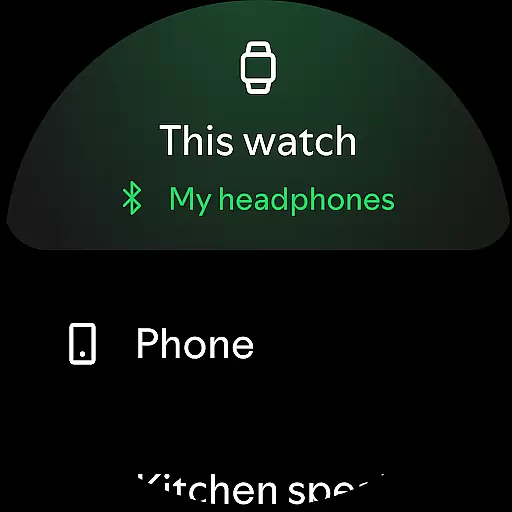
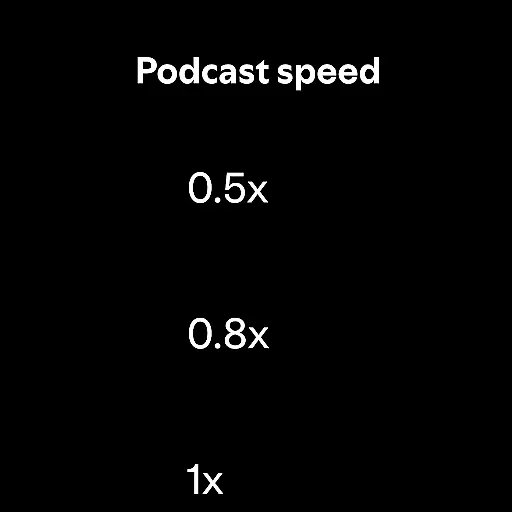
On Android Wear, Spotify enhances user experience by enabling playback control directly from your smartwatch. You can manage playlists, adjust volume, and switch tracks without needing your phone nearby. Additionally, the app integrates seamlessly with other devices such as Chromecast and Wear OS, offering flexibility in how and where you enjoy your content. Premium users also benefit from ad-free listening, offline downloads, and superior sound quality.
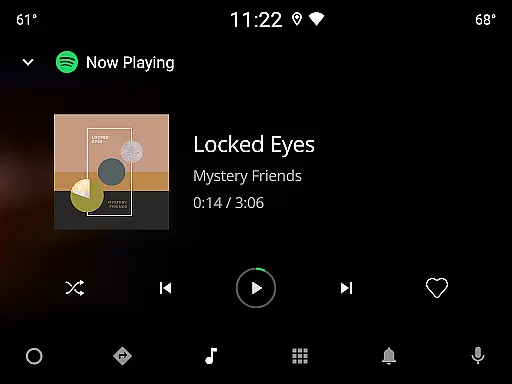
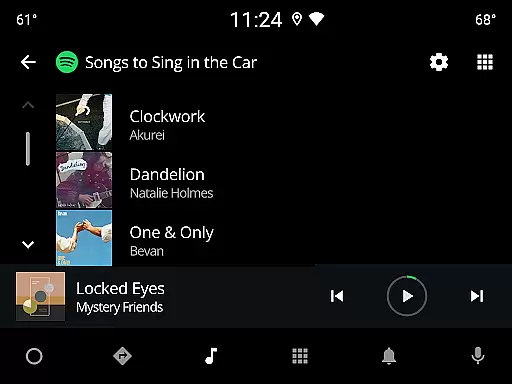
Companion app integration is crucial for a seamless user experience across multiple devices. Spotify excels in this area by ensuring that your listening experience remains consistent whether you're using your mobile, tablet, desktop, or even Wear OS devices.
The application allows users to control playback from any connected device effortlessly. This means you can start playing your favorite music or podcast on your phone and then switch to your Wear OS smartwatch without missing a beat. The synchronization between devices is nearly instantaneous, providing an uninterrupted audio journey.
Moreover, Spotify's companion app integration extends to features like downloading content for offline listening. Premium subscribers can download their favorite tracks directly onto their Wear OS devices, allowing them to leave their phones behind while still enjoying their personalized playlists. This level of integration enhances convenience and accessibility, making it easier than ever to enjoy high-quality audio no matter where you are.
Wear OS compatibility is essential for users who want to enjoy their music and podcasts directly from their smartwatches. Spotify offers robust support for Wear OS, ensuring that users can access their favorite content without needing their phones nearby.
The app provides intuitive controls right on your wrist, enabling you to play, pause, skip tracks, and adjust volume with ease. This functionality is particularly beneficial during workouts or when you're on the go, as it eliminates the need to carry additional devices. With Spotify on your Wear OS device, you have full control over your audio experience at your fingertips.
Premium subscribers also benefit from the ability to download content for offline listening directly on their Wear OS devices. This feature ensures that you have access to your most-loved songs and podcasts even without an internet connection. By prioritizing Wear OS/device compatibility, Spotify delivers a versatile and user-friendly experience that caters to modern lifestyles, enhancing both convenience and enjoyment.
User-friendly interface
Extensive music library
Personalized recommendations
Offline listening option
Cross-device compatibility
Limited free version features
Occasional ads in free tier
Premium subscription cost
High data usage for streaming
Regional content restrictions

"PER27 Galaxy Digital" is a digital Wear OS watch face designed by PERSONA
 4.10
4.10
Authentic military-tactical design with ZULU time! Realistic and functional!
3.80
Digital watch face. For Wear OS devices.
4.40
Hyperlocal rain alerts by MyRadar using patent-pending technology, radar & more
4.80
The #1 source of faces for your smartwatch!
4.00
Period, ovulation & pregnancy tracker. Fertility insights & menstrual calendar.
4.90
Bold weather Digital watchface with forecast & optional animated background
4.40
Connect, create, and collaborate with Gmail, part of Google Workspace.
4.10
Fast and smart typing with Emojis, GIFs, and more
4.50
Beautiful, colorful and practical watch face. For Wear OS devices.
5.00
Gym Log & Workout Tracker | Fitness Journal, Training & Weight Lifting Planner
4.90
Diet tracker for weight loss - track calories, food and macros. Simple and easy!
4.70
Walking app for weight loss: walk & step tracker, pedometer, indoor treadmill
4.60
Bold, Modern Hybrid Watch Face for Wear OS. 10 Colors, Rich Info Display.
4.30
Your local weather forecast, storm tracker, radar maps & live weather news
3.40
Christmas and New Year - Themed Watchface
4.1
an Analog Watch Face for winter season with freeze winter background for Wear OS
4.4
Fitness interactive virtual pet super fighter boy watch face
4.2
Funny animated watch face for Thanksgiving
4.5


User Reviews