
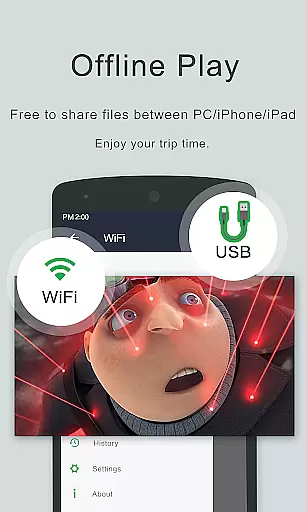
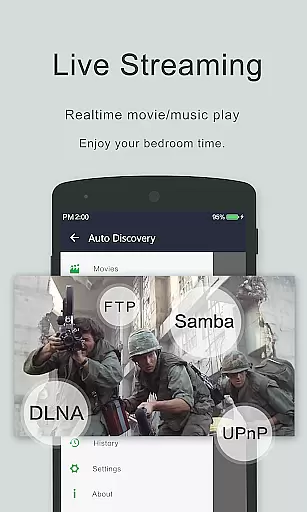
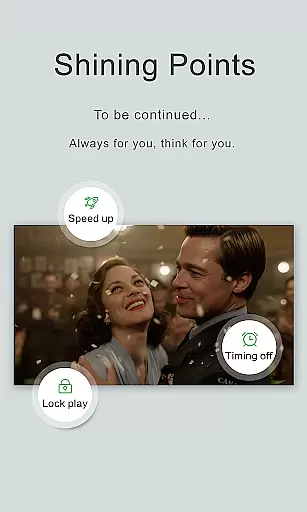
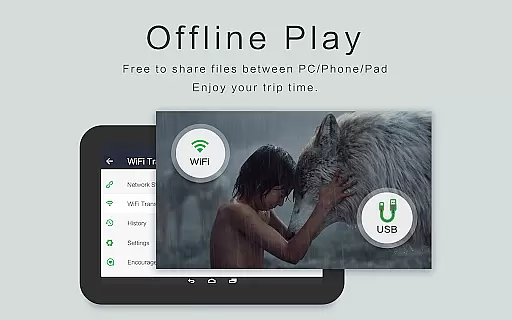
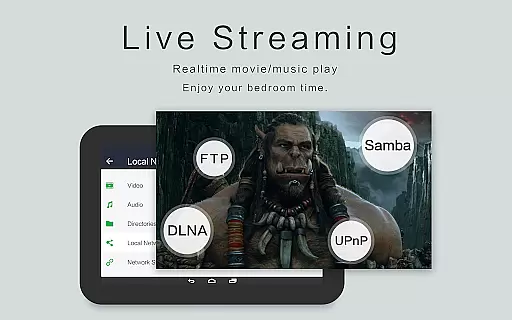
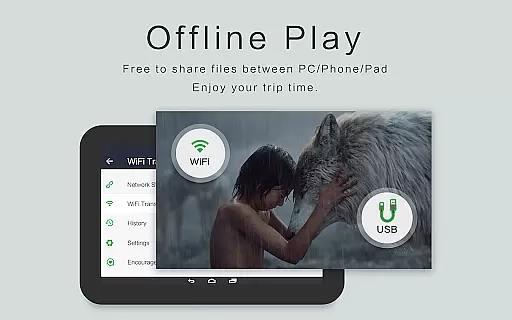
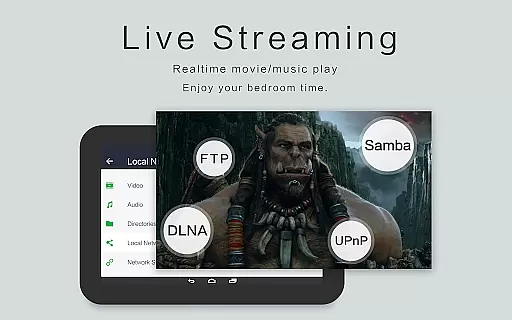
OPlayer is a professional-grade media playback application designed for both Android tablets and smartphones, offering support for an extensive range of video and audio formats. With over a decade of development, it stands out as one of the premier choices for HD and 4K video playback.
Key features include hardware acceleration for smooth performance, Chromecast support for casting to TV, pop-up and background play options for multitasking, and comprehensive file management capabilities. Its versatility makes it suitable for users seeking a powerful tool to manage and enjoy their multimedia library on mobile devices.
OPlayer distinguishes itself through its broad format compatibility, supporting everything from MKV, MP4 to more specialized codecs like DTS and DivX. The app's Ultra HD capabilities ensure that even 4K videos are played back seamlessly.
Beyond video, OPlayer serves as a fully-featured music player handling formats such as FLAC and WMA. Users can enjoy advanced functionalities like gesture-based security, floating window playback, and subtitle downloading. The integrated file manager allows efficient organization and sharing of media files, while customizable playback settings provide control over viewing experience.
Video format compatibility is a crucial feature for any video player application, determining its ability to play various types of video files. OPlayer excels in this area by supporting an extensive range of formats including MKV, MP4, M4V, AVI, MOV, 3GP, FLV, WMV, RMVB, and TS.
The app's comprehensive codec support ensures that users can enjoy Ultra HD and 4K videos without worrying about format restrictions. This versatility makes it one of the best choices for both Android tablets and phones, providing a seamless playback experience regardless of the video source.
With hardware acceleration enhancing performance, OPlayer delivers smooth playback even for high-resolution content. Users benefit from not only the wide array of supported formats but also the assurance that their videos will play back with optimal quality and speed.
While primarily known for its robust video playback capabilities, OPlayer also offers AI-powered editing features that enhance the user's interaction with their media. These intelligent tools assist in managing and organizing video files efficiently across the device and SD Card.
The built-in file manager supports operations like move, cut, and paste, streamlining the process of handling multimedia libraries. Additionally, the subtitle downloader automates the acquisition of subtitles, enriching the viewing experience without manual intervention.
Although not traditionally an editor, OPlayeru2019s smart functionalities extend to background playback and floating window modes, allowing multitasking while enjoying videos. Such innovations highlight the app's commitment to delivering a versatile and user-friendly environment beyond basic playback.
User-friendly interface
Extensive format support
Hardware acceleration
Chromecast integration
Background playback
Interface may feel dated
Advanced features require learning
Occasional codec issues
Limited customer support
Premium version costs

Online Videos Player
 3.90
3.90
Fast, private downloading, video saving, social media
4.50
Stream high quality video from your camera over NDI protocol
4.5
GENRAL PRO - General Pro is the best video player that fully supports all formats.
4.70
All in one HD video downloader & player for multiple formats with full privacy
4.70
Manage your IPTV live channels and VOD playlists (no playlist included)
3.80
Watch IPTV on your Android device
4.60
Cast movies, tv shows and live streams to Chromecast, Roku, DLNA, Fire TV & more
4.60
Enjoy your favorite videos and channels with the official YouTube app.
3.90
Screen recorder with audio to take live videos & Screenshot in high quality!
4.70
HD Video player all format, HD Videos, Cast & Subtitle. No annoying ads.
4.60
Cast Videos from Web Browser, IPTV to Roku, Chromecast, DLNA, Smart TV +more
4.60
HD video maker with no watermark, no ads & vlog maker with music, PIP, text
4.50
Fast & Private Video Downloader App. Save all videos easily from the Internet.
4.40
Powerful Video Editor & Photo Editing App —— Quick Edits & Stunning Effects!
4.30
Your media, on your terms.
4.10
VLC for Android is the best open source video and music player, fast and easy!
4.10
A full editing room to accompany your Insta360 cameras and handheld gimbals.
3.30
You can play SWF format file!
2.50


User Reviews